

Create faster, cleaner ordering workflows with ready-to-use Google Forms templates built for products, food, services, digital sales, preorders, and delivery requests. Each template includes editable questions, structured layouts, and a polished design that works well on desktop and mobile while keeping responses easy to manage in Google Sheets, Excel, or PDF exports.
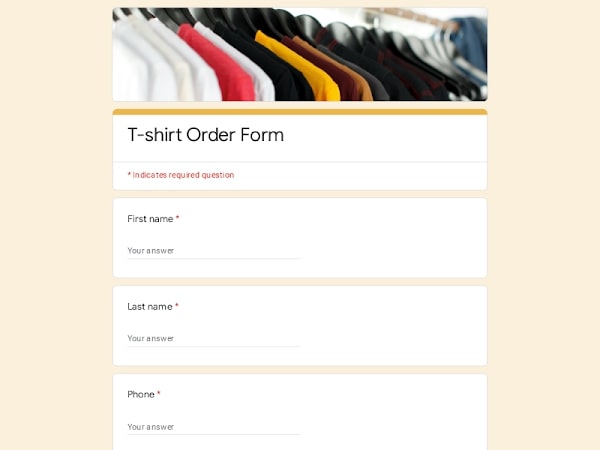 Preview
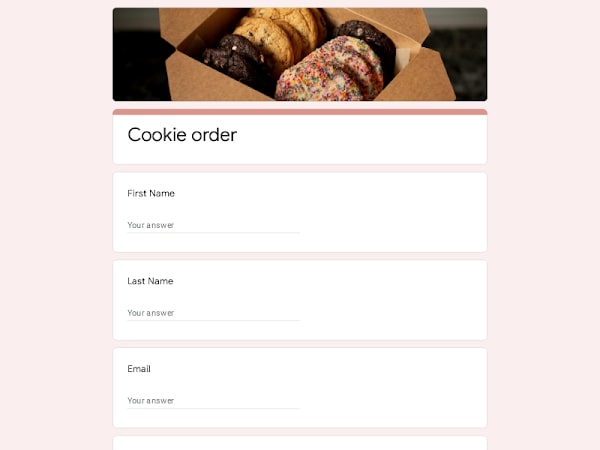 Preview
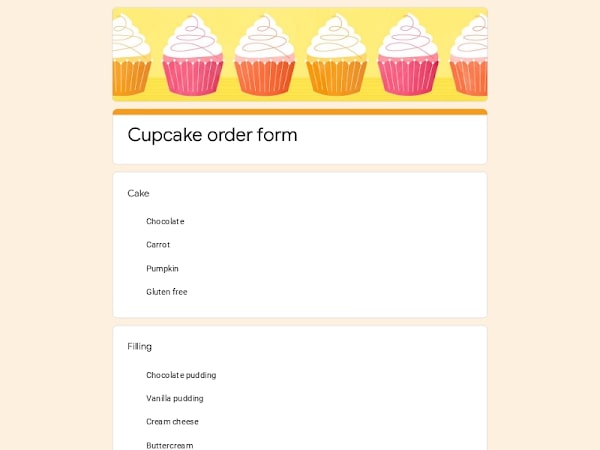 Preview
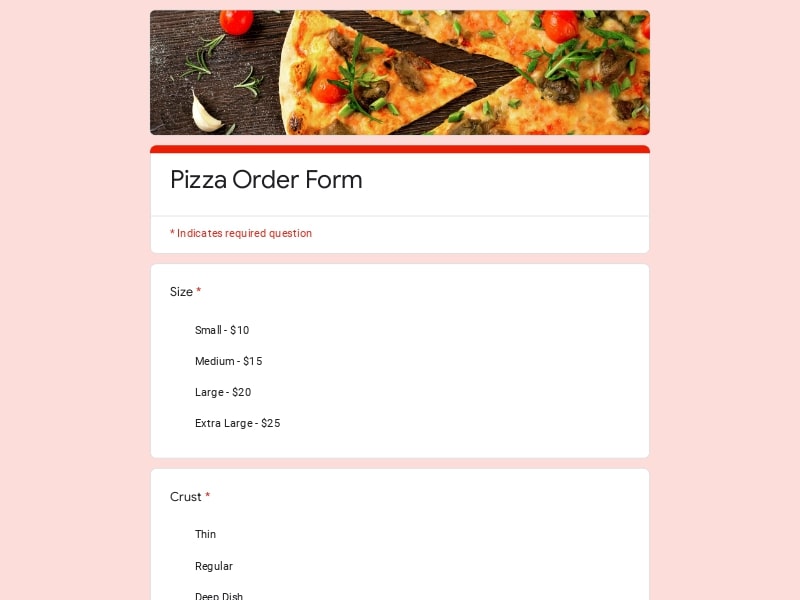 Preview
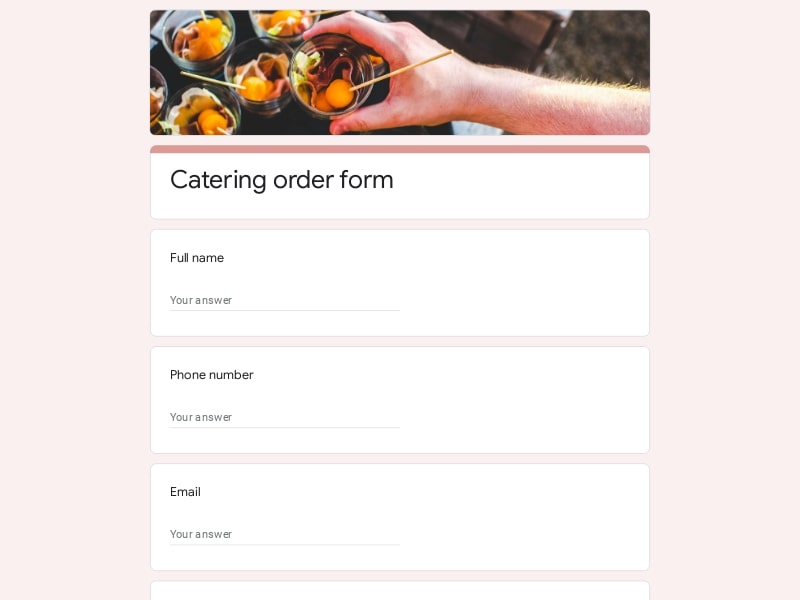 Preview
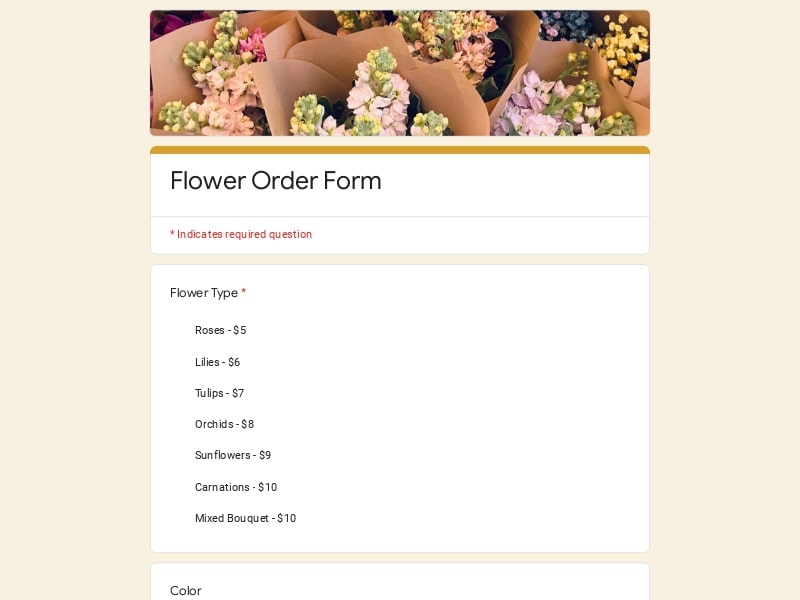 Preview
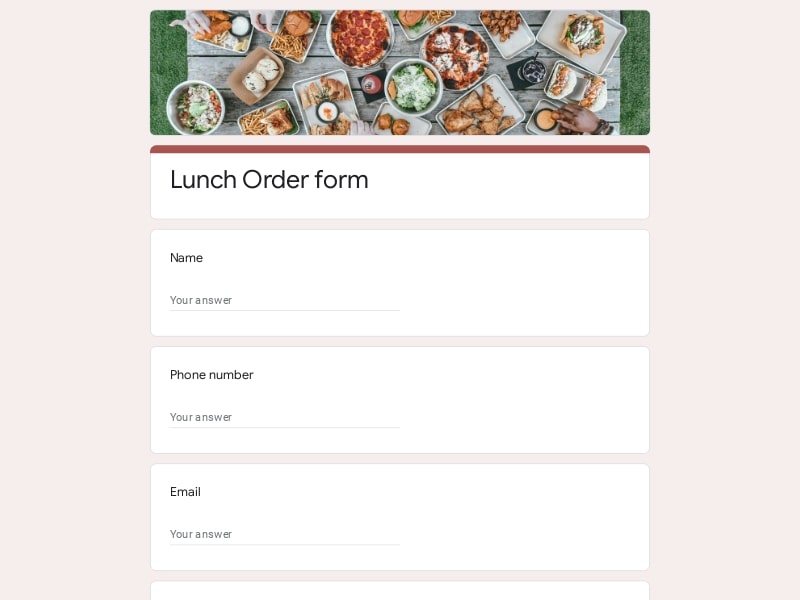 Preview
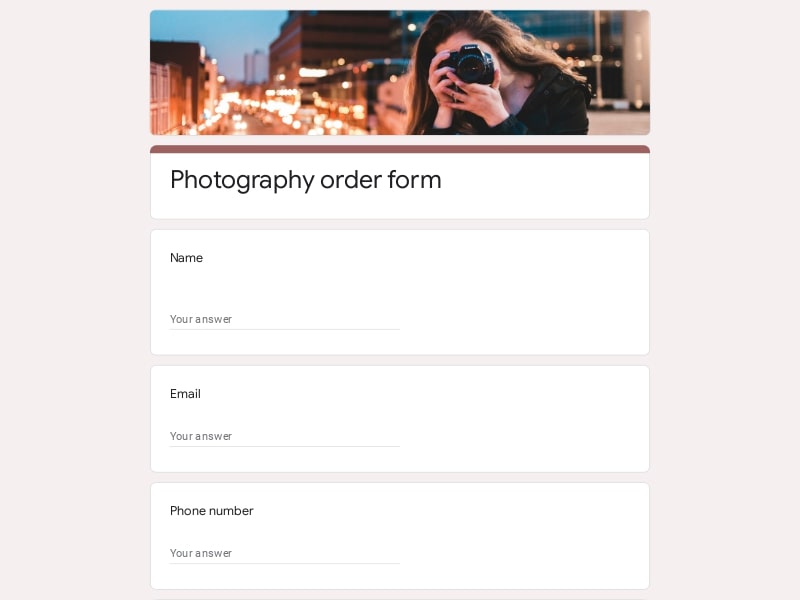 Preview
 Preview
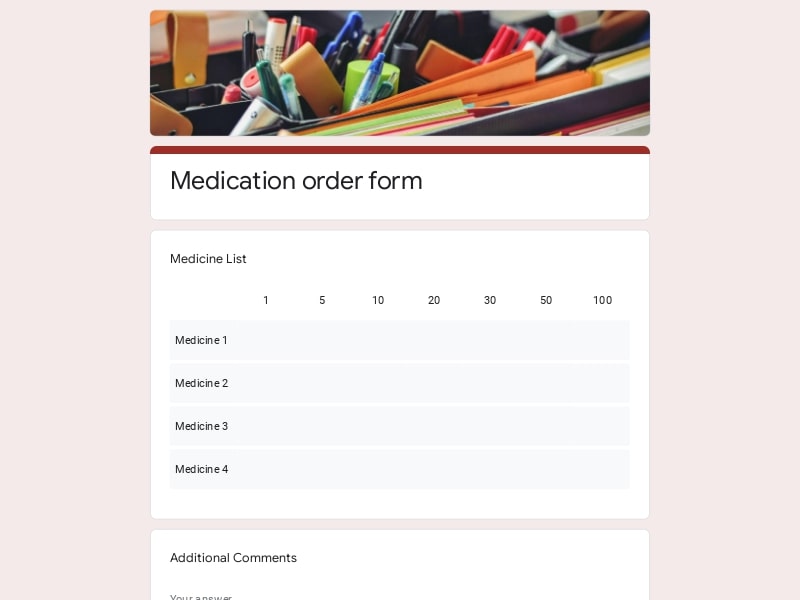
An order form is a structured document used to collect customer purchase information, product selections, quantities, delivery details, preorder requests, payment preferences, and fulfillment instructions in a consistent format. In Google Forms, businesses can create editable and custom ordering workflows that simplify digital sales management, organize responses automatically in Google Sheets, and make it easier to track delivery, inventory, customer requests, and exported records in Excel or PDF formats.
A good ordering workflow should make the process simple for customers while giving businesses enough information to manage fulfillment, delivery, inventory, scheduling, and payment collection efficiently. Most Google Forms templates follow a clear structure that keeps submissions organized and easier to export into Excel, Google Sheet reports, or printable PDF records.
| Section | What to Include | Example Questions |
|---|---|---|
| Customer Information | Basic contact details needed for communication, confirmation, delivery coordination, customer service, and repeat sales tracking. | • Full name • What is your email address? • What phone number should we use for updates? • What is your preferred contact method? |
| Product or Service Selection | Clear item lists with product names, categories, service types, sizes, customization options, and quantity selectors. | • Which item would you like to order? • Select your preferred package or version • What quantity do you need? • Would you like to add extra options or upgrades? |
| Customization Details | Fields for editable selections, notes, personalization requests, colors, sizes, dietary needs, branding instructions, or special requirements. | • Add custom instructions for your order • What size or variation do you prefer? • Do you need personalized text or branding? • Are there any special preparation requests? |
| Delivery and Pickup Preferences | Information required for shipping, local delivery, scheduling, curbside pickup, or preorder fulfillment. | • What is your delivery address? • Select your preferred delivery date • Would you like pickup or delivery? • Is this a preorder request? |
| Payment Instructions | Optional payment guidance, invoice preferences, transaction references, pricing notes, or deposit requirements. | • Which payment method will you use? • Do you need an invoice or receipt? • Have you completed the payment? • Enter your payment confirmation number |
| Scheduling and Availability | Useful for catering, appointments, event sales, limited inventory launches, and time-sensitive ordering workflows. | • When do you need the order completed? • Select your preferred time slot • Is this request for a future event? • Are you flexible with scheduling? |
| Business Operations and Tracking | Internal-use sections for order IDs, fulfillment status, inventory notes, routing, approval steps, or operational comments. | • Internal order reference number • Has the order been confirmed? • Assign fulfillment priority level • Add operational notes for the team |
| Terms and Confirmation | Final review fields that help reduce mistakes and confirm customer agreement before submission. | • Please confirm your order details • Do you agree to the pricing and delivery terms? • Is all information correct before submission? • Would you like to receive future sale updates? |
Different industries use Google Forms in different ways depending on fulfillment style, inventory management, delivery requirements, and customer experience goals. A flexible template library makes it easier to adapt forms for both simple and complex ordering workflows.
Useful for takeout, catering, meal preorder systems, bakery requests, coffee shops, and delivery scheduling. These forms often include menu selections, pickup times, dietary notes, and quantity tracking connected directly to Google Sheets.
Designed for clothing stores, handmade products, seasonal sales, local shops, and inventory-based businesses that need simple digital ordering without building a full ecommerce system.
Good for downloadable files, templates, subscriptions, courses, design assets, and software purchases where businesses collect buyer information before sending access details or invoices.
Helpful for limited launches, ticket reservations, merchandise preorders, school campaigns, holiday sales, and group ordering where timing and availability matter.
Built for florists, grocery delivery, local logistics, meal prep companies, and mobile services that require route planning, address collection, scheduling, and delivery coordination.
Often used by offices, schools, and organizations for supply ordering, equipment requests, staff purchases, branded merchandise, and operational procurement tracking.
Google Forms gives businesses a practical way to create custom ordering systems without complex ecommerce software. It works especially well for small teams, local businesses, preorder campaigns, internal operations, and fast-moving sales workflows that need flexibility and easy collaboration.
Teams can launch an editable order workflow in minutes using ready-made templates, custom fields, dropdowns, conditional sections, and mobile-friendly layouts.
Every submission can flow directly into Google Sheets for tracking inventory, delivery scheduling, customer management, reporting, and exporting into Excel or PDF formats.
Customers can complete forms from phones, tablets, or desktops without installing extra apps, which improves completion rates for ordering and preorder requests.
Businesses can customize colors, branding, layouts, sections, and question flows to create a cleaner customer experience that matches their products or services.
A single sample template can be reused for seasonal sales, delivery campaigns, event orders, recurring requests, or product launches with only minor edits.
Multiple team members can review responses, manage fulfillment, update questions, and monitor submissions in real time through shared Google Workspace tools.
Choose your platform and follow the steps to get your order form live in minutes.
Install Google Forms from the App Store. You'll need iOS 16 or later.
Open the app and sign in with your Google account. This is required to save and share forms.
Tap the template in the list.
Edit any question, add your flavor options, update the design theme and colors — all from within the app.
Tap the Share button (top right). Choose how to distribute your form:
The template is instantly copied to your Google Drive — no manual setup needed. You must be signed in to your Google account for this to work.
Auto-copied to Google DriveEdit question text, add your actual flavor options, adjust dropdowns, and personalize the form to your bakery.
Toggle "Required" on essential fields — name, email, order date, and quantity — so no key detail is missed.
Use Google Forms' built-in sharing to distribute your form via URL, embed it on a site, or generate a printable QR code.
Responses appear in real time in the Responses tab, or link to Google Sheets for a full sortable order spreadsheet.
Make sure you're signed in to Google before clicking the button. The form opens directly in Google Forms in your browser — no app download needed.

Scan to use Google Forms on iPhone or iPad!