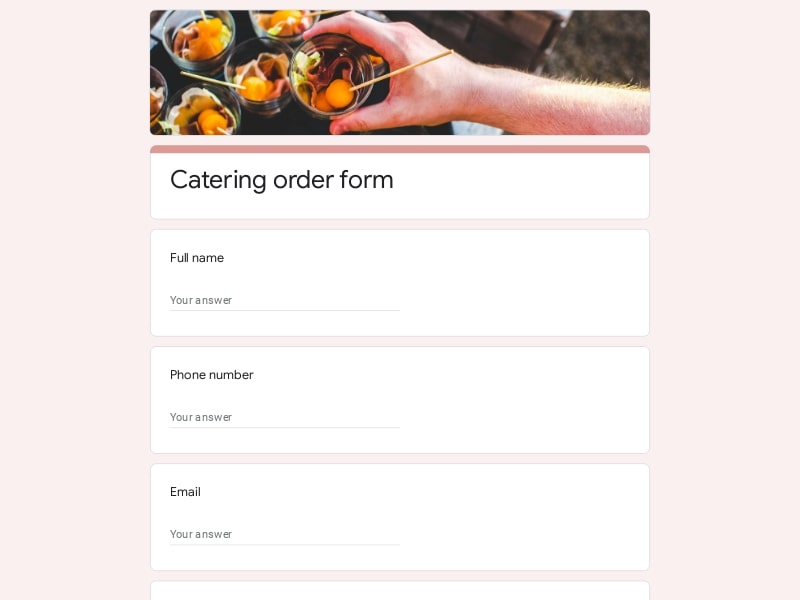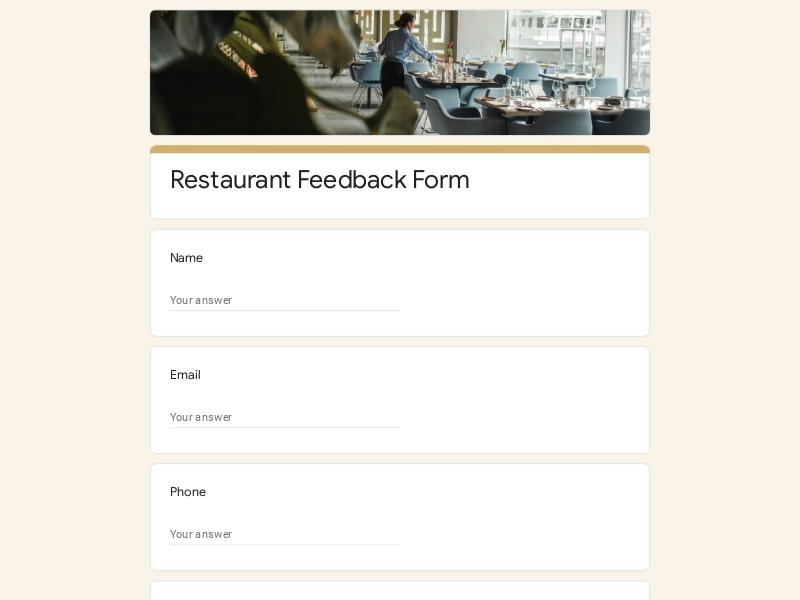

Lunch ordering becomes simple when every choice is collected in one structured Google Form. These lunch order form templates help you gather meal selections, manage preferences, and organize group orders without scattered messages or manual tracking.
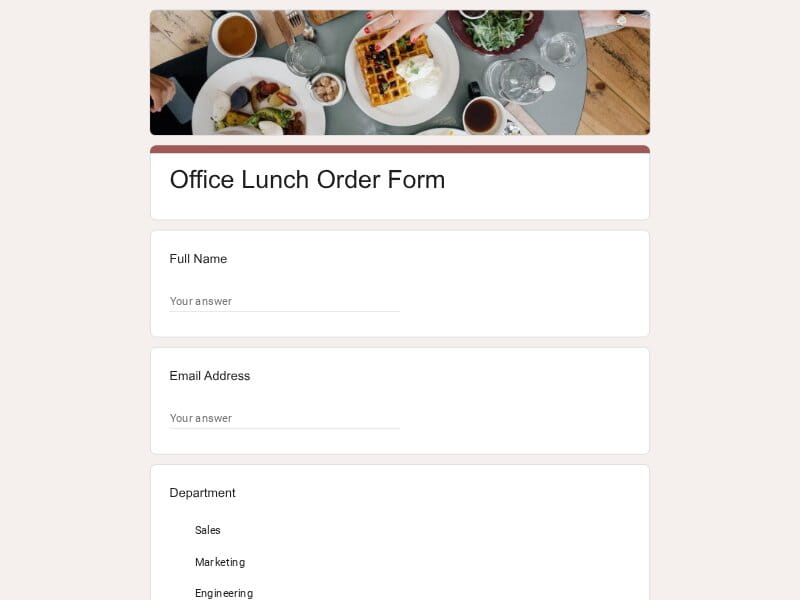 Preview
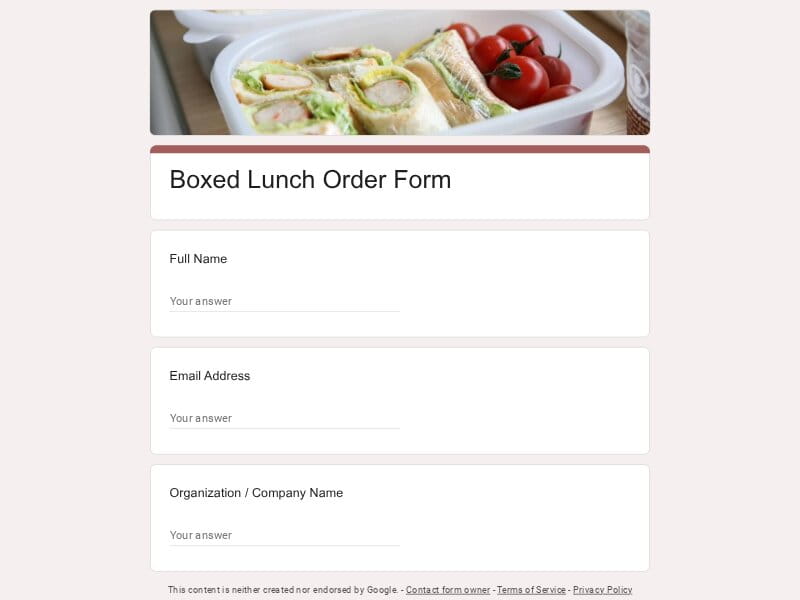 Preview
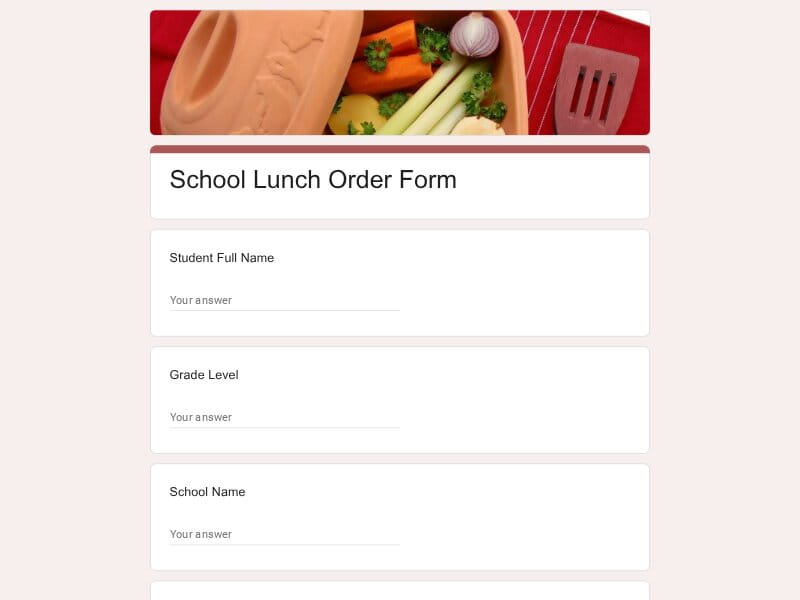 Preview
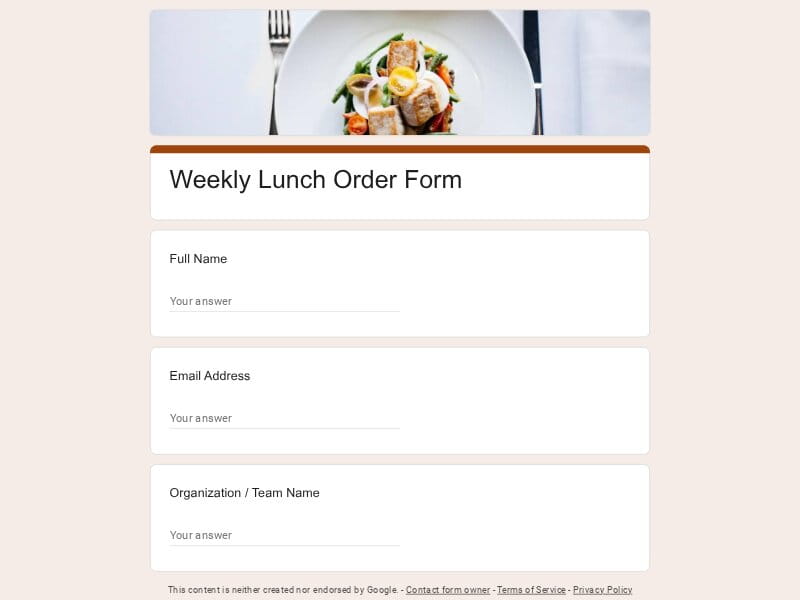 Preview
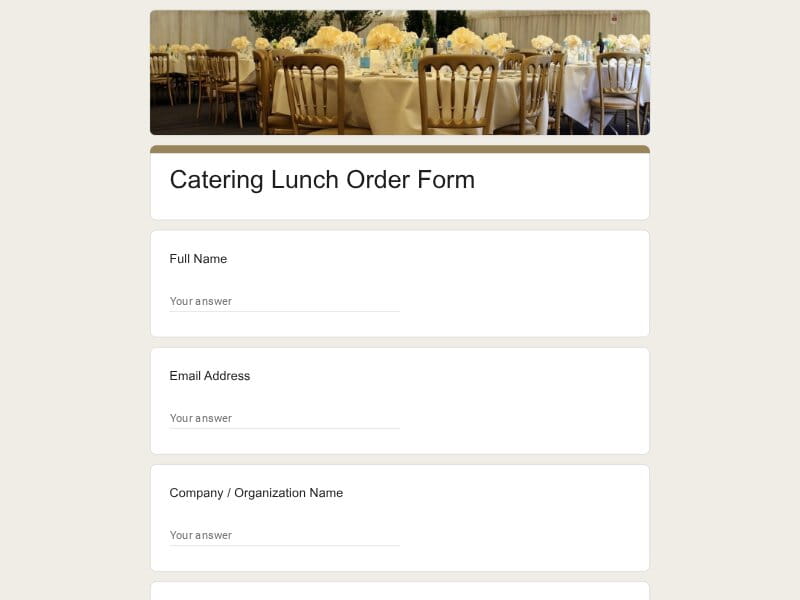 Preview
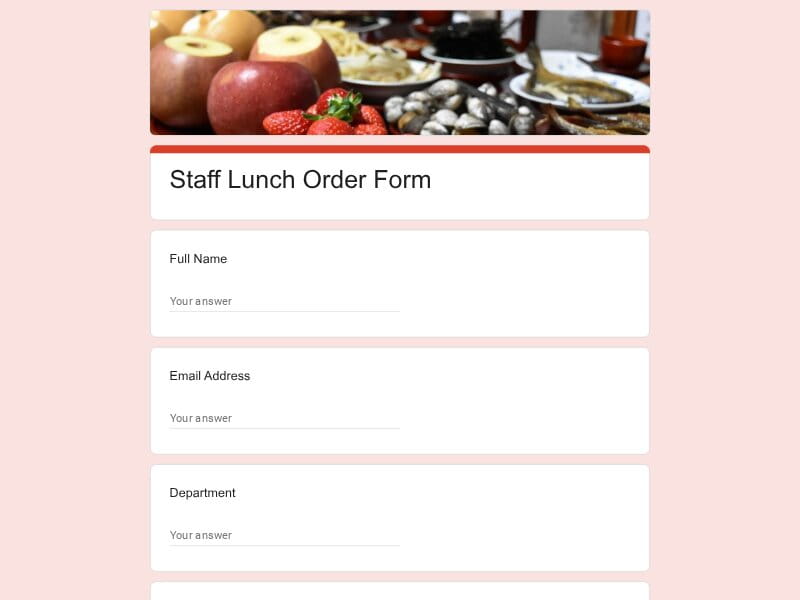 Preview
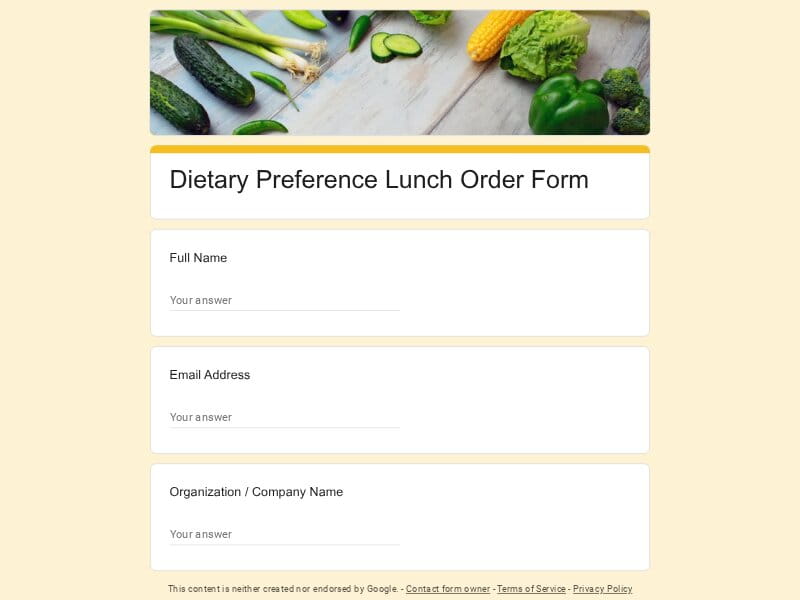 Preview
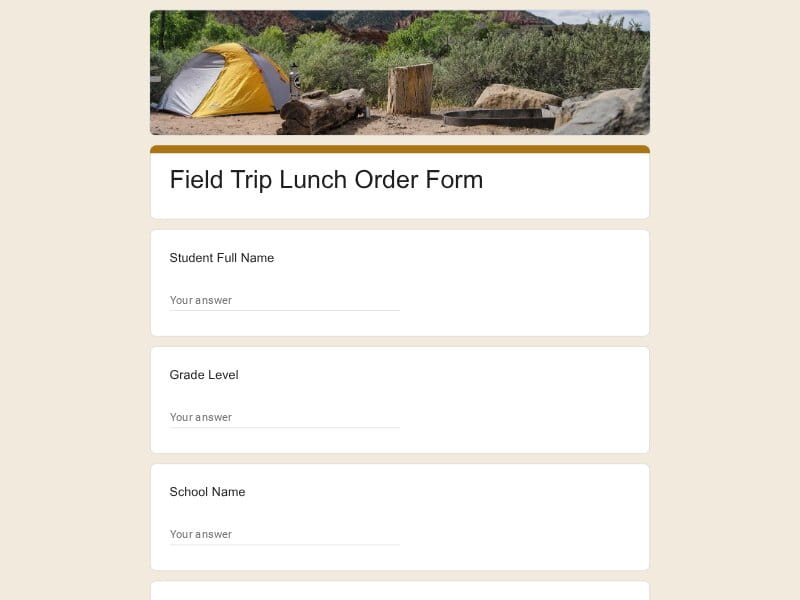 Preview
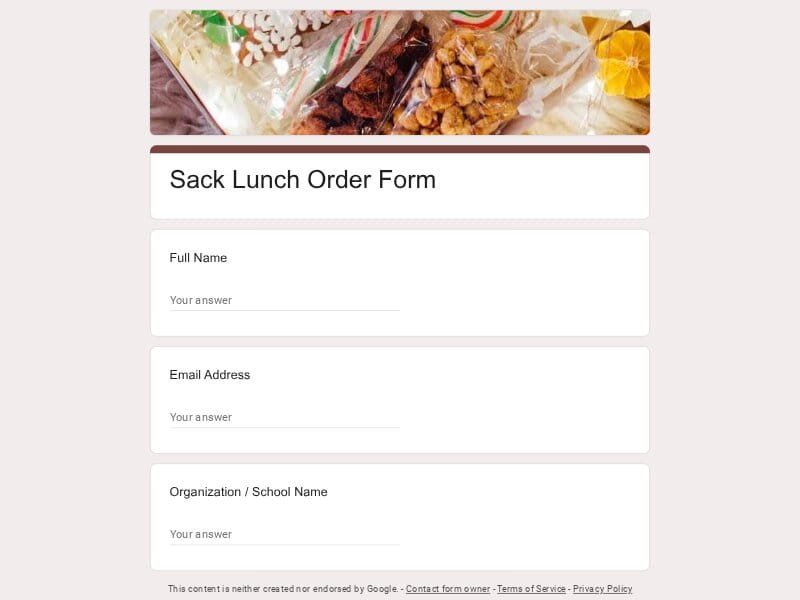 Preview
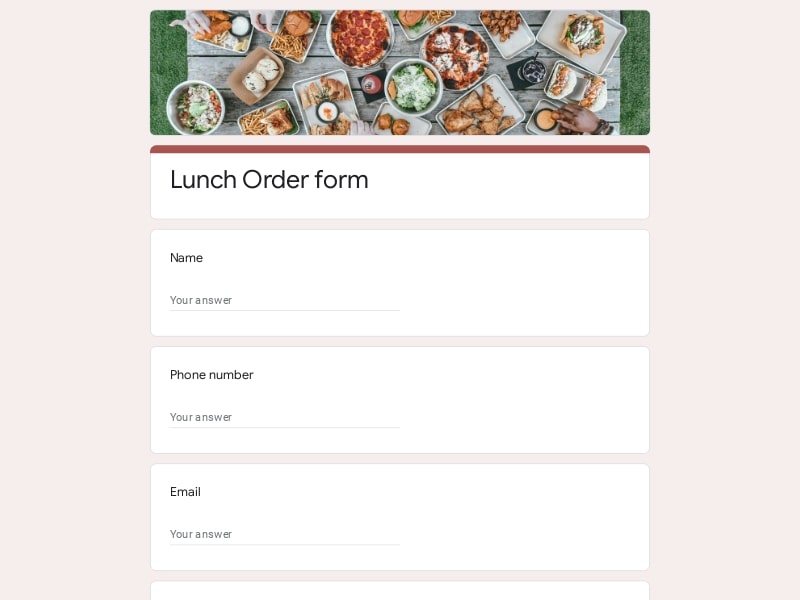 Preview
A lunch order form is a structured document used to collect meal selections, quantities, dietary restrictions, scheduling details, and delivery preferences from individuals or groups. Businesses, schools, teachers, cafeterias, event organizers, and remote employees use these forms to simplify food ordering and reduce manual coordination.
In Google Forms, a lunch form becomes an easy digital workflow where responses are automatically organized inside Google Sheets, making it easier to manage daily meal planning, packed lunch requests, sandwich selections, corporate catering, staff orders, and pre-order form submissions. Responses can also be exported to Excel, Google Sheet, or PDF formats for reporting and operational use.
A good lunch order form should reduce confusion for both the person placing the order and the person organizing meals. Whether the form is used for kids at school, teacher lunch programs, corporate catering, remote employees, or group food delivery, the structure should make ordering fast, clear, and easy to manage at scale.
| Section | What to include | Example questions |
|---|---|---|
| Participant Information | Basic contact and identification details used to match lunch requests with the correct person, classroom, office team, or staff member. |
|
| Meal Selection | Main food ordering section where users choose meals, sandwich options, sides, drinks, and portion quantities. |
|
| Schedule & Pickup Details | Information related to ordering dates, lunch schedules, pickup timing, or delivery coordination. |
|
| Dietary Restrictions | Fields that help organizers safely manage allergies, nutrition preferences, and special meal accommodations. |
|
| School & Kids Lunch Details | School-specific information used for cafeteria planning, classroom tracking, and application for school meal programs. |
|
| Group & Corporate Ordering | Questions designed for office managers, staff coordinators, and corporate teams placing lunch orders for multiple people. |
|
| Payment & Budget Tracking | Optional payment collection and reimbursement details for internal teams, schools, or catering operations. |
|
| Delivery Instructions | Special logistics details that help vendors and organizers complete lunch delivery accurately. |
|
| Additional Notes | Flexible area for custom requests, food preferences, substitutions, or event-specific comments. |
|
Lunch ordering workflows vary depending on the audience, schedule, and type of food service being managed. Some organizations need fast daily ordering, while others need structured approval, dietary tracking, or recurring group coordination. Google Forms works well because the same editable template can support multiple lunch workflows with very little setup.
Schools use lunch forms to manage cafeteria planning, classroom meal counts, lunch applications, allergy tracking, and parent meal submissions. These templates help teachers and administrators organize food ordering for kids while reducing paperwork and manual tracking.
Useful for faculty lunches, training sessions, appreciation events, and internal staff meal planning. Teachers and school staff can submit lunch requests through a centralized form instead of handling email-based ordering.
Businesses use lunch order forms to coordinate team meals, recurring office lunches, employee meal stipends, and scheduled food delivery. These forms simplify ordering for staff while helping office managers track quantities and preferences.
Corporate teams often need larger group meal coordination for meetings, onboarding sessions, workshops, and client events. A structured pre-order form makes it easier to organize delivery timing, meal packaging, and department-based billing.
Companies with distributed teams use lunch request forms to manage food delivery benefits, remote meal reimbursements, and location-based ordering preferences for remote employees.
Some organizations collect recurring lunch orders every day or every week. These forms help cafeterias, schools, and office kitchens estimate meal demand in advance and reduce food waste.
Simple lunch forms are commonly used for sandwich ordering, field trips, after-school activities, sports programs, and packed meal distribution where speed and simplicity matter most.
Event organizers use lunch forms to collect attendee meal preferences, dietary restrictions, and delivery schedules for conferences, seminars, workshops, and corporate training sessions.
Restaurants and catering businesses use Google Forms as lightweight ordering systems for pre-scheduled lunch pickup, office delivery, limited menus, and recurring customer orders.
Community organizations, volunteer groups, and nonprofits use lunch forms to coordinate meal distribution programs, track group food requests, and organize delivery logistics efficiently.
Google Forms combines speed, accessibility, automation, and flexibility in a way that works especially well for lunch coordination. Instead of managing scattered emails, paper signups, or disconnected spreadsheets, organizers can collect structured meal requests in one centralized workflow that is easy to update and scale.
Teams can launch a fully functional lunch order form in minutes using editable templates with pre-built questions, dropdowns, checkboxes, and scheduling fields. This makes Google Forms useful for both small staff lunches and large corporate meal programs.
Every lunch request is automatically stored inside Google Sheets, which removes the need for manual data entry and makes meal tracking significantly easier for schools, offices, and catering teams.
Conditional questions and structured answer fields help organizers safely track allergies, vegetarian requests, gluten-free meals, and other dietary restrictions without losing important information in email threads.
Google Forms makes it easy to manage group lunch requests, staff meals, classroom ordering, and corporate catering because multiple responses can be collected in a consistent format.
Employees, parents, teachers, and students can submit lunch selections from phones, tablets, or desktops without downloading additional software or creating accounts.
Lunch organizers can collect delivery addresses, pickup times, meal windows, and packaging instructions in one structured workflow that simplifies food distribution.
One form can support daily lunch ordering, weekly meal scheduling, recurring sandwich requests, or rotating cafeteria menus without rebuilding the workflow from scratch.
Response data can be reviewed directly in Google Sheets or exported into Excel, PDF, and Google Sheet formats for budgeting, vendor coordination, reporting, and operational planning.
Digital lunch forms reduce missing information, unreadable handwriting, duplicate submissions, and manual correction work compared to traditional paper-based ordering systems.
Google Forms allows organizations to adapt the same lunch template for schools, kids meal programs, teacher lunches, office catering, remote employees, delivery requests, or packed meal coordination.
Choose your platform and follow the steps to get your lunch order form live in minutes.
Install Google Forms from the App Store. You'll need iOS 16 or later.
Open the app and sign in with your Google account. This is required to save and share forms.
Tap the template in the list.
Edit any question, add your flavor options, update the design theme and colors — all from within the app.
Tap the Share button (top right). Choose how to distribute your form:
The template is instantly copied to your Google Drive — no manual setup needed. You must be signed in to your Google account for this to work.
Auto-copied to Google DriveEdit question text, add your actual flavor options, adjust dropdowns, and personalize the form to your bakery.
Toggle "Required" on essential fields — name, email, order date, and quantity — so no key detail is missed.
Use Google Forms' built-in sharing to distribute your form via URL, embed it on a site, or generate a printable QR code.
Responses appear in real time in the Responses tab, or link to Google Sheets for a full sortable order spreadsheet.
Make sure you're signed in to Google before clicking the button. The form opens directly in Google Forms in your browser — no app download needed.
Choose a ready-made template for your needs and customize it in just a few minutes.
Scan to use Google Forms on iPhone or iPad!