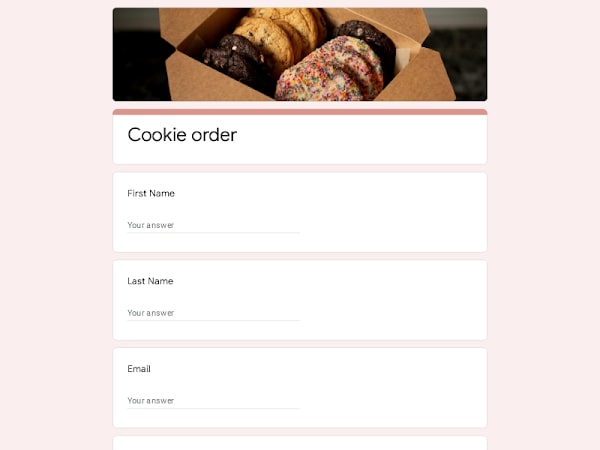
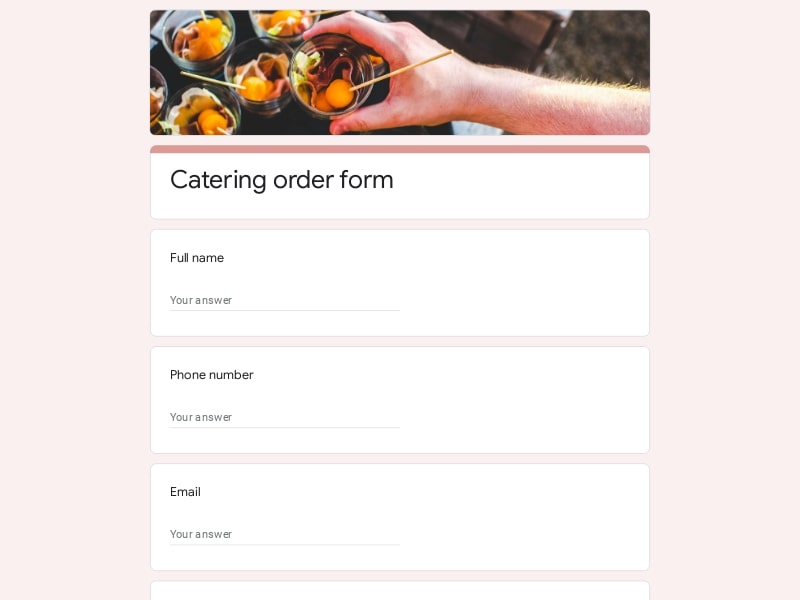
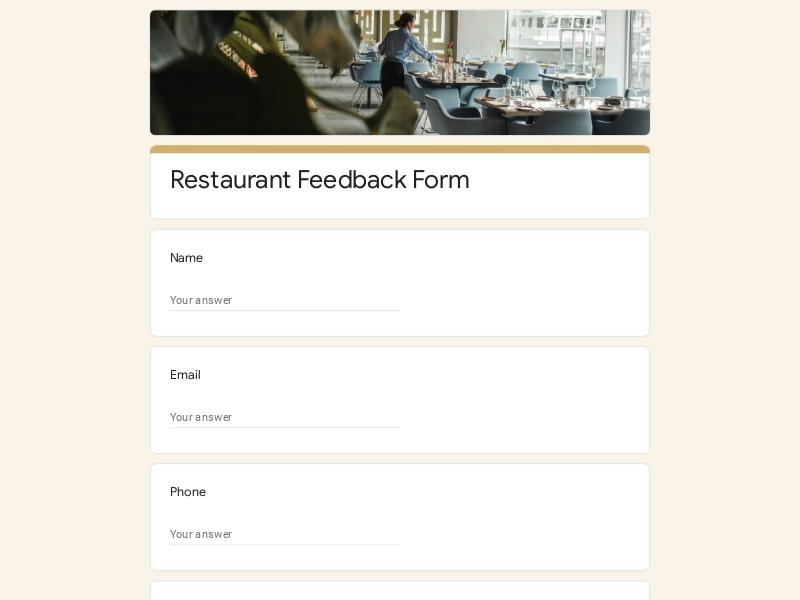
This template for Google Forms turns any pizzeria or small restaurant workflow into a structured ordering system without manual tracking. It keeps every food order organized, editable, and easy to manage from a single place.
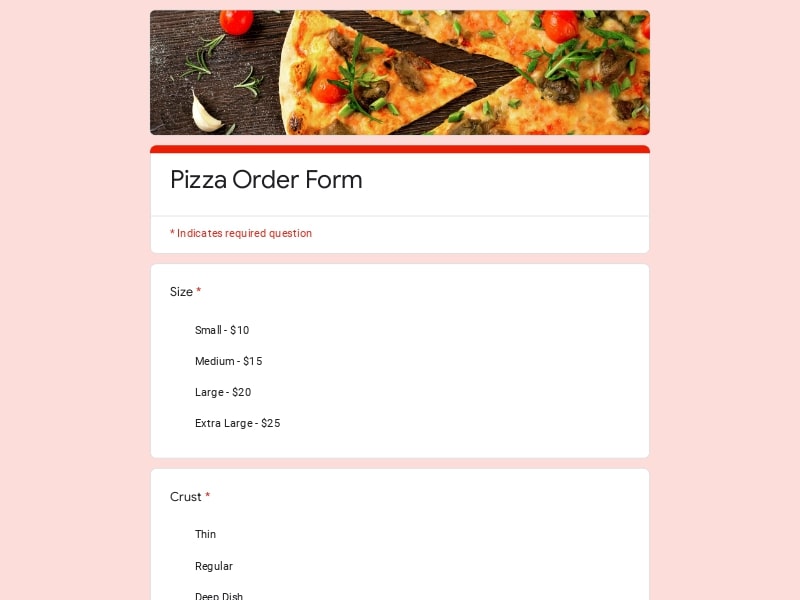
The template follows a logical section-by-section flow — from pizza selection and toppings to delivery address and payment preference — so customers move through the ordering process without confusion, and you receive clean, structured data on the other end.
A pizza order form is a structured digital questionnaire that collects everything a pizzeria or delivery operation needs to process a customer request — from menu selection and topping preferences to contact details and delivery address. Connected to Google Sheets, it becomes a lightweight ordering system that automatically logs every submission without any manual input.
Restaurants, takeaway spots, and individual operators use these forms to accept food orders online, manage catering requests, or coordinate group orders — all without needing a custom website or dedicated app.
A strong pizza order form should reduce friction for the client while giving the restaurant full clarity on preparation and delivery. Each section should reflect real ordering behavior — from selecting menu items to handling delivery logistics and custom toppings.
| Section | What to include | Example questions |
|---|---|---|
| Customer Details | Basic identification for order processing and communication | What is your name? What is your phone number? What email should we use for confirmation? Who is the contact person for this order? |
| Order Type | Defines whether the order is delivery, takeaway, or pre-scheduled | Is this a delivery or takeaway order? What time should the order be ready? Do you need scheduled pickup? Is this a same-day order? |
| Pizza Selection | Main menu selection including size, crust, and quantity | Which pizza would you like to order? What size do you prefer? How many pizzas do you need? What crust type do you want? |
| Toppings & Customization | Flexible toppings, modifications, and dietary adjustments | Which toppings should be added? Do you want extra cheese? Should any ingredients be removed? Any allergy-related instructions? |
| Menu Add-ons | Drinks, sides, and additional food order items | Would you like drinks with your order? Add breadsticks or sides? Any desserts to include? Do you need sauces or extras? |
| Delivery / Pickup Details | Logistics for restaurant fulfillment and routing | What is the delivery address? Any instructions for delivery driver? Is this takeaway or delivery? Do you have a preferred pickup time? |
| Payment Information | Method of payment and invoice preferences | How will you pay for this order? Do you need an invoice? Is payment online or on delivery? Should gratuity be included? |
| Special Instructions | Open field for custom client requests | Any special cooking instructions? Do you need utensils or napkins? Any notes for the kitchen? Do you have dietary restrictions? |
This type of Google Forms template is used across multiple ordering scenarios where structured food order collection is needed. It adapts to both small and operationally complex environments.
Google Forms provides a lightweight but structured way to manage pizza orders without building a custom system. It is especially effective for small and mid-size restaurants that need flexibility in menu design, toppings configuration, and delivery workflows.
Menus, toppings, and pricing logic can be edited anytime without technical skills, making it ideal for fast-changing restaurant operations.
Every pizza order is captured in a consistent format, reducing errors in delivery, takeaway, and kitchen preparation.
All responses sync automatically into Google Sheets for tracking, filtering, and operational management of food orders.
The form can be adjusted for different restaurant needs, including menu variations, client types, and delivery zones.
Order data can be exported to Excel, Google Sheets, or PDF for reporting, accounting, or kitchen coordination.
Can be shared via link, QR code, or embedded on a website, making it easy for clients to place orders from any device.
Choose your platform and follow the steps to get your pizza order form live in minutes.
Install Google Forms from the App Store. You'll need iOS 16 or later.
Open the app and sign in with your Google account. This is required to save and share forms.
Tap the template in the list.
Edit any question, add your flavor options, update the design theme and colors — all from within the app.
Tap the Share button (top right). Choose how to distribute your form:
The template is instantly copied to your Google Drive — no manual setup needed. You must be signed in to your Google account for this to work.
Auto-copied to Google DriveEdit question text, add your actual flavor options, adjust dropdowns, and personalize the form to your bakery.
Toggle "Required" on essential fields — name, email, order date, and quantity — so no key detail is missed.
Use Google Forms' built-in sharing to distribute your form via URL, embed it on a site, or generate a printable QR code.
Responses appear in real time in the Responses tab, or link to Google Sheets for a full sortable order spreadsheet.
Make sure you're signed in to Google before clicking the button. The form opens directly in Google Forms in your browser — no app download needed.
Choose a ready-made template for your needs and customize it in just a few minutes.

Scan to use Google Forms on iPhone or iPad!