Download Now!
Download Now!
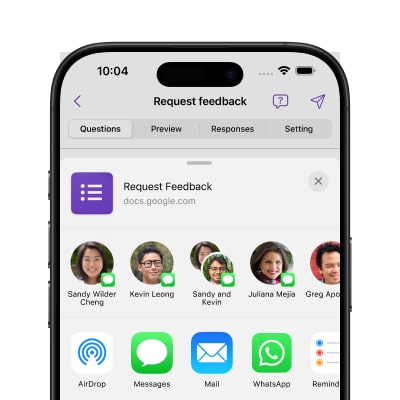
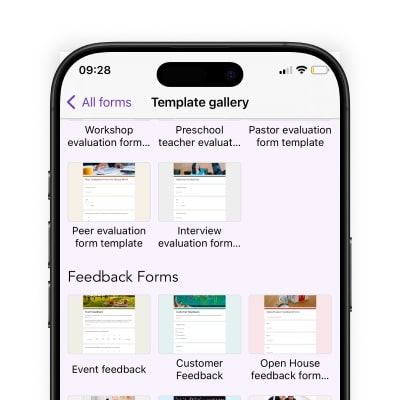
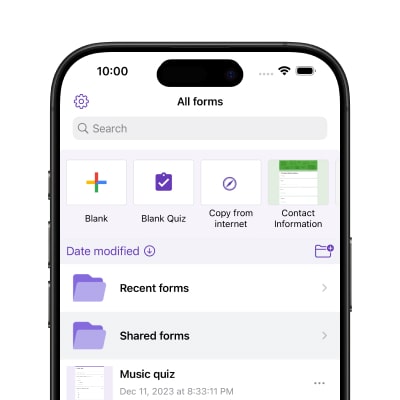
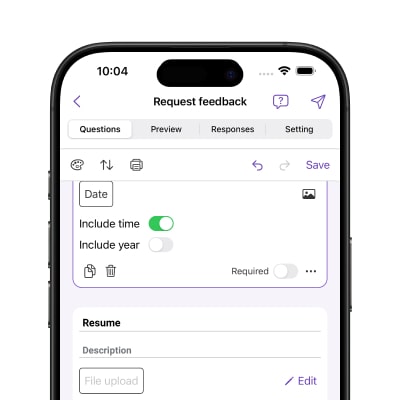
Yes. The app is fully compatible with iOS and lets you create forms from scratch, edit existing ones, add and reorder questions, update answer options, and manage sections — all directly on your iPhone or iPad.
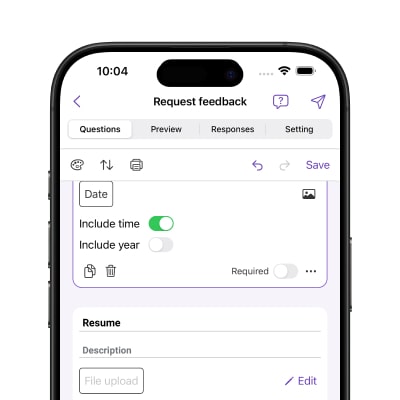
All the ones you'd expect — short answer, paragraph, multiple choice, grids, rating, checkboxes, dropdowns, linear scale, date, time, and file upload. Basically, if you can build it in Google Forms on desktop, you can build it here too.
It's simpler than you might think. The video below walks you through the whole process — from creating your first form to sharing it with respondents.
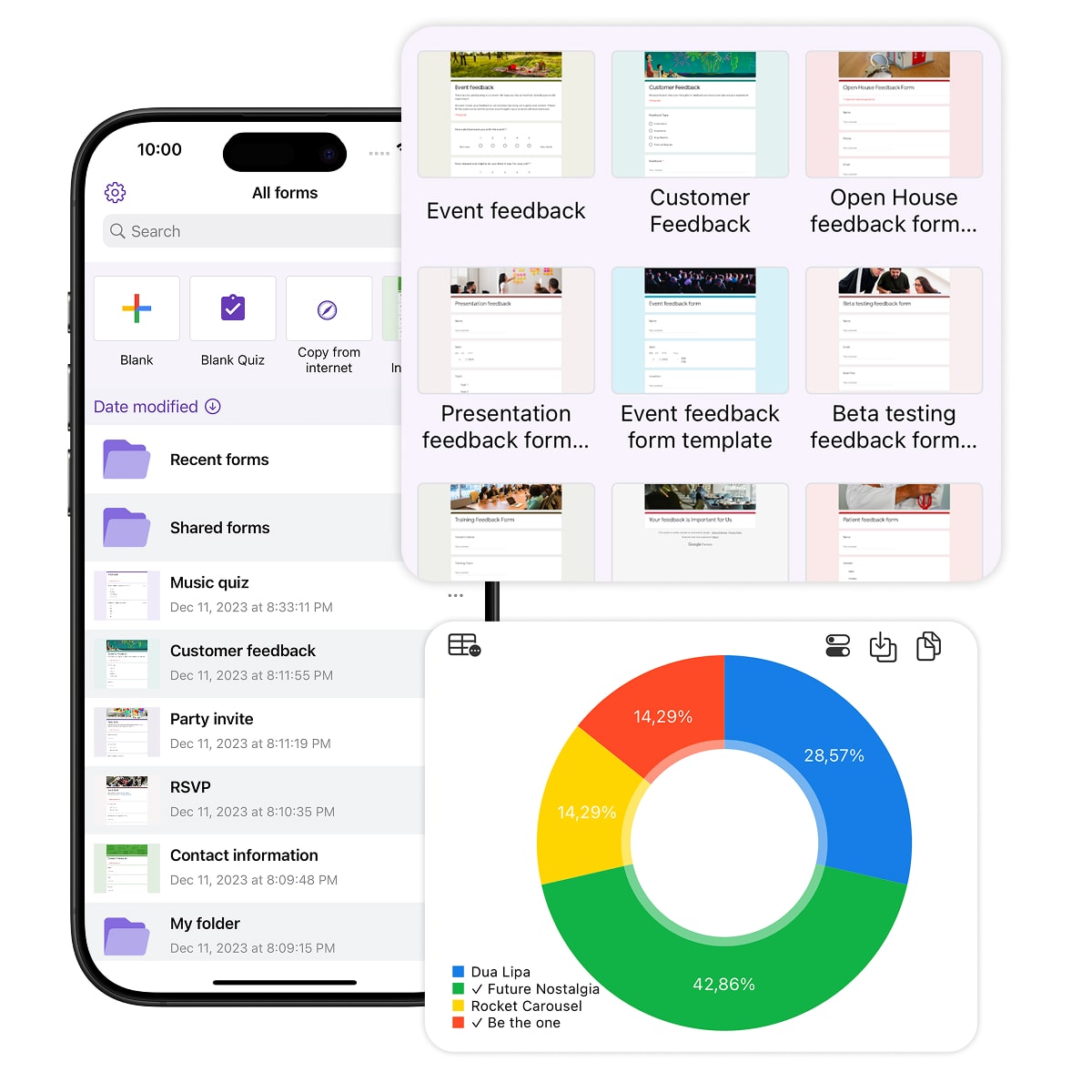
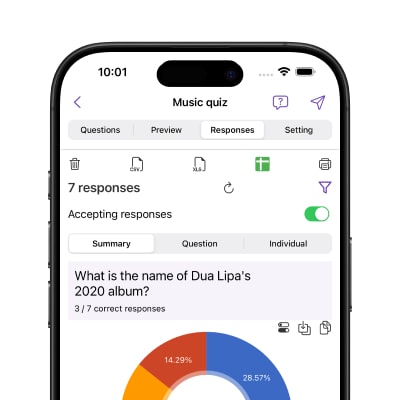
You can view Google Forms responses directly in the app — they're organized in a dedicated Responses tab. It supports three viewing modes: Summary for an overall breakdown, Question to see all answers per question, and Individual to review a specific respondent's submission. You can also filter responses and export the data as a CSV, Excel file, or to Google Sheets.
Disclaimer: This is a third party app not associated with Google. All trademarks are property of their respective owners.
This information is necessary for the full functionality of the app. Without this information, it is not possible to ensure the full functionality of the app and to provide the requested features.
You can also check out our privacy policy.

Scan to use Google Forms on iPhone or iPad!