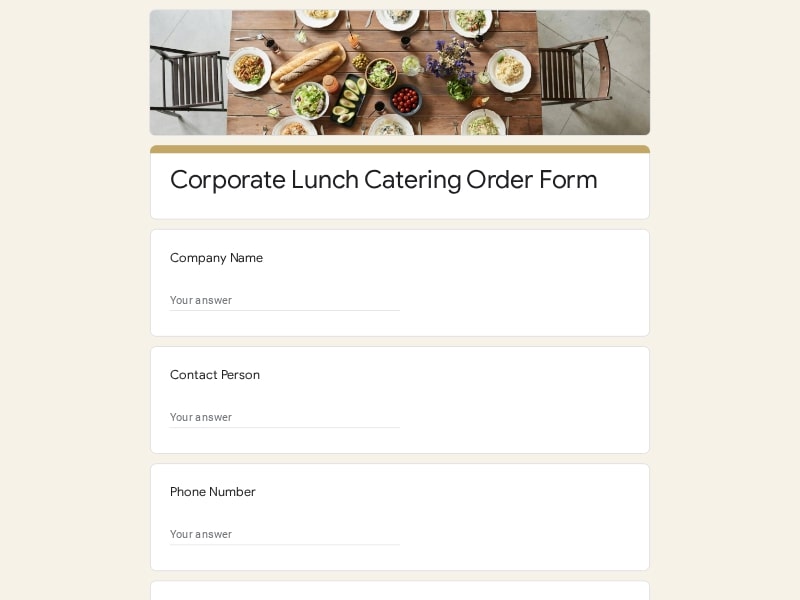
Simplify event catering management with customizable catering order form templates for Google Forms designed for catering businesses, corporate lunches, weddings, buffet services, and private events. These templates help you collect food orders, manage guest details, coordinate event requests, and streamline bookings in a structured workflow that can be easily adapted to your menu, pricing, and catering process.
 Preview
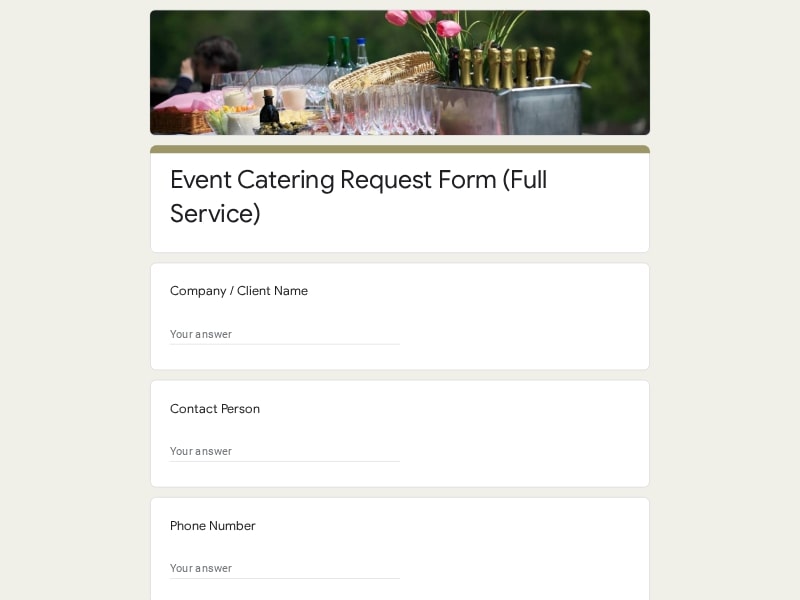 Preview
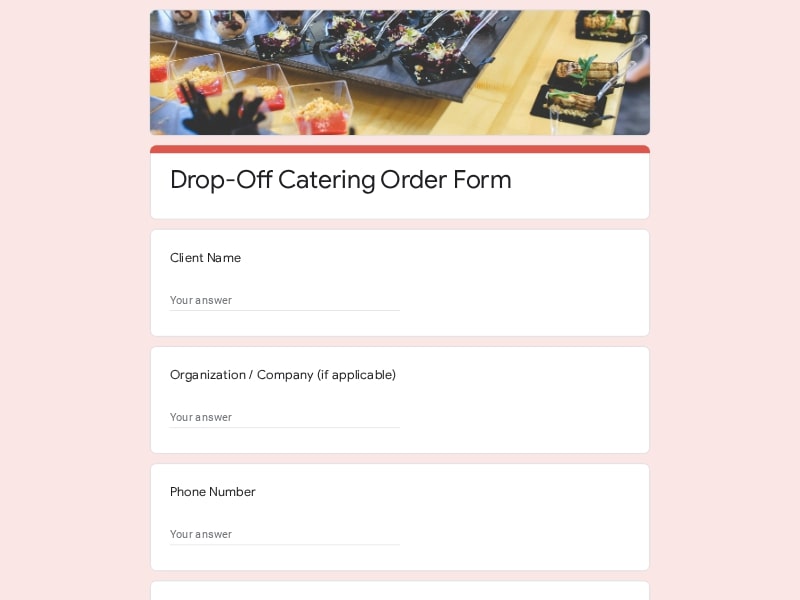 Preview
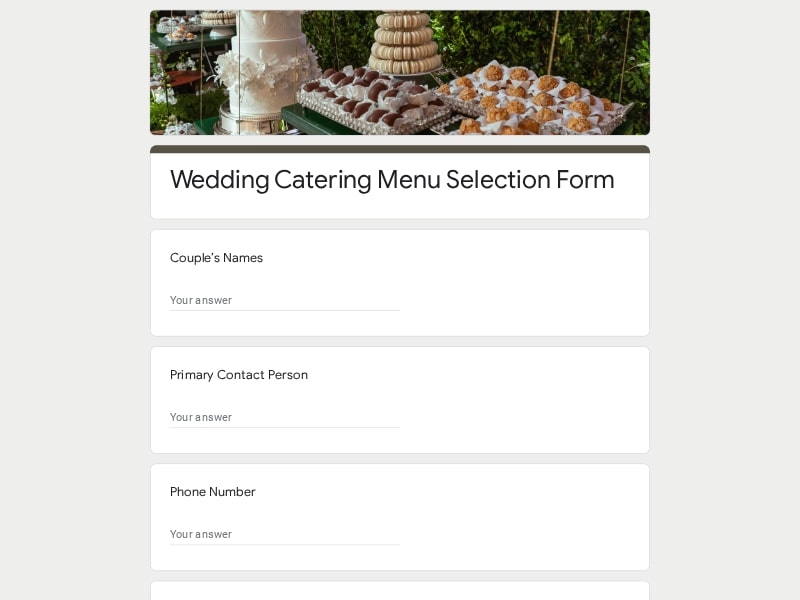 Preview
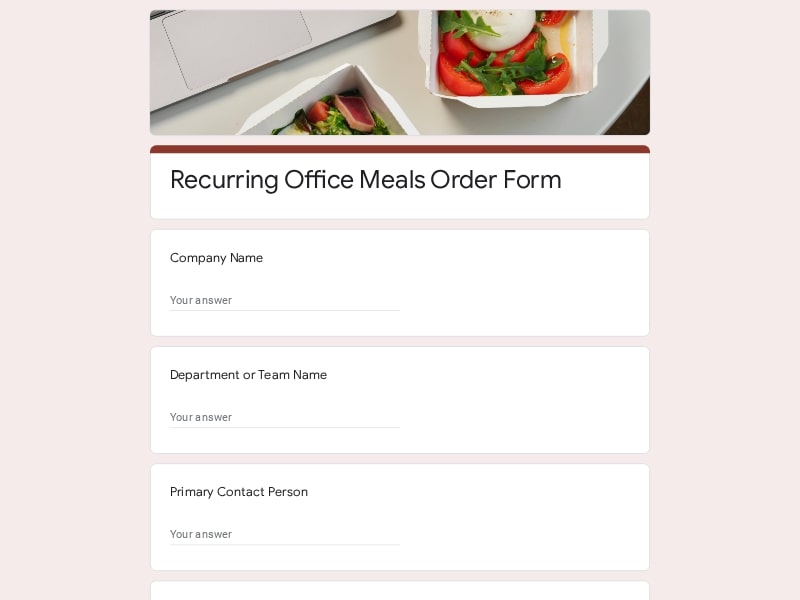 Preview
 Preview
 Preview
 Preview
 Preview
 Preview
 Preview
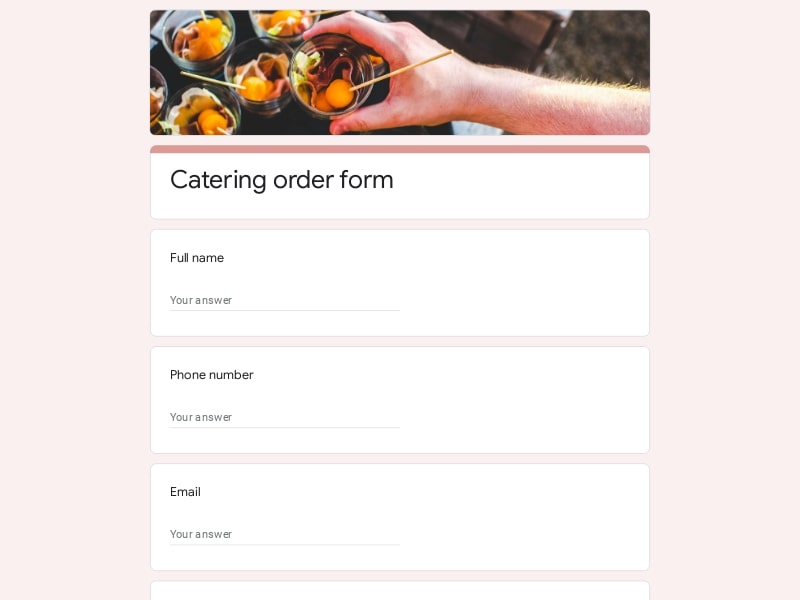
A catering order form is a structured intake document used to collect booking details, food preferences, guest information, and service requests for catered events. Catering businesses, restaurants, banquet providers, and event coordinators use these forms to organize reservations, manage food orders, confirm delivery schedules, and simplify communication during the planning process. In Google Forms, the entire intake workflow becomes easier to manage because responses can be tracked in real time, organized automatically in Google Sheets, and shared with kitchen staff, coordinators, or service teams handling menu selection, party logistics, and event preparation.
A catering order form should collect enough information to help the catering team organize food preparation, scheduling, delivery, staffing, and guest coordination without creating unnecessary back-and-forth communication. Whether the form is used for banquet service, restaurant catering, office lunches, weddings, or private party bookings, a structured Google Forms workflow helps businesses keep order details organized, reduce planning mistakes, and manage event requests more efficiently through connected Google Sheets responses.
| Section | What to Include | Example Questions |
|---|---|---|
| Customer Information | Basic contact details for reservation confirmation, booking updates, invoices, and event communication. |
• What is your full name? • What phone number should we use for updates? • What email address should receive the booking confirmation? • What company or organization is the order for? |
| Event Details | Information about the event schedule, type of gathering, and overall service timeline. |
• What type of event are you planning? • What is the event date? • What time should catering service begin? • How long will the event last? |
| Guest Count | Estimated attendance numbers used for food preparation, staffing, seating, and portion planning. |
• How many guests are expected? • Will children attend the event? • Is the guest count finalized? • Should we prepare extra servings? |
| Menu Selection | Food choices, catering packages, beverage options, desserts, and service preferences. |
• Which menu package would you like to order? • Would you like buffet or plated service? • Should beverages or desserts be included? • Do you need appetizer trays or snack stations? |
| Dietary Restrictions | Meal accommodations for allergies, religious restrictions, and special dietary requests. |
• Are there any food allergies we should know about? • Do guests require vegetarian or vegan meals? • Are gluten-free options needed? • Should separate meal labeling be prepared? |
| Delivery & Venue Information | Delivery instructions, venue access details, parking notes, and setup coordination information. |
• What is the event address? • Are there loading or parking instructions? • Will elevator access be required? • What time can setup begin at the venue? |
| Service & Staffing Requests | Information about servers, setup crews, banquet staff, cleanup assistance, and equipment needs. |
• Will serving staff be required? • Do you need buffet setup assistance? • Should tables or warming stations be included? • Will cleanup service be needed after the event? |
| Payment Information | Deposit requirements, invoice details, payment preferences, and billing contacts. |
• Who should receive the invoice? • Will payment be made online or in person? • Is a deposit required to confirm the reservation? • Should tax-exempt documentation be provided? |
| Special Requests | Additional notes related to timing, presentation, branding, decorations, or custom service requests. |
• Do you have custom menu requests? • Should branded packaging be included? • Are there event timing details we should know about? • Would you like us to coordinate with other vendors? |
Different catering services require different intake workflows, scheduling details, and food coordination processes. A simple office lunch request usually focuses on quick ordering and delivery timing, while large banquet events often require detailed guest management, staffing coordination, and service planning. Using specialized Google Forms layouts for different event types helps catering businesses collect more accurate booking information while making the ordering process easier for clients.
Corporate catering forms are commonly used for business meetings, training sessions, conferences, employee appreciation events, and recurring office lunches. These forms usually prioritize headcount tracking, delivery timing, packaged meal selection, invoice handling, and fast approval workflows for companies placing repeat food orders.
Wedding catering forms typically require more detailed planning than standard event bookings. They often include guest meal selection, banquet scheduling, beverage service coordination, reception timing, dessert planning, dietary accommodations, and communication with wedding planners or venue coordinators.
Buffet-focused catering forms help organize self-service meal stations, banquet layouts, portion estimates, serving equipment, and staffing requests. These forms work especially well for community events, family celebrations, holiday parties, and larger gatherings where guests serve themselves throughout the event.
Restaurants that offer catering services often use simplified inquiry forms to collect large takeout orders, tray requests, party food reservations, and recurring business catering bookings. These forms usually focus on menu selection, pickup or delivery timing, and order confirmation details.
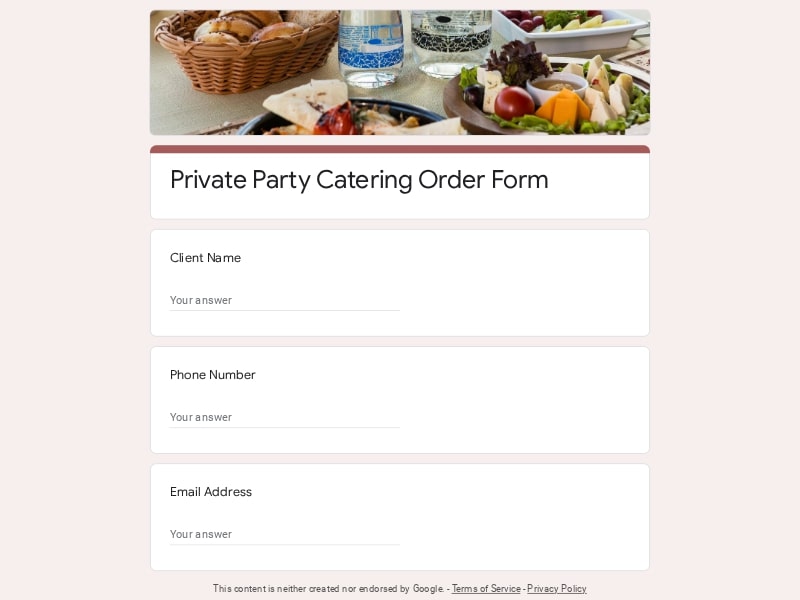
Party catering forms are designed for birthdays, anniversaries, graduations, baby showers, and other private celebrations. These forms often include flexible menu packages, entertainment-friendly scheduling, dessert options, beverage requests, and custom party instructions.
Conference catering forms help organizers manage breakfast service, coffee stations, boxed lunches, speaker meals, and meal scheduling across multiple sessions or event days. Google Forms works especially well here because response data can be shared with multiple coordinators through Google Sheets.
Delivery-focused forms are commonly used for simplified catering workflows where full banquet setup or serving staff are not required. These forms typically prioritize food packaging preferences, delivery windows, contact information, and drop-off instructions.
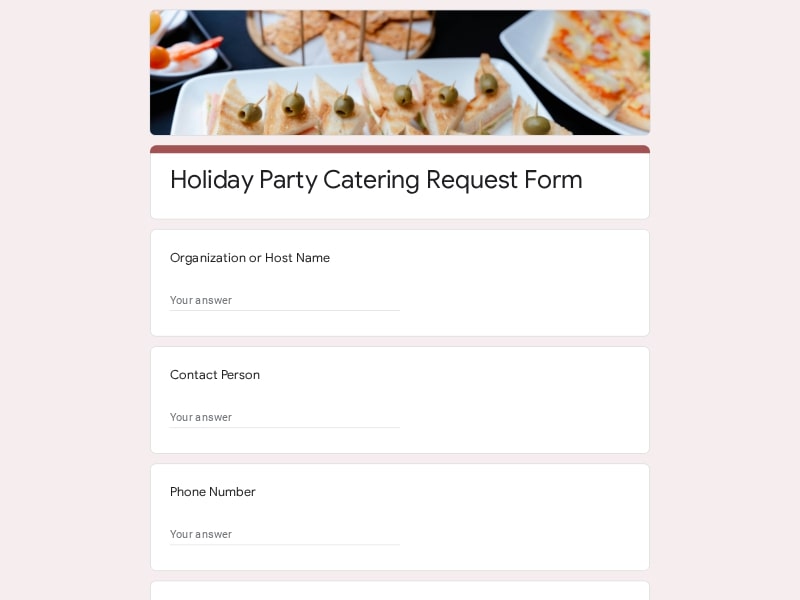
Holiday catering forms help businesses manage high seasonal demand for Thanksgiving dinners, office holiday parties, corporate celebrations, and family gatherings. These forms often include pickup scheduling, limited-time menu packages, preorder deadlines, and reservation management.
Google Forms gives catering businesses a flexible and organized way to manage food orders, booking requests, banquet reservations, and event inquiries without relying on complicated catering software. Because forms are editable, mobile-friendly, and connected directly to Google Sheets, teams can streamline intake workflows, track responses in real time, coordinate service details internally, and adapt forms for different types of catering events.
Clients can submit catering requests, reservation details, menu selections, and event information from any device without needing to call or email the catering team directly. This creates a faster and more organized booking workflow for both businesses and customers.
Every catering order form submission is automatically collected inside Google Forms and organized in Google Sheets, making it easier to track guest counts, booking updates, food requests, and event changes as they happen.
Catering teams can create custom intake forms for weddings, banquet service, restaurant catering, buffet reservations, office lunches, and private parties without rebuilding the entire workflow for every event type.
Kitchen staff, delivery teams, banquet coordinators, and event managers can all access the same booking information through shared Google Sheets, helping reduce communication mistakes during busy catering schedules.
Editable Google Forms designs make it easy to update catering packages, seasonal menus, banquet options, beverage selections, staffing requests, and service pricing without creating a new form from scratch.
Catering businesses handling conferences, weddings, corporate events, or large party reservations can use Google Forms to organize attendee information, meal preferences, setup instructions, and scheduling details in one centralized workflow.
Catering order responses can be exported to Excel, Google Sheets, or PDF formats for reporting, printing, accounting records, kitchen preparation lists, or offline event coordination.
Many catering businesses use Google Forms not only for one-time event booking requests, but also for recurring office food orders, restaurant catering inquiries, seasonal preorder campaigns, and long-term client coordination.
Choose your platform and follow the steps to get your catering order form live in minutes.
Install Google Forms from the App Store. You'll need iOS 16 or later.
Open the app and sign in with your Google account. This is required to save and share forms.
Tap the template in the list.
Edit any question, add your flavor options, update the design theme and colors — all from within the app.
Tap the Share button (top right). Choose how to distribute your form:
The template is instantly copied to your Google Drive — no manual setup needed. You must be signed in to your Google account for this to work.
Auto-copied to Google DriveEdit question text, add your actual flavor options, adjust dropdowns, and personalize the form to your bakery.
Toggle "Required" on essential fields — name, email, order date, and quantity — so no key detail is missed.
Use Google Forms' built-in sharing to distribute your form via URL, embed it on a site, or generate a printable QR code.
Responses appear in real time in the Responses tab, or link to Google Sheets for a full sortable order spreadsheet.
Make sure you're signed in to Google before clicking the button. The form opens directly in Google Forms in your browser — no app download needed.
Choose a ready-made template for your needs and customize it in just a few minutes.

Scan to use Google Forms on iPhone or iPad!