

Explore a curated collection of ready-to-use request form templates designed for Google Forms. Find examples for common use cases, review included questions, and choose a structure that fits your workflow. Each template can be quickly customized to match your specific needs. A practical starting point for collecting and managing requests efficiently.
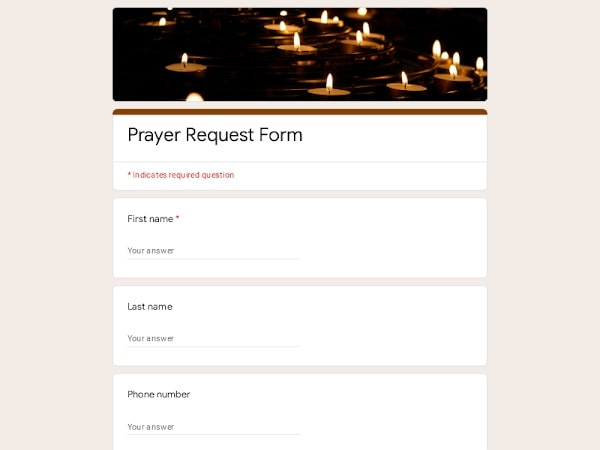 Preview
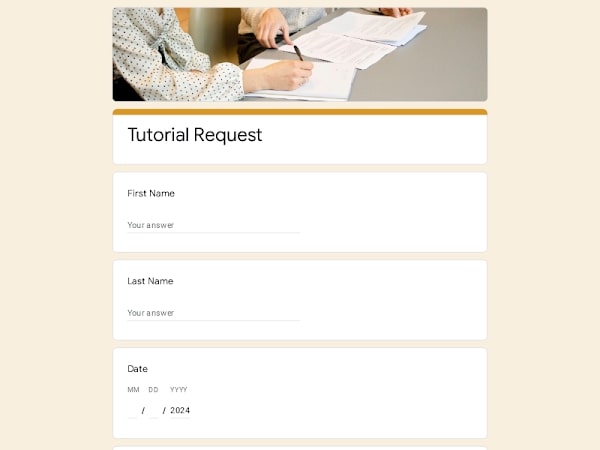 Preview
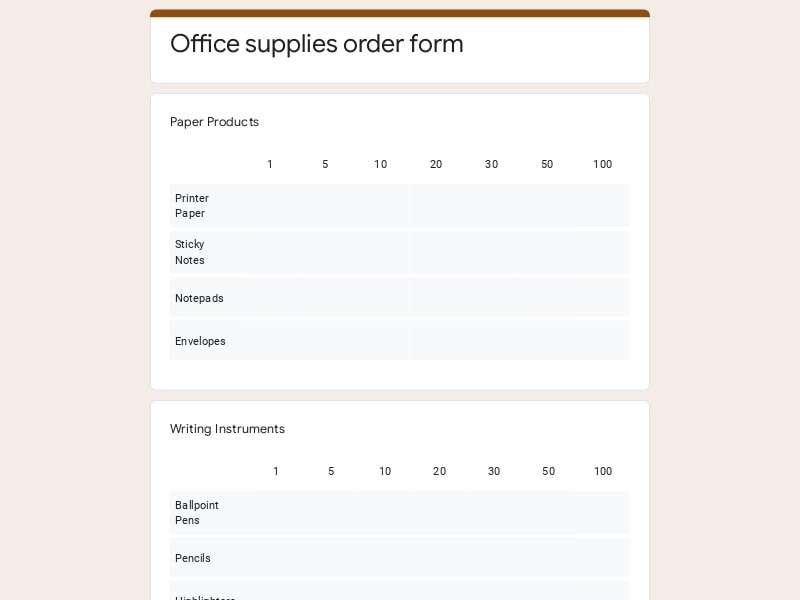 Preview
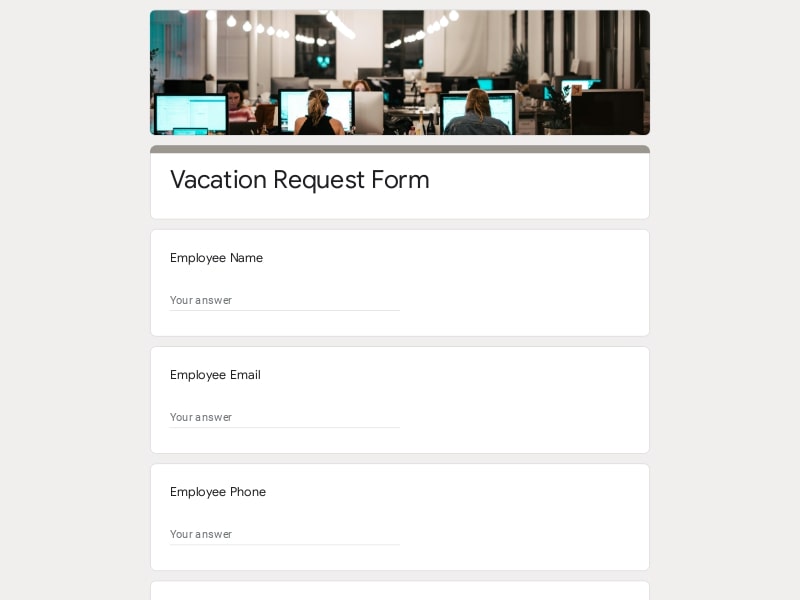 Preview
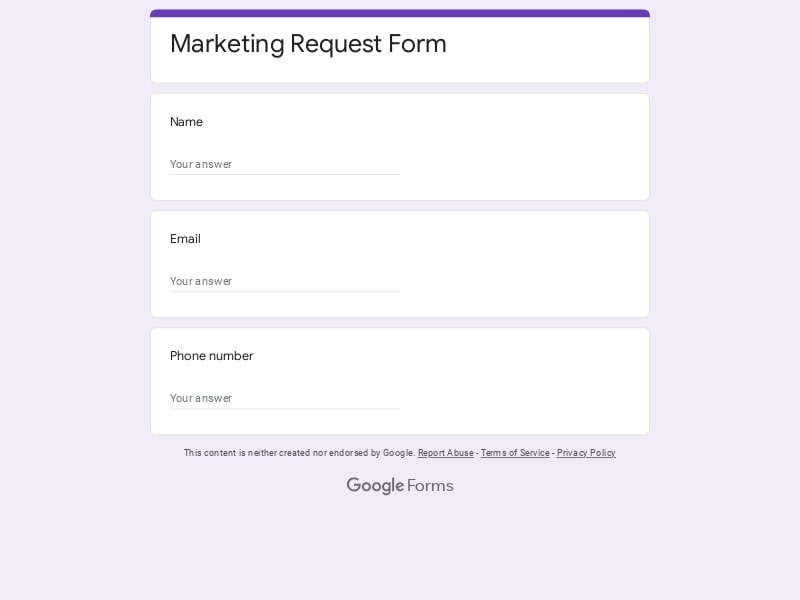 Preview
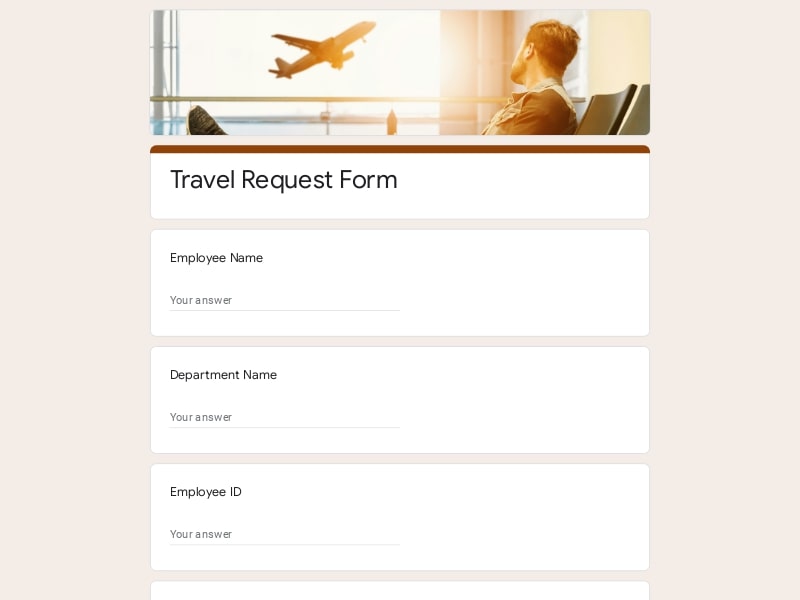 Preview
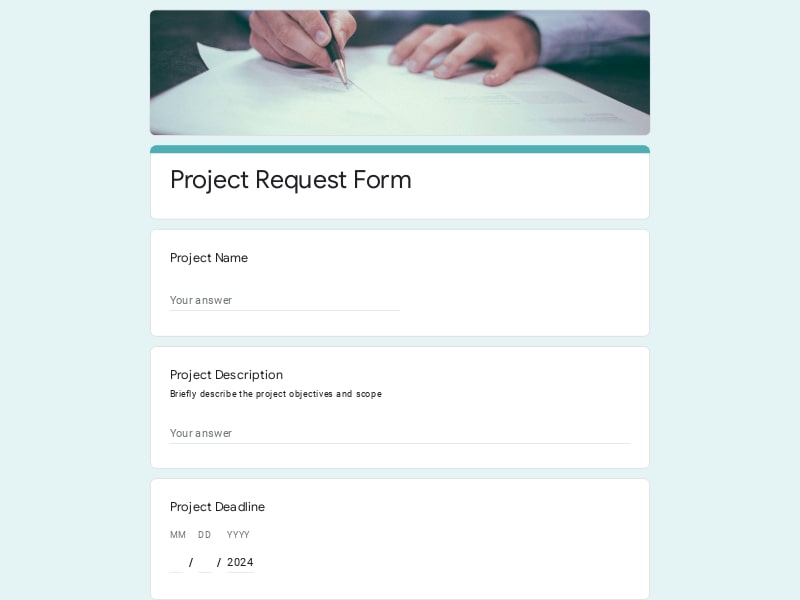 Preview
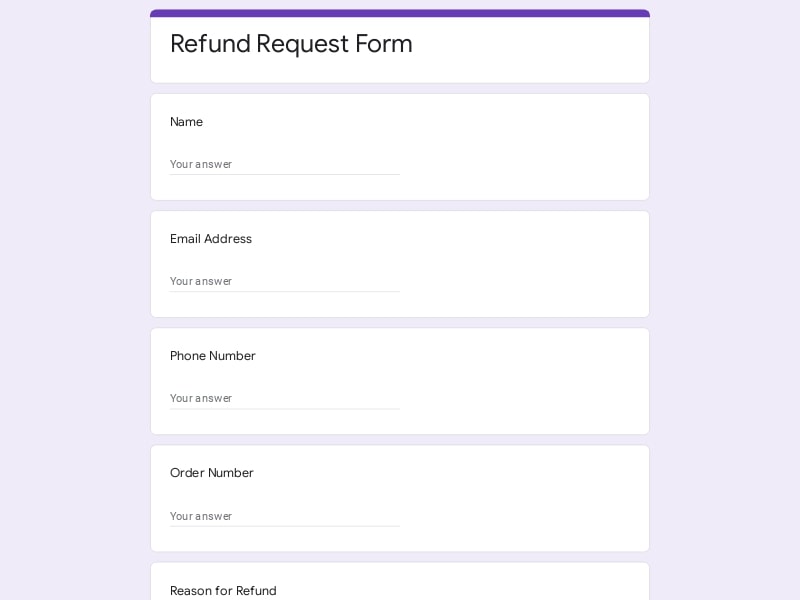 Preview
 Preview
A request form is a structured document — digital or physical — used to formally submit a need, inquiry, or action item to a team or individual. In Google Forms, request forms let you collect and organize submissions from employees, students, or customers in one place.
Businesses use request forms to standardize how people ask for time off, IT support, equipment, services, and more. Instead of handling requests over email or chat, a form ensures every submission includes the right information — reducing back-and-forth and keeping teams organized.
A well-structured request form helps you collect all necessary information upfront, reducing back-and-forth communication and speeding up processing. The key is to include clear sections that guide users through providing their details, describing their request, and specifying any important conditions or deadlines. Below are the essential components that most request forms should include, along with examples of how to phrase the questions.
| Section | Purpose | Example Questions |
|---|---|---|
| Requester Information | Identify who is submitting the request and how to contact them | What is your name? What is your email address? Which department are you in? |
| Request Type | Understand the category or nature of the request | What type of request are you submitting? Please select the request category |
| Request Details | Gather a clear description of what is needed | Please describe your request What exactly do you need help with? |
| Priority & Urgency | Determine how quickly the request should be handled | How urgent is this request? What is the priority level? |
| Date & Deadline | Define timelines for completion or delivery | When do you need this completed? Is there a specific deadline? |
| Attachments | Allow users to provide supporting files or documents | Please upload any relevant files Attach supporting documents (if any) |
| Approval / Authorization | Ensure the request is reviewed or approved if required | Does this request require approval? Who is the approving manager? |
| Additional Notes | Capture any extra details or special instructions | Is there anything else we should know? Additional comments or instructions |
These request form templates are designed to fit a wide range of use cases, from internal business workflows to customer-facing processes. Whether you're managing team requests or collecting submissions from clients, you can adapt these templates to match your specific needs and simplify how information is gathered.
Streamline internal processes like approvals, service requests, and task management across departments.
Collect employee requests such as time off, leave applications, and internal approvals in a structured way.
Handle support tickets, technical issues, and equipment requests efficiently with standardized forms.
Manage maintenance requests, logistics, and operational workflows with clear and consistent input data.
Collect student or staff requests, permissions, and administrative submissions in an organized format.
Accept customer requests, service inquiries, and order details without needing complex systems.
Google Forms provides a simple and efficient way to collect, organize, and process requests without the need for complex tools. It helps standardize how information is submitted, reduces manual work, and keeps everything structured in one place.
Create a fully functional request form in minutes using ready-made templates or from scratch.
Adjust fields, questions, and logic to match your specific workflow or request type.
Forms work seamlessly on desktop and mobile, making it easy for users to submit requests anytime.
All responses are stored and organized automatically, with built-in summaries and charts.
Share your form via link, email, or QR code to collect requests quickly and efficiently.
No additional cost for creating and managing request forms, even for growing teams.
Choose your platform and follow the steps to get your request form live in minutes.
Install Google Forms from the App Store. You'll need iOS 16 or later.
Open the app and sign in with your Google account. This is required to save and share forms.
Tap the template in the list.
Edit any question, add your flavor options, update the design theme and colors — all from within the app.
Tap the Share button (top right). Choose how to distribute your form:
The template is instantly copied to your Google Drive — no manual setup needed. You must be signed in to your Google account for this to work.
Auto-copied to Google DriveEdit question text, add your actual flavor options, adjust dropdowns, and personalize the form to your bakery.
Toggle "Required" on essential fields — name, email, order date, and quantity — so no key detail is missed.
Use Google Forms' built-in sharing to distribute your form via URL, embed it on a site, or generate a printable QR code.
Responses appear in real time in the Responses tab, or link to Google Sheets for a full sortable order spreadsheet.
Make sure you're signed in to Google before clicking the button. The form opens directly in Google Forms in your browser — no app download needed.

Scan to use Google Forms on iPhone or iPad!