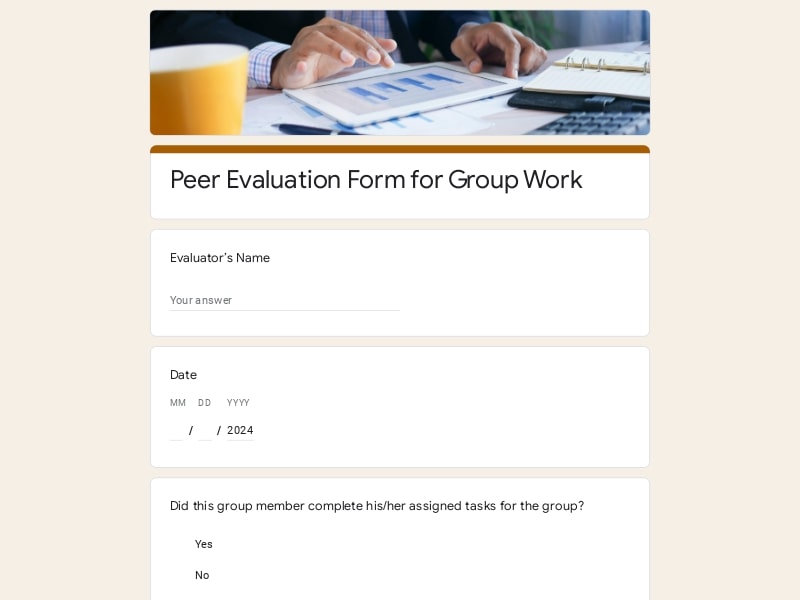
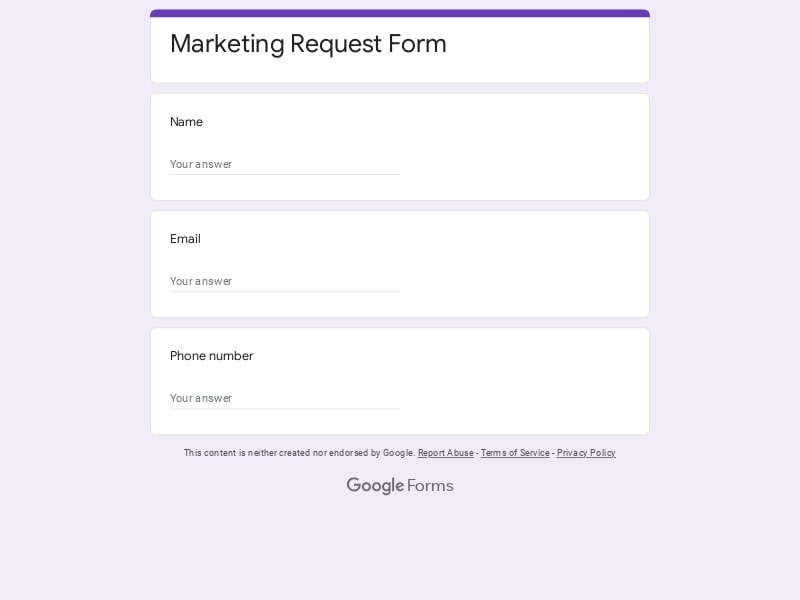
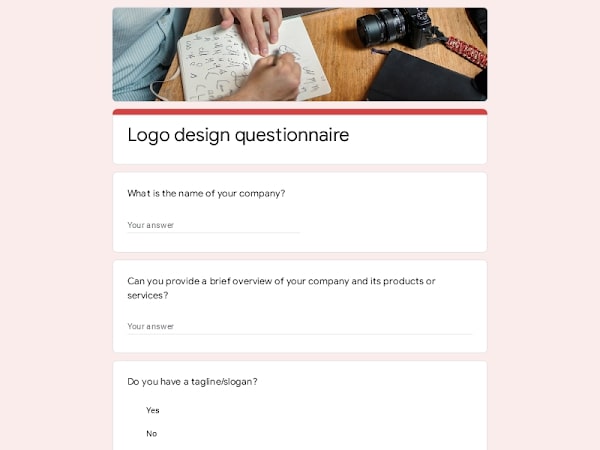
Simplify how you capture, track, and manage every project request with ready-to-use templates built specifically for Google Forms. Standardize your intake process, collect structured enquiry data, and keep all submissions organized for efficient project management workflows.
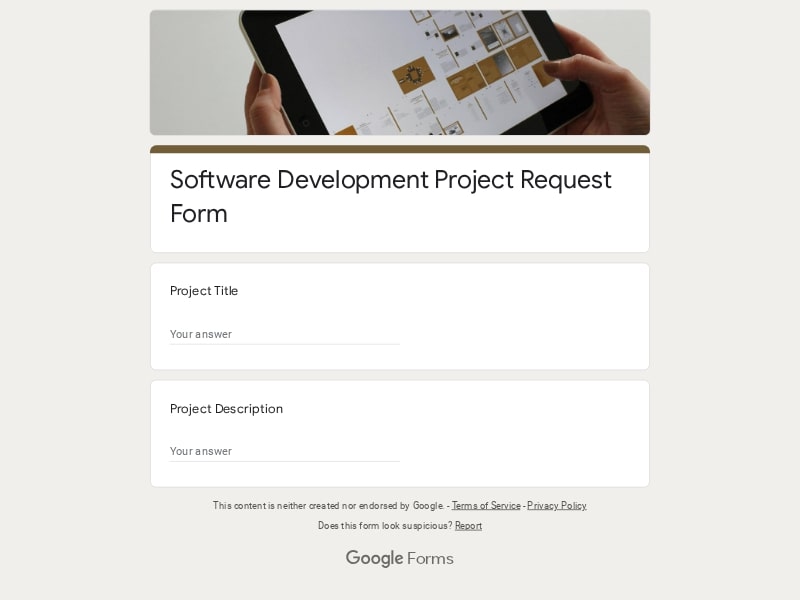 Preview
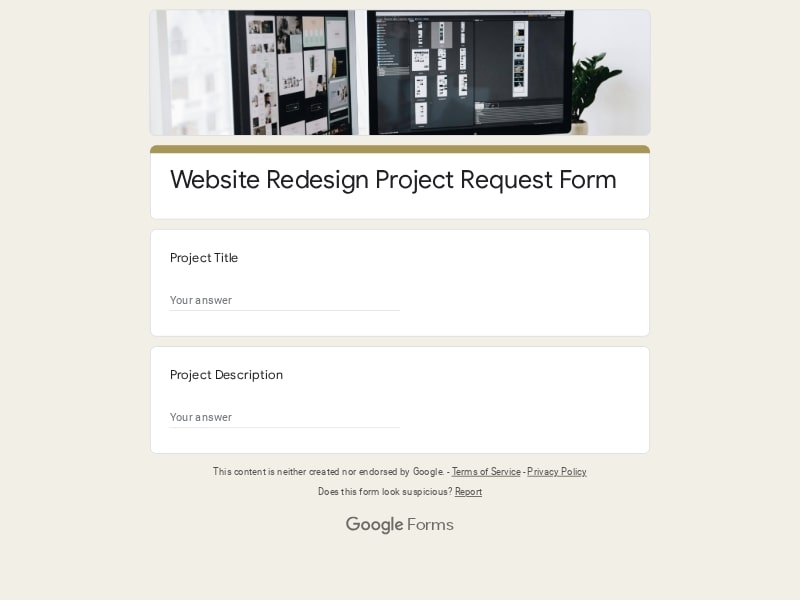 Preview
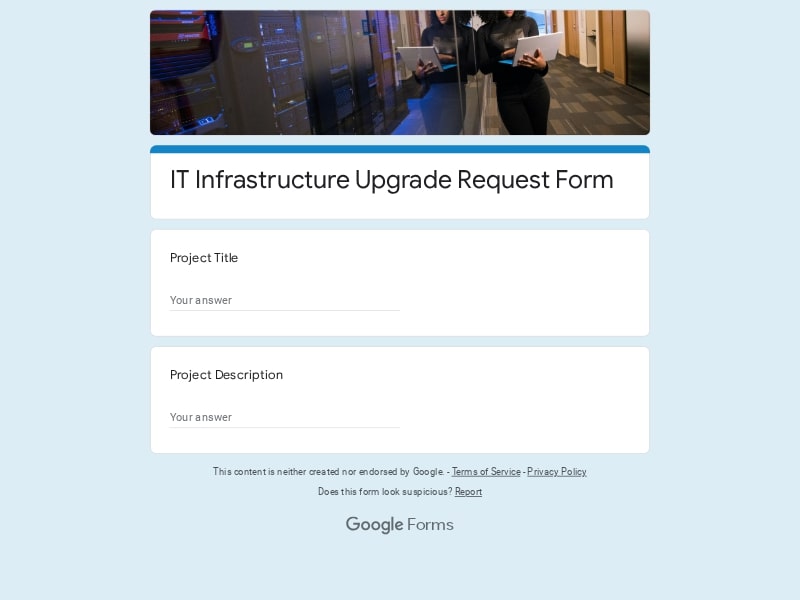 Preview
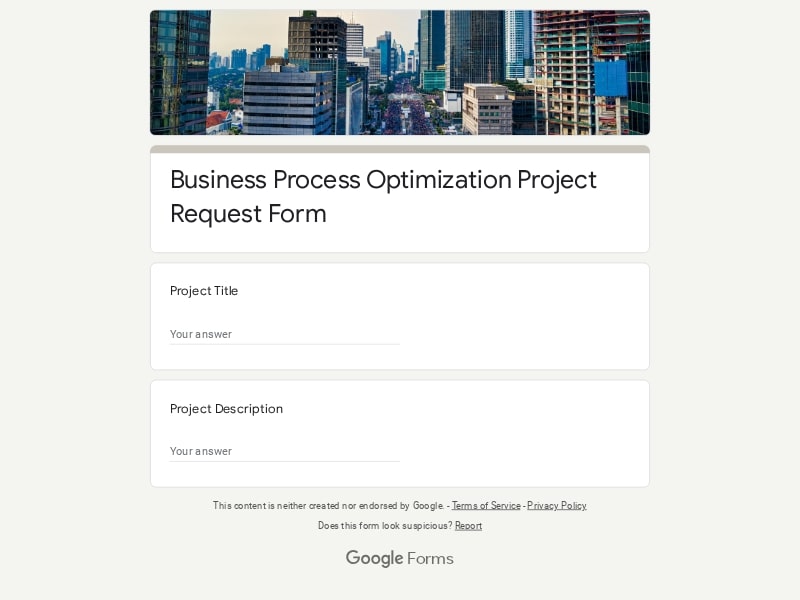 Preview
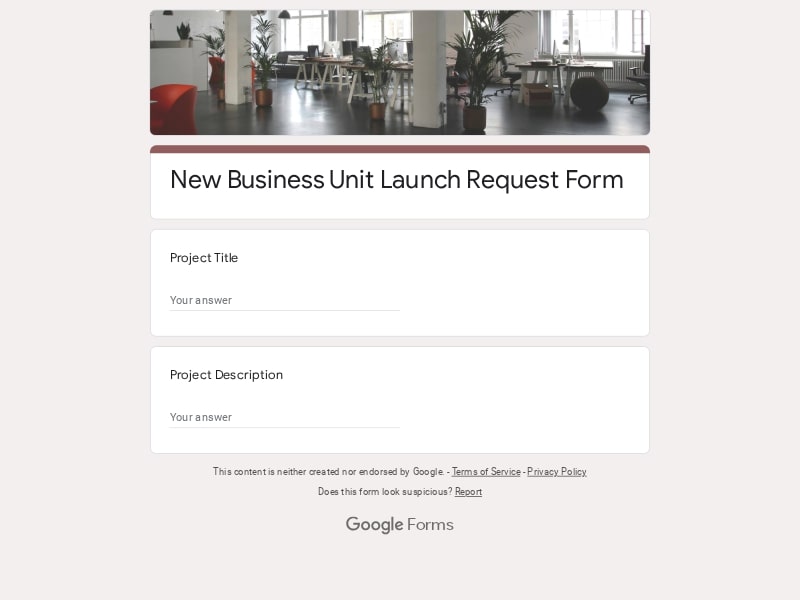 Preview
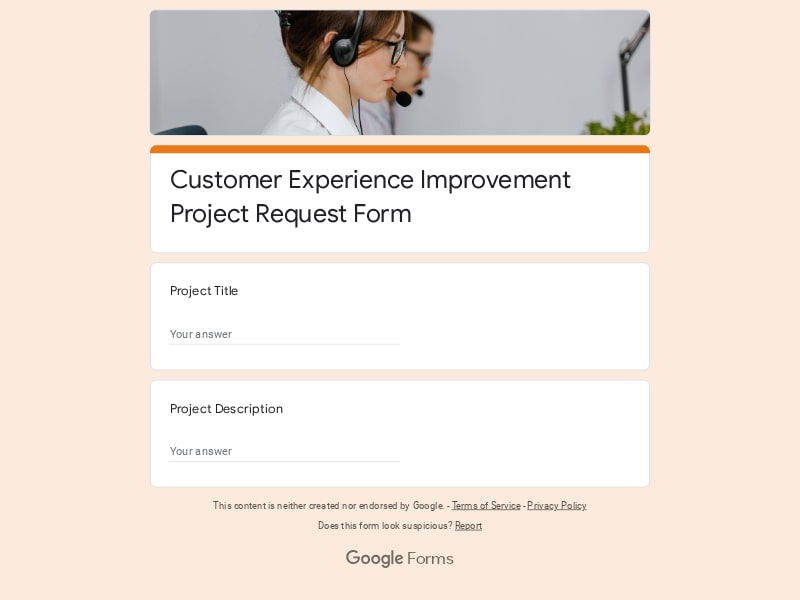 Preview
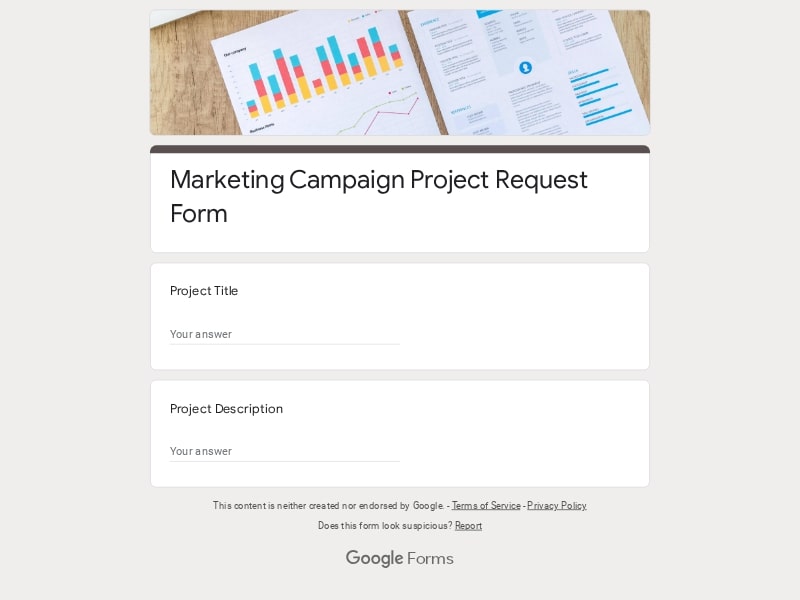 Preview
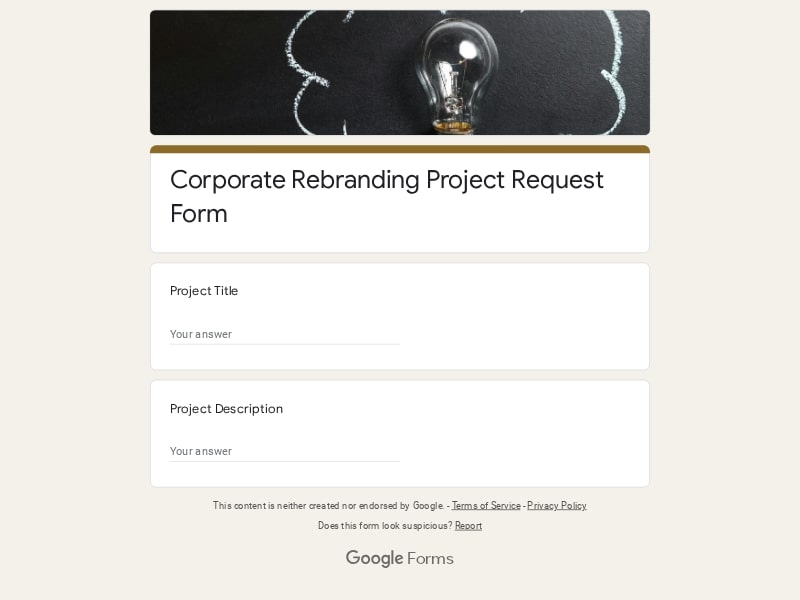 Preview
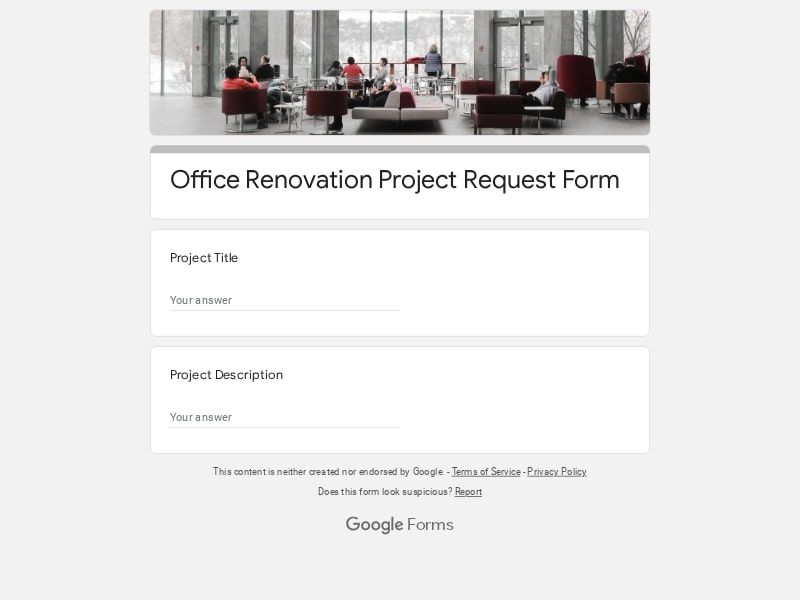 Preview
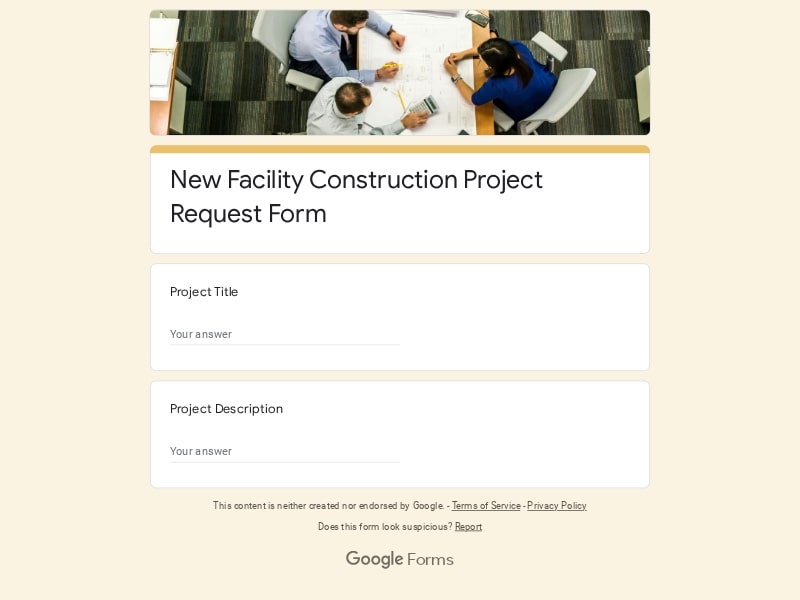 Preview
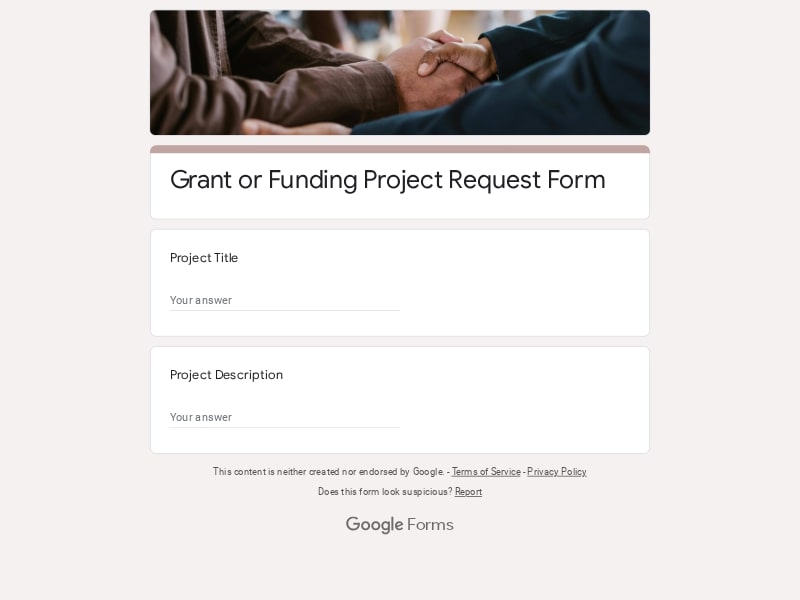 Preview
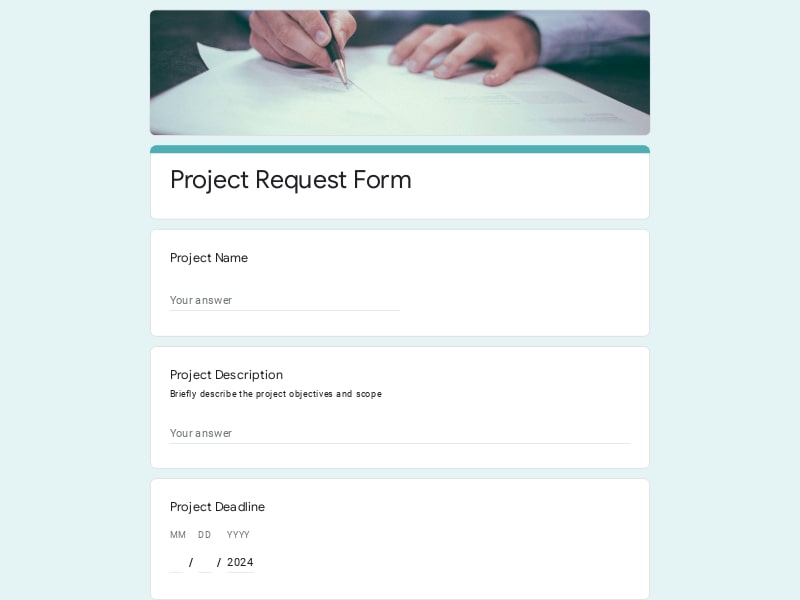 Preview
A project request form is a structured intake tool used to collect essential details about a proposed project, task, or enquiry before any work begins. It enables teams to standardize submissions, ensuring that every request includes consistent, actionable information such as scope, objectives, and timelines. In project management environments, this form acts as the first checkpoint—helping teams evaluate feasibility, prioritize incoming work, and reduce ambiguity. When implemented in Google Forms, it becomes a centralized, scalable system for capturing requests and automatically storing responses for analysis, tracking, and export to Excel, Google Sheet, or PDF.
A high-quality request form should guide users through a clear and structured intake process while capturing all critical project data. In Google Forms, this means combining logical sections, conditional fields, and precise questions to ensure every project request is complete, actionable, and easy to evaluate.
| Section | What to include | Example questions |
|---|---|---|
| Project Overview | Basic information about the request, including title, description, and business context |
• What is the name of this project? • Briefly describe your request • What problem are you trying to solve? • What is the main goal of this project? |
| Request Type | Category of the request such as IT, design, marketing, or general enquiry |
• What type of request are you submitting? • Which department should handle this project? • Is this an IT, design, or operational request? • Is this a new request or a follow-up? |
| Objectives & Outcomes | Clear definition of expected results and success criteria |
• What are the expected outcomes? • How will success be measured? • What KPIs or metrics are relevant? • What does a successful result look like? |
| Scope & Requirements | Detailed description of deliverables, features, and constraints |
• What are the key deliverables? • Are there specific requirements or constraints? • What features or functionalities are needed? • Are there any dependencies to consider? |
| Timeline & Priority | Deadlines, urgency level, and scheduling expectations |
• What is your desired deadline? • How urgent is this request? • Are there fixed milestones? • What happens if the timeline is delayed? |
| Stakeholders | Information about the requester and involved team members |
• Who is submitting this request? • Who are the key stakeholders? • Who should be contacted for clarifications? • Which team will be impacted? |
| Attachments | Supporting materials such as files, links, or references |
• Do you have any supporting documents? • Can you provide links to references or examples? • Are there design mockups or specifications? • Upload any relevant files |
| Approval / Review | Internal validation fields for project intake and approval workflows |
• Has this request been approved? • Who is responsible for reviewing this project? • What is the current status of this request? • Additional comments or notes |
Different teams require different levels of detail in their request form depending on workflow complexity and project type. Adapting your intake structure ensures each project request captures the right information without overloading the user. Below are the most common formats used in Google Forms-based project management systems.
Google Forms provides a flexible and scalable foundation for building and managing any request form. It simplifies project intake, improves data consistency, and integrates seamlessly into existing workflows—making it a practical choice for both small teams and large organizations.
Every project request is stored automatically in one place, making it easy to track, filter, and manage incoming submissions without manual data entry.
Instantly access and review new requests as they come in, enabling faster decision-making and more efficient project management workflows.
Sync responses with Excel or Google Sheet for deeper analysis, or export submissions as PDF reports for sharing with stakeholders.
Adapt your form for IT, design, or general project intake using conditional logic, sections, and dynamic fields tailored to each request type.
Submit and manage project requests from any device, ensuring a smooth experience for both internal teams and external users.
Choose your platform and follow the steps to get your project request form live in minutes.
Install Google Forms from the App Store. You'll need iOS 16 or later.
Open the app and sign in with your Google account. This is required to save and share forms.
Tap the template in the list.
Edit any question, add your flavor options, update the design theme and colors — all from within the app.
Tap the Share button (top right). Choose how to distribute your form:
The template is instantly copied to your Google Drive — no manual setup needed. You must be signed in to your Google account for this to work.
Auto-copied to Google DriveEdit question text, add your actual flavor options, adjust dropdowns, and personalize the form to your bakery.
Toggle "Required" on essential fields — name, email, order date, and quantity — so no key detail is missed.
Use Google Forms' built-in sharing to distribute your form via URL, embed it on a site, or generate a printable QR code.
Responses appear in real time in the Responses tab, or link to Google Sheets for a full sortable order spreadsheet.
Make sure you're signed in to Google before clicking the button. The form opens directly in Google Forms in your browser — no app download needed.
Choose a ready-made template for your needs and customize it in just a few minutes.

Scan to use Google Forms on iPhone or iPad!