

Most feedback forms fail the same way: too many questions, no clear rating up front, or a wall of open text that nobody finishes. A well-built form pairs one or two quick rating questions with a handful of targeted ones for the specific situation, plus a single open field at the end. The table below breaks that down by the kind of feedback you're actually collecting.
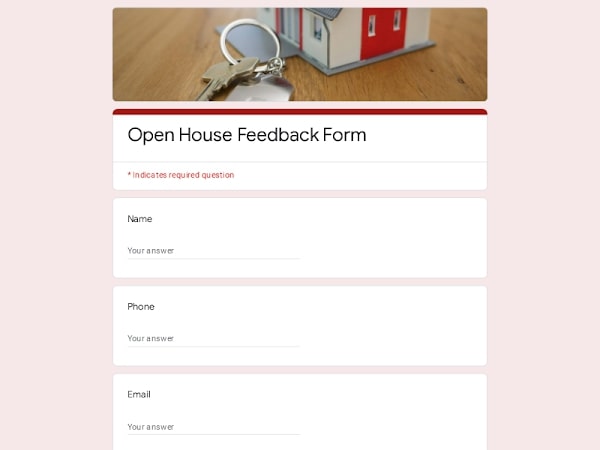 Preview
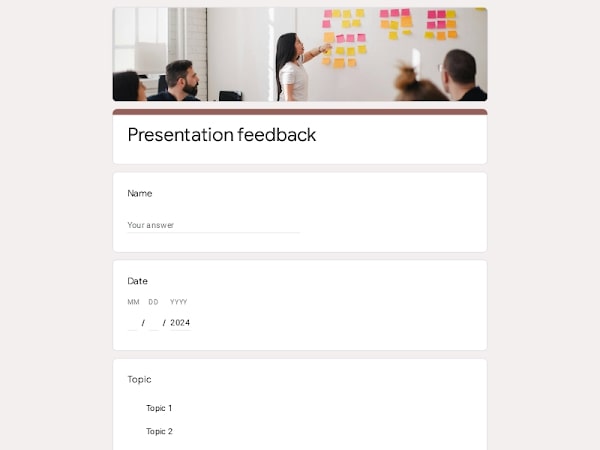 Preview
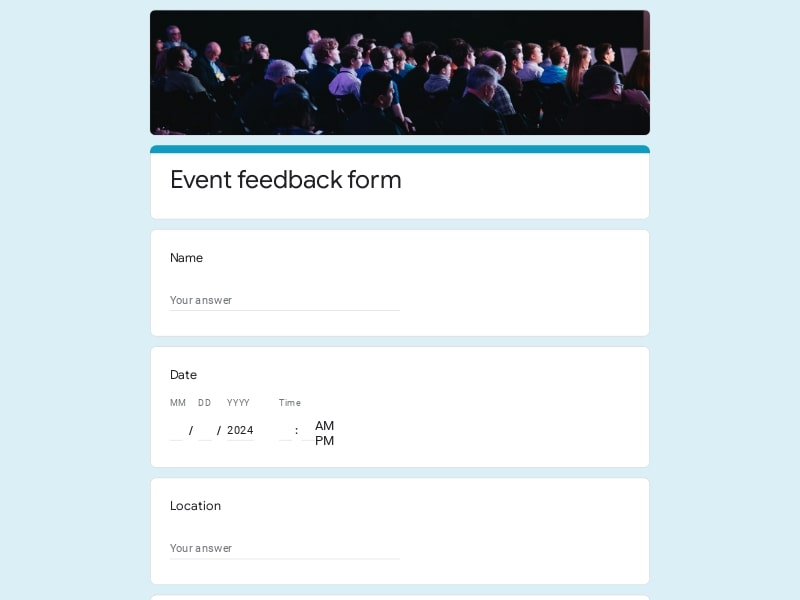 Preview
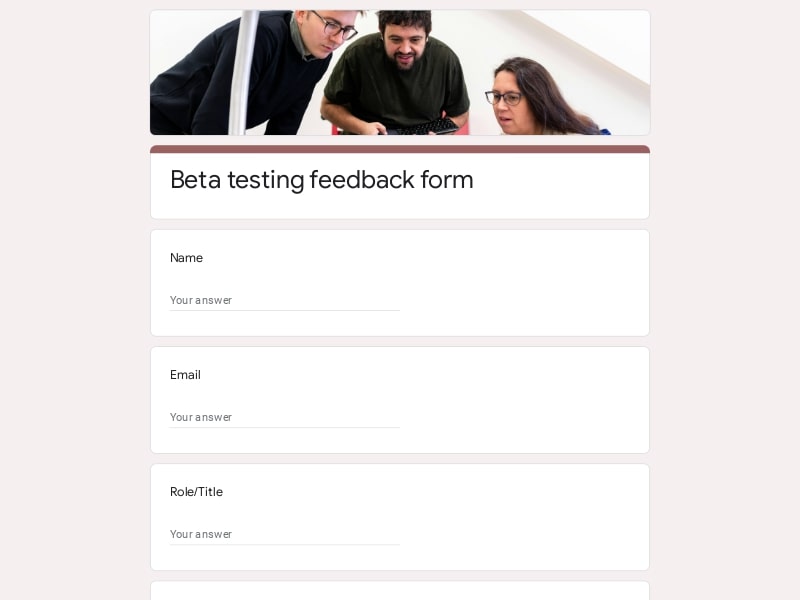 Preview
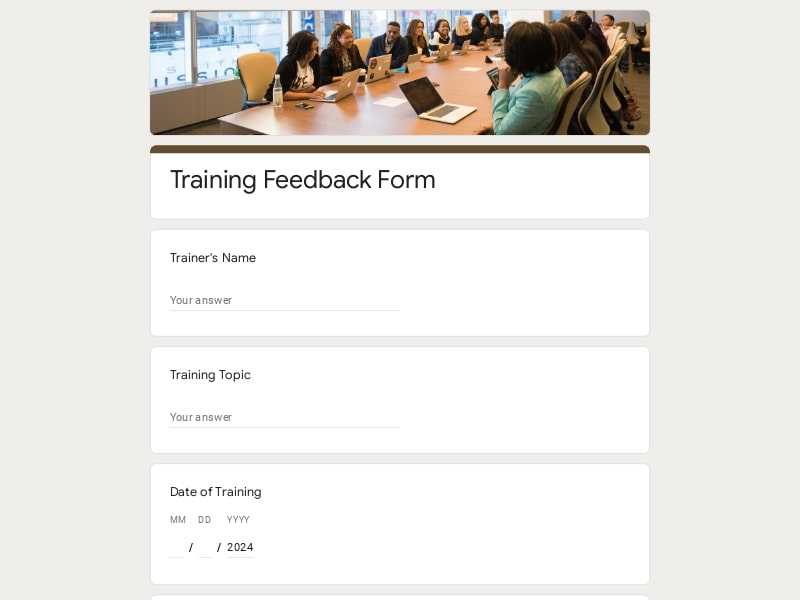 Preview
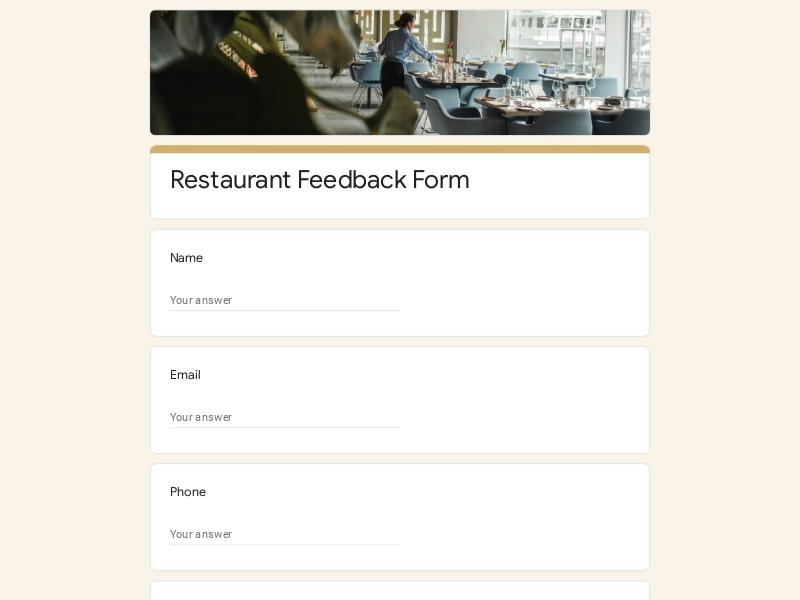 Preview
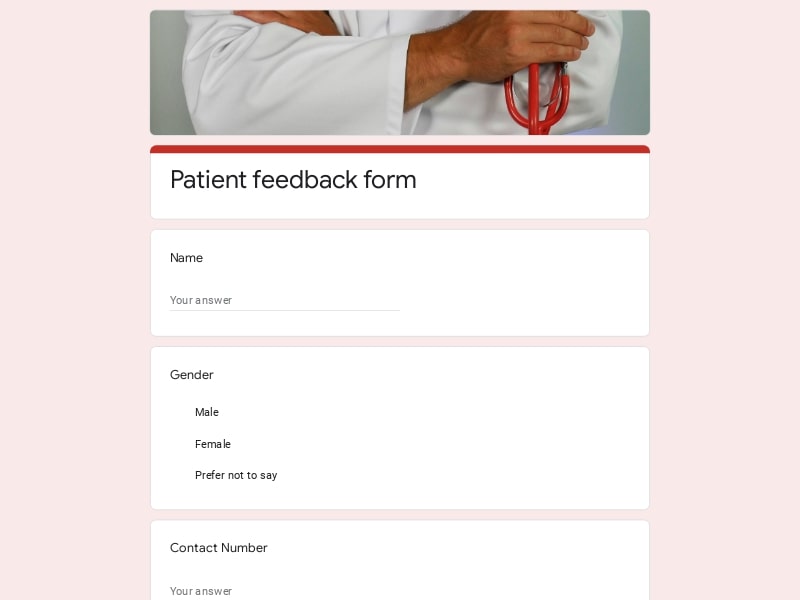 Preview
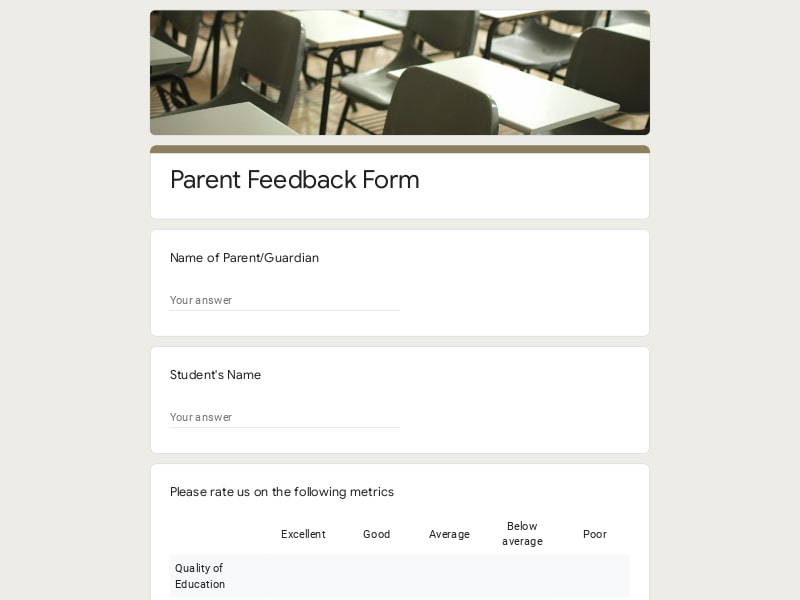 Preview
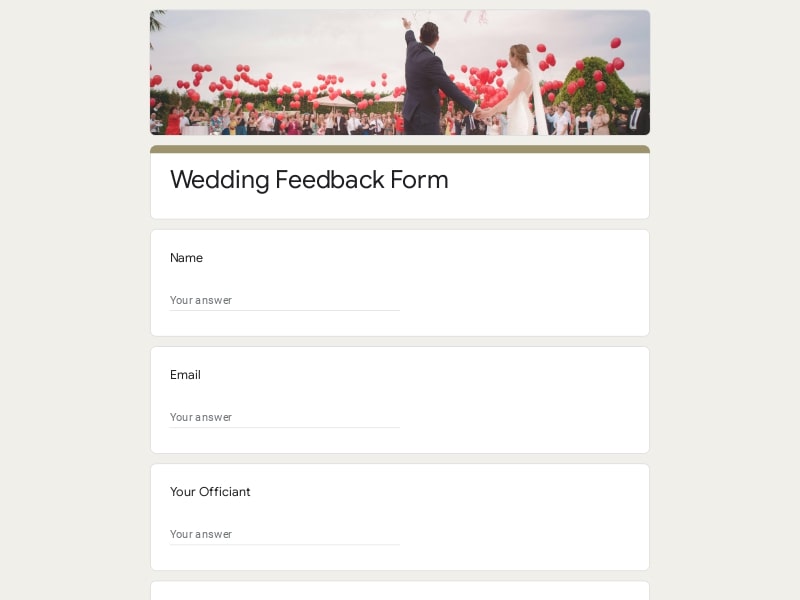 Preview
A feedback form template is a pre-built questionnaire — structured with rating scales, multiple-choice fields, and open-ended boxes — that you copy and adjust instead of writing from scratch. In Google Forms, that means opening a ready-made form, renaming it, and sending it out within minutes, with the question types and design already worked out.
These templates get reused any time a business or organizer wants a fast, low-friction way to hear from the people it serves — a shop asking a customer to review a recent purchase, a manager checking in on how a project's work experience went for the team, an event host measuring how a workshop landed with attendees. Instead of building a survey field by field, people start from a sample form, edit the questions to fit their situation, and have something live in Google Forms in a few clicks — no design work, no formatting to fight with.
A good form usually mixes a couple of question formats — quick ratings for scanning at a glance, plus a short open field for the comment that explains the number. Here's how that typically breaks down by use case:
| Section | What to Include | Example Questions |
|---|---|---|
| Overall satisfaction / NPS | One scannable rating question placed first, before anything else, so it gets answered even if the rest is skipped. |
|
| Customer / product feedback | Questions about the specific item purchased — quality, accuracy of the listing, and whether it solved the problem it was bought for. |
|
| Service quality | Questions on the human side of the interaction — staff, responsiveness, and how a problem was handled, separate from the product itself. |
|
| Event feedback | Questions tied to logistics, content, and pacing, sent out while the event is still fresh in someone's mind. |
|
| Employee / work experience | Questions about role clarity, workload, and support from a manager — usually anonymous so people answer honestly. |
|
| Course / training feedback | Questions on how clearly material was taught and whether the pacing and format actually worked for the audience. |
|
| Website / app feedback | Usability-focused questions about finding things, completing a task, and whether anything broke along the way. |
|
| Open comment | A single optional free-text field near the end — never the first question, since it's the one most people skip. |
|
Feedback forms show up in almost any setting where someone needs a structured, low-effort way to hear back from customers, staff, or attendees. Here's who typically pulls a template rather than building a survey from scratch:
Google Forms has become the default tool for this kind of work because it removes every piece of friction between "we want feedback" and "we have answers to look at." Here's what that looks like in practice:
No paid plan or new login — anyone with a Google account can build and send a form in minutes.
Every submission lands in a connected Google Sheet in real time, with no manual copying or separate database to maintain.
Pull results into Excel for analysis, keep working in Google Sheet, or generate a clean PDF summary to send to a manager or client.
Google Forms builds a live response summary with charts broken out by question — often enough on its own for a quick presentation without exporting anything.
Swap the theme color, drop in a logo, reorder sections — the design adjusts itself, no coding and no separate design tool required.
Questions can branch based on an earlier answer, so a customer only sees the follow-up questions that actually apply to them.
Send a link, embed it on a page, drop a QR code on a receipt, or email it directly — the same form works across all of them.
Every template here is a normal Google Form the moment you copy it — no locked layout, so questions, order, and wording are yours to change.
Choose your platform and follow the steps to get your feedback form live in minutes.
Install Google Forms from the App Store. You'll need iOS 16 or later.
Open the app and sign in with your Google account. This is required to save and share forms.
Tap the template in the list.
Edit any question, add your flavor options, update the design theme and colors — all from within the app.
Tap the Share button (top right). Choose how to distribute your form:
The template is instantly copied to your Google Drive — no manual setup needed. You must be signed in to your Google account for this to work.
Auto-copied to Google DriveEdit question text, add your actual flavor options, adjust dropdowns, and personalize the form to your bakery.
Toggle "Required" on essential fields — name, email, order date, and quantity — so no key detail is missed.
Use Google Forms' built-in sharing to distribute your form via URL, embed it on a site, or generate a printable QR code.
Responses appear in real time in the Responses tab, or link to Google Sheets for a full sortable order spreadsheet.
Make sure you're signed in to Google before clicking the button. The form opens directly in Google Forms in your browser — no app download needed.
Scan to use Google Forms on iPhone or iPad!