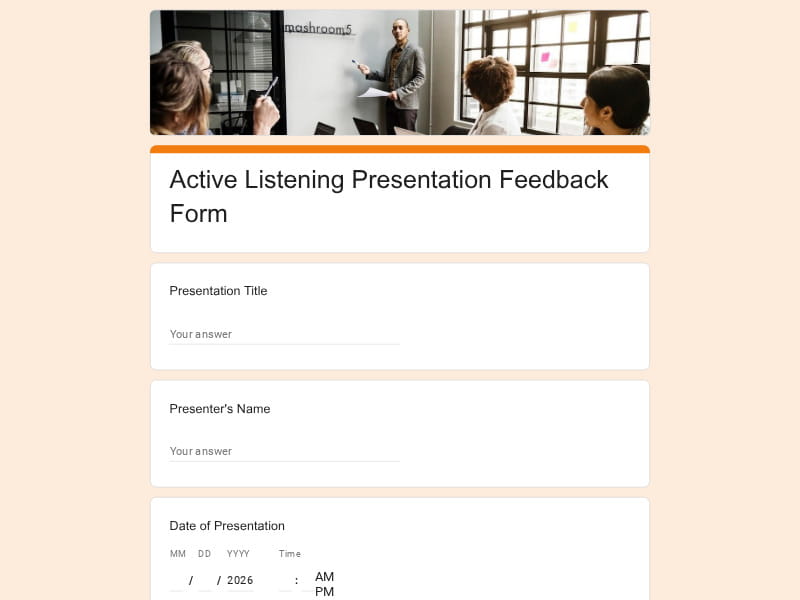
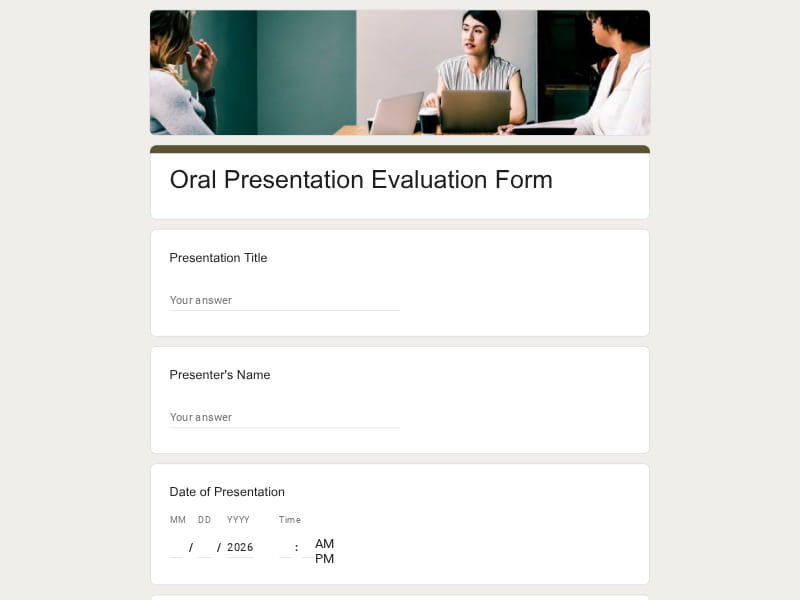
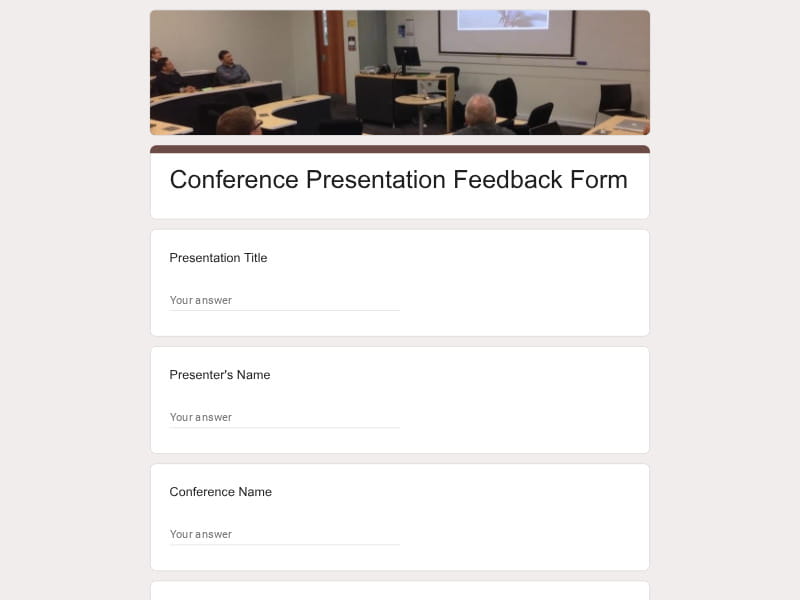
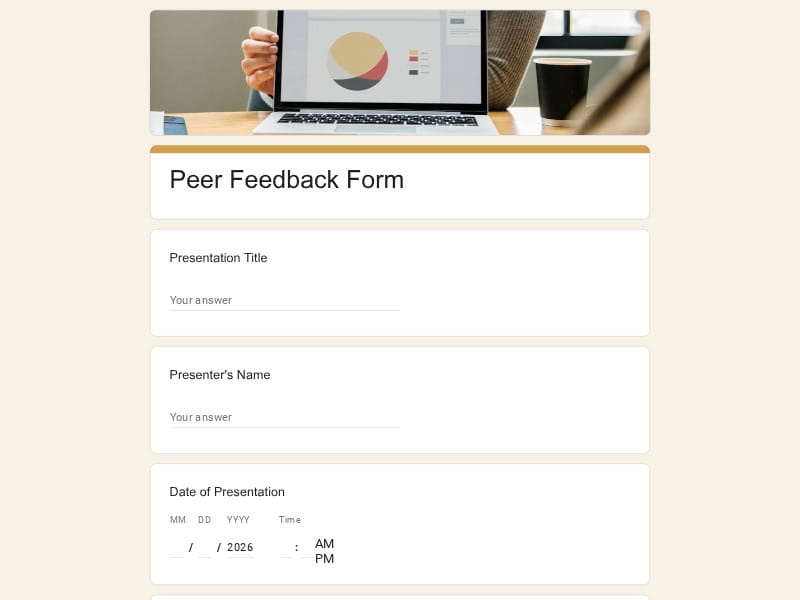
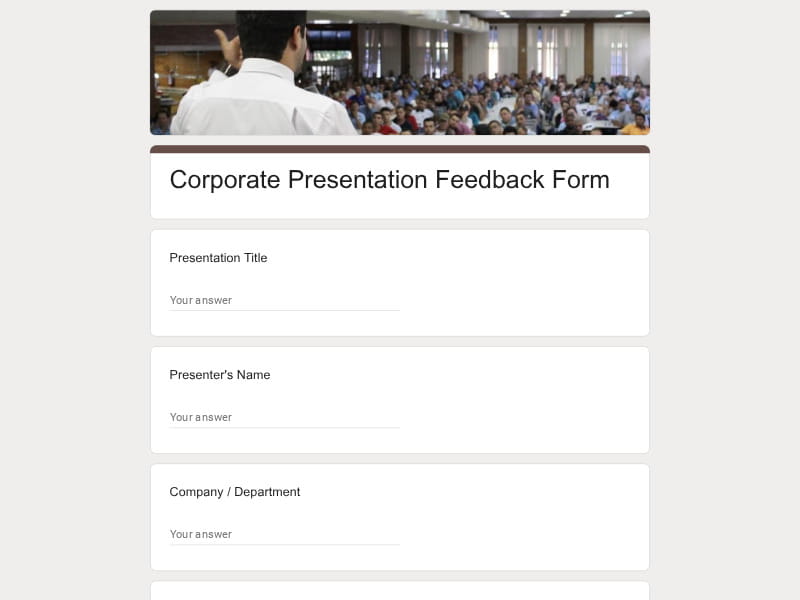
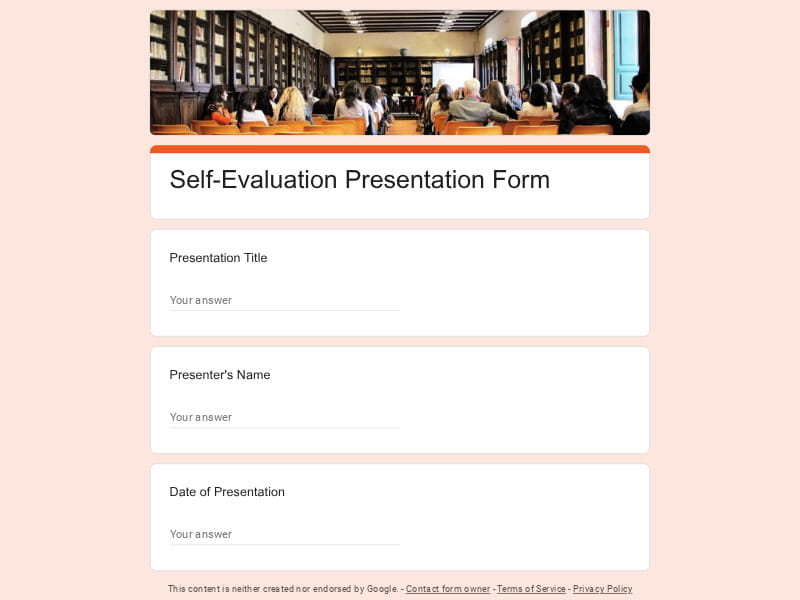
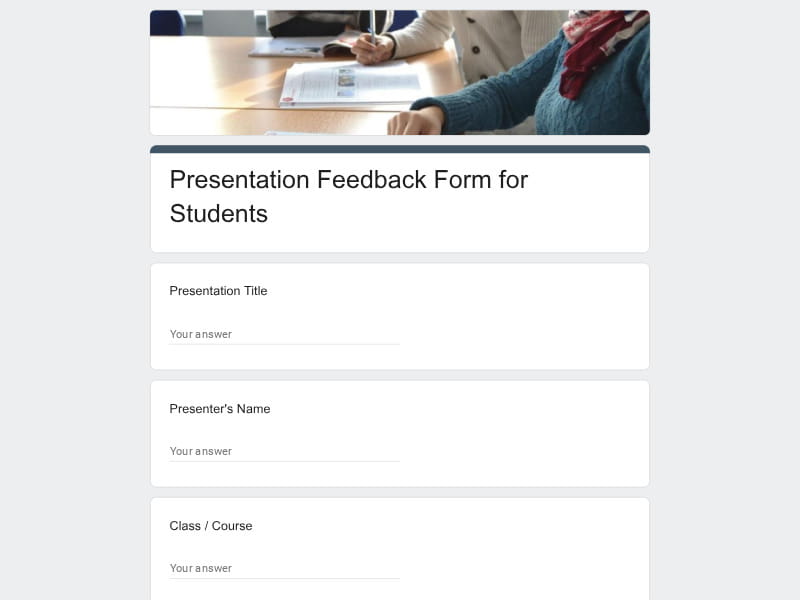
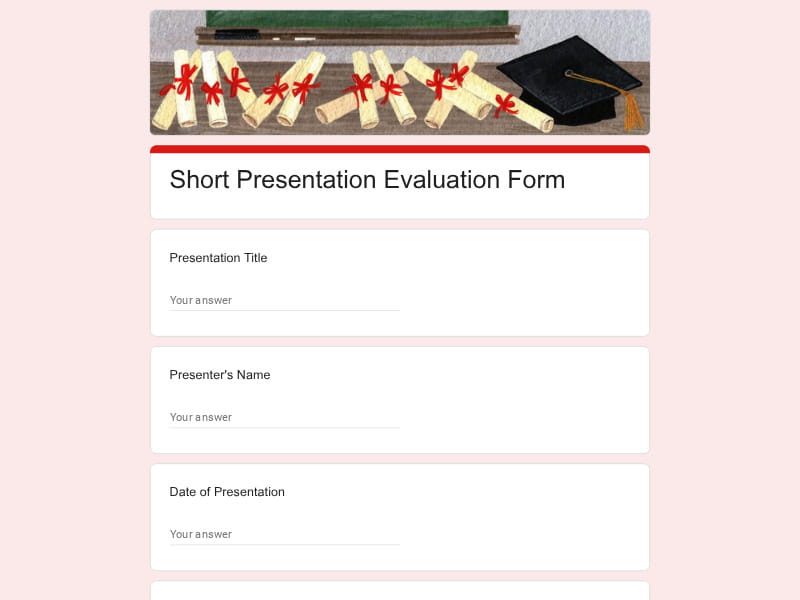
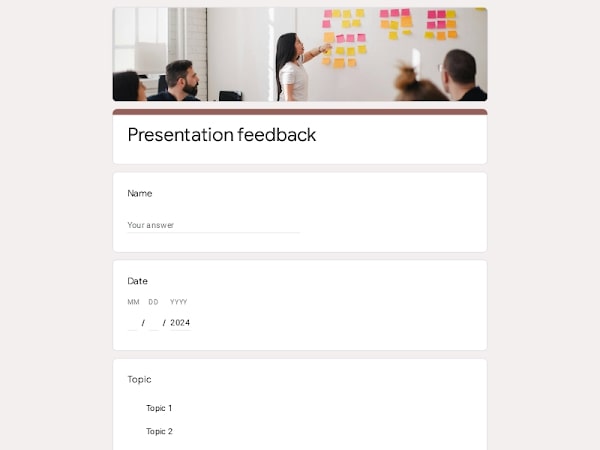
A Presentation Feedback Form is a simple, structured tool that allows presenters, teachers, and organizations to gather insights from their audience. Using these forms in Google Forms makes it easy to collect responses digitally, analyze results instantly, and identify areas for improvement. Key benefits include saving time on form design, ensuring consistent feedback, and providing clear data for evaluating presentation quality.
A well-designed feedback form typically covers several aspects of a presentation:
| Section | What to Collect | Example Questions |
|---|---|---|
| Content | Clarity, relevance, organization, and usefulness of information |
- Was the information clear and easy to understand? - Was the content relevant to the topic? - Was the presentation well-structured? |
| Delivery | Speaking confidence, pace, tone, engagement with the audience |
- How confident and clear was the presenter? - Was the pace appropriate? - Did the presenter engage the audience effectively? |
| Visuals | Quality of slides, charts, and supporting materials |
- Were the visuals clear and easy to read? - Did the visuals support the message? - Were charts and images used effectively? |
| Interaction | Handling questions, audience engagement, responsiveness |
- Did the presenter respond to questions effectively? - Was the presenter attentive to the audience? - Did they encourage participation and discussion? |
| Overall Assessment | General ratings and open-ended feedback for improvement |
- Overall, how would you rate this presentation? - What were the main strengths? - What could be improved for next time? |
Including these sections ensures that the feedback form captures both quantitative ratings and qualitative insights, making it easier to improve future presentations.
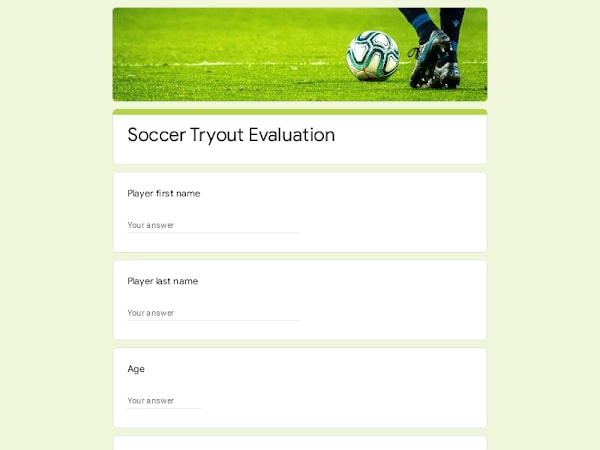
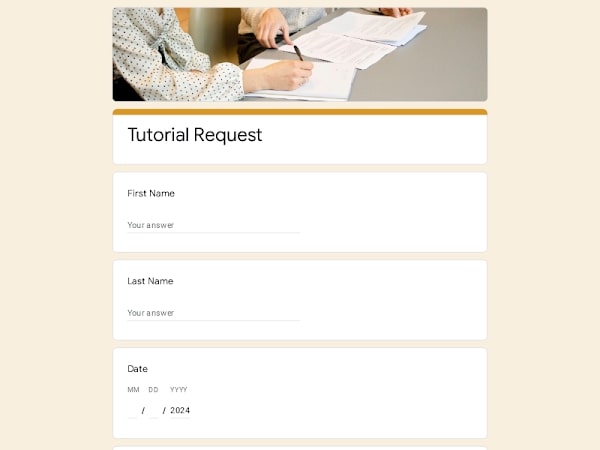
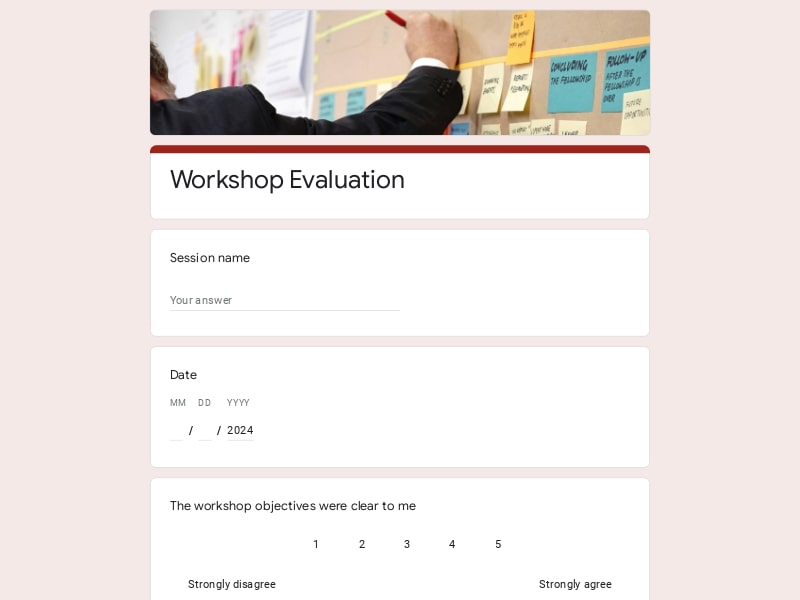
Different types of forms can suit various needs and audiences:
These templates make it easy to select a feedback form that matches the audience and purpose, all within Google Forms, ensuring structured, actionable insights every time.
Presentation feedback can be gathered in several ways depending on the audience and purpose. Some forms focus on general impressions and overall ratings, while others highlight speaking skills, audience interaction, or self-reflection. Peer input and active listening can also be emphasized to improve team collaboration and communication. Online or video presentations may require forms adapted for digital engagement and clarity.
Using pre-built templates in Google Forms ensures that each approach is easy to implement, collects consistent data, and provides actionable insights for improving future presentations.

Scan to use Google Forms on iPhone or iPad!