

Create clear, structured evaluation forms in minutes with ready-to-use Google Forms templates. Collect responses, run surveys, and review performance with everything automatically organized in one place.
 Preview
 Preview
 Preview
 Preview
 Preview
 Preview
 Preview
 Preview
 Preview
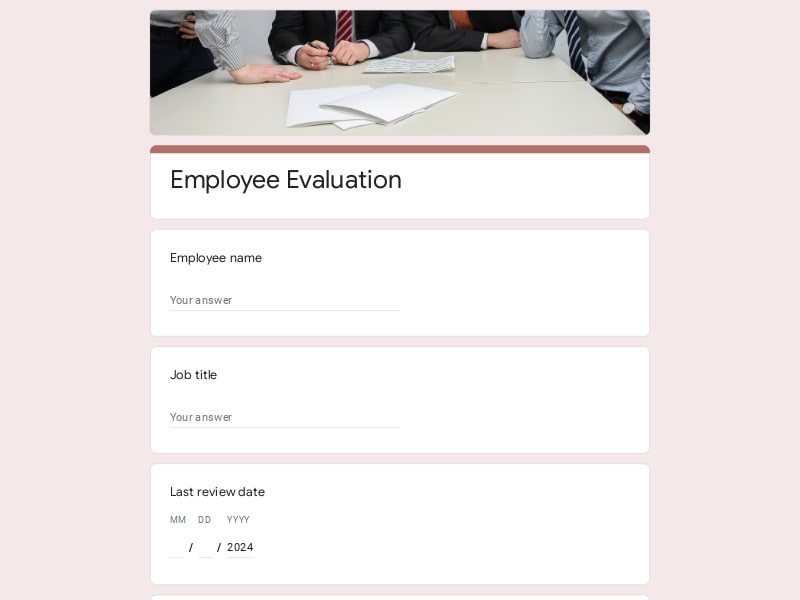
An evaluation form is a structured document used to collect standardized feedback, conduct an assessment, or perform a review based on defined criteria and measurable inputs. It ensures consistent data collection across surveys, performance reviews, and feedback processes.
They are commonly used for employee performance reviews, course and teacher feedback from students, and player assessments during training or tryouts.
A well-structured evaluation form should capture clear, consistent, and actionable feedback. It needs to balance quantitative assessment with qualitative insights so results can be easily compared and used for decision-making across a team, staff, or group of students.
| Section | What to include | Example questions |
|---|---|---|
| Basic details | Context about the respondent and subject of the evaluation | “Who are you evaluating?” / “Department or course name?” |
| Criteria-based assessment | Key performance or quality indicators relevant to the review | “Rate the employee’s communication skills” / “Assess the student’s participation” |
| Scoring system | Standardized scales for consistent comparison | “Rate from 1 to 5” / “Excellent to Needs Improvement” |
| Open feedback | Space for detailed comments and observations | “What should this team member improve?” |
| Final review | Summary or overall assessment outcome | “Would you recommend this player?” |
These evaluation form templates are designed for different roles and scenarios, making it easy to run surveys, assessments, and reviews with consistent structure and reliable results in Google Forms.
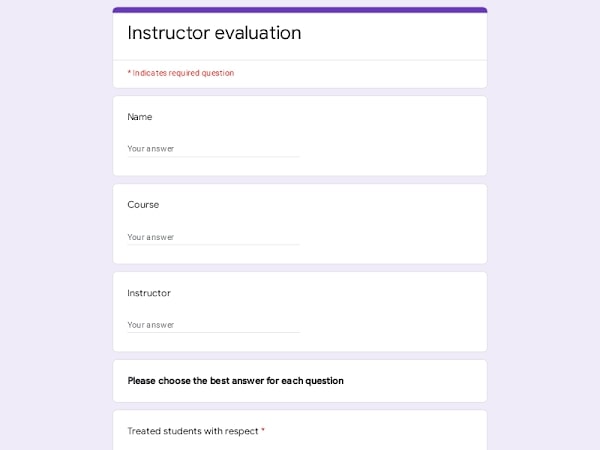
Use evaluation forms to review employee performance, assess staff progress, and collect structured feedback across your team for better work decisions.
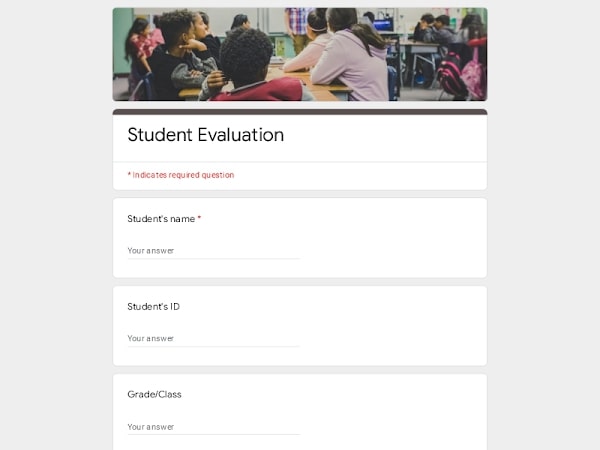
Run course evaluations, gather student feedback, and improve teaching methods with clear assessment data collected through Google Forms.
Provide structured feedback on courses, teachers, and academic experience through simple survey-based evaluation forms.
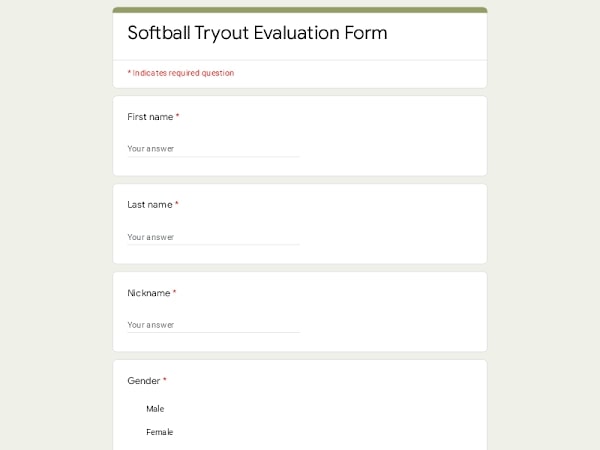
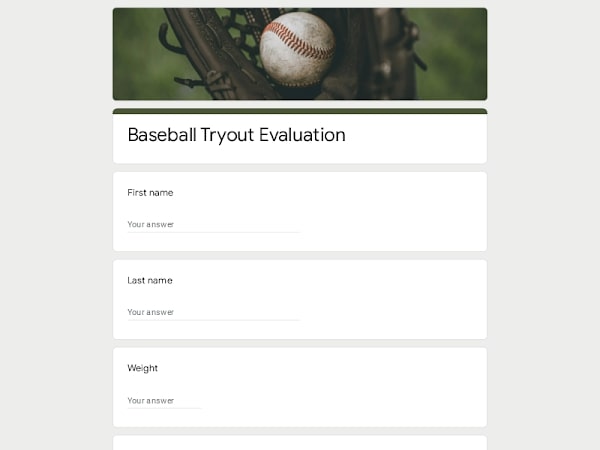
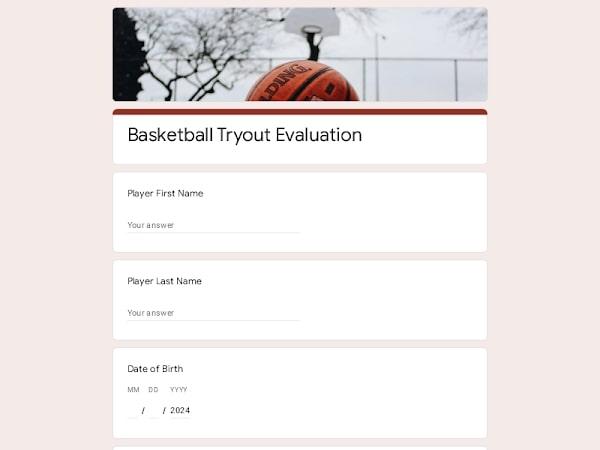
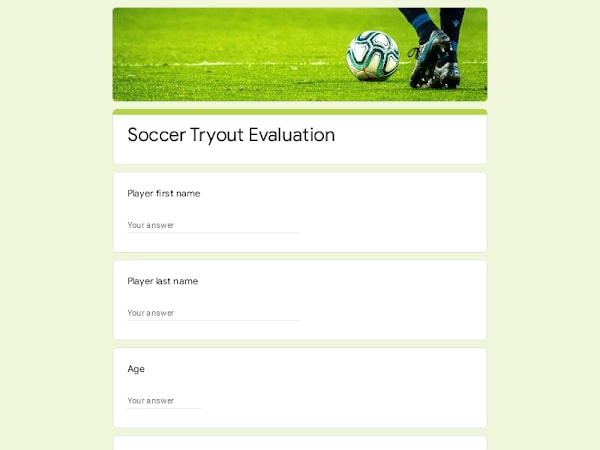
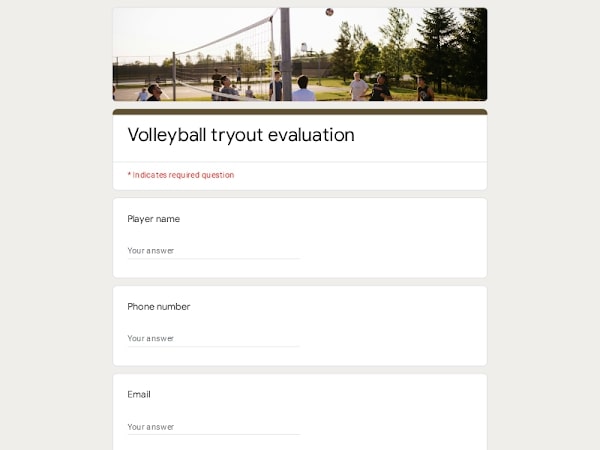
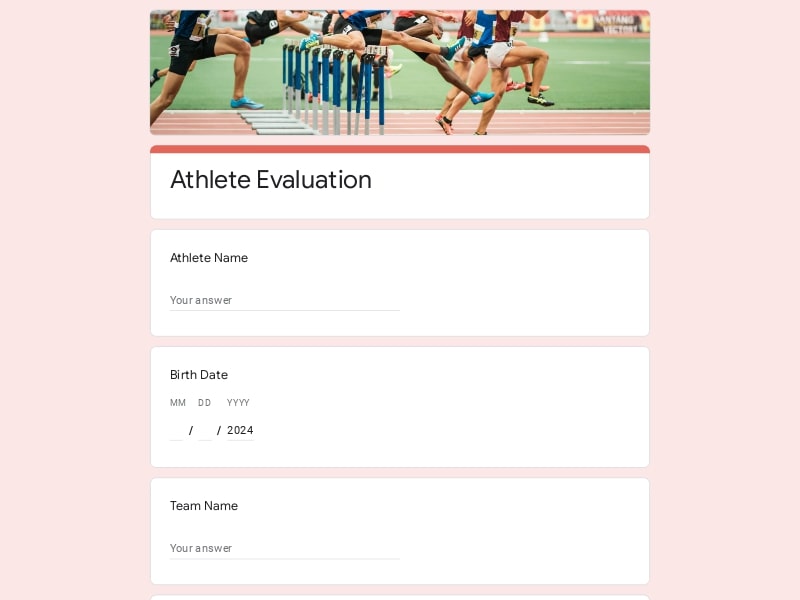
Evaluate player performance, track skills development, and run consistent assessments during tryouts or training sessions.
Use templates to review team performance, gather feedback after projects, and run internal surveys to improve workflows.
Collect customer or staff feedback, evaluate service quality, and export results to Excel, Google Sheet, or PDF for reporting.
Google Forms simplifies how you create, distribute, and analyze evaluation forms, making it an efficient tool for surveys, assessments, and performance reviews across teams, staff, and students.
Start with pre-built templates or customize your own evaluation form in minutes without complex setup.
Collect survey and assessment data instantly and monitor results as responses come in.
All responses are structured and can be connected to Google Sheet or exported to Excel or PDF for reporting.
Employees, students, and team members can complete evaluation forms from mobile or desktop with no friction.
Whether it’s a single review or a large-scale evaluation survey, forms easily handle any volume of responses.
Choose your platform and follow the steps to get your evaluation form live in minutes.
Install Google Forms from the App Store. You'll need iOS 16 or later.
Open the app and sign in with your Google account. This is required to save and share forms.
Tap the template in the list.
Edit any question, add your flavor options, update the design theme and colors — all from within the app.
Tap the Share button (top right). Choose how to distribute your form:
The template is instantly copied to your Google Drive — no manual setup needed. You must be signed in to your Google account for this to work.
Auto-copied to Google DriveEdit question text, add your actual flavor options, adjust dropdowns, and personalize the form to your bakery.
Toggle "Required" on essential fields — name, email, order date, and quantity — so no key detail is missed.
Use Google Forms' built-in sharing to distribute your form via URL, embed it on a site, or generate a printable QR code.
Responses appear in real time in the Responses tab, or link to Google Sheets for a full sortable order spreadsheet.
Make sure you're signed in to Google before clicking the button. The form opens directly in Google Forms in your browser — no app download needed.

Scan to use Google Forms on iPhone or iPad!