

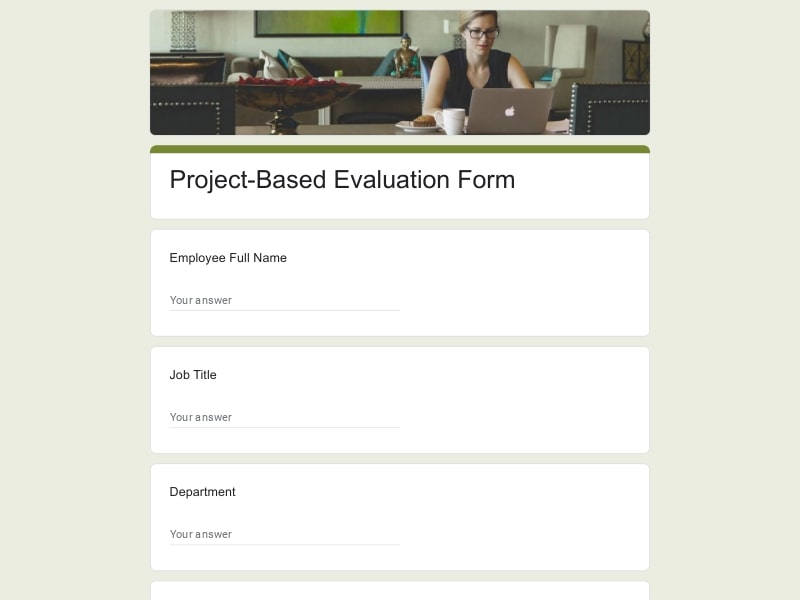
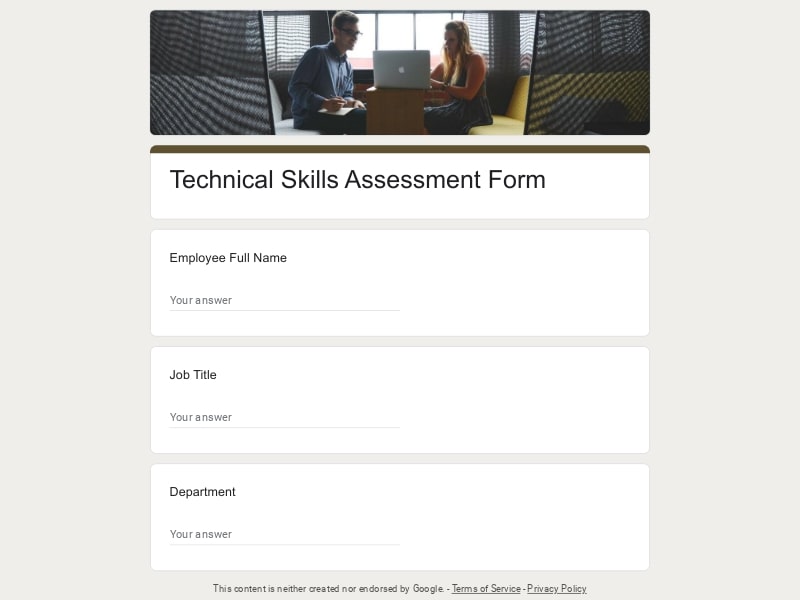
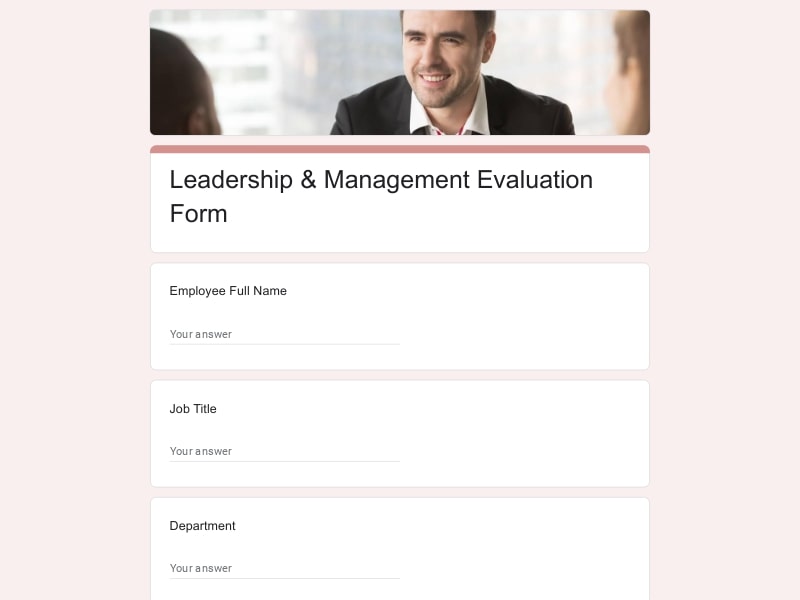
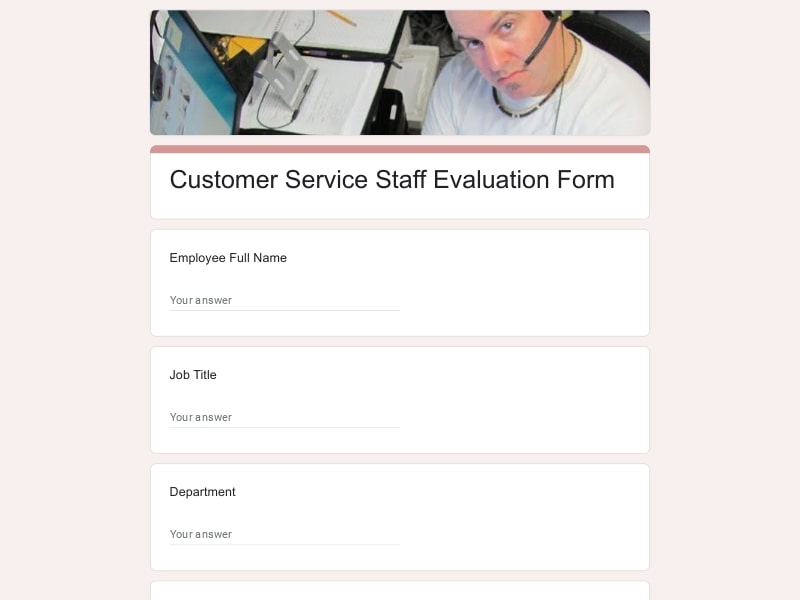
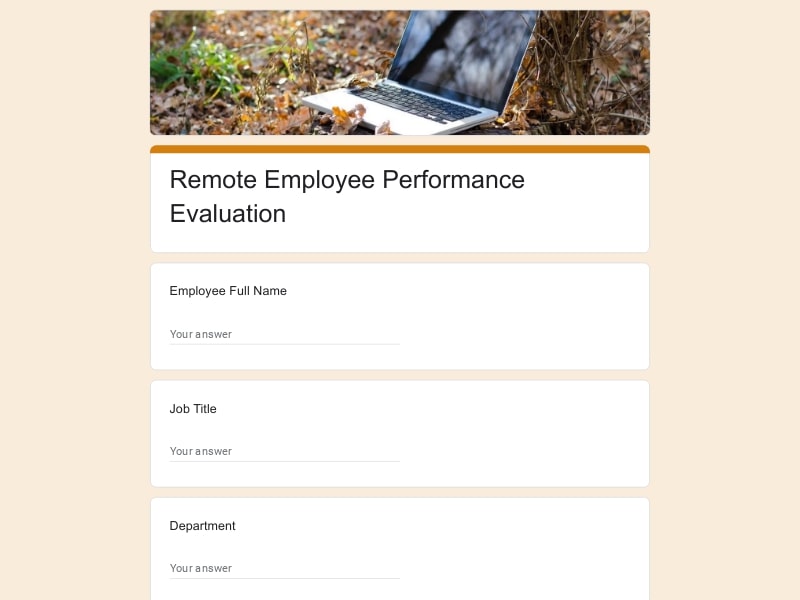
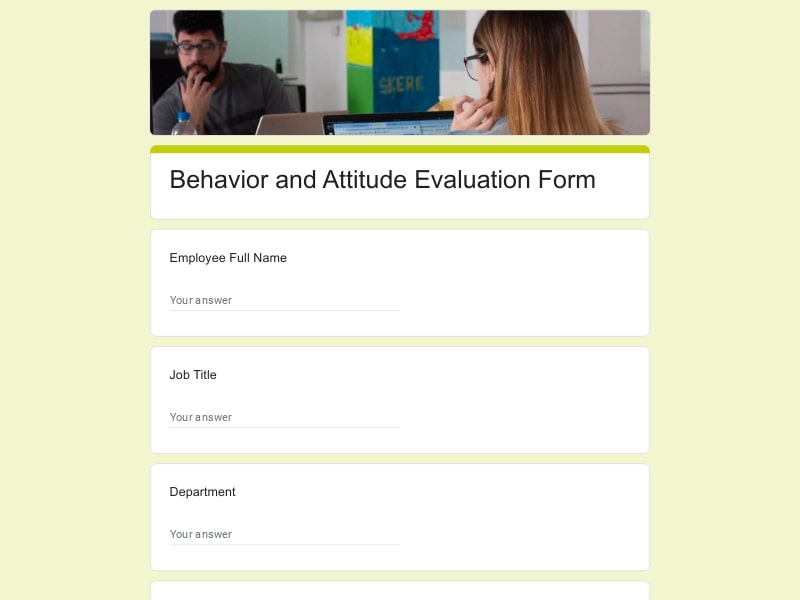
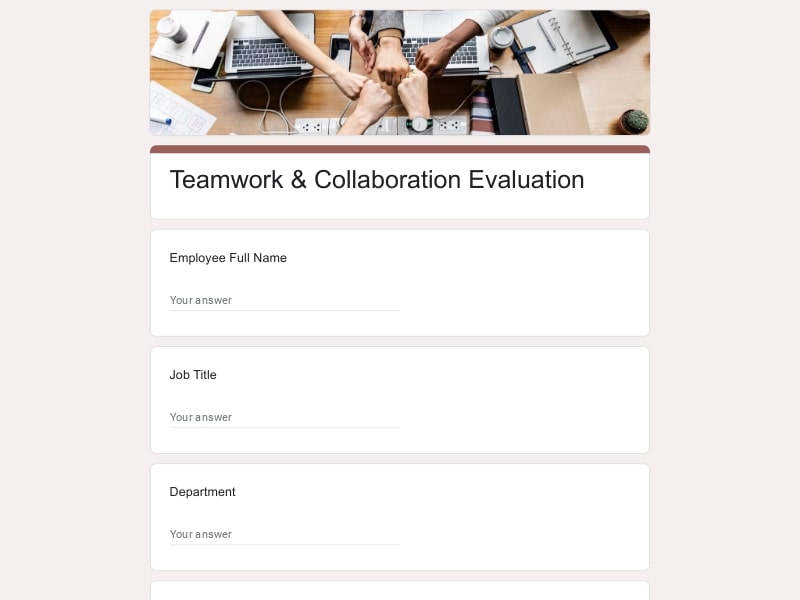
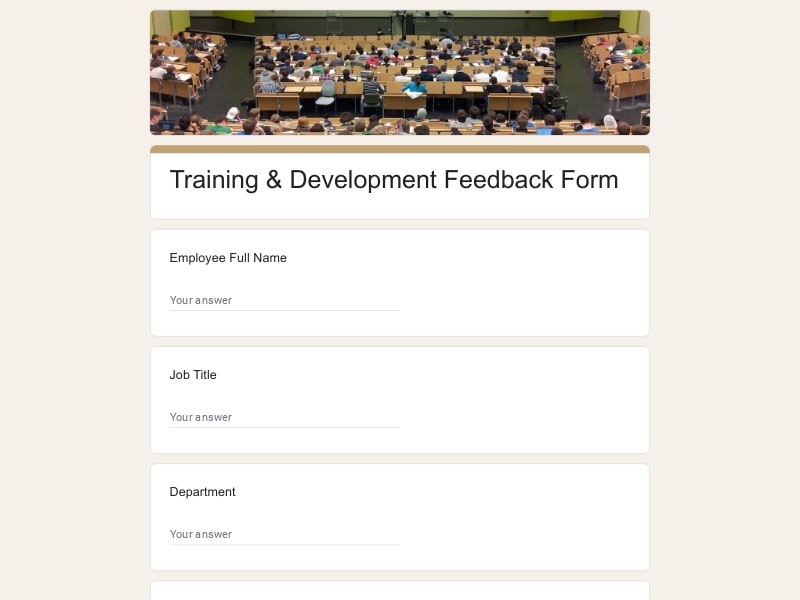
Each template on this page is a working Google Form, already built with rating scales and open-response questions for a specific type of review — monthly, annual, self, or peer. Open the one that matches your situation, swap in your company details, and it's ready to send.
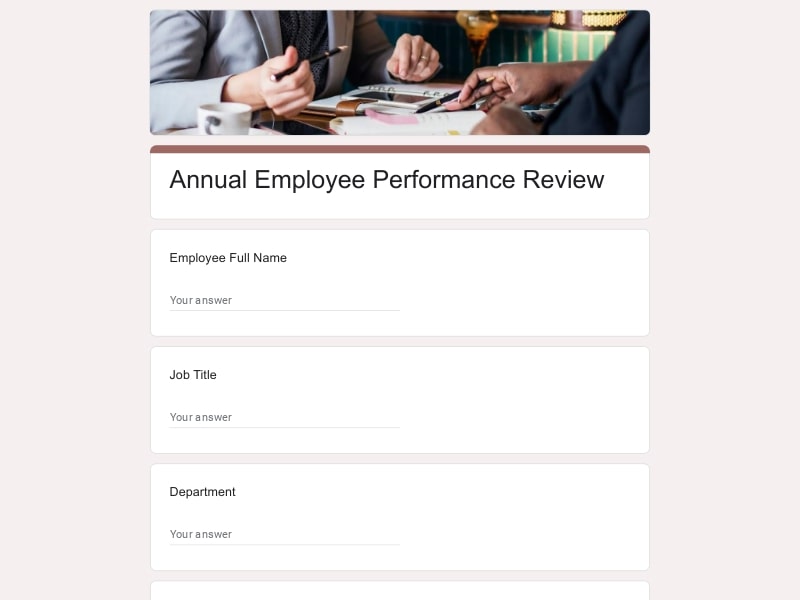 Preview
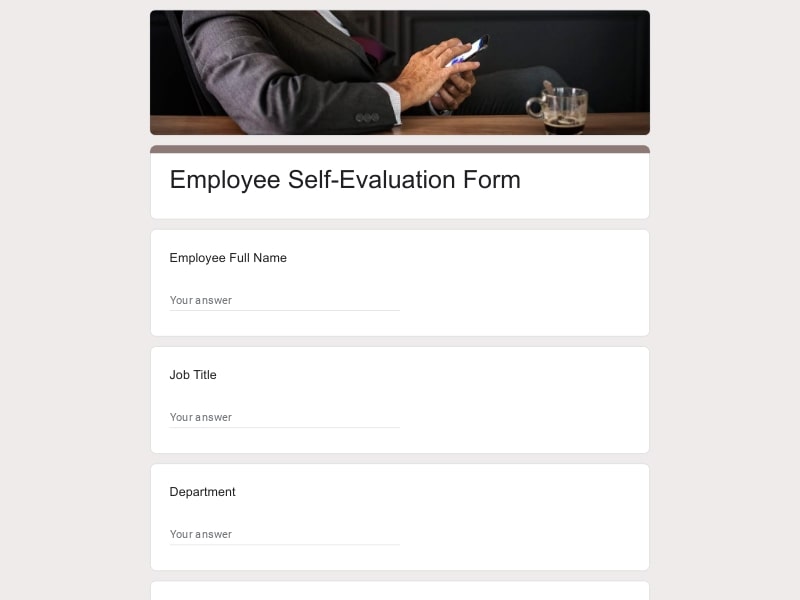 Preview
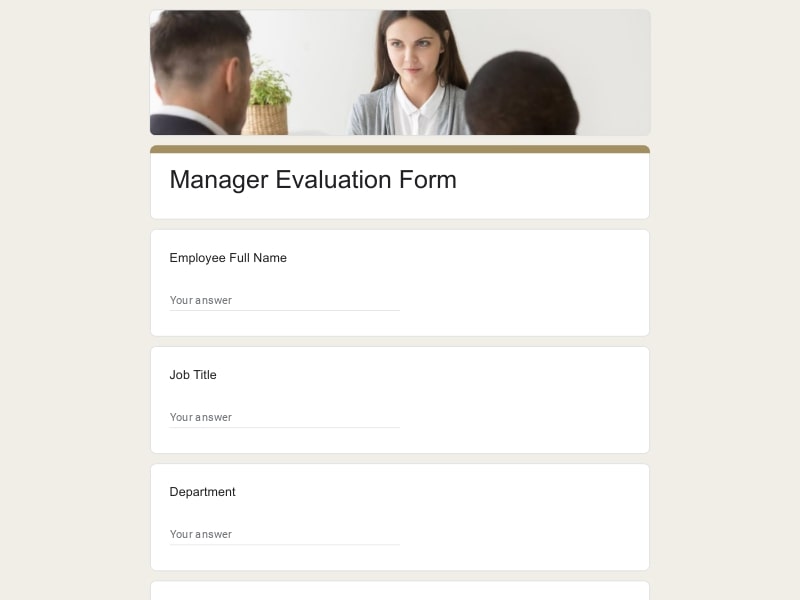 Preview
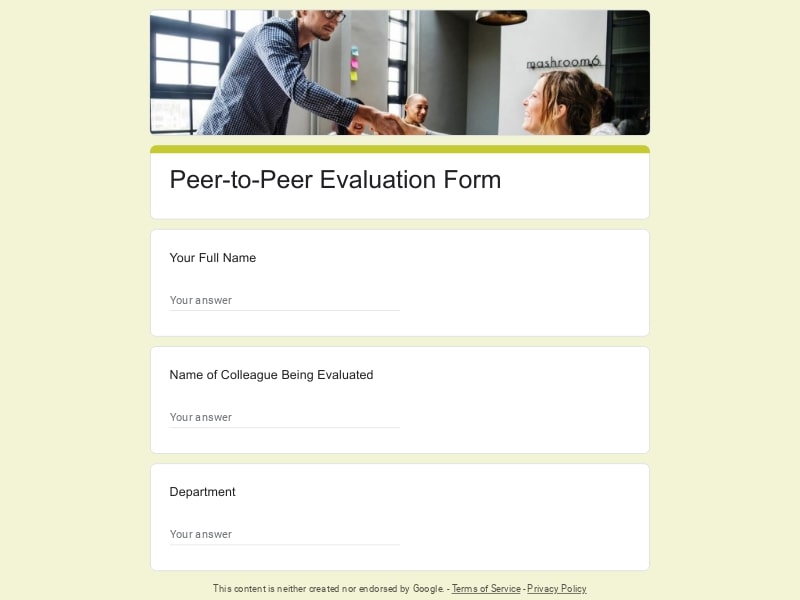 Preview
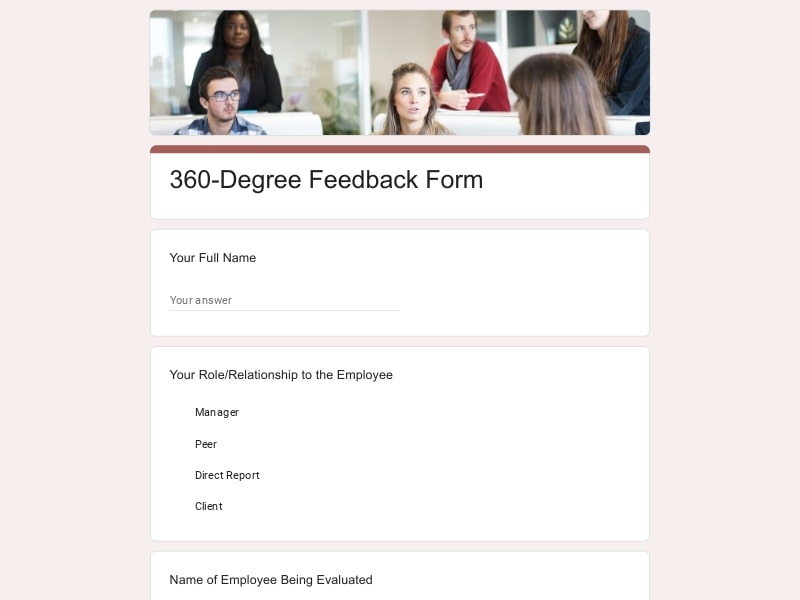 Preview
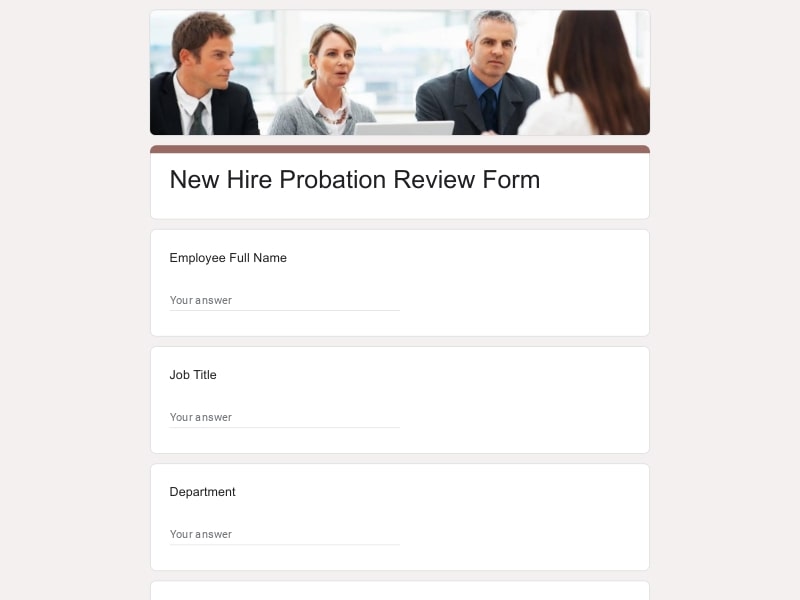 Preview
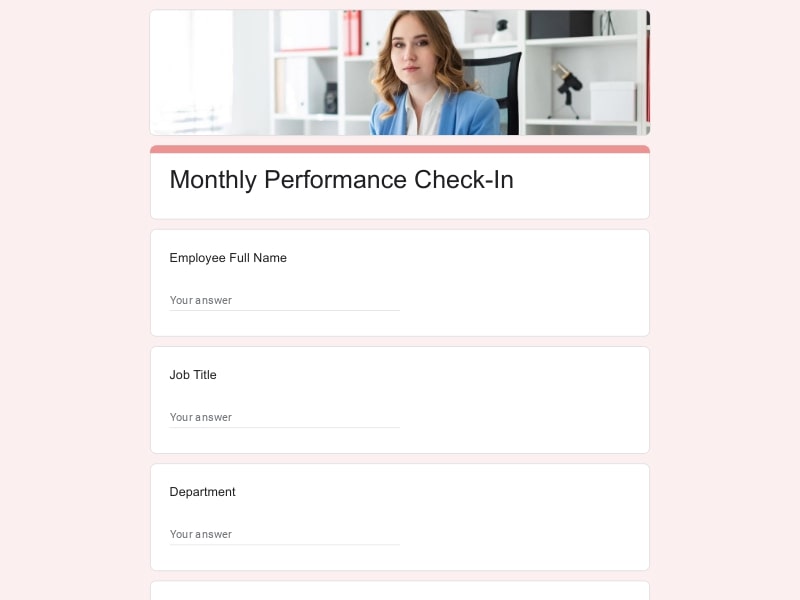 Preview
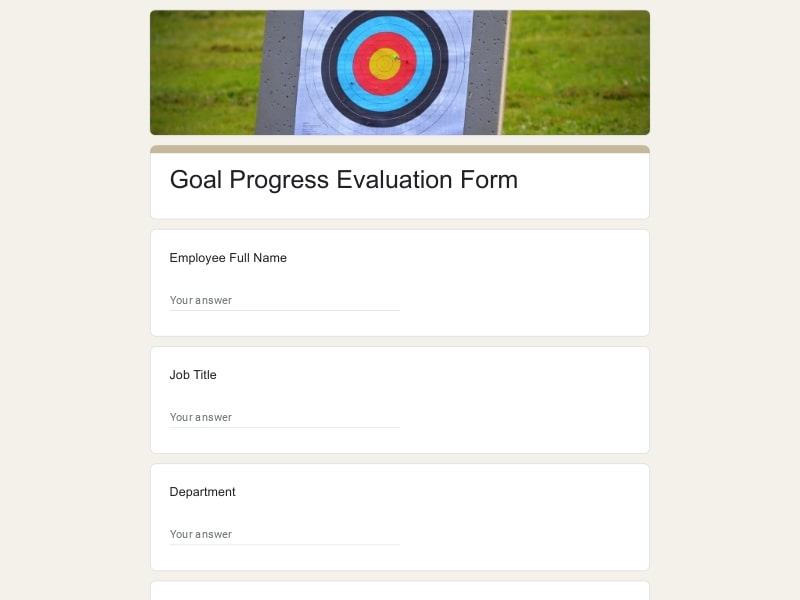 Preview
 Preview
 Preview
 Preview
 Preview
 Preview
 Preview
 Preview
 Preview
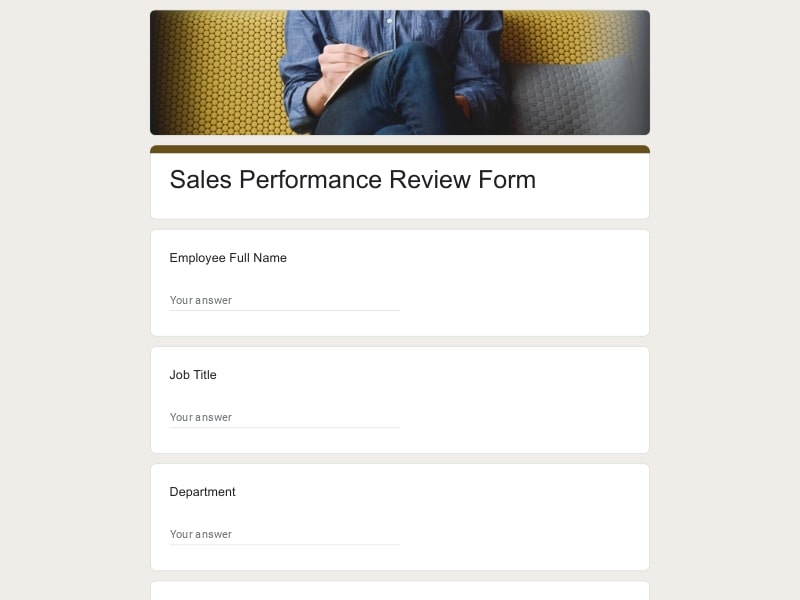 Preview
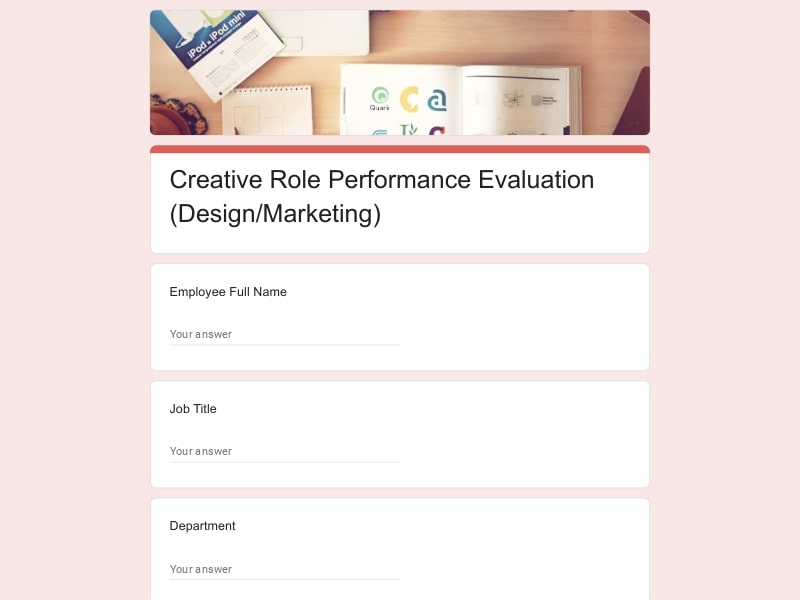 Preview
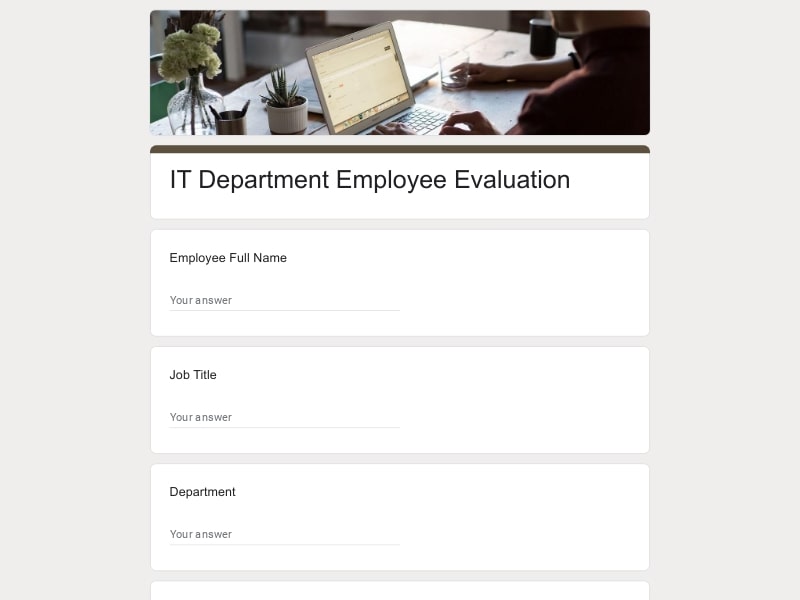 Preview
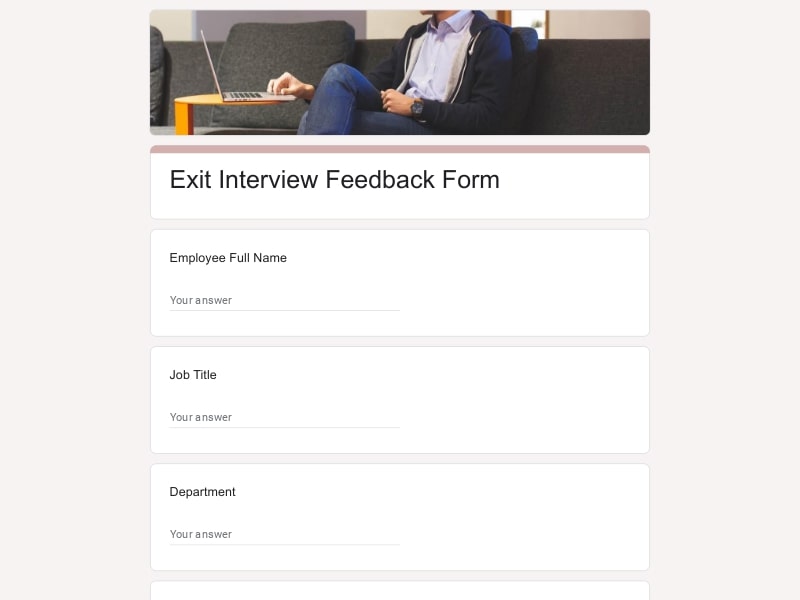 Preview
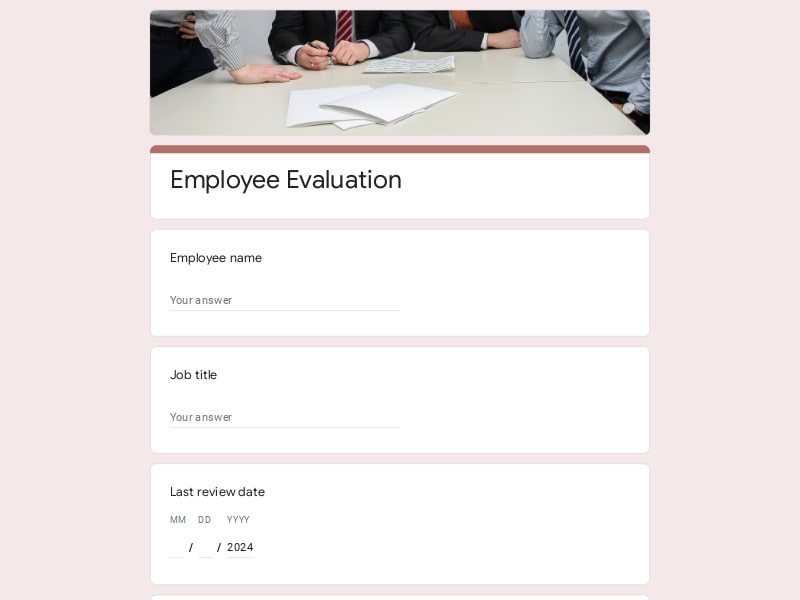 Preview
An employee evaluation form is a structured document that a manager, HR representative, or the employee themselves fills out to assess job performance over a set period — covering areas like work quality, reliability, communication, and progress toward goals.
It's typically used at fixed points in the employment cycle rather than on an ad-hoc basis: during a probation period for a new hire, at a monthly or quarterly check-in, or as part of a formal annual appraisal. Because the same questions get asked each time, the form gives a manager something concrete to reference in a review conversation, and it gives the employee a clear record of how their work has been assessed over time.
A form that only asks for a star rating doesn't leave much to work with. The stronger versions combine a few rating categories with open-ended questions, and adjust which categories matter based on the role — a call center review needs different questions than a construction site review. The table below breaks down the sections worth including and gives sample questions for each.
| Section | What to Include | Example Questions |
|---|---|---|
| Employee & review details | Name, job title, department, manager, review period (monthly, quarterly, annual), employment start date |
|
| Quality of work | Accuracy, attention to detail, consistency of output |
|
| Productivity & reliability | Meeting deadlines, attendance, punctuality, follow-through on tasks |
|
| Communication & teamwork | Collaboration with peers, clarity in reporting, responsiveness |
|
| Job knowledge & skills | Familiarity with tools, processes, and role-specific competencies |
|
| Goal tracking | Review of prior goals plus 2–3 new goals for the next period |
|
| Self evaluation | Sent to the employee to complete before the manager review, common in annual cycles |
|
| Peer evaluation | Shorter form sent to coworkers, used in 360-style review cycles |
|
| Industry-specific questions | Swapped in based on the job — call center, restaurant, construction, veterinary, design, and similar roles |
|
| Overall rating & sign-off | Summary score, final comments, employee acknowledgment |
|
Because "employee evaluation" covers such a wide range of situations, these templates are built to flex across company size, industry, and the reason the review is happening in the first place.
Running the same review cycle across multiple departments and need every manager filling out a consistent form for their records.
No dedicated HR department, but still want a fair, repeatable way to check in with staff without building a system from scratch.
Prepping for a one-on-one or annual appraisal and want a starting point instead of writing questions from a blank page.
Need a lighter version for 30/60/90-day check-ins to catch issues early, before the first annual review.
Reviewing staff on speed, food safety habits, and customer service during shifts and rushes.
Assessing agents on call handling time, resolution rates, and adherence to scripts or quality standards.
Evaluating crew on safety compliance, equipment handling, and job-site reliability.
Reviewing staff on patient care, client communication, and adherence to clinical procedures.
Assessing work quality, creativity, and collaboration on shared design projects.
Need one standardized form that works the same way across every branch or franchise location.
Can't rely on in-person observation alone, so a written, structured form fills the gap for tracking performance.
Reviewing staff or long-term volunteers with a lightweight process that doesn't need a full HR platform.
An evaluation form doesn't need dedicated HR software to be effective — for most teams, Google Forms already covers everything the process requires, from building the form to storing and exporting the results.
Duplicate any template into your own Google account and edit the wording, rating scale, or branding to match your company — no paid HR software required.
Every submission flows automatically into a linked Google Sheet, so completed reviews are already sorted by employee, date, and score without any manual entry.
Pull results as a Google Sheet, an Excel file, or a PDF — useful for HR recordkeeping, sharing a summary with a manager, or archiving a signed copy of the review.
Staff can fill out a self evaluation from a phone between shifts, while a manager completes their assessment from a desktop during a scheduled review.
If your team already uses Gmail or Google Workspace, there's no separate account, license, or app to set up — the form is ready to send as soon as it's built.
Once a template is set up for monthly or annual reviews, it can be copied and reused for the next round instead of rebuilding the form from scratch each time.
Choose your platform and follow the steps to get your employee evaluation form live in minutes.
Install Google Forms from the App Store. You'll need iOS 16 or later.
Open the app and sign in with your Google account. This is required to save and share forms.
Tap the template in the list.
Edit any question, add your flavor options, update the design theme and colors — all from within the app.
Tap the Share button (top right). Choose how to distribute your form:
The template is instantly copied to your Google Drive — no manual setup needed. You must be signed in to your Google account for this to work.
Auto-copied to Google DriveEdit question text, add your actual flavor options, adjust dropdowns, and personalize the form to your bakery.
Toggle "Required" on essential fields — name, email, order date, and quantity — so no key detail is missed.
Use Google Forms' built-in sharing to distribute your form via URL, embed it on a site, or generate a printable QR code.
Responses appear in real time in the Responses tab, or link to Google Sheets for a full sortable order spreadsheet.
Make sure you're signed in to Google before clicking the button. The form opens directly in Google Forms in your browser — no app download needed.
Scan to use Google Forms on iPhone or iPad!