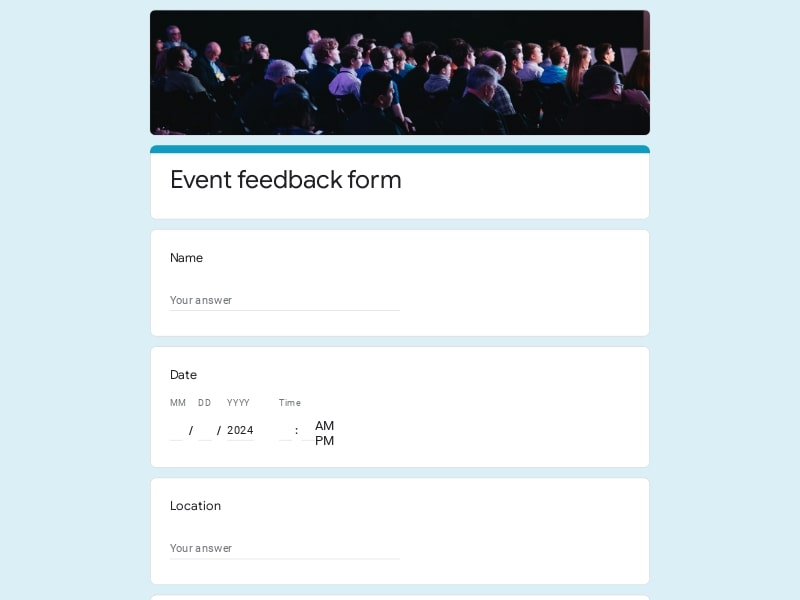
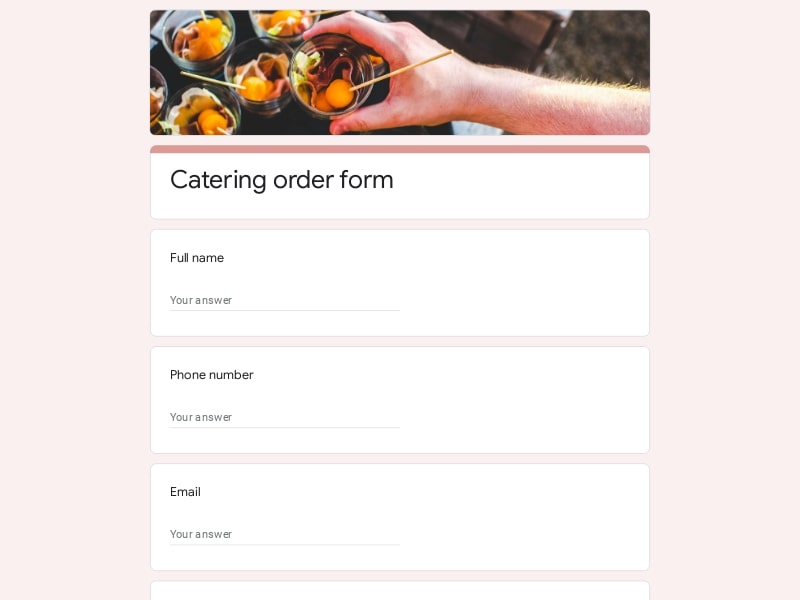
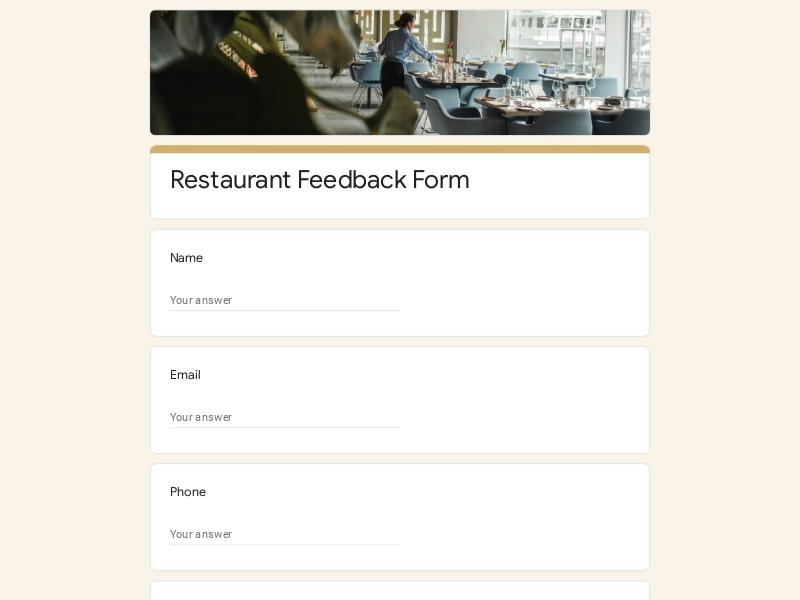
A car show registration form in Google Forms helps organizers move from scattered entry lists to a structured, editable system that captures every participant in one place. It streamlines how car owners submit details for a classic event, keeping data consistent, easy to review, and ready for export.
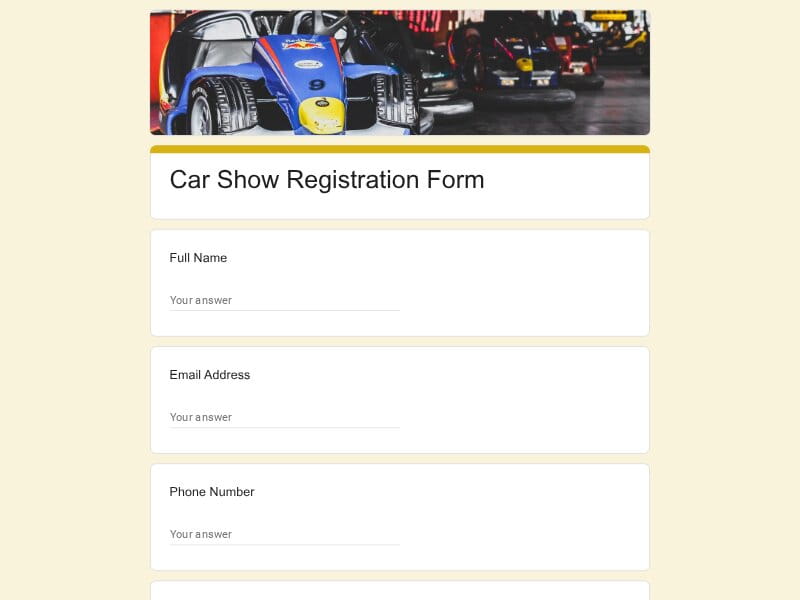
A customizable Google Forms template designed to simplify entry collection, improve event organization, and keep all car show submissions neatly structured.
A car show registration form is a structured digital entry form used to collect participant and vehicle details for automotive events. Built in Google Forms, it allows organizers to create a flexible, fully editable setup that can be customized for different types of shows, from local meetups to large racing or classic car exhibitions.
In practice, this type of form is used to gather standardized information from participants such as vehicle specifications, ownership details, and event preferences, while keeping all submissions organized in one place for easy tracking and review.
A well-structured car show registration form ensures that organizers collect complete, consistent, and easy-to-review data. Each section should serve a specific purpose—from identifying participants to classifying vehicles and managing event logistics.
| Section | What to include | Example questions |
|---|---|---|
| Participant Information | Basic identity and contact details for communication and verification |
Full name Email address Phone number City / region |
| Vehicle Entry Details | Core information about the car being submitted for the show |
What is the make and model of your car? What year was your vehicle manufactured? Is your car modified or stock? Upload a photo of your vehicle |
| Show Category Selection | Classification of entry type for judging or display grouping |
Which category best describes your entry: classic, custom, racing-inspired, restored? Is this your first time entering a car show? Do you want your car considered for awards? |
| Event Logistics | Arrival timing, access, and setup requirements |
What time will you arrive at the event? Do you require early entry access? Will you bring a trailer? Do you need extra space for setup? |
| Display & Presentation | How the vehicle should be positioned or showcased |
Do you prefer indoor or outdoor display? Any special display requests? Will you provide signage for your car? Do you need electricity access? |
| Consent & Media Release | Permissions for photography and event promotion usage |
Do you agree to event photography of your vehicle? Can your car be used in promotional materials? Do you allow social media sharing of your entry? |
| Additional Notes | Flexible section for custom organizer requirements |
Any additional information for organizers? Special modifications we should know about? Accessibility requirements? Emergency contact details |
This car show registration template is designed for a wide range of users involved in automotive events, from small community gatherings to large-scale exhibitions. It supports different operational needs depending on the type of organizer and audience.
Google Forms provides a lightweight yet powerful infrastructure for managing car show registrations. It reduces administrative overhead while keeping all entry data structured, editable, and easy to analyze across different event stages.
Organizers can build and launch a complete registration system in minutes without technical setup or custom development.
Questions, sections, and categories can be customized for classic, custom, or racing-focused shows at any time.
All car and participant submissions are stored in one place, eliminating fragmented emails or paper-based registrations.
Responses can be exported directly to Excel, Google Sheet, or PDF for judging, scheduling, or reporting workflows.
Real-time updates help organizers track entries, manage capacity, and adjust logistics before and during the event.
Choose your platform and follow the steps to get your car show registration form live in minutes.
Install Google Forms from the App Store. You'll need iOS 16 or later.
Open the app and sign in with your Google account. This is required to save and share forms.
Tap the template in the list.
Edit any question, add your flavor options, update the design theme and colors — all from within the app.
Tap the Share button (top right). Choose how to distribute your form:
The template is instantly copied to your Google Drive — no manual setup needed. You must be signed in to your Google account for this to work.
Auto-copied to Google DriveEdit question text, add your actual flavor options, adjust dropdowns, and personalize the form to your bakery.
Toggle "Required" on essential fields — name, email, order date, and quantity — so no key detail is missed.
Use Google Forms' built-in sharing to distribute your form via URL, embed it on a site, or generate a printable QR code.
Responses appear in real time in the Responses tab, or link to Google Sheets for a full sortable order spreadsheet.
Make sure you're signed in to Google before clicking the button. The form opens directly in Google Forms in your browser — no app download needed.
Choose a ready-made template for your needs and customize it in just a few minutes.

Scan to use Google Forms on iPhone or iPad!