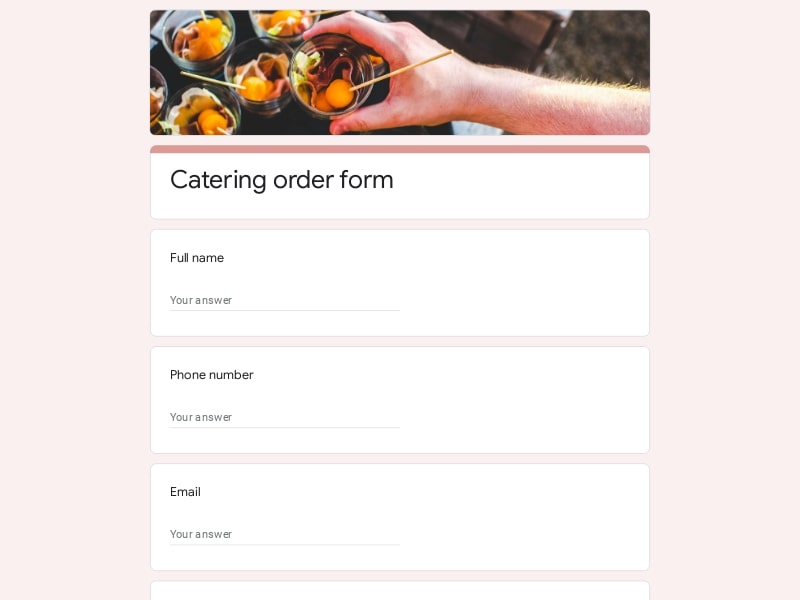
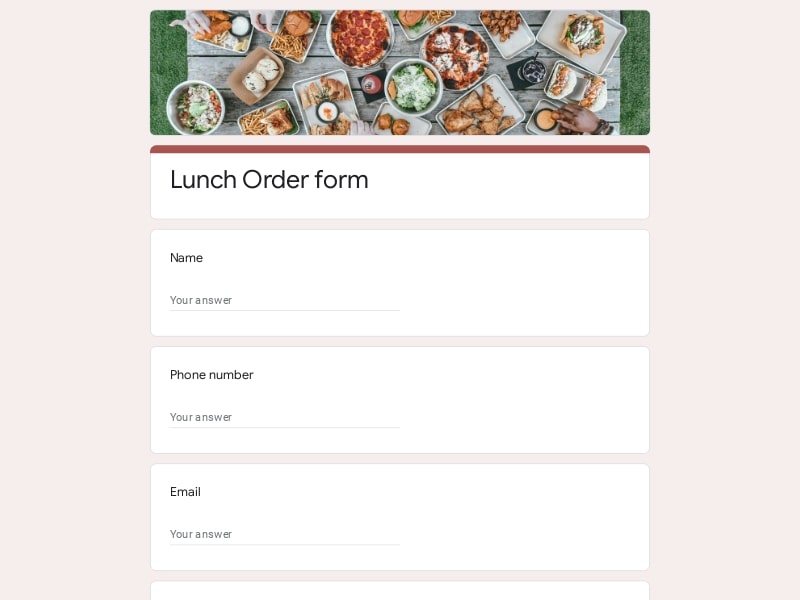
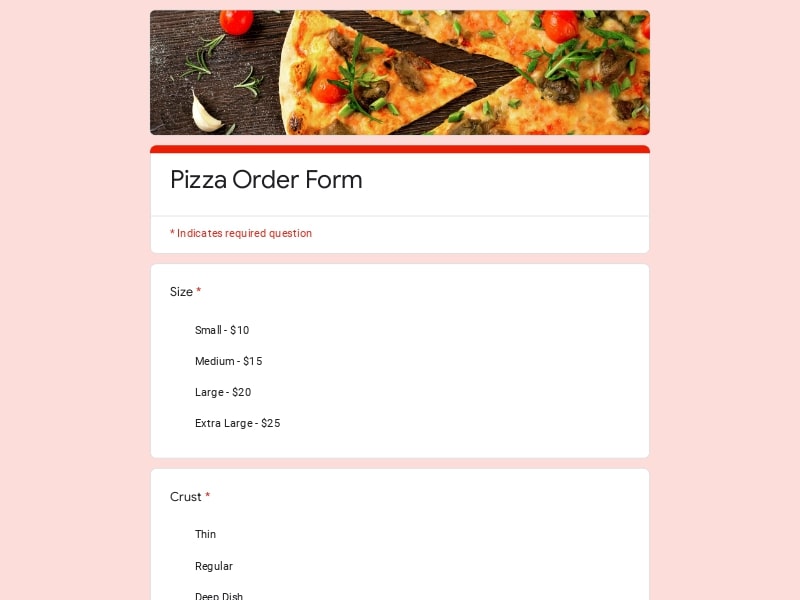
Collect structured feedback from your clients, improve service quality, and optimize your restaurant experience with this ready-to-use template for Google Forms.
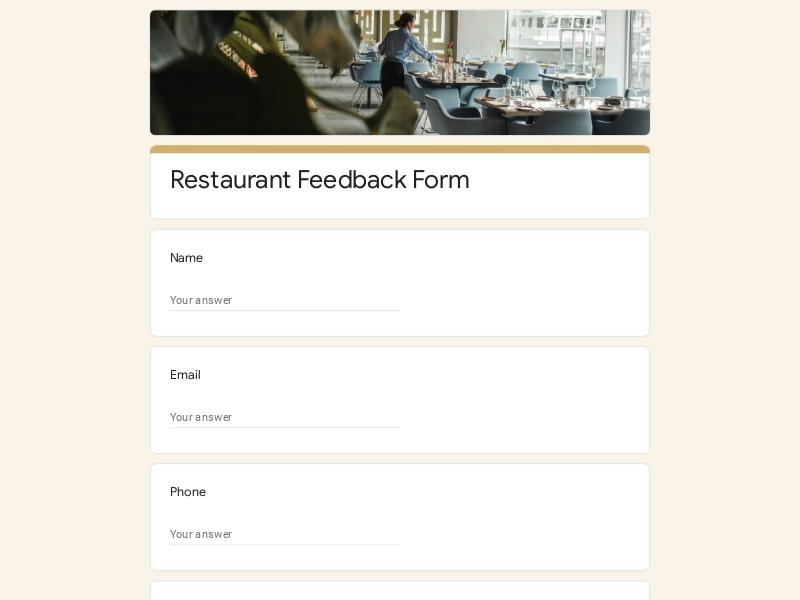
A clean and structured feedback form designed for restaurants, cafés, and food service businesses.
This sample is built with a practical format and clean design to help you collect meaningful customer feedback quickly. The Google Forms template is fully customizable — you can edit, add, or remove any fields to match your needs.
This feedback form is designed for a wide range of food service businesses. With its flexible format and clean design in Google Forms, it helps collect structured customer feedback and turn it into actionable insights.
| Who It’s For | How It Helps |
|---|---|
| Restaurant owners | Understand customer feedback, improve service quality, and increase repeat visits |
| Café and coffee shop managers | Collect quick feedback on drinks, service, and overall customer experience |
| Food delivery businesses | Evaluate delivery experience, packaging, and food quality |
| Restaurant chains | Standardize customer feedback collection across multiple locations |
| Hospitality teams | Analyze customer satisfaction trends and improve operations |
| Event catering services | Gather feedback after events to refine menu, service, and presentation |
Choose your platform and follow the steps to get your restaurant feedback form live in minutes.
Install Google Forms from the App Store. You'll need iOS 16 or later.
Open the app and sign in with your Google account. This is required to save and share forms.
Tap the template in the list.
Edit any question, add your flavor options, update the design theme and colors — all from within the app.
Tap the Share button (top right). Choose how to distribute your form:
The template is instantly copied to your Google Drive — no manual setup needed. You must be signed in to your Google account for this to work.
Auto-copied to Google DriveEdit question text, add your actual flavor options, adjust dropdowns, and personalize the form to your bakery.
Toggle "Required" on essential fields — name, email, order date, and quantity — so no key detail is missed.
Use Google Forms' built-in sharing to distribute your form via URL, embed it on a site, or generate a printable QR code.
Responses appear in real time in the Responses tab, or link to Google Sheets for a full sortable order spreadsheet.
Make sure you're signed in to Google before clicking the button. The form opens directly in Google Forms in your browser — no app download needed.
Choose a ready-made template for your needs and customize it in just a few minutes.

Scan to use Google Forms on iPhone or iPad!