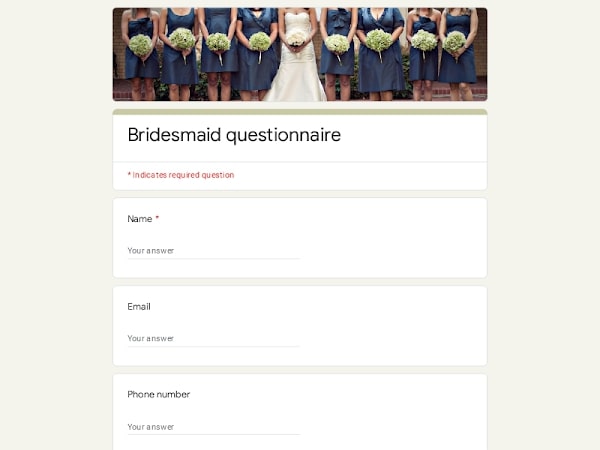
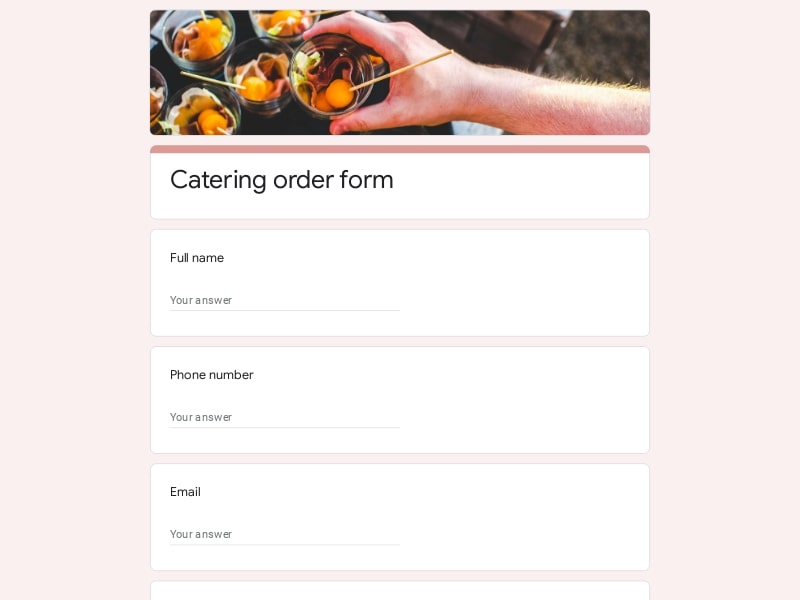
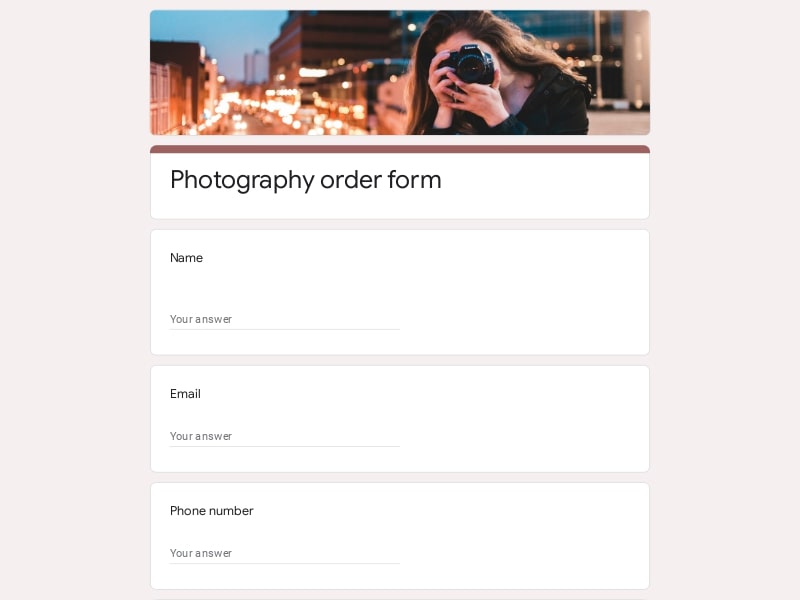
Gathering honest impressions after a wedding helps couples and planners understand what truly resonated with guests. This ready-to-use Google Forms template gives you a polished, structured way to collect that feedback — no setup required.
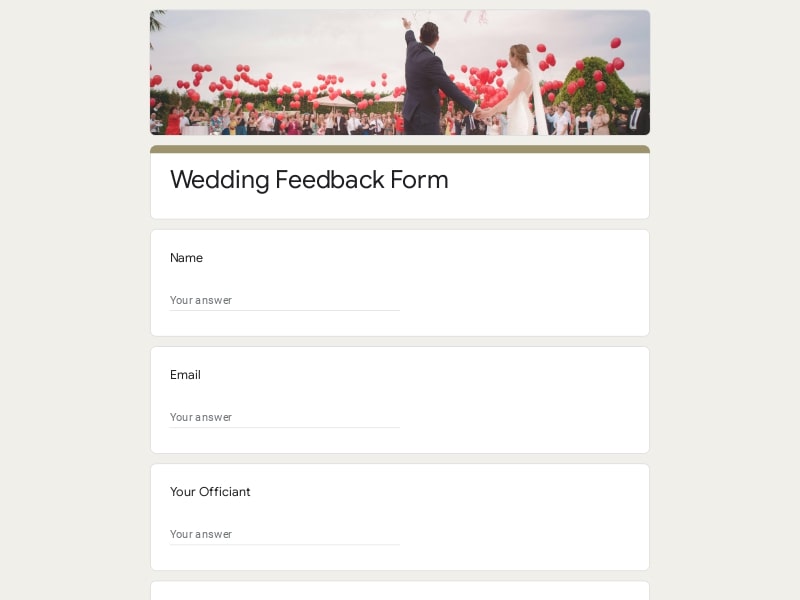
A fully editable layout designed to match the warmth of a wedding day, ready to customize and share in minutes.
A wedding feedback form is a structured questionnaire sent to guests, vendors, or members of the wedding party after the event to collect their impressions, ratings, and comments. It's used by couples who want to reflect on how the day unfolded, as well as by wedding planners and event coordinators who need a reliable way to evaluate vendors, assess the guest experience, and document outcomes for future reference. In practice, it turns scattered impressions into organized, comparable data — something a stack of thank-you cards simply can't do.
A well-built wedding evaluation covers more than just "did guests have a good time." The most useful forms separate the experience into distinct areas so responses are specific enough to act on — whether that means passing feedback to a vendor, improving a timeline, or simply understanding what made the ceremony memorable.
| Section | What to Include | Example Questions |
|---|---|---|
| Overall Experience | A top-level rating of the event as a whole; first impressions and general satisfaction | "How would you rate your overall experience at the wedding?" (1–5 scale) |
| Ceremony | Timing, emotional tone, officiant, audio/visibility, length | "Did the ceremony feel personal and well-paced?" / "Could you hear and see clearly throughout?" |
| Venue & Atmosphere | Comfort, décor, accessibility, parking, ambiance | "How would you describe the atmosphere of the venue?" / "Was the space comfortable and easy to navigate?" |
| Food & Catering | Quality, variety, dietary accommodation, service speed | "Were there enough options for different dietary needs?" / "How satisfied were you with the food quality?" |
| Entertainment & Music | Band or DJ performance, playlist fit, volume, crowd engagement | "Did the music match the mood of the event?" / "Were you happy with the entertainment overall?" |
| Event Flow & Organization | Schedule adherence, transitions, coordination, staff professionalism | "Did the event feel well-organized and on time?" / "Was there anything that felt rushed or unclear?" |
| Personal Message | Open-ended space for a memory, wish, or note to the couple | "What was your favorite moment of the day?" / "Is there anything you'd like to share with the couple?" |
| Optional Contact Info | Name and email for guests open to follow-up | "Would you like to stay in touch? Feel free to leave your email." |
There's no shortage of survey tools out there, but Google Forms has earned its place as the default choice for wedding feedback — not by flashy features, but by removing every possible obstacle between a question and an answer. Here's what sets it apart in practice:
A single link is all guests need — no account, no download, no friction. Works on any smartphone the morning after the wedding while impressions are still fresh.
Every question, section title, and color is editable. You can customize the form to match your wedding palette, add your own photos, reorder sections, or swap in questions that fit your event — no design experience required.
Every submission lands in a connected Google Sheet in real time. No manual entry, no chasing down paper cards — just a clean, growing dataset you can sort and filter whenever you're ready.
Need to share results with a vendor? Export to Excel or PDF. Want to run analysis yourself? Use the native Google Sheets integration. The data is yours in whatever format works best.
Google Forms is fully responsive by default. Whether guests fill it out on a phone, tablet, or laptop, the form renders cleanly and is easy to complete without any extra effort on your end.
No subscription, no data caps, no third-party storage surprises. Everything lives in your Google Drive, accessible long after the wedding day — and protected by Google's security infrastructure.
Choose your platform and follow the steps to get your wedding feedback form live in minutes.
Install Google Forms from the App Store. You'll need iOS 16 or later.
Open the app and sign in with your Google account. This is required to save and share forms.
Tap the template in the list.
Edit any question, add your flavor options, update the design theme and colors — all from within the app.
Tap the Share button (top right). Choose how to distribute your form:
The template is instantly copied to your Google Drive — no manual setup needed. You must be signed in to your Google account for this to work.
Auto-copied to Google DriveEdit question text, add your actual flavor options, adjust dropdowns, and personalize the form to your bakery.
Toggle "Required" on essential fields — name, email, order date, and quantity — so no key detail is missed.
Use Google Forms' built-in sharing to distribute your form via URL, embed it on a site, or generate a printable QR code.
Responses appear in real time in the Responses tab, or link to Google Sheets for a full sortable order spreadsheet.
Make sure you're signed in to Google before clicking the button. The form opens directly in Google Forms in your browser — no app download needed.
Choose a ready-made template for your needs and customize it in just a few minutes.

Scan to use Google Forms on iPhone or iPad!