 Show preview
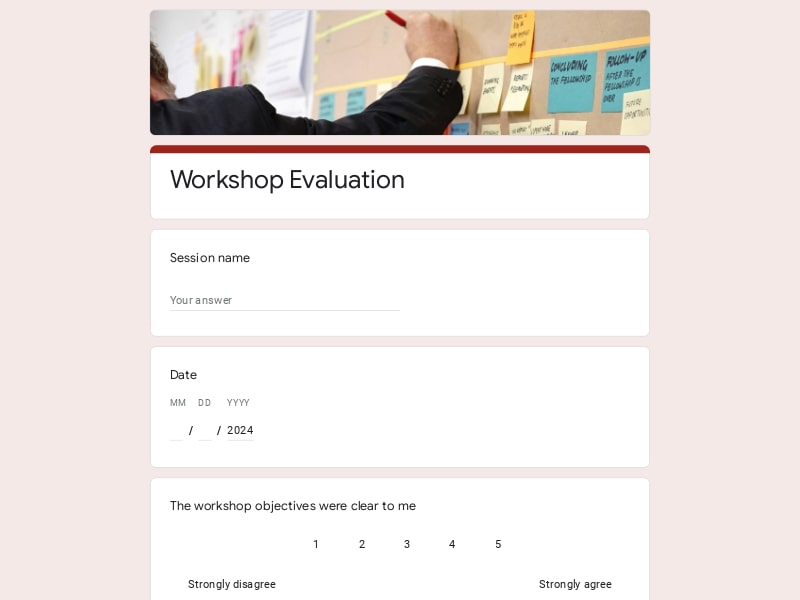
A workshop evaluation form for Google Forms is a structured survey and assessment tool designed to gather feedback from workshop participants. It helps instructors, facilitators, and organizers understand how well a training session met expectations—covering content clarity, delivery, pacing, and overall experience.
With built-in questions and flexible customization, this form makes it easy to analyze data, generate a clear report, and export responses to Excel/Google Sheet/pdf for deeper review or sharing with your team.
A well-structured evaluation form balances quick ratings with thoughtful input, helping you run a clear survey, gather useful insights from participants, and turn responses into a practical report.
| Section | What to include | Example questions |
|---|---|---|
| Workshop overview | Basic details about the session and participant background to segment responses | “Which session did you attend?” “What is your experience level with this topic?” |
| Content quality | How useful, relevant, and well-organized the material was | “How would you rate the quality of the content?” “Did the material meet your expectations?” |
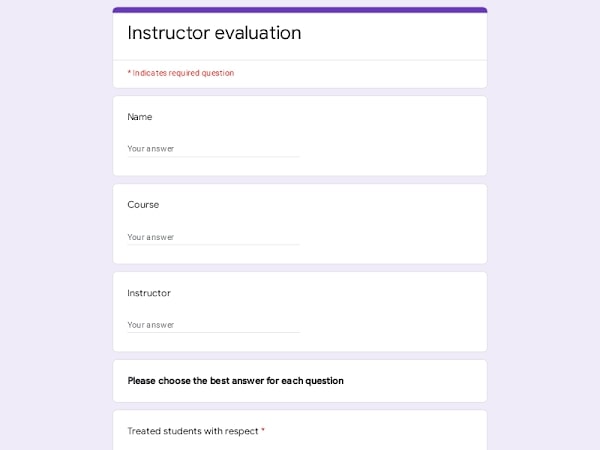
| Instructor performance | Clarity, delivery style, and ability to engage the audience | “How clearly were the key ideas explained?” “How engaging was the presentation?” |
| Learning outcomes | What participants actually learned and can apply after the training | “What key skills or knowledge did you gain?” “Do you feel more confident applying what you learned?” |
| Engagement & format | Pacing, structure, and effectiveness of activities | “Was the pace appropriate?” “Which parts of the session were most engaging?” |
| Practical value | How relevant and applicable the session is to real needs | “How likely are you to use what you learned?” “Was the session relevant to your goals?” |
| Open-ended feedback | Space for detailed suggestions and observations | “What did you like most?” “What could be improved?” |
| Overall evaluation | Final rating to summarize feedback and support comparison | “How would you rate the session overall?” “Would you recommend it to others?” |
Easily customize, share, and manage your forms — all in one place.

Scan to use Google Forms on iPhone or iPad!