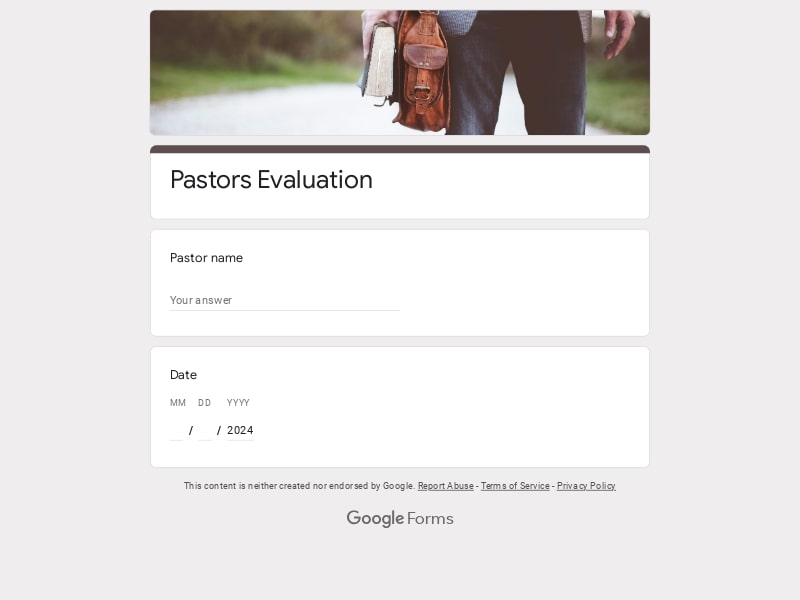
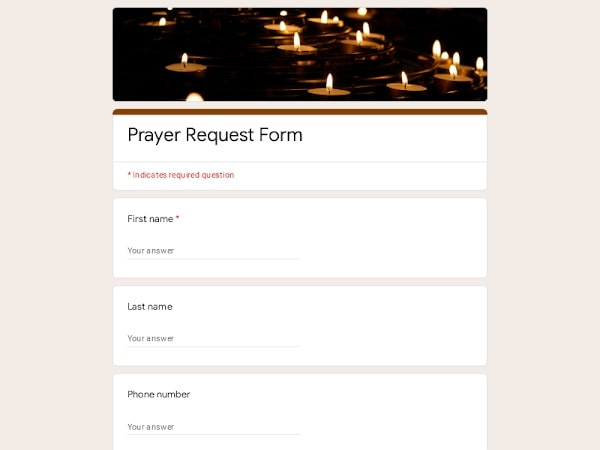
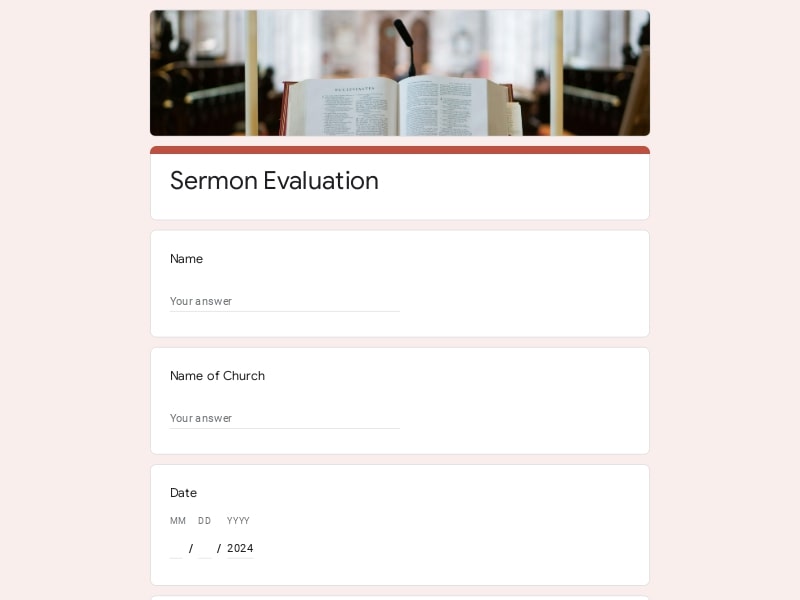
Use this church membership form template for Google Forms to simplify church administration and streamline online church registration for new members. Churches can collect family information, spiritual background, baptism status, ministry interests, member records, and contact details in one mobile-friendly workflow that supports congregation management, pastoral communication, volunteer coordination, fellowship engagement, and efficient member onboarding.
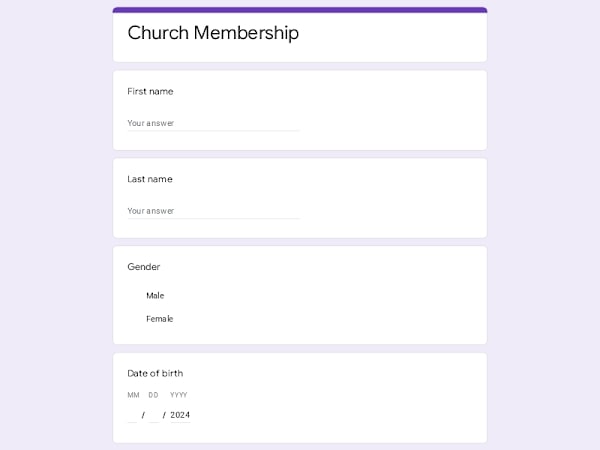
This editable Google Forms template covers every section a church needs to onboard new members — from personal and family information to spiritual background, ministry interests, and communication preferences.
A church membership form is a structured intake document — digital or printed — that a congregation uses to officially register new members and build a comprehensive member database. It captures the personal, family, spiritual, and ministry-related information a church needs to provide effective pastoral care, organize communication, and coordinate volunteer efforts across the fellowship.
A well-structured church membership form helps churches organize member onboarding, improve church administration workflows, and maintain accurate congregation records. Whether you are registering new families, managing ministry involvement, or improving pastoral communication, a detailed Google Forms membership template should collect both administrative and spiritual information in a clear, mobile-friendly format.
| Section | What to include | Example questions |
|---|---|---|
| Personal Information | Full legal name, preferred name, gender, birth date, marital status, occupation | What is your full legal name? What name do you prefer to be called? What is your marital status? When is your date of birth? |
| Contact Information | Phone number, email address, home address, emergency contact details | What is your primary phone number? What email address should the church use? What is your current home address? Who should we contact in case of emergency? |
| Family Information | Spouse information, children, household members, family participation | Are family members joining with you? How many children are in your household? Would you like to register your spouse? Will other household members attend church activities? |
| Spiritual Background | Previous church attendance, baptism status, salvation testimony, denomination background, faith journey | Have you previously attended another church? Have you been baptized? Would you like to share your faith journey? What denomination background do you come from? |
| Ministry Interests | Volunteer interests, worship team participation, youth ministry involvement, outreach programs, hospitality service | Which ministries interest you? Would you like to volunteer? Are you interested in serving during events? Would you like ministry leadership to contact you? |
| Communication Preferences | Church newsletters, SMS notifications, email updates, event reminders, prayer requests | Would you like to receive church announcements? Can we contact you by SMS? Do you want event reminders? How would you prefer to receive church updates? |
| Membership Commitment | Membership agreement statements, church values acknowledgement, code of conduct acceptance, pastoral follow-up | Do you agree with the church membership guidelines? Have you reviewed the church values? Would you like to speak with a pastor before joining? Are you ready to become an active church member? |
Google Forms has become one of the most widely used tools for church administration, and for good reason. It requires no software installation, no monthly subscription, and no technical expertise to set up. A church administrator can have a fully functional online membership registration form ready to share in under an hour.
When a new member completes the form from their phone on Sunday morning, their response appears instantly in a connected Google Sheet. The sheet becomes your living membership database — sortable, searchable, and shareable with pastoral staff, deacons, and ministry leaders. There is no manual data entry, no transcription errors, and no paper to file.
Members can complete the church membership form from any smartphone, tablet, or desktop device. This makes online church registration accessible during Sunday services, outreach events, ministry meetings, or from home.
Every form submission is automatically stored inside Google Sheets, helping churches organize member records, contact information, baptism status, ministry interests, and family information in a searchable database.
Churches can share the membership form through direct links, QR codes, email newsletters, church websites, social media pages, or messaging apps to simplify congregation registration and visitor follow-up.
Google Forms is free to use for churches, ministries, nonprofits, and faith organizations. Churches only need a Google account to start collecting online membership applications and church registration requests.
Pastors, ministry leaders, church administrators, and volunteer coordinators can review responses together in real time. This improves communication, member onboarding, and internal church workflow management.
Churches can print or export individual submissions for pastoral care, membership interviews, counseling sessions, baptism preparation, or physical member folders when needed.
The same Google Forms workflow can support Sunday service registration, small group enrollment, volunteer coordination, youth ministry signup, outreach programs, and church event attendance tracking.
New members can submit their information in minutes, allowing churches to begin pastoral follow-up, ministry placement, fellowship invitations, and church communication without delays or manual paperwork.
Choose your platform and follow the steps to get your church membership form live in minutes.
Install Google Forms from the App Store. You'll need iOS 16 or later.
Open the app and sign in with your Google account. This is required to save and share forms.
Tap the template in the list.
Edit any question, add your flavor options, update the design theme and colors — all from within the app.
Tap the Share button (top right). Choose how to distribute your form:
The template is instantly copied to your Google Drive — no manual setup needed. You must be signed in to your Google account for this to work.
Auto-copied to Google DriveEdit question text, add your actual flavor options, adjust dropdowns, and personalize the form to your bakery.
Toggle "Required" on essential fields — name, email, order date, and quantity — so no key detail is missed.
Use Google Forms' built-in sharing to distribute your form via URL, embed it on a site, or generate a printable QR code.
Responses appear in real time in the Responses tab, or link to Google Sheets for a full sortable order spreadsheet.
Make sure you're signed in to Google before clicking the button. The form opens directly in Google Forms in your browser — no app download needed.
Choose a ready-made template for your needs and customize it in just a few minutes.

Scan to use Google Forms on iPhone or iPad!