

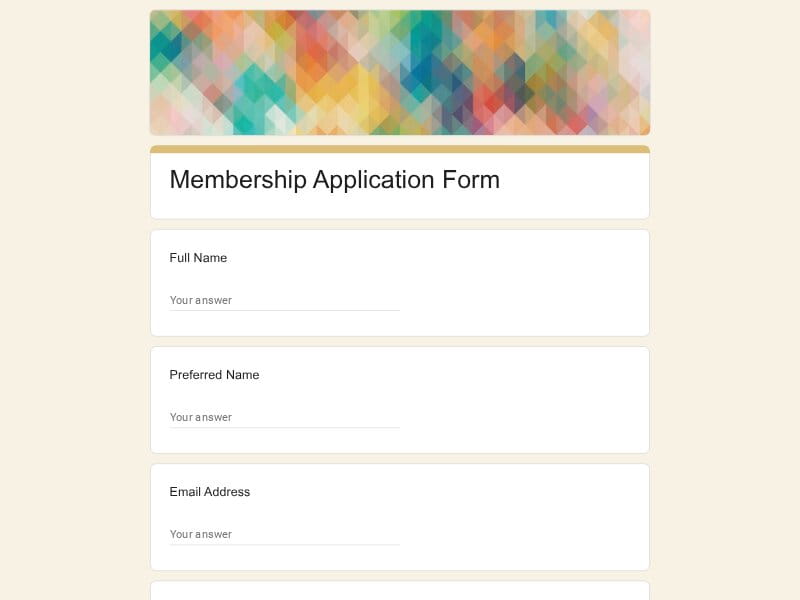
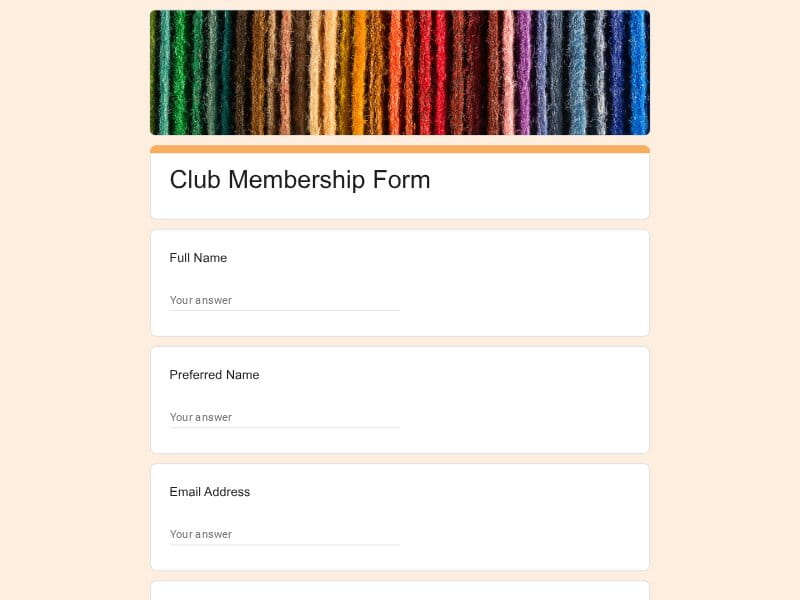
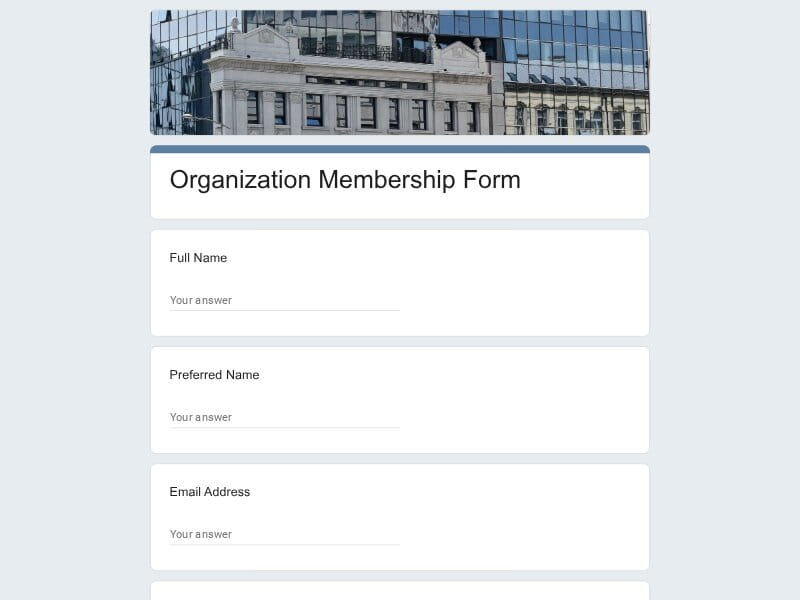
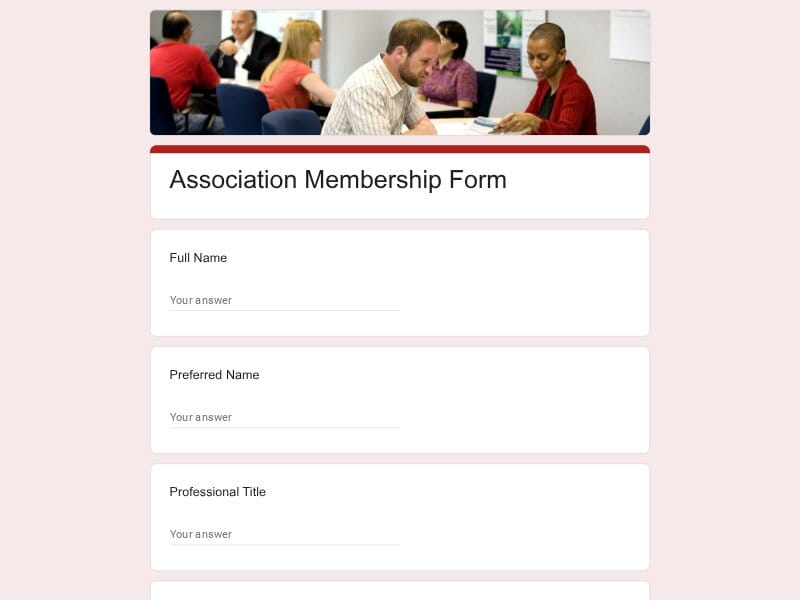
Start with a ready-made Google Forms membership template instead of building every question from scratch. Each template provides a practical structure you can edit for your organization, membership process, and the information you actually need to collect.
 Preview
 Preview
 Preview
 Preview
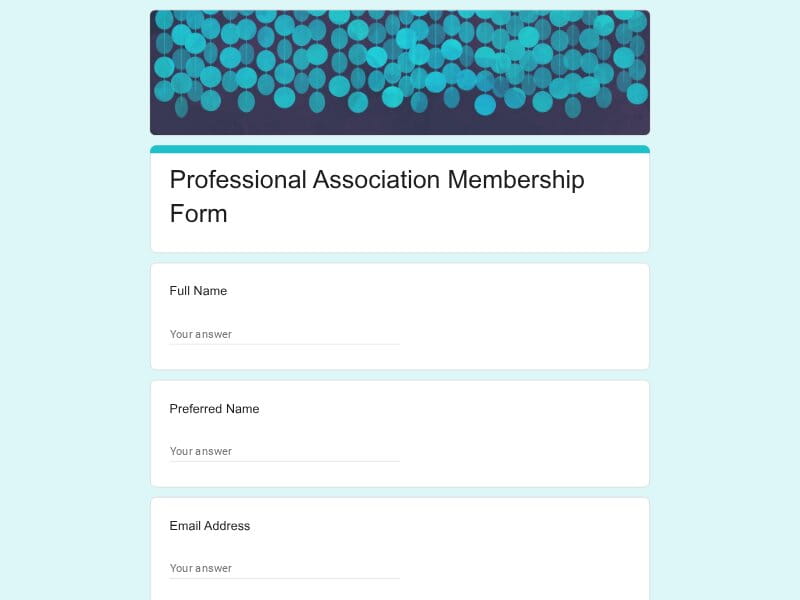 Preview
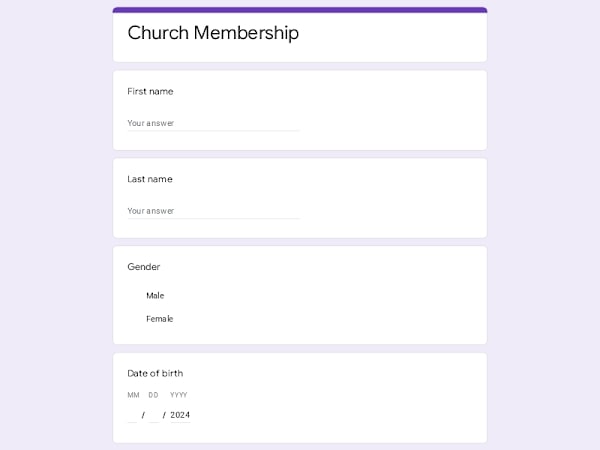 Preview
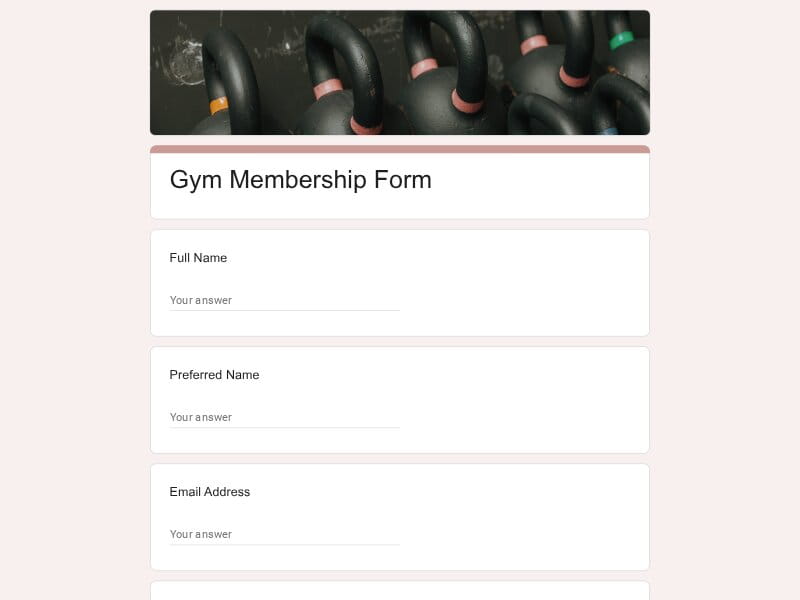 Preview
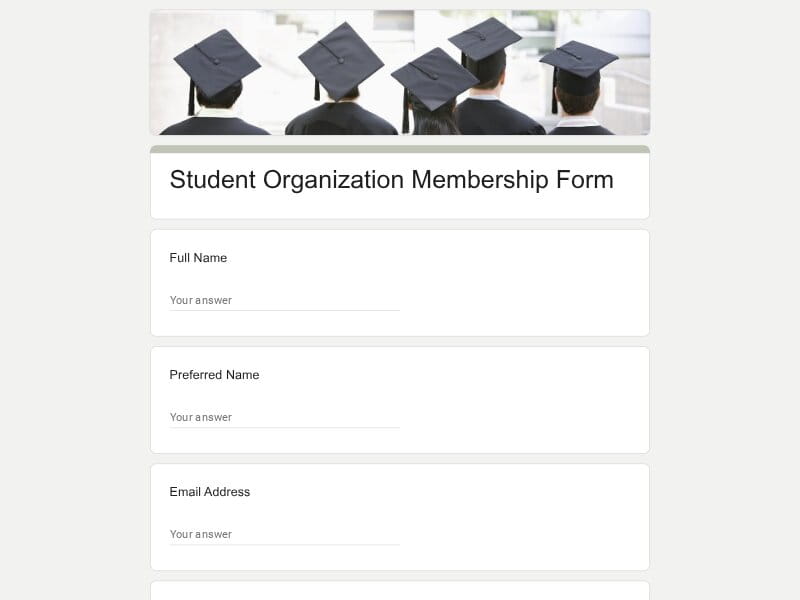 Preview
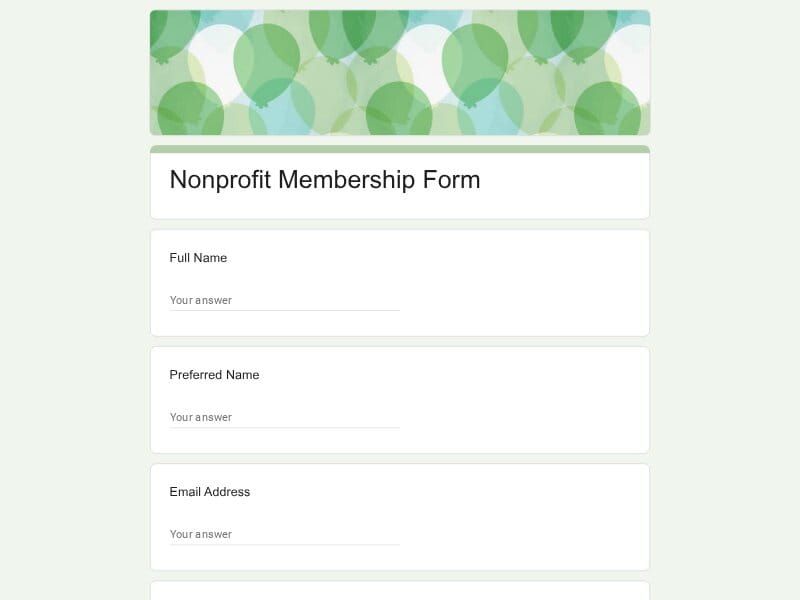 Preview
A membership form is a document or online form used to collect the information needed to join, manage, or renew membership in an organization. It typically gathers contact details, member preferences, eligibility information, membership type, and other details needed to keep an accurate member list.
Membership forms are used whenever an organization needs a consistent way to collect and manage information from its members. A local club may use one to accept new members, a gym to register clients, a church to keep member records, a student society to organize participants, or a non profit to build its community and volunteer network. An association, employee organization, or professional community can also use a form to handle applications, renewals, and other membership-related requests.
A well-designed membership form should make it easy for people to join while giving the organization enough information to manage the membership afterward. The exact questions depend on the purpose: a new member application may need eligibility and background details, while a renewal form may focus on changes to existing information.
| Section | What to include | Example questions |
|---|---|---|
| Personal Information | Basic details that identify the applicant and allow your organization to communicate with them. Only ask for information that has a clear purpose. |
What is your full name? What name would you like us to use? What is your date of birth? What is your preferred email address? |
| Contact Details | Phone, email, address, or other contact information needed for membership administration, local activities, deliveries, or important updates. |
What is the best phone number to reach you? What is your mailing address? What is your preferred way to receive updates? Which email address should we use for membership communications? |
| Membership Type | Let applicants select the membership category, plan, level, or duration that applies to them. This is particularly useful when different groups have different benefits or requirements. |
Which membership type would you like to apply for? Are you applying for a new membership or renewing an existing one? Which membership level best describes your needs? How long would you like your membership to last? |
| Application Purpose | Clarify why someone wants to join. This can help organizations understand demand and route applications to the appropriate program, chapter, or team. |
Why would you like to become a member? What are you hoping to get from your membership? Which activities or programs are you interested in? What would you like to contribute to our community? |
| Eligibility | Requirements that applicants must meet before they can join. These may relate to age, location, profession, education, employment, affiliation, or another qualification. |
Which eligibility requirement do you meet? Are you currently a student or employee in the relevant field? Which school, company, or organization are you affiliated with? Do you meet the requirements for this membership? |
| Organization or Professional Background | Relevant information about an applicant's school, employer, profession, department, role, qualifications, or previous involvement. This is especially useful for an association or professional organization. |
What is the name of your organization or employer? What is your current job title or role? What field do you work or study in? How many years of experience do you have in this field? |
| Interests and Preferences | Topics, activities, programs, or services that members are interested in. This information can help organizations personalize events, content, and communication. |
Which activities are you most interested in? Which topics would you like to learn more about? Which programs would you like to participate in? What types of events would you be most likely to attend? |
| Participation | Find out how the applicant expects to participate after joining. This can distinguish between people who primarily want member benefits and those who want to take an active role. |
How would you like to participate in our organization? Would you like to attend member events? Would you be interested in joining a committee? How often would you like to participate in activities? |
| Skills and Experience | Useful for clubs, communities, non profit organizations, and volunteer programs where members may contribute professional or practical skills. |
What skills would you like to contribute? What relevant experience do you have? Would you be interested in volunteering? Which areas could you help with? |
| Volunteer Interests | For organizations that rely on volunteers, identify areas where members are willing to help and the type of involvement they prefer. |
Would you like to volunteer with our organization? Which volunteer activities interest you? How much time could you typically contribute? Would you prefer one-time or ongoing volunteer opportunities? |
| Availability | Days, times, or scheduling preferences can be important for clubs, sports organizations, student groups, volunteer programs, and community activities. |
When are you generally available? Which days are best for you? What time of day do you prefer for activities? How often could you participate? |
| Emergency or Secondary Contact | Where appropriate, collect an additional contact for activities where the organization has a legitimate need for one. This is more relevant to gyms, youth programs, sports clubs, and in-person activities than to ordinary membership. |
Who should we contact in an emergency? What is their relationship to you? What is the best phone number for this contact? Is there anything we should know for emergency situations? |
| Member Preferences | Preferences that affect how the organization provides services or communicates with members. Keep these separate from information that is required to join. |
Which communication channels do you prefer? Which member benefits are most important to you? What type of content would you like to receive? Are there any accessibility or participation preferences we should consider? |
| Payment and Membership Dues | If membership has a fee, identify the selected plan, payment status, invoice requirements, or preferred payment method. Avoid asking applicants to enter full payment-card details into a general membership form. |
Which membership plan did you select? Have you already paid your membership dues? Which payment method will you use? Do you need an invoice or receipt? |
| Renewal Information | For existing members, ask what has changed rather than making them repeat the entire original application. This makes renewal faster and reduces duplicate data. |
Are you renewing your current membership? Have any of your contact details changed? Would you like to change your membership type? Would you like to update your interests or preferences? |
| Referral and Source | Understand how applicants discovered the organization. This can help evaluate recruitment channels and identify which communities or campaigns bring in new members. |
How did you hear about us? Who referred you to our organization? Which website or social network led you to us? Was there a particular event or program that introduced you to us? |
| Additional Information | An optional open-ended area gives applicants a place to mention something important that was not covered by the structured questions. |
Is there anything else you would like us to know? Do you have any questions for our team? Is there anything you would like us to consider when reviewing your application? Would you like to share anything else about your interests? |
| Terms and Consent | Include the agreements applicants need to acknowledge before becoming members, such as membership rules, code of conduct, privacy notices, or communication preferences. |
Do you agree to the membership terms? Do you agree to follow our code of conduct? Have you read and understood our membership policies? Would you like to receive member-related communications? |
The right membership form depends less on the size of the organization than on what happens after someone submits it. A simple joining form may be enough for a local club, while a professional association, non profit, or larger organization may need additional information for eligibility, recruitment, payments, volunteering, or ongoing communication.
Google Forms provides a straightforward way to turn a membership process into an online workflow without building a custom form system. It is especially useful when an organization wants something that can be created quickly, shared by a link, edited by its team, and connected to the Google tools it already uses.
Start with a prepared structure instead of designing every section and writing every question from scratch. This is useful for organizations that need a working membership process without a lengthy setup.
Change the questions, answer choices, instructions, sections, and wording to match your membership rules. A general template can be adapted for a club, church, gym, society, association, or non profit.
A Google Forms link can be shared through a website, email, social media, messaging apps, QR codes, or an in-person event, giving prospective members several ways to reach the application.
People can complete a form from a phone, tablet, or computer without installing a separate membership application. This reduces friction when recruiting members through different channels.
Submitted information is collected in a consistent structure rather than arriving as separate emails or paper applications. This makes it easier to review new applications and keep member information organized.
Responses can be connected to Google Sheets, making it practical to sort, filter, review, and organize member data. This can be useful when maintaining a member list or tracking applications.
Organizations that already use Google Workspace can incorporate the form into an existing workflow. Multiple team members can work with the collected information instead of relying on one person's inbox or spreadsheet.
Use short answers, multiple choice, checkboxes, dropdowns, dates, and longer responses to match the type of information being collected. Required fields can help ensure that essential membership details are not missed.
The same platform can support new member applications, renewals, volunteer recruitment, event participation, interest surveys, and member updates. You can create separate forms when different processes require different questions.
Membership requirements change over time. With an editable Google Form, you can add a new question, remove an outdated field, or update instructions without rebuilding the entire application.
Collected responses can be moved into workflows that use Google Sheets or Excel, while the data can also be prepared for PDF-based records and reporting when needed.
A local club, community group, student society, or small non profit can create a useful membership workflow without investing in specialized membership management software from the beginning.
Choose your platform and follow the steps to get your membership form live in minutes.
Install Google Forms from the App Store. You'll need iOS 16 or later.
Open the app and sign in with your Google account. This is required to save and share forms.
Tap the template in the list.
Edit any question, add your flavor options, update the design theme and colors — all from within the app.
Tap the Share button (top right). Choose how to distribute your form:
The template is instantly copied to your Google Drive — no manual setup needed. You must be signed in to your Google account for this to work.
Auto-copied to Google DriveEdit question text, add your actual flavor options, adjust dropdowns, and personalize the form to your bakery.
Toggle "Required" on essential fields — name, email, order date, and quantity — so no key detail is missed.
Use Google Forms' built-in sharing to distribute your form via URL, embed it on a site, or generate a printable QR code.
Responses appear in real time in the Responses tab, or link to Google Sheets for a full sortable order spreadsheet.
Make sure you're signed in to Google before clicking the button. The form opens directly in Google Forms in your browser — no app download needed.
Scan to use Google Forms on iPhone or iPad!