

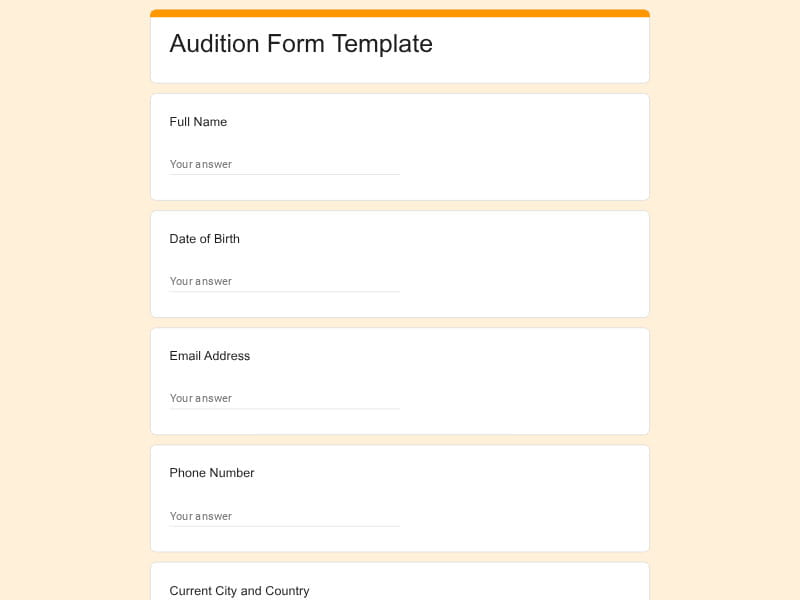
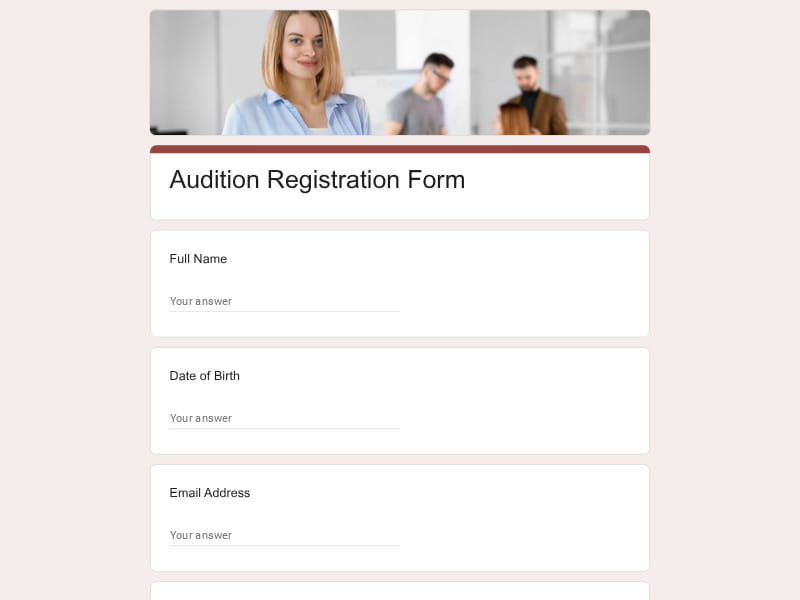
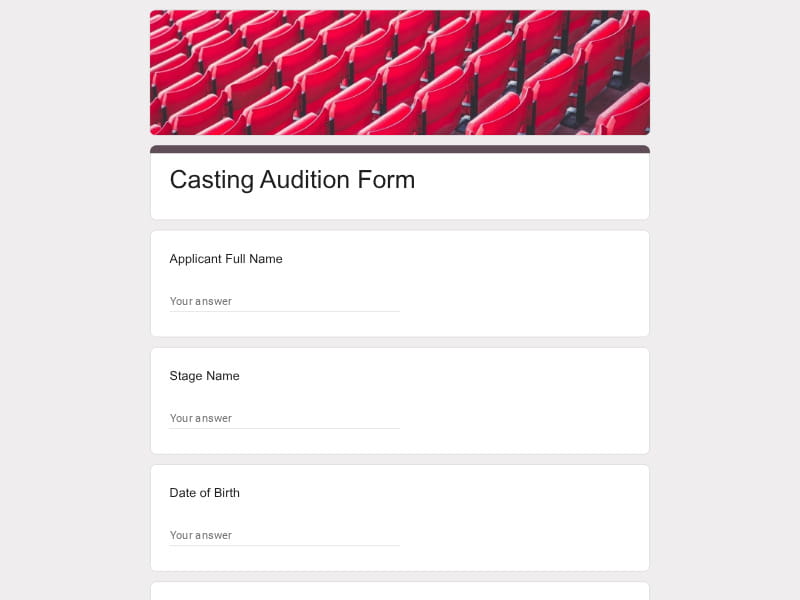
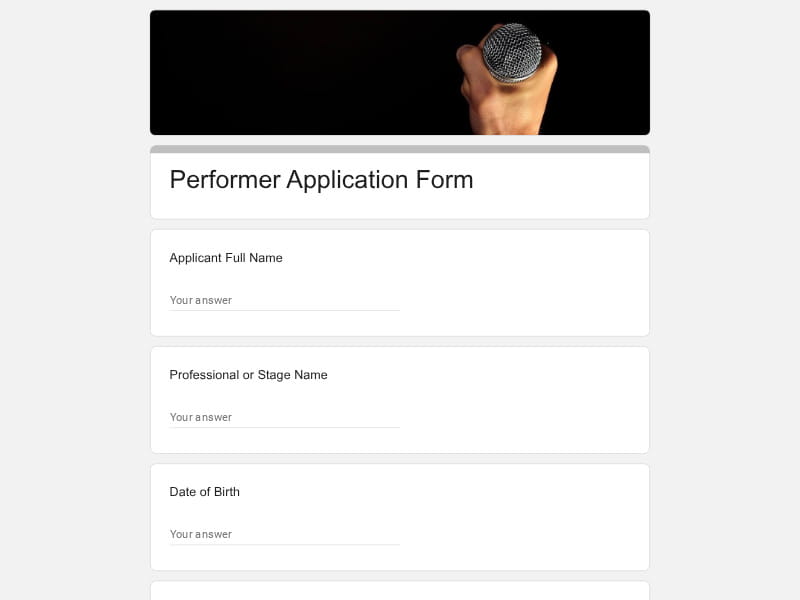
Streamline casting, performer registration, and talent screening with professionally structured Google Forms audition templates built for fast online submissions. Whether you need to collect self-tapes, acting applications, singing tryouts, or remote performer profiles, these editable Google Forms help you organize every audition response in one searchable and easy-to-manage place.
 Preview
 Preview
 Preview
 Preview
 Preview
 Preview
 Preview
 Preview
 Preview
 Preview
 Preview
 Preview
 Preview
 Preview
 Preview
 Preview
 Preview
 Preview
 Preview
 Preview
 Preview
 Preview
 Preview
 Preview
 Preview
 Preview
 Preview
 Preview
 Preview
 Preview
 Preview
 Preview
An audition form is a structured application questionnaire used to collect standardized information from performers before they participate in a casting call, talent evaluation, competition screening, or entertainment selection process. It typically includes applicant identity details, contact information, performance category, experience background, portfolio or media links, scheduling availability, and consent confirmations so organizers can review all candidates in a consistent format.
In general, audition forms are used to simplify performer intake, reduce incomplete submissions, and help directors, producers, schools, agencies, and entertainment teams compare applicants faster. Instead of managing scattered emails, social media messages, and missing video files, organizers can use a single Google Forms audition sheet to gather everything needed for pre-screening, callback planning, and final selection.
Google Forms provides a structured, scalable, and fully digital system for collecting audition applications, making it significantly easier for casting teams, schools, agencies, and production studios to manage performer submissions in one place.
All performer applications are automatically stored in one structured database, eliminating scattered emails and making it easier to review, filter, and compare candidates during casting selection.
Every applicant receives the same set of audition questions, which ensures consistent data collection for skills, experience, media links, and availability across all submissions.
Google Forms allows easy integration of video audition links, portfolios, headshots, and showreels, enabling remote pre-screening without additional tools or file handling complexity.
By collecting availability, role preferences, and experience in advance, production teams can quickly shortlist performers and reduce time spent on follow-up communication.
Applicants can complete audition forms from any device, making it ideal for global casting calls, online auditions, and high-volume talent recruitment processes.
Once created, Google Forms audition templates can be duplicated and adapted for different productions, including theater, music, dance, modeling, and reality show casting workflows.
A well-structured audition form is designed to collect all essential performer data in a consistent format, allowing casting teams to evaluate candidates efficiently and make informed selection decisions without missing critical information.
| Section | What to include | Example questions |
|---|---|---|
| Performer Identity | Basic personal and identification details | Full Name, Stage Name, Date of Birth, Current City |
| Contact Information | Primary communication channels for casting updates | Email Address, Phone Number, Parent/Guardian Contact |
| Audition Category | Type of performance or role being applied for | Acting, Singing, Dance, Modeling, Voice Acting, Talent Show |
| Experience Background | Performance history and training level | How many years of experience do you have? Have you had formal training? |
| Skill Evaluation | Core abilities relevant to the audition type | Vocal range, dance style, acting experience, improvisation ability |
| Portfolio & Media | Supporting performance materials and proof of skill | Showreel link, self-tape URL, portfolio website, social media profiles |
| Availability | Scheduling and commitment readiness | Are you available for rehearsals? Are you available for callbacks? |
| Technical Requirements | Any performance or production needs | Do you require music playback? Do you need props or special setup? |
| Consent & Agreement | Legal and participation confirmation | I confirm all information is accurate. I agree to participate if selected. |
Google Forms audition templates can be adapted across multiple entertainment and education industries. Each performer category requires slightly different screening logic, but the goal remains the same: structured, comparable, and complete audition submissions that simplify selection and reduce manual processing.
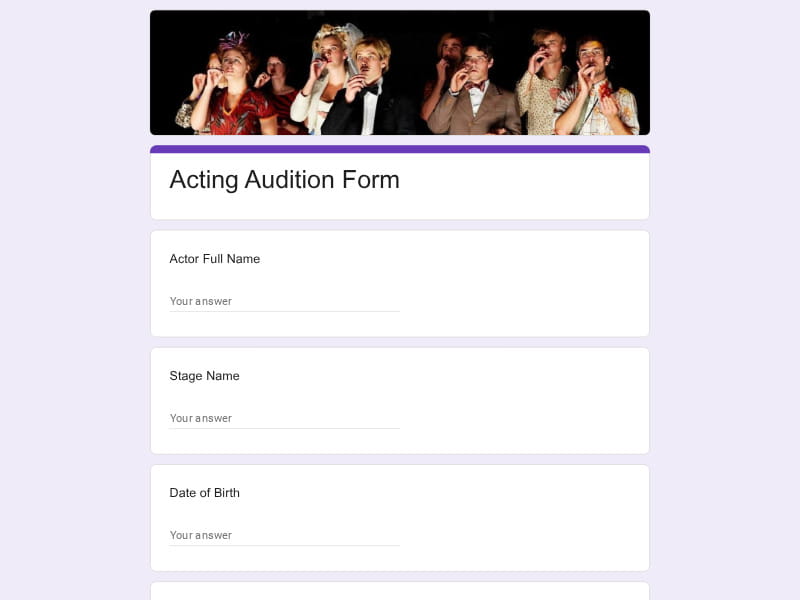
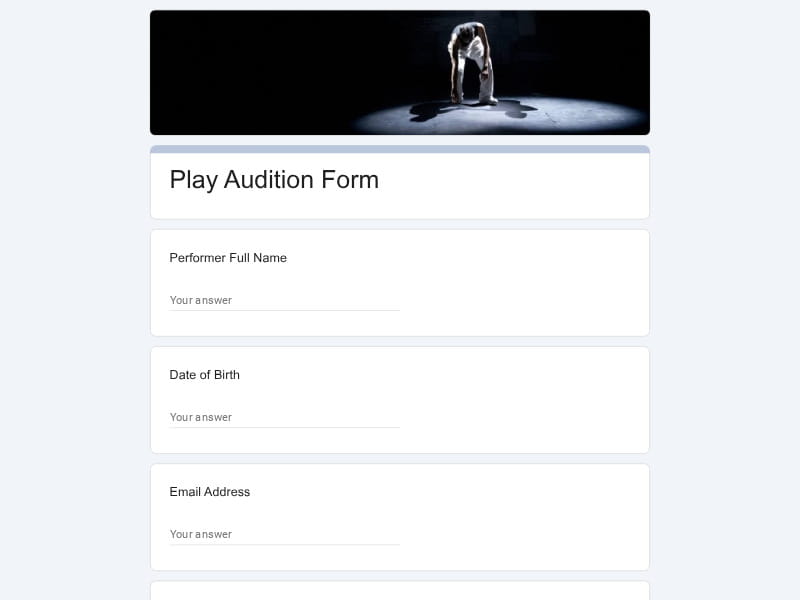
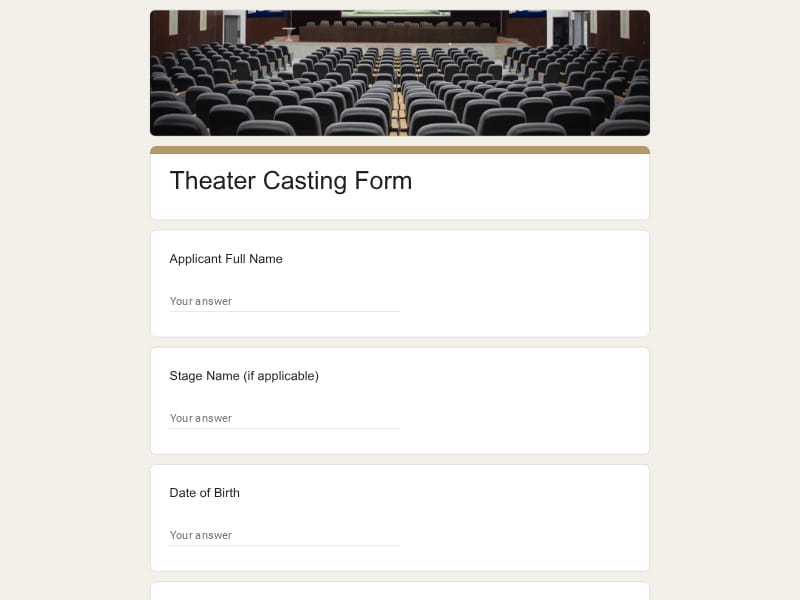
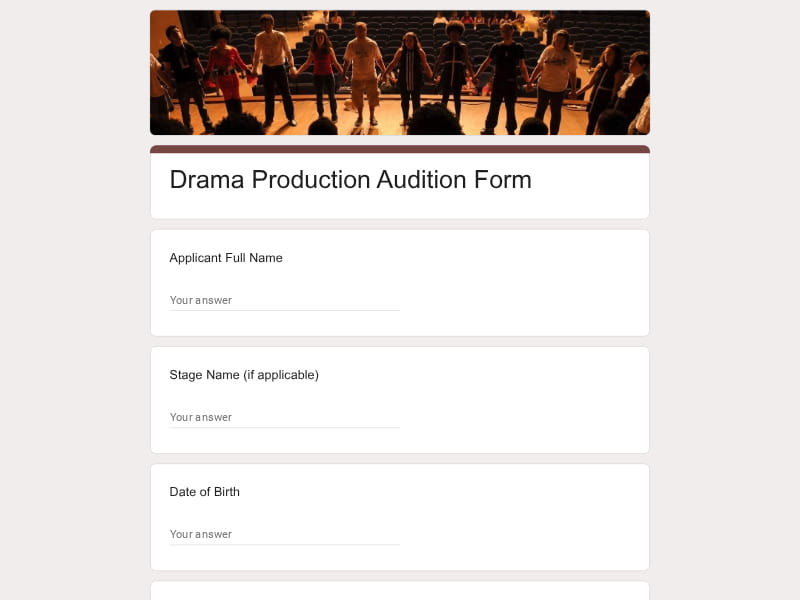
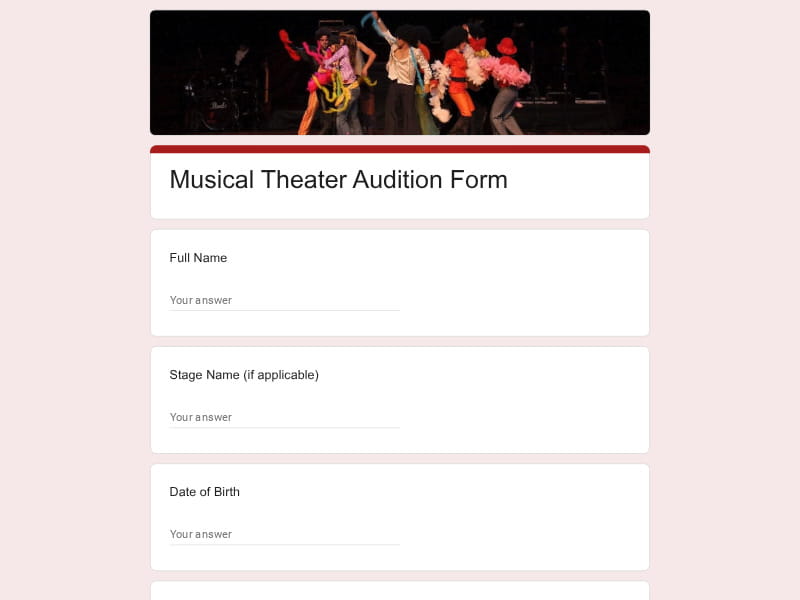
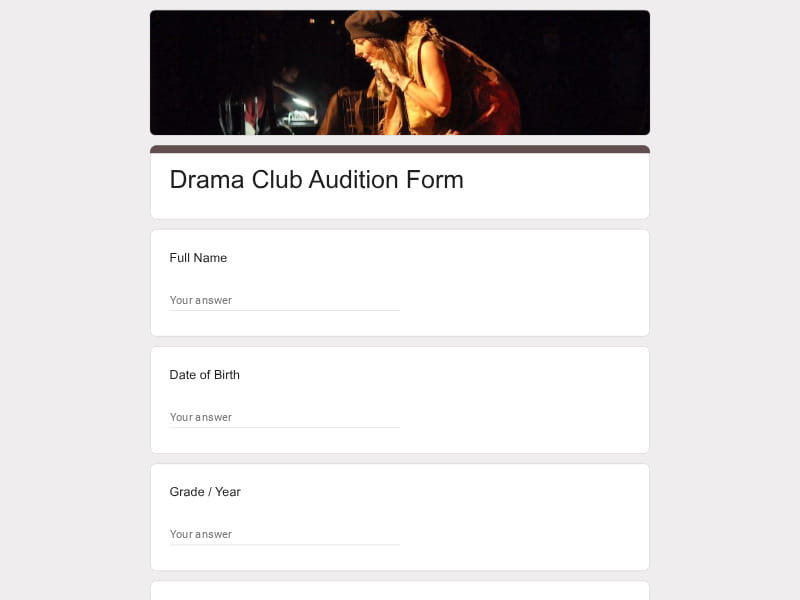
Used for play auditions, drama productions, and musical theater casting. These forms focus on role preference, monologue submission, acting experience, rehearsal availability, and stage comfort to help directors assign suitable roles efficiently.
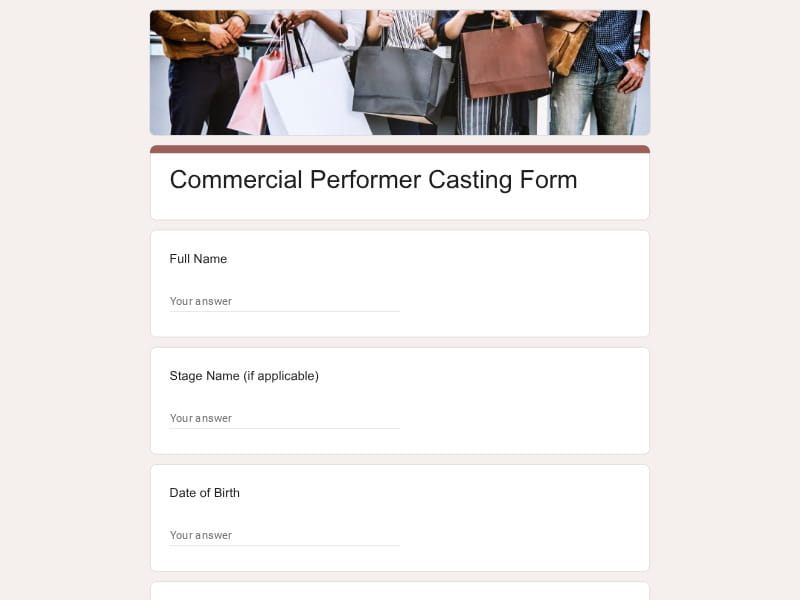
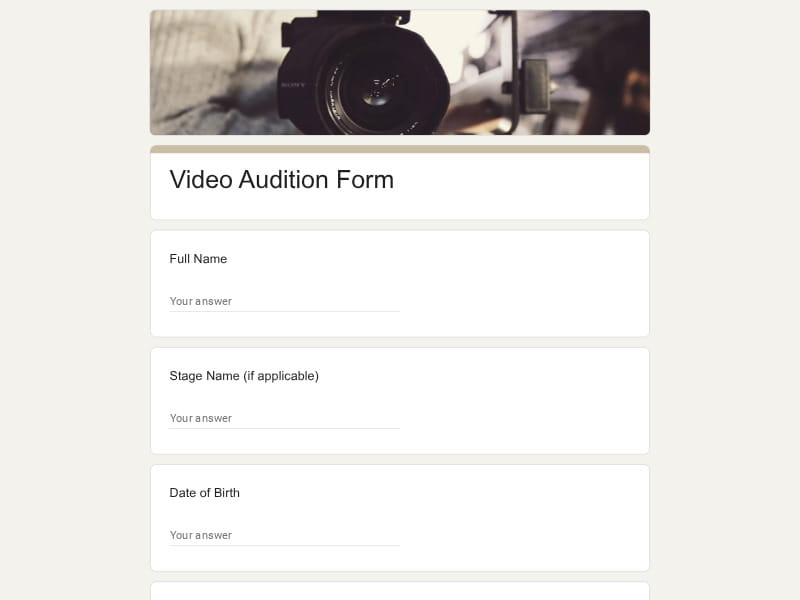
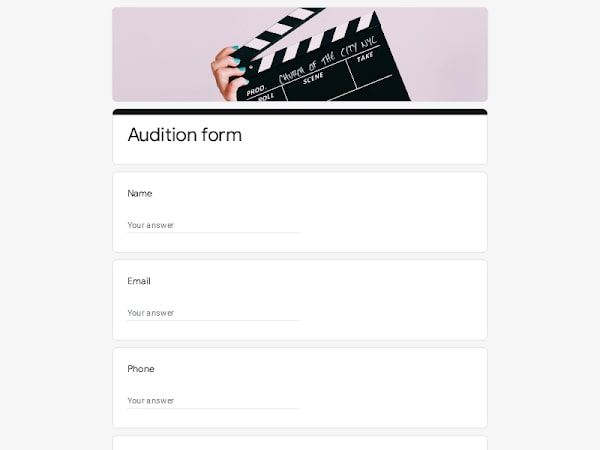
Designed for on-camera auditions, casting calls, and commercial roles. They collect self-tape links, showreels, acting range, improvisation ability, and prior screen experience to support quick pre-screening decisions.
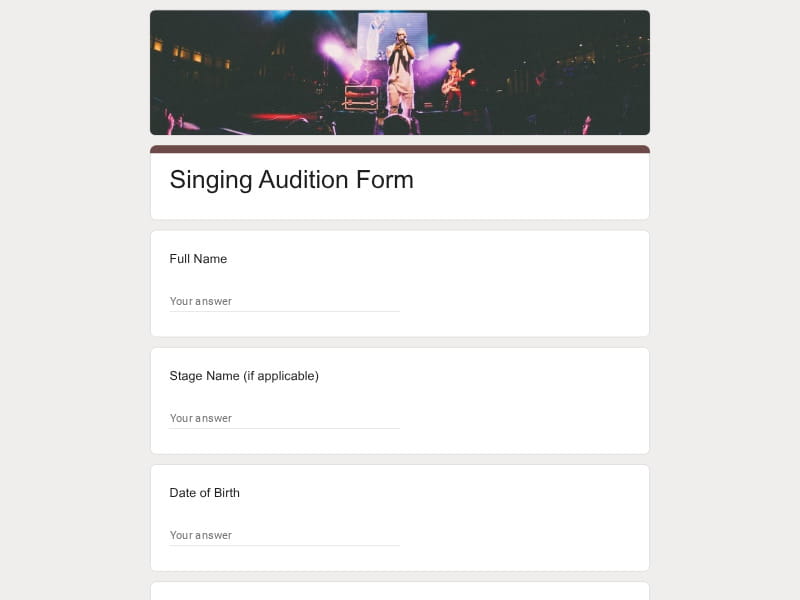
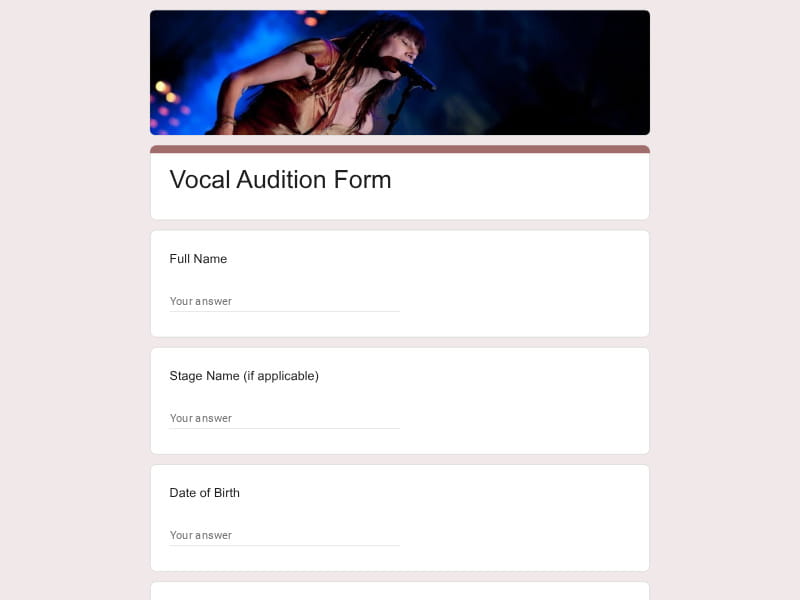
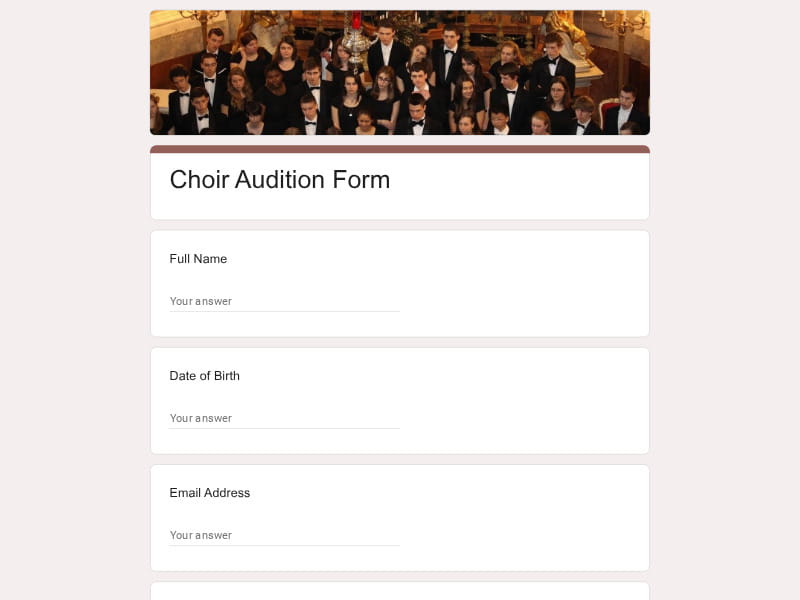
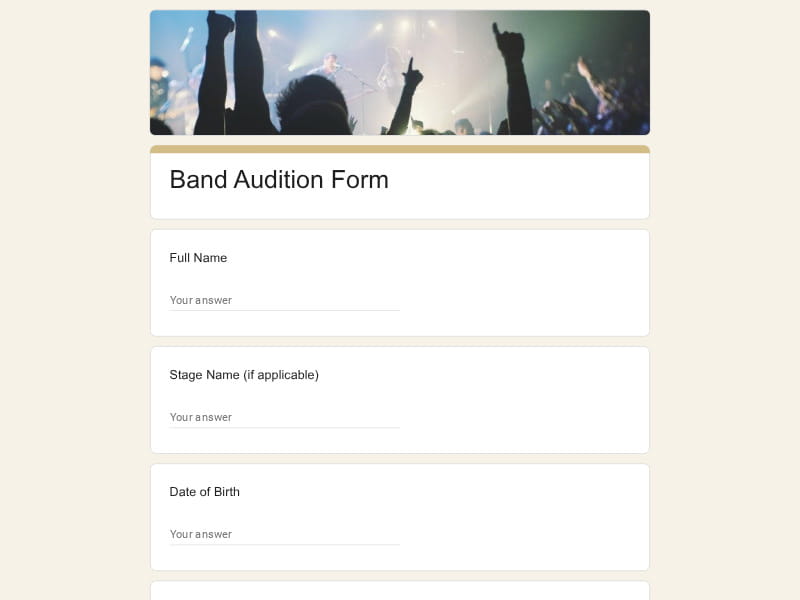
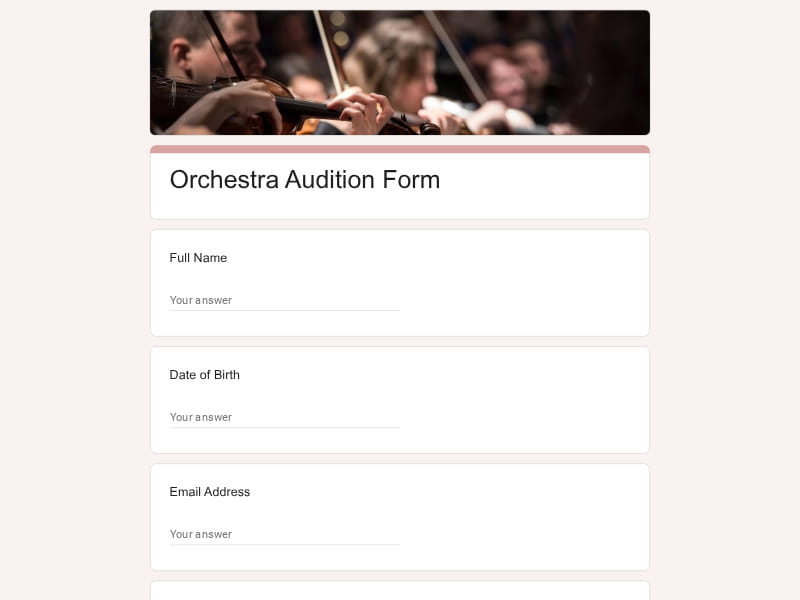
Used for singers, vocalists, choirs, bands, and orchestras. These forms evaluate vocal type, instrument skills, repertoire selection, training background, and audio/video performance submissions.
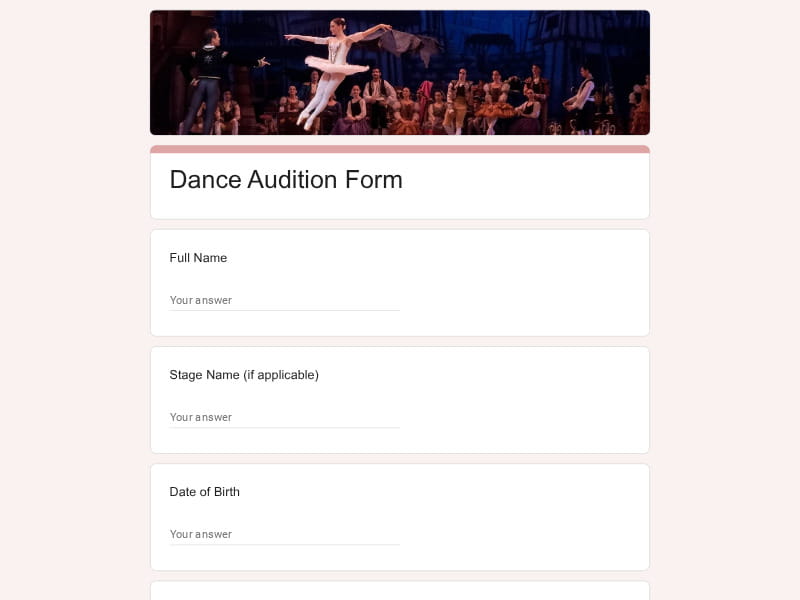
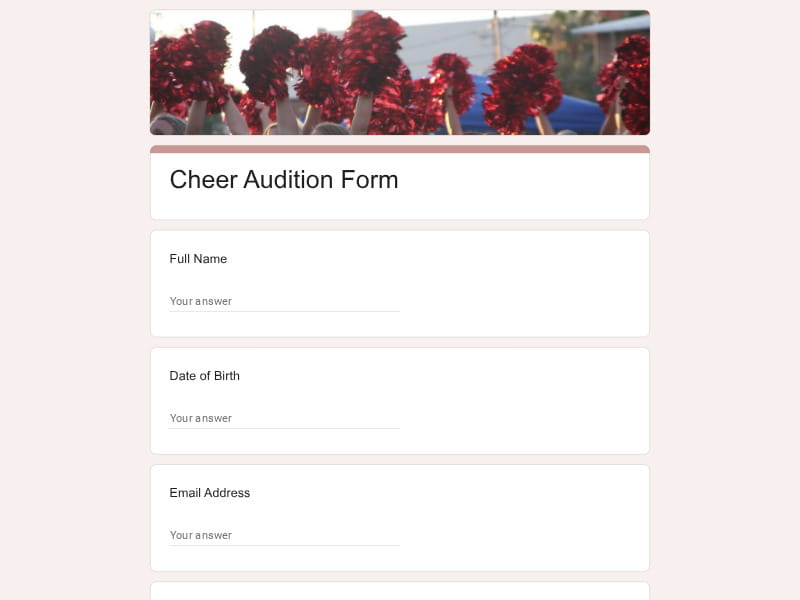
Applied in dance studios, cheer teams, and performance groups. They assess dance styles, choreography learning speed, flexibility, stamina, and rehearsal commitment for accurate team placement.
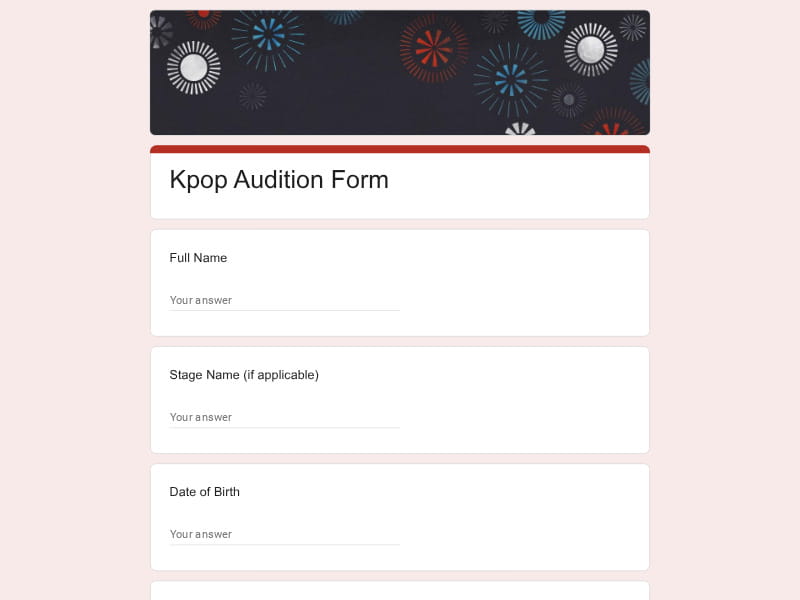
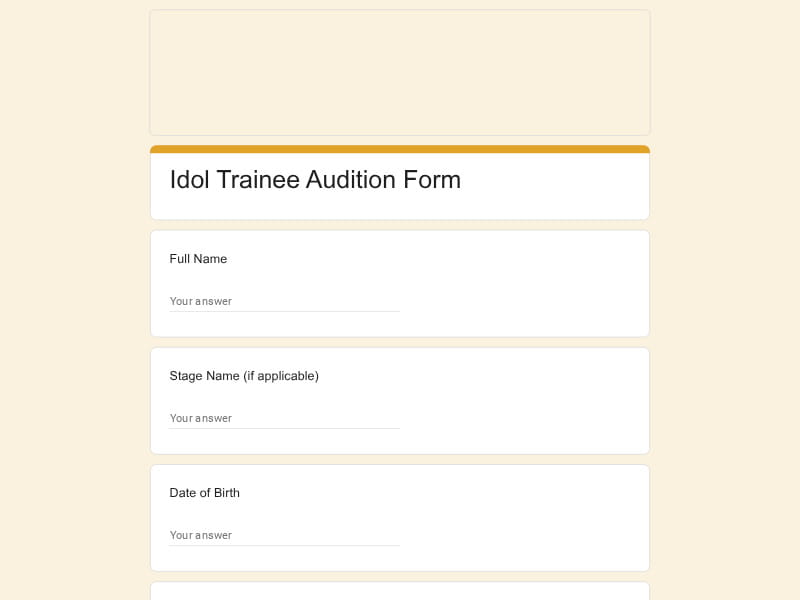
Used by entertainment agencies for global trainee recruitment. These forms combine singing, dancing, and rap evaluation with visual profile, language ability, and long-term training commitment.
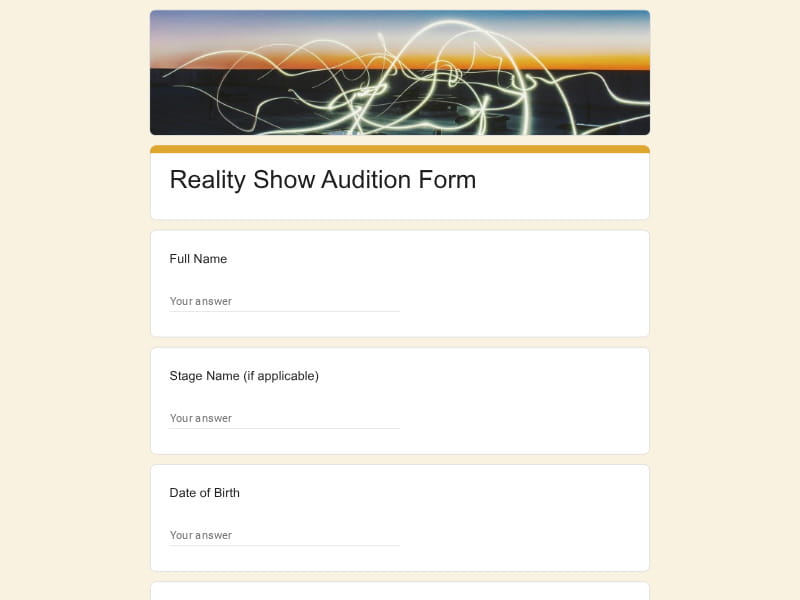
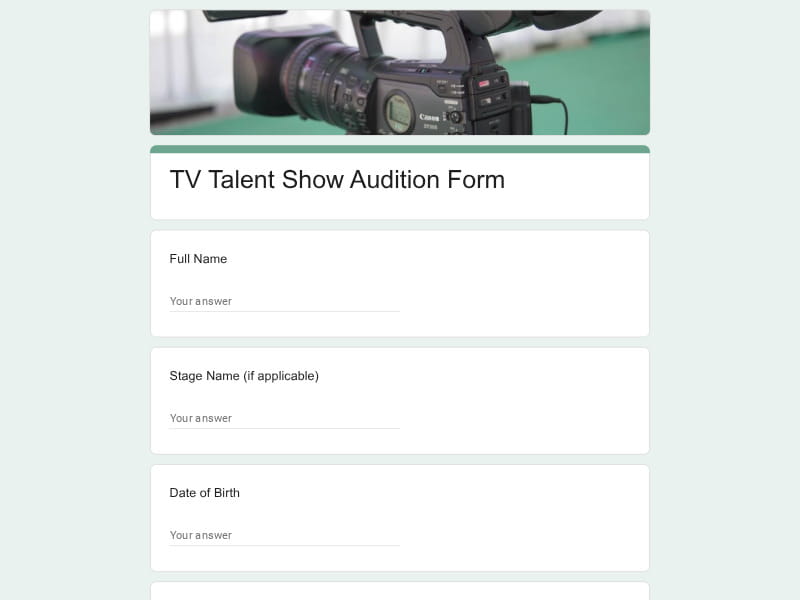
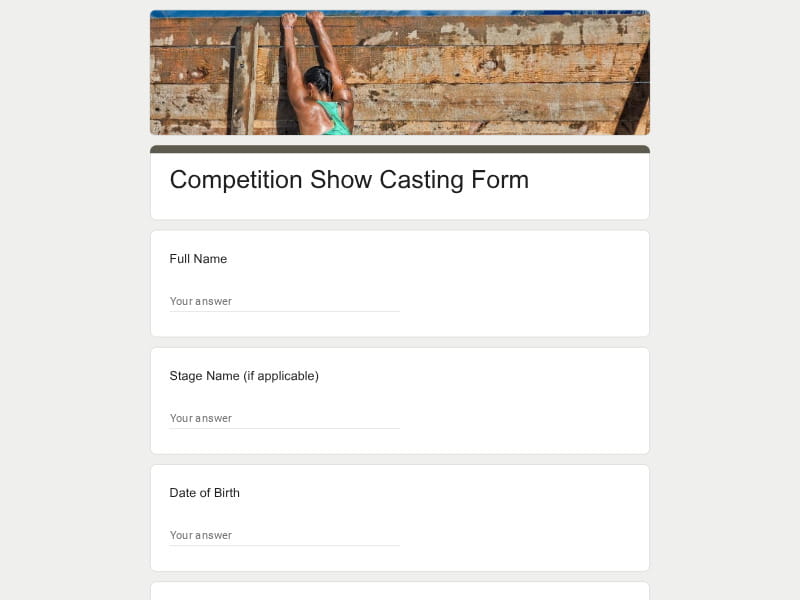
Focus on personality-driven casting for unscripted TV formats. They collect personal stories, on-camera confidence, social media presence, and adaptability to challenges or entertainment segments.
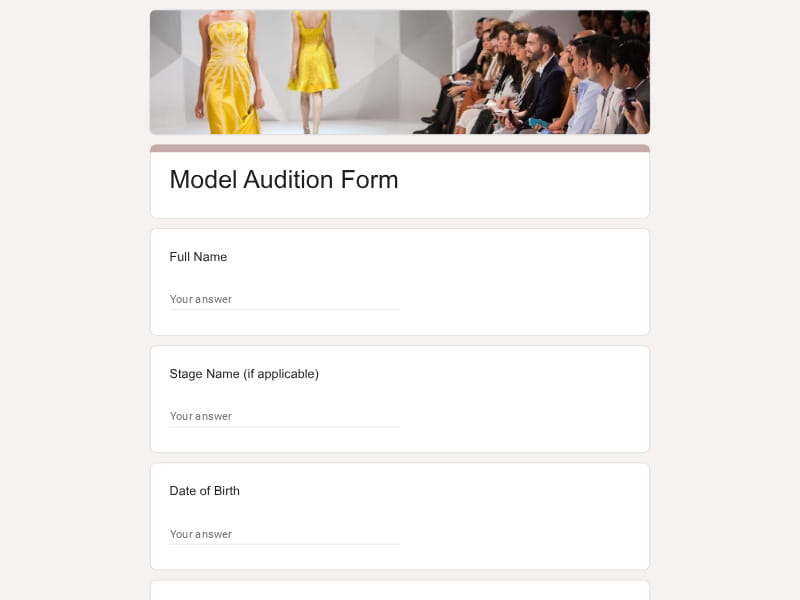
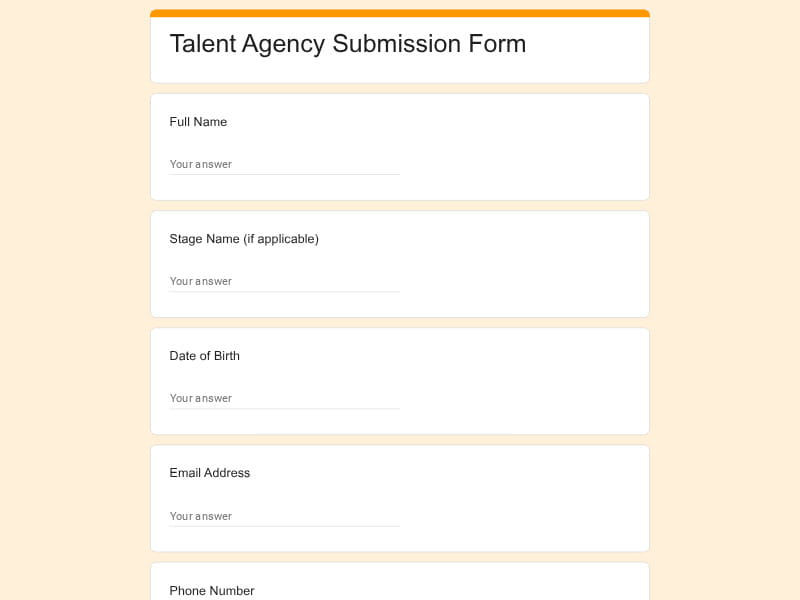
Used for model scouting, agency submissions, and campaign casting. These forms include measurements, portfolio images, runway experience, posing ability, and professional presentation readiness.
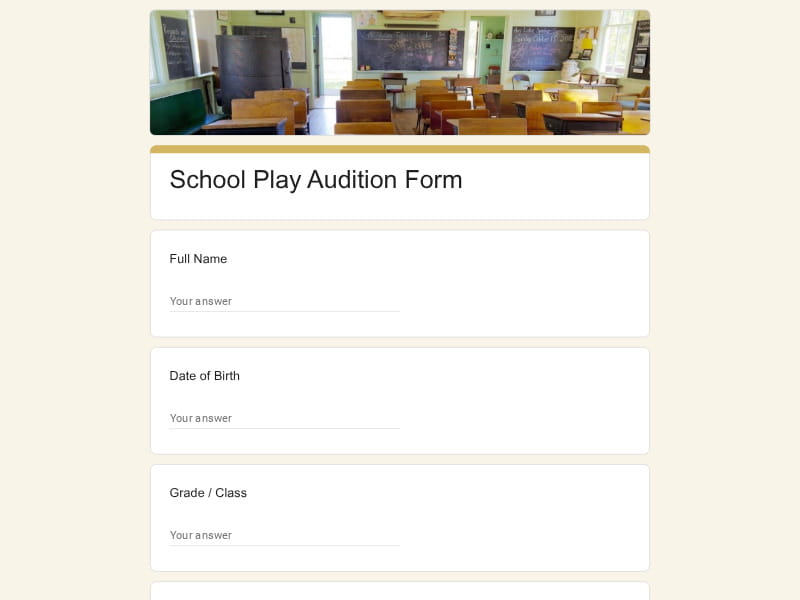
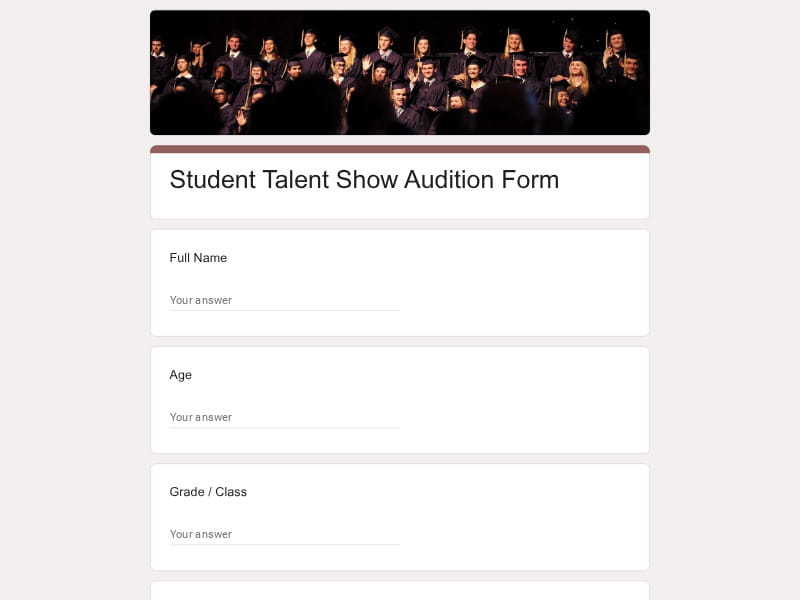
Designed for school plays, student talent shows, and drama clubs. They collect student details, guardian contacts, performance type, and rehearsal availability in a simple and accessible format.
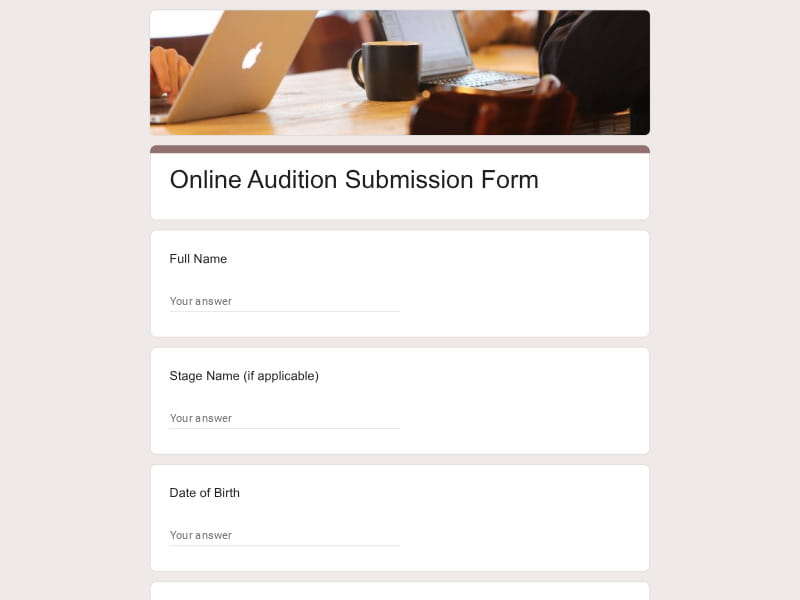
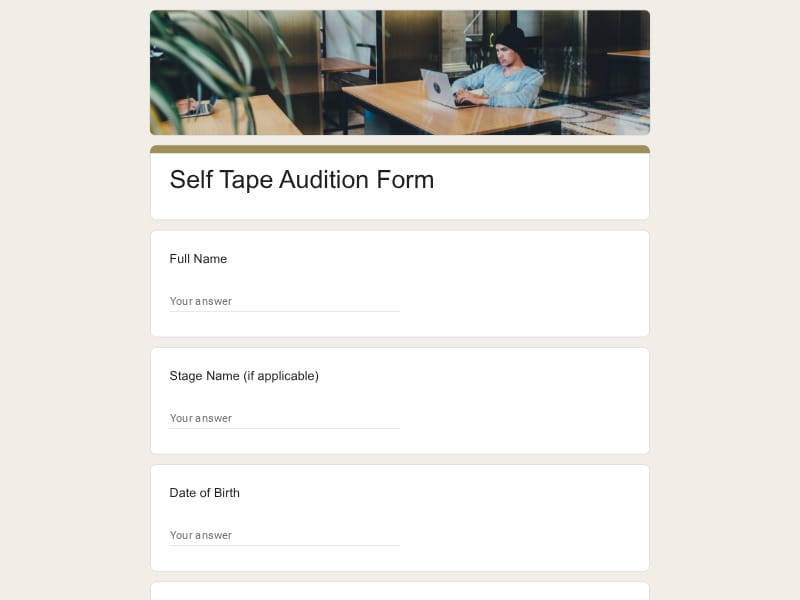
Optimized for self-tape submissions and global casting calls. These forms prioritize video links, remote evaluation materials, and flexible scheduling to support international applicants.
Choose your platform and follow the steps to get your audition form live in minutes.
Install Google Forms from the App Store. You'll need iOS 16 or later.
Open the app and sign in with your Google account. This is required to save and share forms.
Tap the template in the list.
Edit any question, add your flavor options, update the design theme and colors — all from within the app.
Tap the Share button (top right). Choose how to distribute your form:
The template is instantly copied to your Google Drive — no manual setup needed. You must be signed in to your Google account for this to work.
Auto-copied to Google DriveEdit question text, add your actual flavor options, adjust dropdowns, and personalize the form to your bakery.
Toggle "Required" on essential fields — name, email, order date, and quantity — so no key detail is missed.
Use Google Forms' built-in sharing to distribute your form via URL, embed it on a site, or generate a printable QR code.
Responses appear in real time in the Responses tab, or link to Google Sheets for a full sortable order spreadsheet.
Make sure you're signed in to Google before clicking the button. The form opens directly in Google Forms in your browser — no app download needed.

Scan to use Google Forms on iPhone or iPad!