

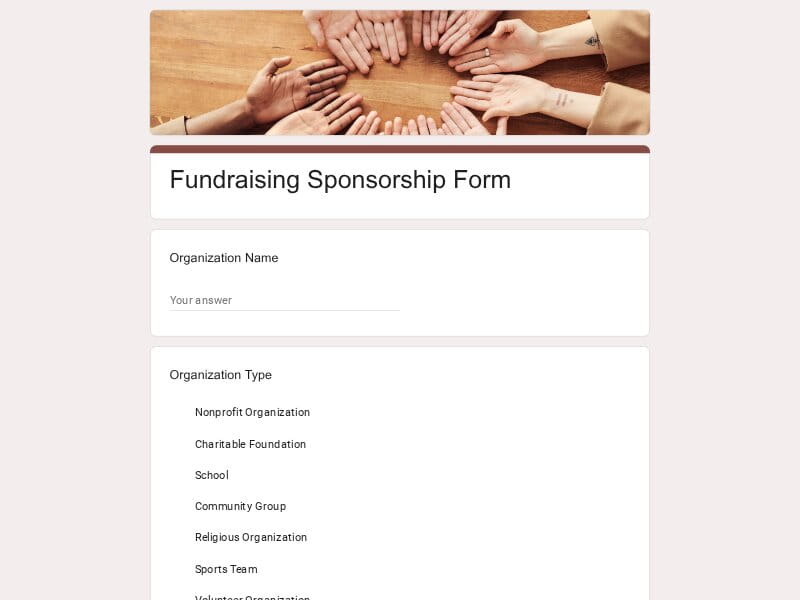
Launch a sponsorship request process in minutes with ready-to-use Google Forms templates that already include the questions sponsors expect to see. Each template is editable, easy to customize, and automatically collects responses in Google Forms with export options for Excel, Google Sheet, or PDF workflows.
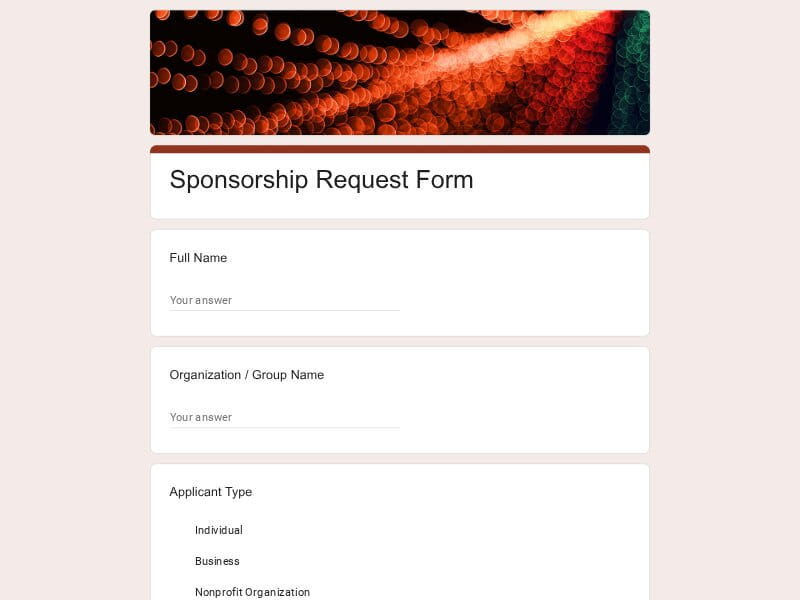 Preview
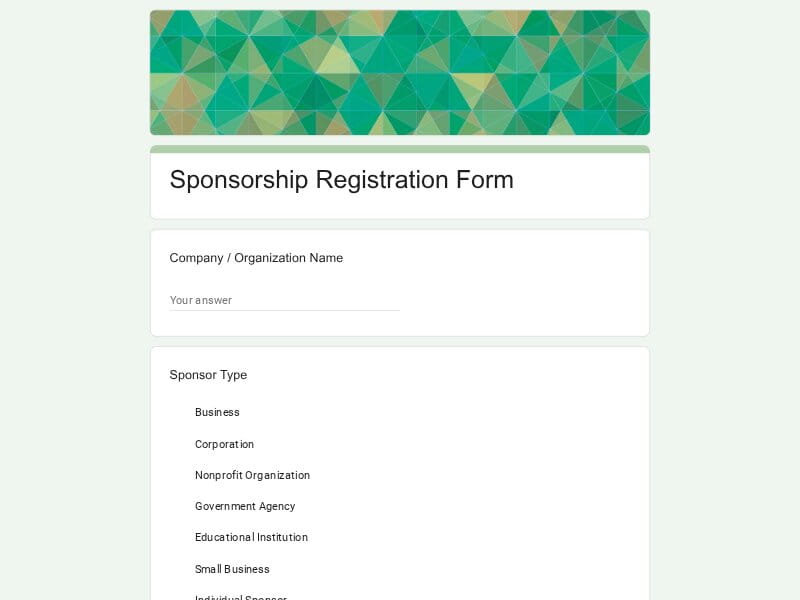 Preview
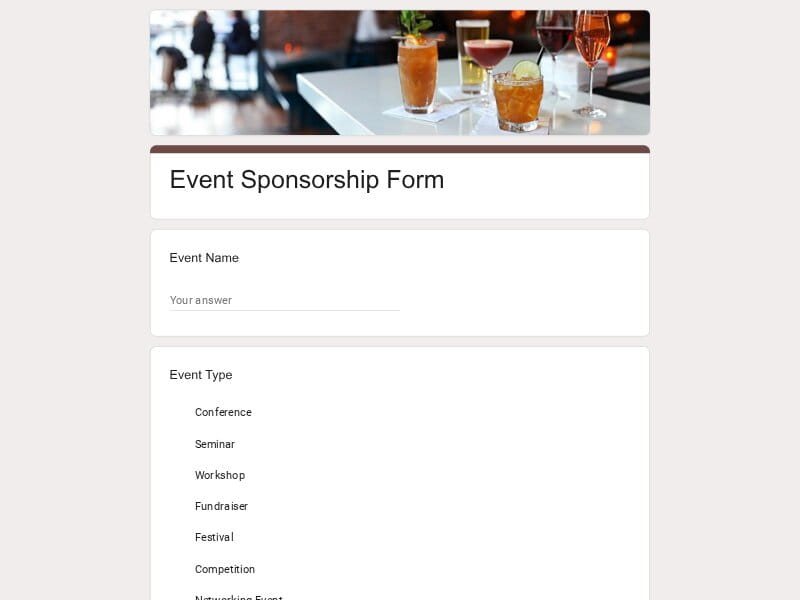 Preview
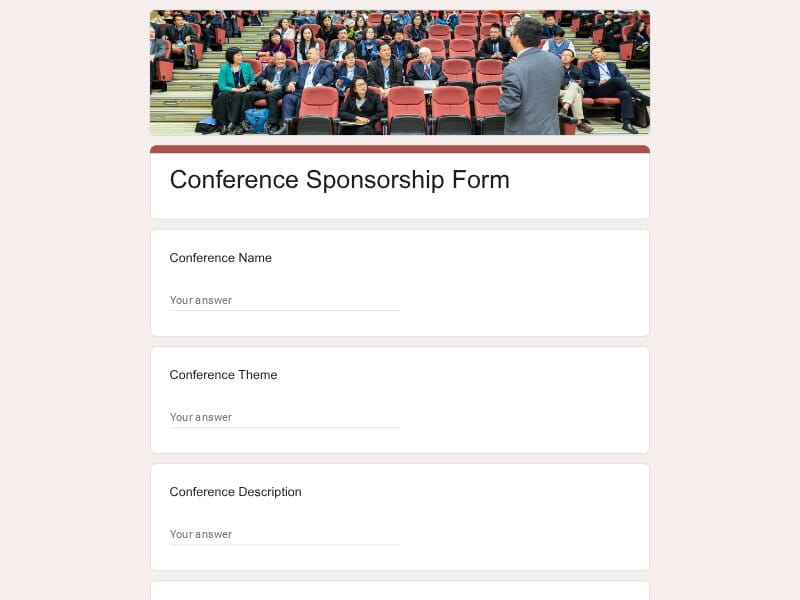 Preview
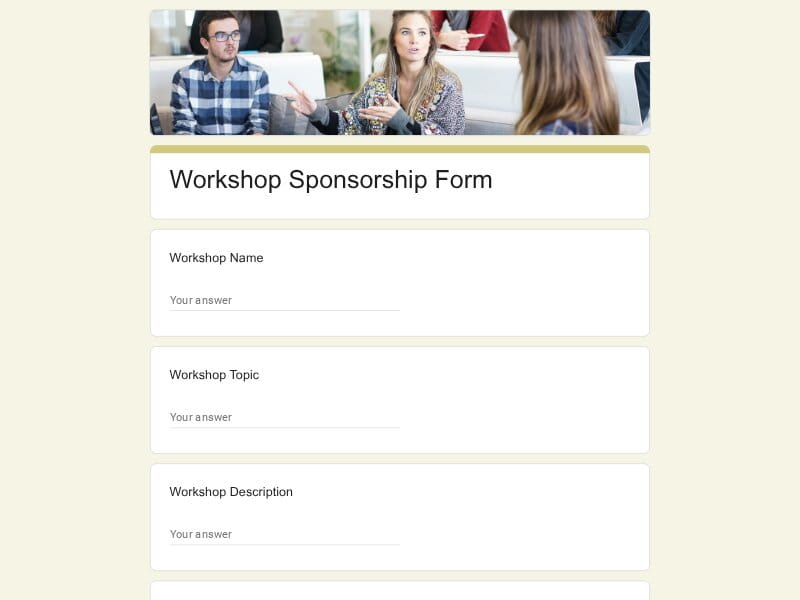 Preview
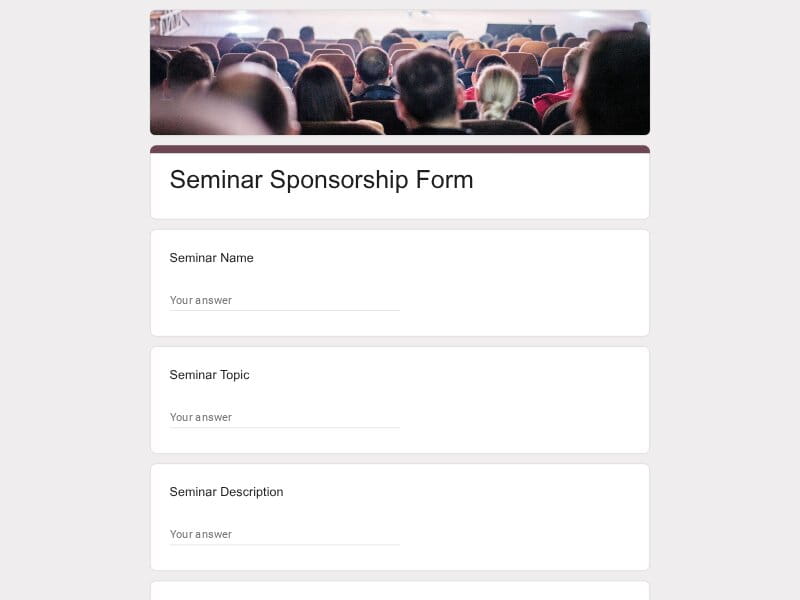 Preview
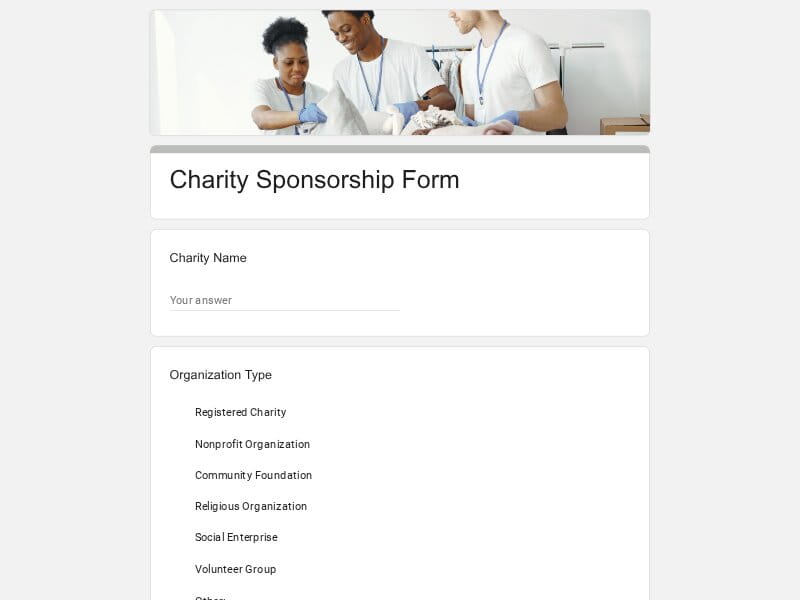 Preview
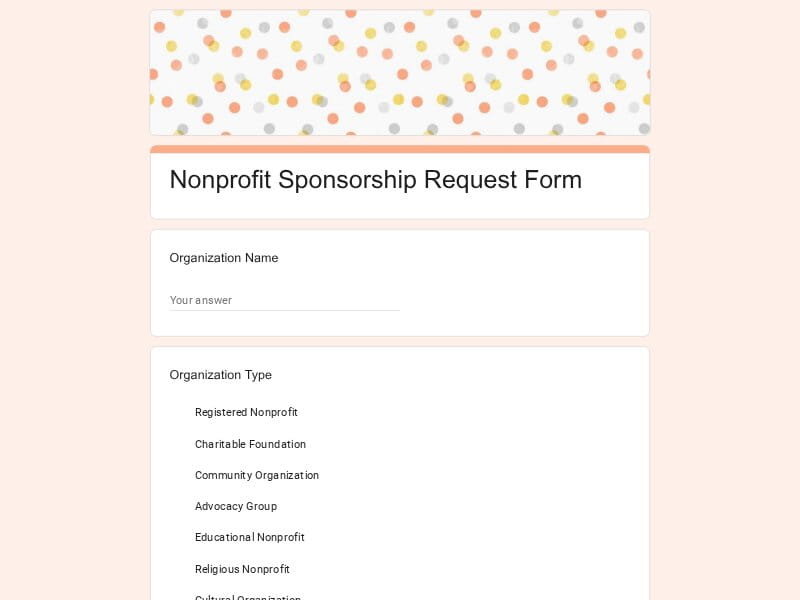 Preview
 Preview
A sponsorship form is a structured document used to collect information from individuals, organizations, businesses, or event organizers seeking financial support, products, services, promotional partnerships, or in-kind contributions from sponsors. It provides a consistent way to evaluate opportunities, compare requests, and manage sponsorship decisions.
These forms are commonly used for fundraising campaigns, charity initiatives, sports programs, school activities, community events, racing competitions, golf tournament sponsorship packages, baseball teams, nonprofit projects, corporate partnerships, and business marketing programs. By standardizing requests, organizers can present clear sponsorship opportunities while sponsors receive the details needed to review and approve support efficiently.
A sponsorship request form should do more than collect contact information. It should help sponsors quickly understand the opportunity, evaluate potential return on investment, compare requests consistently, and determine whether the partnership aligns with their goals. Whether the request is related to fundraising, a charity campaign, a school activity, a baseball team, a racing event, a golf tournament, a nonprofit initiative, or a corporate event, the form should provide enough context for informed decision-making while remaining easy to complete.
| Section | What to Include | Example Questions |
|---|---|---|
| Organization or Applicant Details | Basic information about the individual, team, school, business, nonprofit organization, club, or event organizer requesting support. | What is the name of your organization? Who is the primary contact person? What is your website or social media page? How long has your organization been operating? |
| Project or Event Overview | A concise explanation of the initiative, campaign, program, or event seeking sponsorship. | What are you requesting sponsorship for? Please describe your event or project. What are the primary goals of this initiative? Why is sponsorship important for its success? |
| Purpose and Objectives | Specific outcomes the sponsorship will help achieve, including fundraising targets, community impact, educational goals, or event growth. | What objectives are you hoping to achieve? How will sponsorship funds be used? What impact do you expect this project to have? How will success be measured? |
| Audience and Reach | Information that helps sponsors evaluate exposure opportunities and target demographics. | Who is your target audience? How many attendees or participants are expected? What age groups or demographics will be reached? What is your estimated online or social media reach? |
| Event Logistics | Operational details that provide context about timing, location, attendance, and event structure. | When will the event take place? Where will the event be held? Is this an annual or recurring event? What is the expected attendance? |
| Sponsorship Request Details | The specific support being requested, including monetary contributions, products, services, equipment, or promotional assistance. | What type of sponsorship are you requesting? What sponsorship amount are you seeking? Are you requesting cash or in-kind support? What resources or services would be most valuable? |
| Sponsorship Packages and Levels | Available partnership tiers, recognition opportunities, and associated benefits. | Which sponsorship level interests you? What benefits are included with each package? Are custom sponsorship arrangements available? Would you like to discuss a tailored package? |
| Marketing and Brand Exposure | Details about visibility opportunities available to sponsors before, during, and after the event. | Where will sponsor logos be displayed? Will sponsors receive social media recognition? Are website placements included? Will sponsors be mentioned in event communications? |
| Community Impact | Information demonstrating social value, local engagement, educational benefits, or charitable outcomes. | Who will benefit from this initiative? How does this project support the community? What charitable or educational outcomes are expected? How will sponsorship contribute to those outcomes? |
| Sports Program Information | Additional details for forms for sports, including baseball, youth leagues, racing teams, golf tournaments, and athletic programs. | How many athletes participate in the program? What league or organization are you affiliated with? What competitions or tournaments are planned? What achievements has the team accomplished? |
| School or Youth Program Details | Information relevant to schools, student organizations, educational programs, and child-focused initiatives. | What school or institution is involved? How many students will participate? What educational goals will be supported? How will sponsorship benefit participants? |
| Corporate Partnership Opportunities | Information for business and corporate sponsors evaluating long-term collaboration opportunities. | Are ongoing partnerships available? What co-branding opportunities are offered? Can sponsors participate in event activities? What long-term benefits are available? |
| Budget and Resource Allocation | Financial transparency regarding sponsorship usage, project costs, and funding requirements. | What is the total project budget? How will sponsorship funds be allocated? What expenses will sponsorship cover? Are additional funding sources available? |
| Supporting Documents | Optional uploads that help sponsors evaluate the request more effectively. | Would you like to upload a sponsorship proposal? Can you provide a budget document? Do you have promotional materials to share? Would you like to attach previous event results? |
| Follow-Up and Communication | Preferred communication methods, timelines, and next steps after submission. | What is your preferred contact method? When is a sponsorship decision needed? Who should sponsors contact with questions? Would you like to schedule a follow-up discussion? |
Sponsorship requests are used across many industries and organization types. A structured Google Forms workflow helps standardize applications, simplify review processes, and collect comparable information regardless of whether the goal is fundraising, event promotion, community support, brand exposure, or long-term partnership development.
Non profit organizations frequently seek financial support, donated products, volunteer resources, and community partnerships. Sponsorship forms help collect requests consistently, document funding needs, communicate expected impact, and manage fundraising initiatives more efficiently.
Youth leagues, baseball teams, amateur clubs, school athletics, racing organizations, and tournament organizers can use sponsorship forms to present opportunities to local businesses and corporate sponsors while clearly outlining exposure benefits and program needs.
Golf tournament sponsorship programs often involve multiple sponsorship tiers, hole sponsorships, branded experiences, and promotional packages. Structured forms help collect sponsor commitments and track partnership details in one place.
Schools, student clubs, academic teams, arts programs, booster organizations, and parent associations can use sponsorship requests to secure support for educational activities, competitions, equipment purchases, field trips, and community initiatives.
Organizations serving children can use sponsorship forms to seek funding for camps, after-school activities, educational workshops, sports programs, enrichment initiatives, and community outreach efforts.
Organizers of conferences, festivals, expos, networking events, community celebrations, trade shows, workshops, and entertainment events often need a reliable process for collecting sponsorship applications and evaluating partnership opportunities.
Businesses hosting conferences, customer events, product launches, employee programs, or industry gatherings can use sponsorship forms to identify strategic partners and streamline corporate collaboration opportunities.
Local associations, civic groups, neighborhood programs, cultural organizations, and volunteer-led initiatives can use sponsorship requests to secure resources and build relationships with businesses that support community development.
Fundraising teams responsible for annual campaigns, capital projects, donor initiatives, and special events benefit from standardized application processes that simplify sponsor evaluation and reporting.
Businesses seeking co-marketing opportunities, event partnerships, local visibility, or promotional collaborations can use sponsorship forms to organize partnership requests and present professional proposals.
Industry associations, alumni groups, networking organizations, membership communities, and professional societies often rely on sponsorship revenue to support events, educational programs, and member services.
Organizations that host yearly events can use editable Google Forms templates to maintain a consistent sponsorship process while customizing questions and sponsorship packages for each new event cycle.
Managing sponsorship opportunities often involves collecting detailed information, comparing multiple submissions, tracking communications, reviewing supporting documents, and coordinating stakeholders. Google Forms provides a flexible, customizable, and cost-effective solution that helps organizations manage sponsorship workflows without specialized software.
Organizations can launch a sponsorship intake process quickly using pre-built templates and then customize questions, sponsorship levels, branding requirements, and review criteria to match specific fundraising, event, school, or business needs.
Every applicant submits information using the same structure, making sponsorship requests easier to review, compare, prioritize, and approve across multiple campaigns or events.
All submissions are stored in a centralized location, reducing reliance on email threads, spreadsheets, and manual tracking systems while improving visibility across the sponsorship process.
Form responses can be connected directly to Google Sheet, allowing teams to track sponsorship status, monitor fundraising goals, analyze applications, create reports, and manage sponsor pipelines more efficiently.
Sponsorship forms can be distributed through websites, email campaigns, registration pages, social media platforms, newsletters, event pages, and outreach programs without requiring additional tools.
Applicants can submit proposals, sponsorship packages, budgets, event materials, presentations, promotional assets, and supporting documentation directly through the form workflow.
The same platform can support charity initiatives, nonprofit fundraising, sports sponsorships, baseball programs, golf tournament partnerships, school activities, corporate events, community programs, and business collaborations.
Multiple team members can review submissions, monitor progress, evaluate opportunities, and coordinate sponsor communications without maintaining separate records.
Data collected through the form can be analyzed within Google Forms or exported for use in Excel, Google Sheet, PDF reports, sponsorship summaries, board presentations, and stakeholder reviews.
Whether managing a local charity event, a youth sports team, a school fundraiser, a nonprofit campaign, or a large corporate sponsorship program, Google Forms provides a scalable and easy-to-maintain solution.
Choose your platform and follow the steps to get your Sponsorship form live in minutes.
Install Google Forms from the App Store. You'll need iOS 16 or later.
Open the app and sign in with your Google account. This is required to save and share forms.
Tap the template in the list.
Edit any question, add your flavor options, update the design theme and colors — all from within the app.
Tap the Share button (top right). Choose how to distribute your form:
The template is instantly copied to your Google Drive — no manual setup needed. You must be signed in to your Google account for this to work.
Auto-copied to Google DriveEdit question text, add your actual flavor options, adjust dropdowns, and personalize the form to your bakery.
Toggle "Required" on essential fields — name, email, order date, and quantity — so no key detail is missed.
Use Google Forms' built-in sharing to distribute your form via URL, embed it on a site, or generate a printable QR code.
Responses appear in real time in the Responses tab, or link to Google Sheets for a full sortable order spreadsheet.
Make sure you're signed in to Google before clicking the button. The form opens directly in Google Forms in your browser — no app download needed.

Scan to use Google Forms on iPhone or iPad!