

Browse free, ready-to-use RSVP form templates built for Google Forms. Whether you're planning a wedding, corporate event, birthday party, or virtual conference, find the right template and start collecting attendance confirmations in minutes.
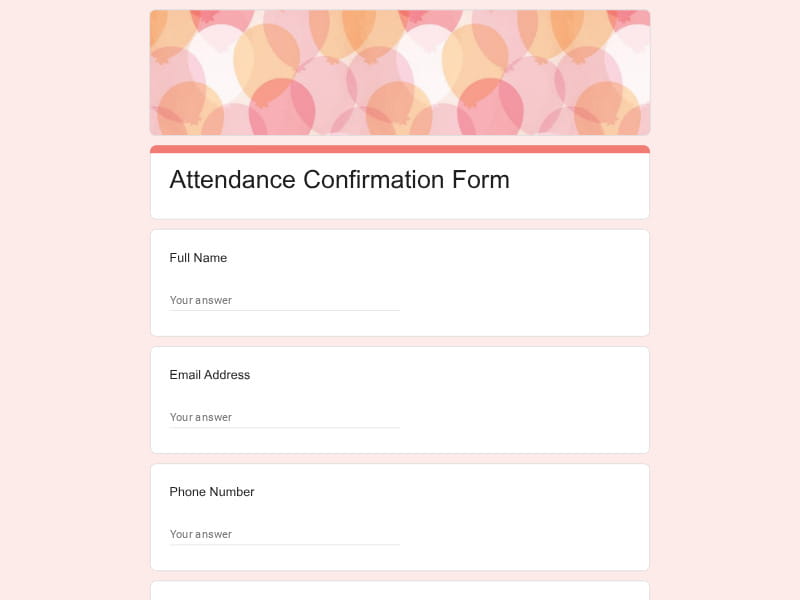 Preview
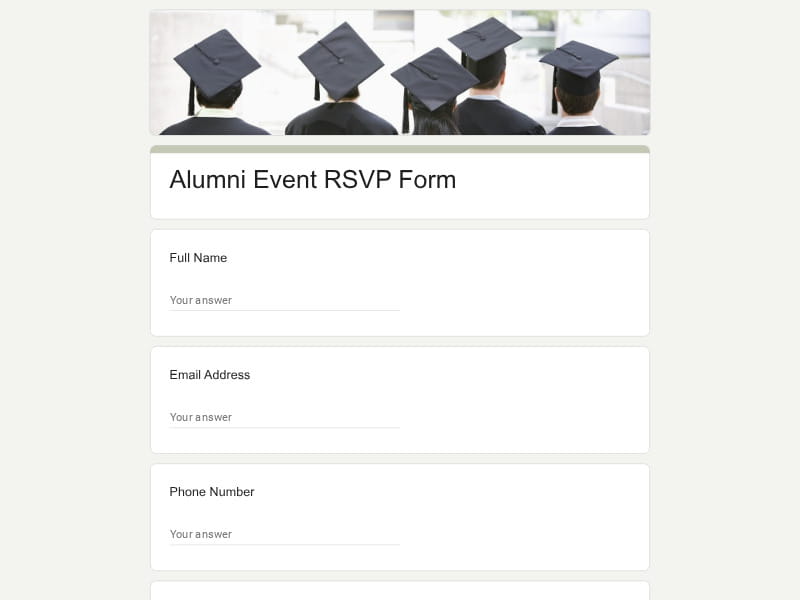 Preview
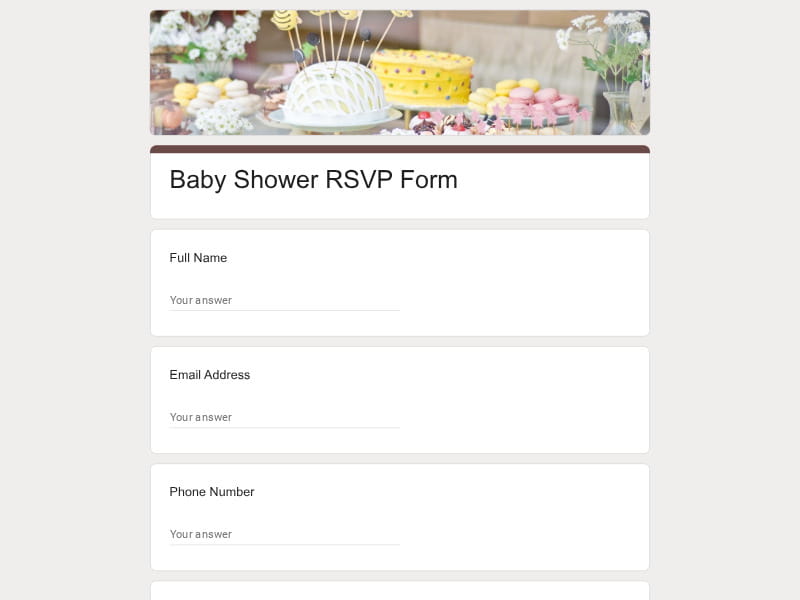 Preview
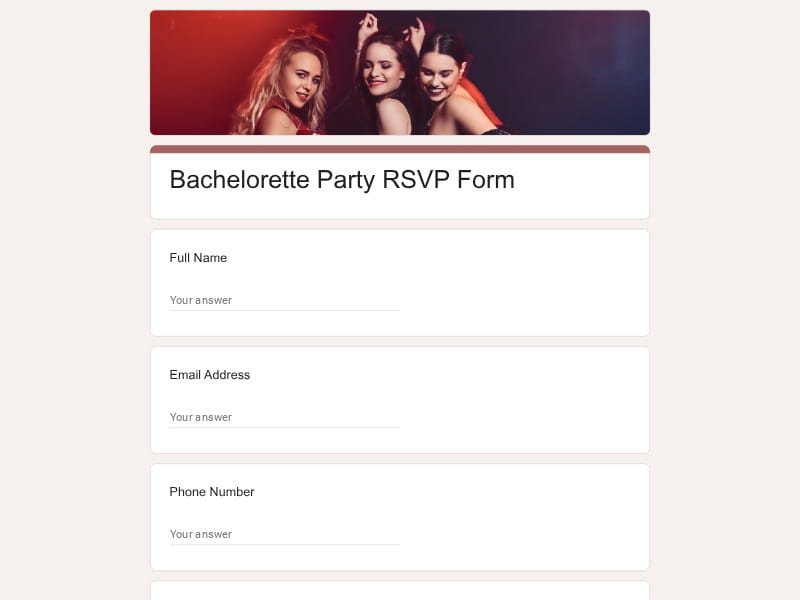 Preview
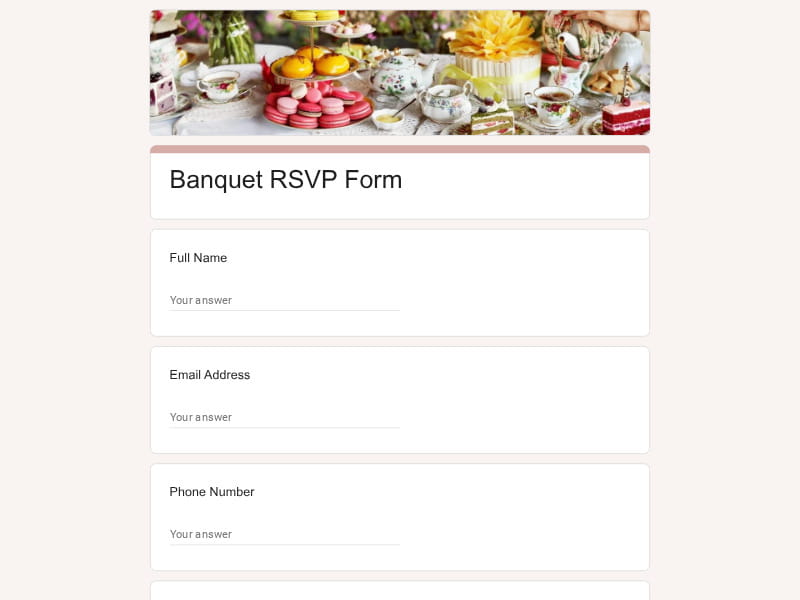 Preview
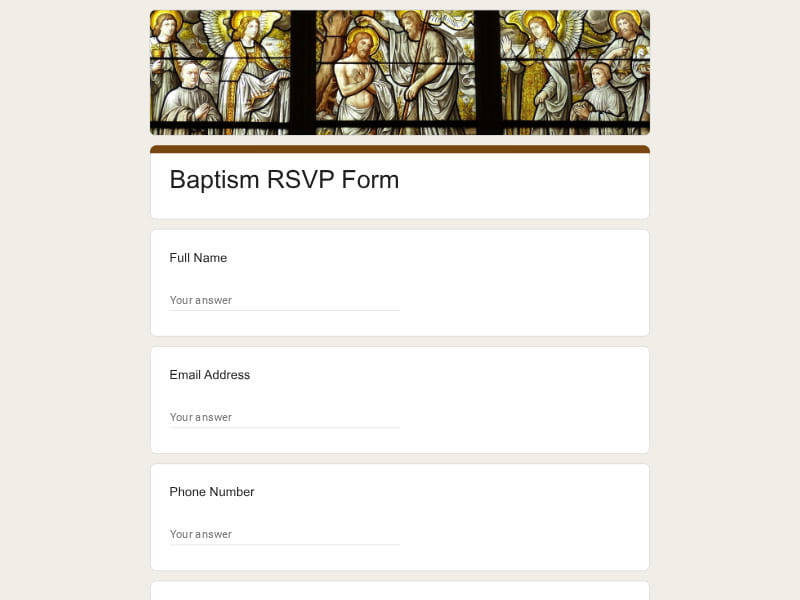 Preview
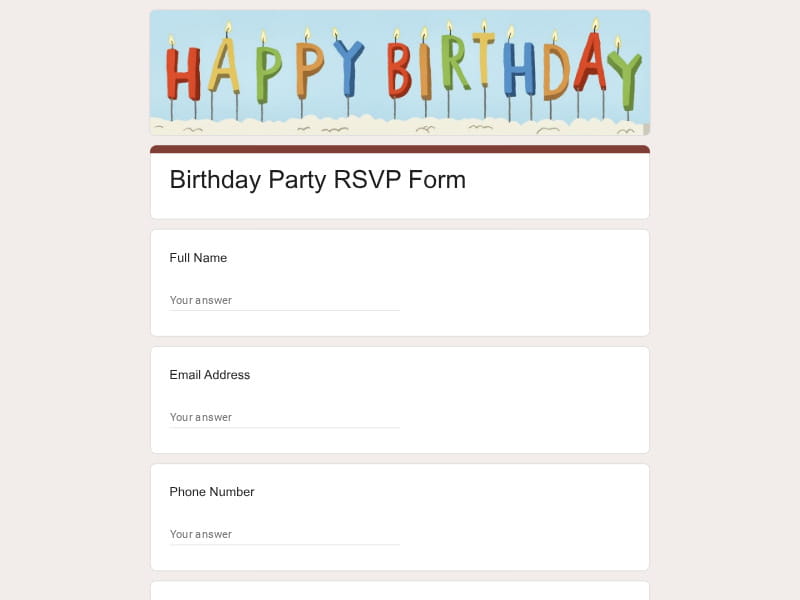 Preview
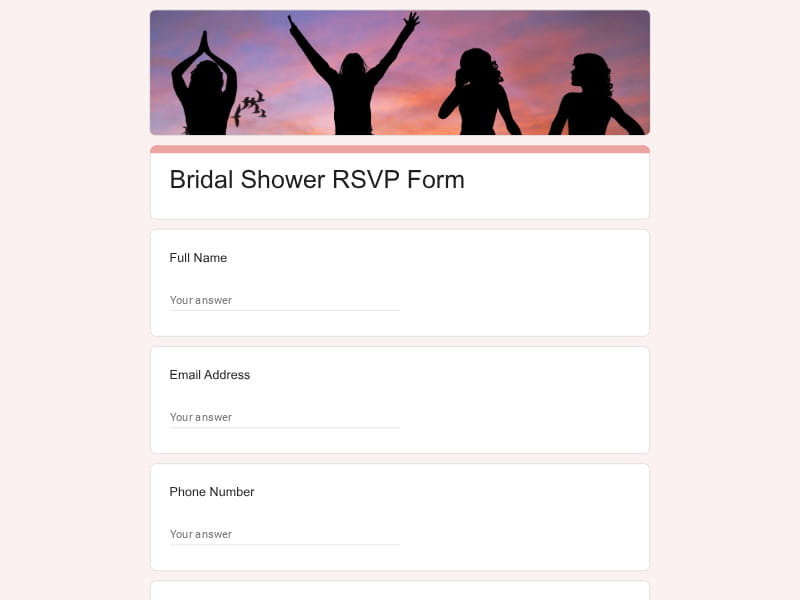 Preview
 Preview
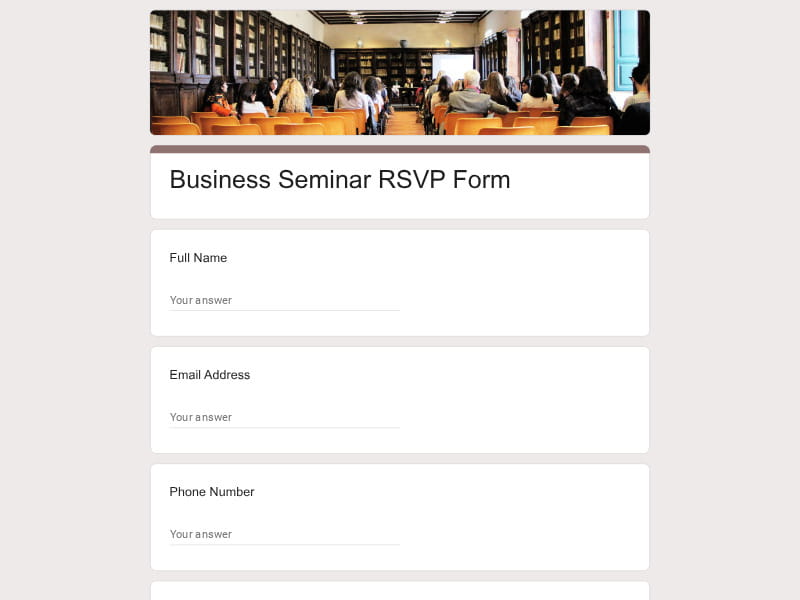
An RSVP form is a digital tool used to collect formal attendance confirmations and guest information for an upcoming event. It replaces traditional reply cards and ad-hoc email responses with a single, structured form that automatically organizes all guest data in one place.
Google Forms has become one of the most popular free tools for building RSVP forms. It requires no software installation, integrates directly with Google Sheets for real-time response tracking, and produces mobile-friendly links that guests can complete on any device.
A well-designed RSVP form should help organizers do much more than count attendees. The form should gather enough information to support guest management, venue planning, catering, communication, transportation, seating arrangements, and event-specific logistics. The exact structure may vary depending on the event, but most successful RSVP forms include several core sections that make planning easier while keeping the response process simple for guests.
| Section | What to Include | Example Questions |
|---|---|---|
| Guest Information | Basic attendee identification details used to recognize guests, communicate updates, and manage registrations accurately. |
What is your full name? What email address should we use for event updates? What is your phone number? How would you like us to contact you regarding this event? |
| Attendance Status | Core RSVP details confirming whether the guest plans to attend and helping organizers estimate attendance. |
Will you be attending the event? Can we reserve a seat for you? Will you attend in person or virtually? If unable to attend, would you like to receive event updates afterward? |
| Guest Count & Plus-Ones | Information about accompanying guests, family members, colleagues, or additional attendees. |
Will you be bringing a guest? How many people will attend with you? Please provide the name of your guest. Will any children be attending with your group? |
| Meal Preferences | Catering-related information that helps planners estimate food quantities and accommodate dietary requirements. |
Which entrée would you prefer? Do you require a vegetarian, vegan, or gluten-free meal? Do you have any food allergies we should be aware of? Do you have any dietary restrictions or special meal requests? |
| Event Schedule Participation | Attendance tracking for specific sessions, activities, ceremonies, workshops, or related events. |
Will you attend the reception following the main event? Which sessions do you plan to attend? Will you participate in networking activities? Are you attending the after-party or social gathering? |
| Seating Preferences | Information used for table assignments, accessibility planning, and guest experience management. |
Would you like to sit with specific guests? Do you require accessible seating? Do you have mobility considerations we should accommodate? Are there any seating preferences we should know about? |
| Travel & Accommodation Details | Useful for destination events, conferences, retreats, and multi-day gatherings that require logistics coordination. |
Will you require hotel accommodation information? What date do you plan to arrive? Will you need transportation assistance? Are you interested in group travel arrangements? |
| Accessibility & Special Requirements | Requests that help organizers provide an inclusive and comfortable experience for all attendees. |
Do you require accessibility accommodations? Will you need wheelchair-accessible facilities? Do you require interpretation or translation services? Is there anything we can do to make your attendance more comfortable? |
| Communication Preferences | Permissions and preferences for reminders, updates, schedule changes, and future event communication. |
Would you like to receive event reminders? Would you like schedule updates via email? Can we contact you regarding event changes? Would you like to hear about future events? |
| Family & Children Information | Additional details for family-oriented events where organizers need accurate attendance counts and planning information. |
How many children will attend? What are the ages of the children attending? Will any child require a special meal? Do you require family seating arrangements? |
| Event-Specific Details | Questions tailored to the purpose of the event, audience, or registration requirements. |
Which workshop would you like to attend? What is your graduation year? Which team, department, or organization are you representing? Which activity interests you most? |
| Gifts, Contributions & Participation | Optional information for celebrations, fundraisers, community events, and potlucks. |
Will you be bringing a dish to share? Would you like to contribute to a group gift? Are you interested in volunteering during the event? Would you like information about sponsorship opportunities? |
| Additional Notes | Open-ended space where guests can provide context, questions, or special requests. |
Do you have any additional comments? Is there anything the organizers should know before the event? Do you have questions about the venue or schedule? Are there any special requests you'd like us to consider? |
Google Forms provides an efficient way to collect RSVP responses without specialized event management software. It combines ease of use, flexible customization, automated response tracking, and seamless integration with Google Workspace tools. Whether you're managing a small gathering, wedding, fundraiser, conference, webinar, or corporate event, Google Forms helps simplify guest management while providing organizers with accurate and organized attendance data.
Instead of designing a response system from scratch, organizers can start with a ready-made sample, customize questions, adjust the design, and publish the form quickly. This reduces setup time while ensuring important RSVP information is collected from the start.
Guests can respond from a phone, tablet, or computer without creating accounts or installing additional software. A simple online experience typically leads to higher response rates and fewer incomplete submissions.
Each form generates a dedicated RSVP link that can be distributed through email invitations, websites, event pages, newsletters, messaging apps, social media posts, or QR-code invitations. This flexibility helps organizers reach guests wherever they prefer to respond.
Google Forms supports a wide range of event requirements. Organizers can collect attendance confirmations, meal selections, accommodation requests, session registrations, guest counts, accessibility needs, transportation details, and other event-specific information using a single editable form.
Many hosts now use digital alternatives instead of paper RSVP cards. A form allows guests to submit responses instantly while giving organizers real-time visibility into attendance numbers, reducing lost responses and manual data entry.
Every submission is stored automatically, allowing organizers to monitor attendance as responses arrive. This eliminates the need to manually compile information from emails, phone calls, text messages, and physical invite responses.
As guests submit their responses, attendance totals update immediately. Event planners can quickly identify confirmed attendees, pending responses, declined invitations, meal counts, and capacity limits without maintaining separate spreadsheets.
Responses can flow directly into Google Sheets, making it easier to sort guest lists, build seating charts, track attendance trends, manage catering counts, organize registrations, and collaborate with planning teams.
Collected information can be exported and shared in formats commonly used by venues, vendors, and organizers, including Excel, Google Sheet, and PDF workflows. This simplifies reporting, guest coordination, and event administration.
The same platform can support intimate gatherings with a handful of attendees or large events with hundreds of guests. Organizers can expand the form structure as event complexity increases without changing systems.
Forms can be incorporated into wedding websites, event landing pages, digital invite campaigns, QR-code signage, registration portals, and other modern invitation experiences while maintaining a professional response process.
Instead of collecting attendance details across multiple channels, organizers receive all RSVP responses in one location. This improves accuracy, reduces administrative work, and helps ensure important guest information is never overlooked.
Choose your platform and follow the steps to get your RSVP form live in minutes.
Install Google Forms from the App Store. You'll need iOS 16 or later.
Open the app and sign in with your Google account. This is required to save and share forms.
Tap the template in the list.
Edit any question, add your flavor options, update the design theme and colors — all from within the app.
Tap the Share button (top right). Choose how to distribute your form:
The template is instantly copied to your Google Drive — no manual setup needed. You must be signed in to your Google account for this to work.
Auto-copied to Google DriveEdit question text, add your actual flavor options, adjust dropdowns, and personalize the form to your bakery.
Toggle "Required" on essential fields — name, email, order date, and quantity — so no key detail is missed.
Use Google Forms' built-in sharing to distribute your form via URL, embed it on a site, or generate a printable QR code.
Responses appear in real time in the Responses tab, or link to Google Sheets for a full sortable order spreadsheet.
Make sure you're signed in to Google before clicking the button. The form opens directly in Google Forms in your browser — no app download needed.

Scan to use Google Forms on iPhone or iPad!