

Browse ready-made refund form templates built for Google Forms — no setup required, just pick one and make it yours. Each template comes with pre-written questions and a clean design to help you handle return requests professionally from day one.
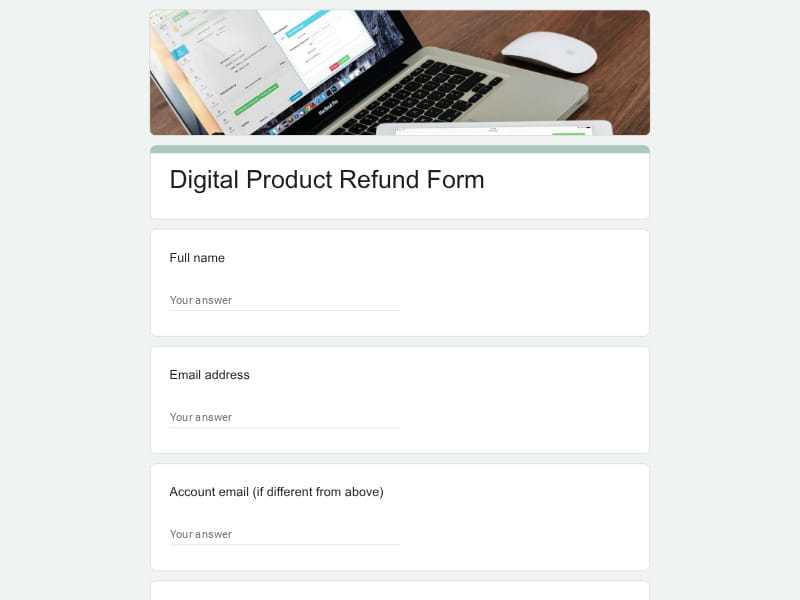 Preview
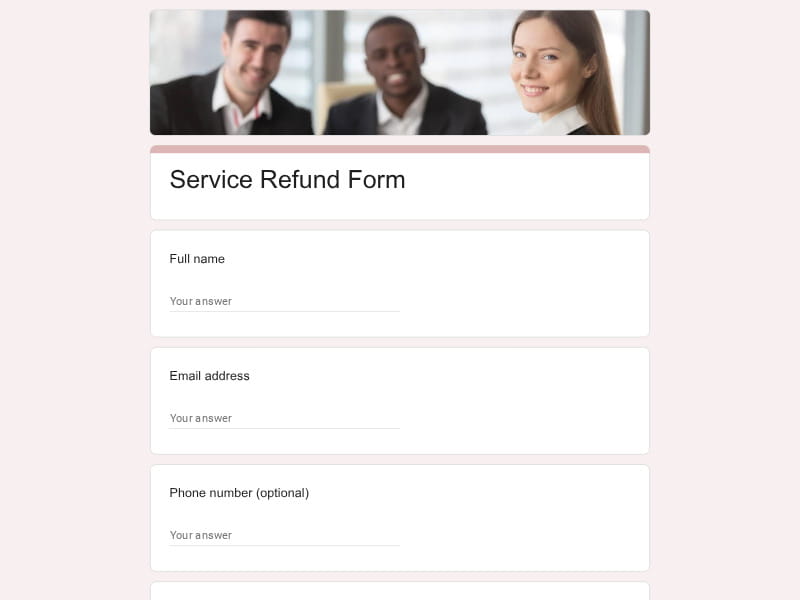 Preview
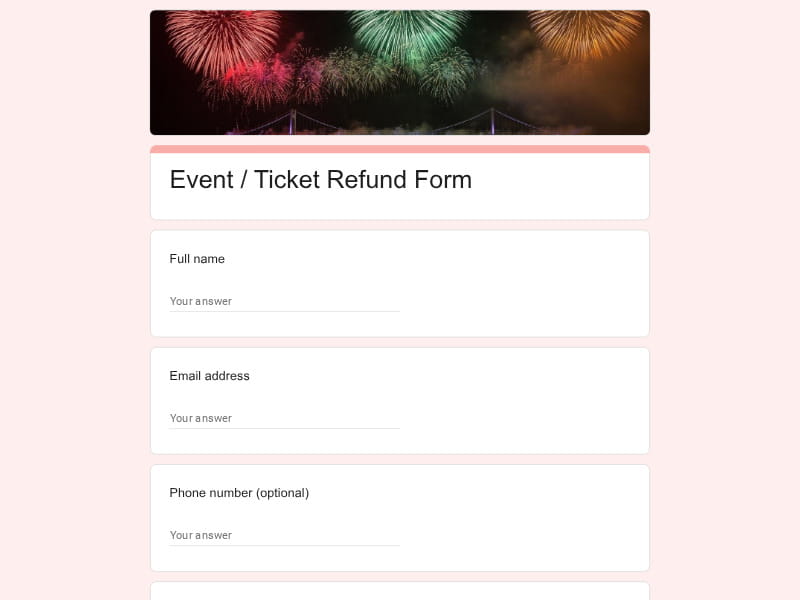 Preview
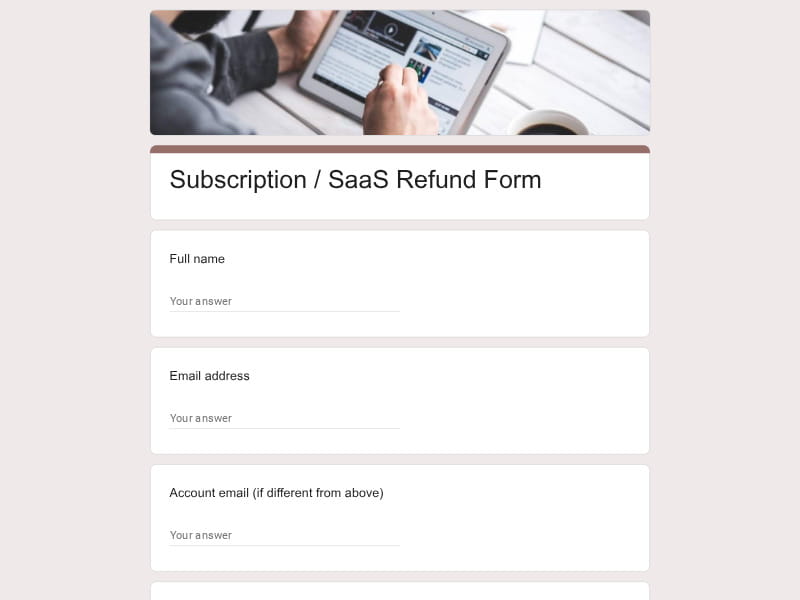 Preview
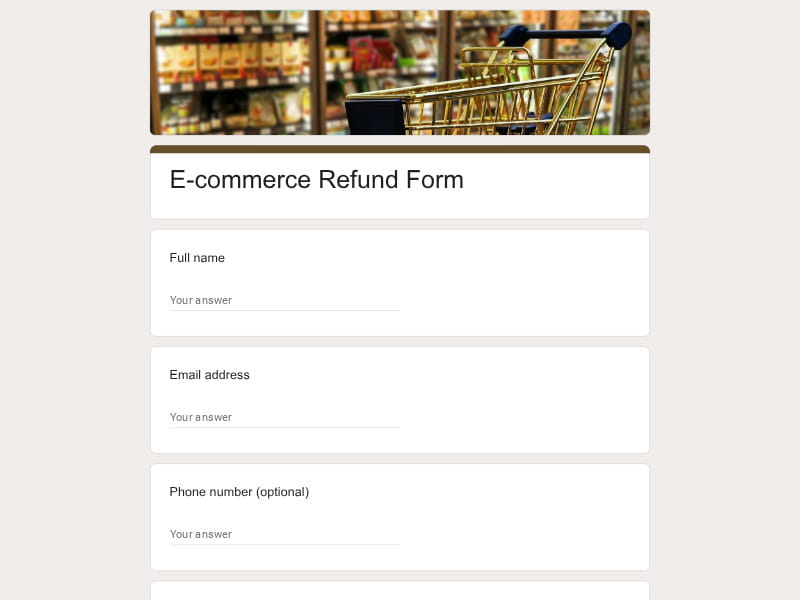 Preview
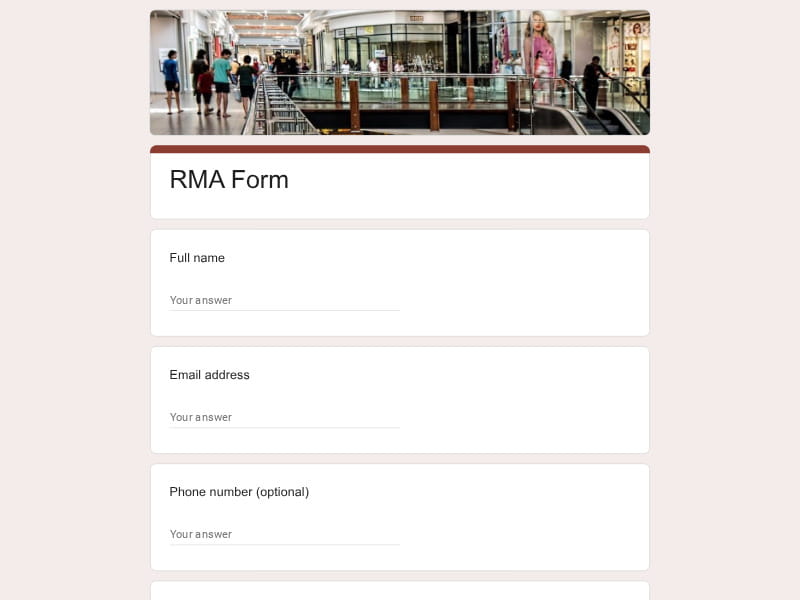 Preview
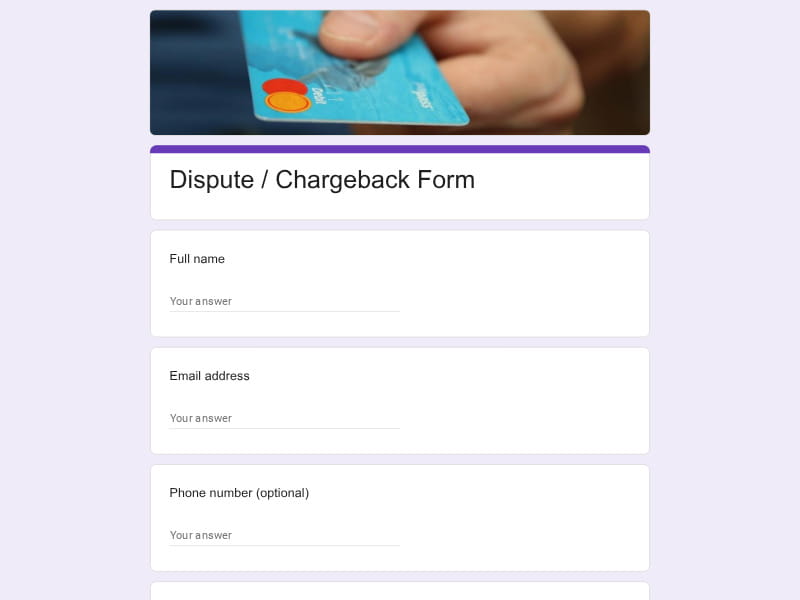 Preview
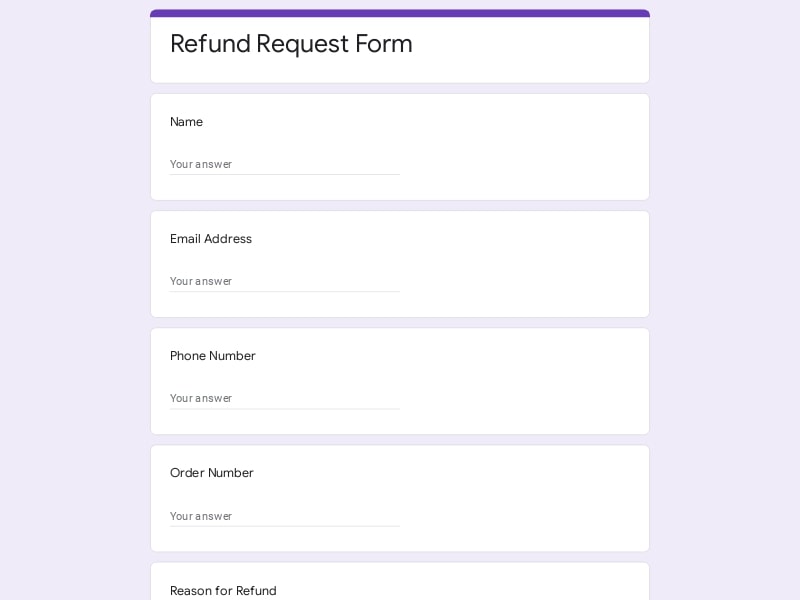 Preview
A refund form is a structured document that lets customers formally submit a request to return money or exchange a product they've purchased. Businesses use it to collect all the information they need in one place — order details, reason for the return, preferred resolution — so the customer service team can process each case quickly and consistently.
Whether you're managing a small online shop or a large service operation, having a standardized form means fewer back-and-forth emails, a cleaner paper trail, and a smoother experience for everyone involved.
A well-structured form prevents the most common customer service headache: chasing down missing information after a request has already been submitted. The sections below cover what a complete, production-ready form should include — and the kinds of questions that belong in each one.
| Section | What to include | Example questions |
|---|---|---|
| Customer info | Name, email, and a reliable way to match the client to a transaction or account |
Full name Email address Phone number (optional) Account or membership ID |
| Order / booking details | Order number, purchase date, and the item or service in question — enough to pull up the transaction without back-and-forth |
Order or booking reference number Date of purchase or check-in Product name or service type Where did you purchase this? (dropdown) |
| Reason for return | A structured list of reasons so responses are consistent and easy to categorize — plus a free-text field for edge cases |
Why are you requesting a refund? (checkboxes: damaged item / wrong product / service not delivered / changed my mind / other) When did you first notice the issue? Please describe the problem in your own words Did you contact customer service before submitting this form? |
| Item condition | For physical product returns or rental returns, document what's being sent back so the deposit or refund amount can be determined accurately |
Is the item in its original packaging? How would you describe the item's condition? (dropdown: unused / opened but intact / damaged / missing parts) Are all accessories and components included? Upload a photo of the item (file upload) |
| Preferred resolution | How the customer wants the issue resolved — return money, exchange, store credit, or partial deposit release |
What resolution are you looking for? (options: full cash refund / product exchange / store credit / partial deposit refund) If a refund, which payment method should we use? If an exchange, which product would you like instead? Do you have a preferred timeline for resolution? |
| Supporting evidence | Attachments that help verify the claim — receipts, photos, screenshots, or booking confirmation emails |
Upload your receipt or proof of purchase Upload a photo of the damaged or incorrect item Paste your confirmation email or ticket number Any other documents you'd like to include? |
| Policy acknowledgment | A required checkbox confirming the customer has read and agrees to the return policy before submitting |
I confirm I have read the refund and return policy I understand that returns must be initiated within [X] days of purchase I agree that the final refund amount may be adjusted based on item condition I consent to being contacted by email regarding this request |
The right form depends entirely on what you sell and who your customers are. A rental deposit form has almost nothing in common with a SaaS cancellation form — different questions, different logic, different tone. Here's a breakdown of the most common types and what makes each one work.
There are plenty of form builders out there, but Google Forms hits a specific combination that matters for refund workflows: it's free, fast to set up, fully integrated with the tools most teams already use, and genuinely easy for customers to fill out on any device. Here's what makes it work in practice.
Every submission is automatically logged in a connected spreadsheet — no copy-pasting, no manual data entry. From there, you can export to Excel or PDF for reporting, share with your finance team, or build a simple tracking dashboard on top of the same sheet.
Every template here is editable directly in Google Forms. Change the questions, reorder sections, swap out the color scheme, add your logo — all without touching a line of code. If your return policy changes, you update the form in minutes.
With section branching, you can show or hide questions based on previous answers. A customer selecting "hotel booking" sees different follow-up fields than one selecting "product return" — all within the same form, without confusing anyone.
Google Forms can trigger an email to your customer service inbox the moment a new request comes in. No need to log in and check manually — your team is notified right away and can begin processing without delay.
Customers can fill out the form from a phone, tablet, or desktop browser — no app download, no login required. The form scales to any screen size automatically, which matters when most support requests get submitted on mobile.
Google Forms includes a summary view that shows response distributions, most common reasons for return, and submission trends over time. A quick look tells you which product categories or service types are generating the most refund requests — useful data for any customer service team.
Responses are stored in your Google account, protected by Google's security standards. For businesses handling sensitive customer data — payment info, personal details — that's a meaningful baseline that smaller form tools can't always match.
Google Forms is completely free with any Google account and supports unlimited responses. For small businesses and growing teams that don't want to commit to a paid form builder subscription, it's a serious, fully functional option with no usage ceiling.
Choose your platform and follow the steps to get your refund form live in minutes.
Install Google Forms from the App Store. You'll need iOS 16 or later.
Open the app and sign in with your Google account. This is required to save and share forms.
Tap the template in the list.
Edit any question, add your flavor options, update the design theme and colors — all from within the app.
Tap the Share button (top right). Choose how to distribute your form:
The template is instantly copied to your Google Drive — no manual setup needed. You must be signed in to your Google account for this to work.
Auto-copied to Google DriveEdit question text, add your actual flavor options, adjust dropdowns, and personalize the form to your bakery.
Toggle "Required" on essential fields — name, email, order date, and quantity — so no key detail is missed.
Use Google Forms' built-in sharing to distribute your form via URL, embed it on a site, or generate a printable QR code.
Responses appear in real time in the Responses tab, or link to Google Sheets for a full sortable order spreadsheet.
Make sure you're signed in to Google before clicking the button. The form opens directly in Google Forms in your browser — no app download needed.

Scan to use Google Forms on iPhone or iPad!