

Browse referral form templates built specifically for Google Forms, each with ready-to-use questions, logical sections, and professional layouts you can customize in minutes. Whether you're collecting medical referrals, client recommendations, employee requests, or service referrals, these editable templates help you launch a consistent process without building a form from scratch.
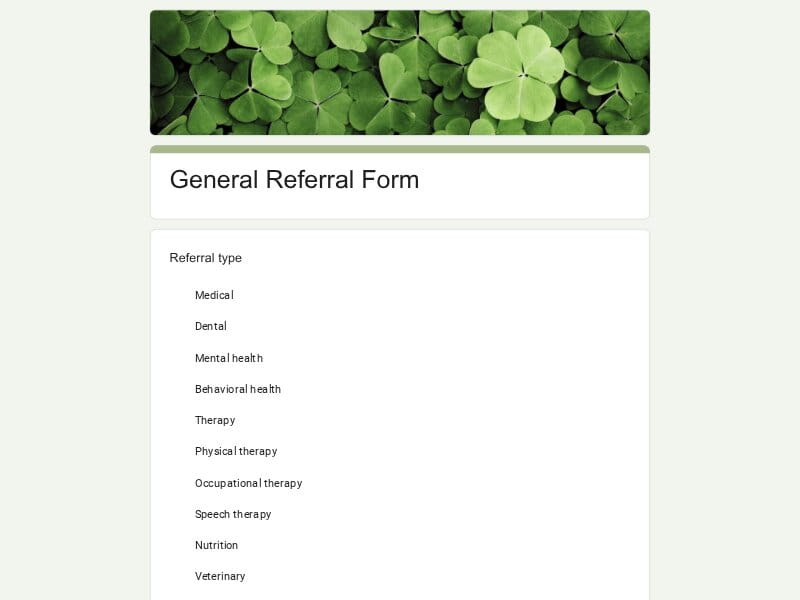 Preview
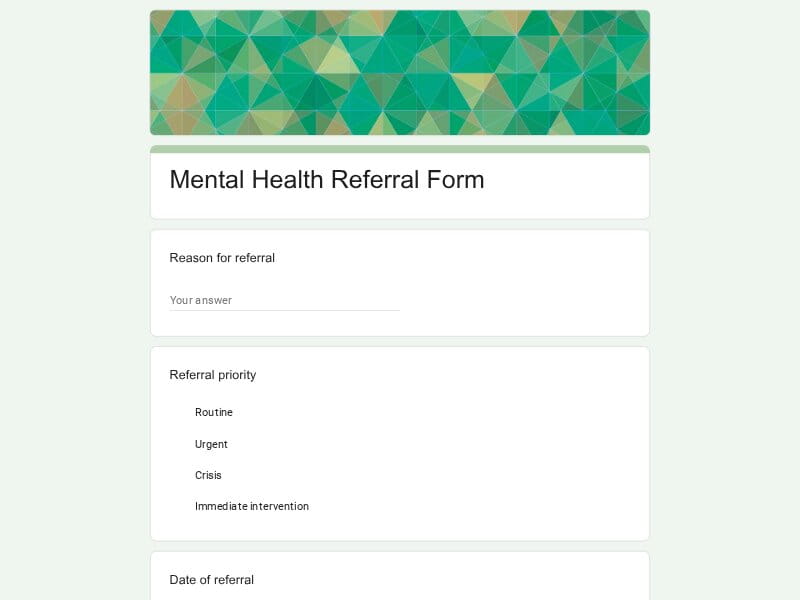 Preview
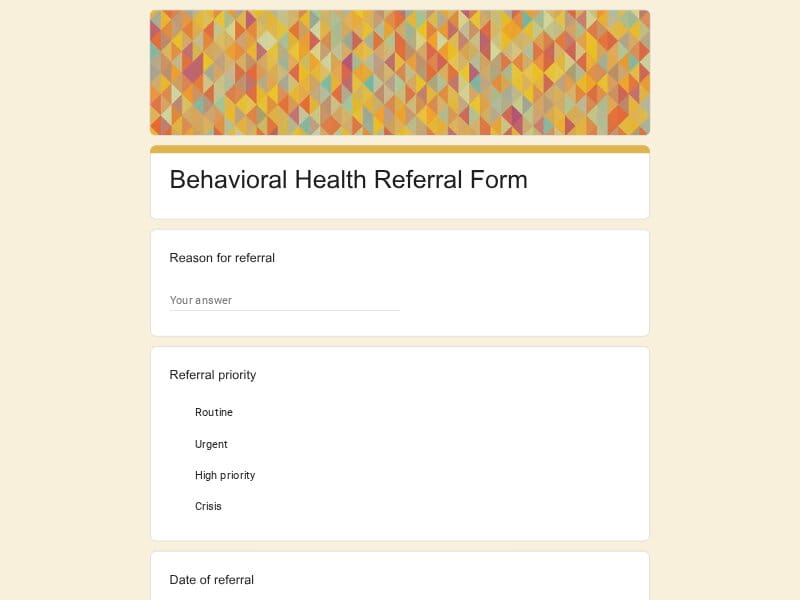 Preview
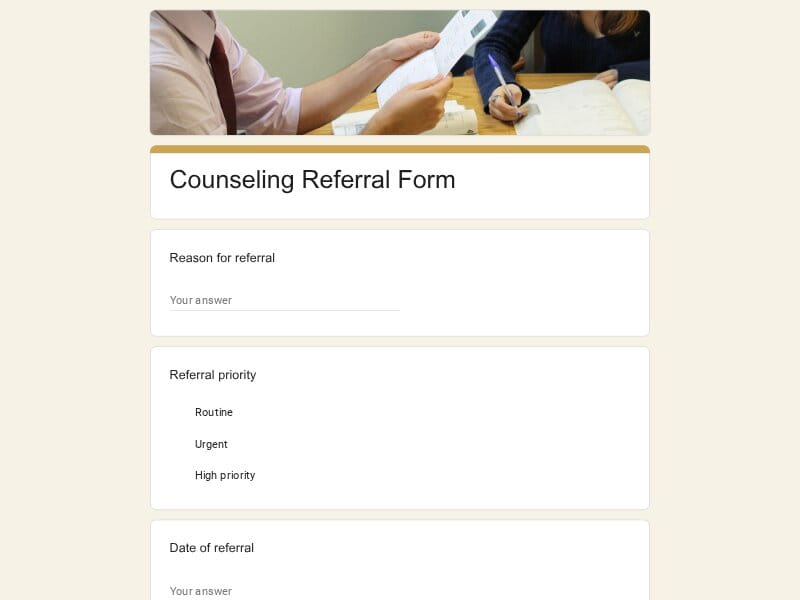 Preview
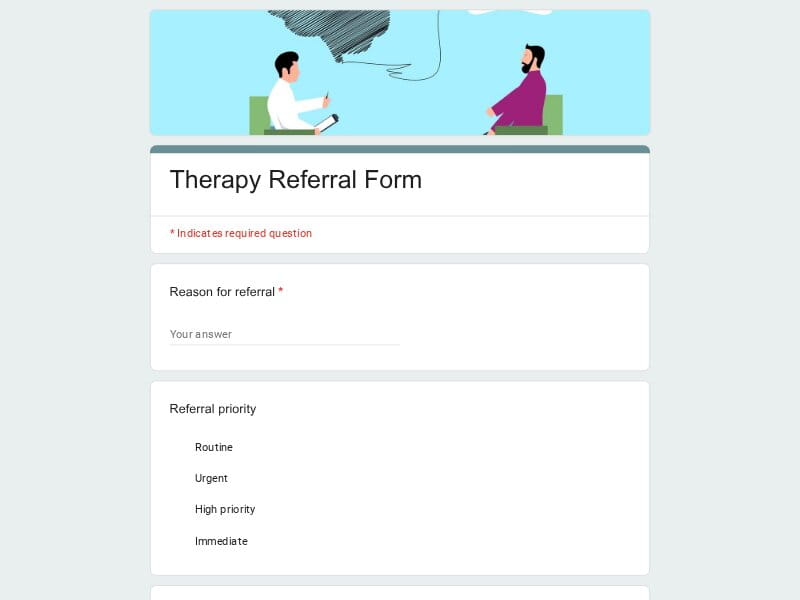 Preview
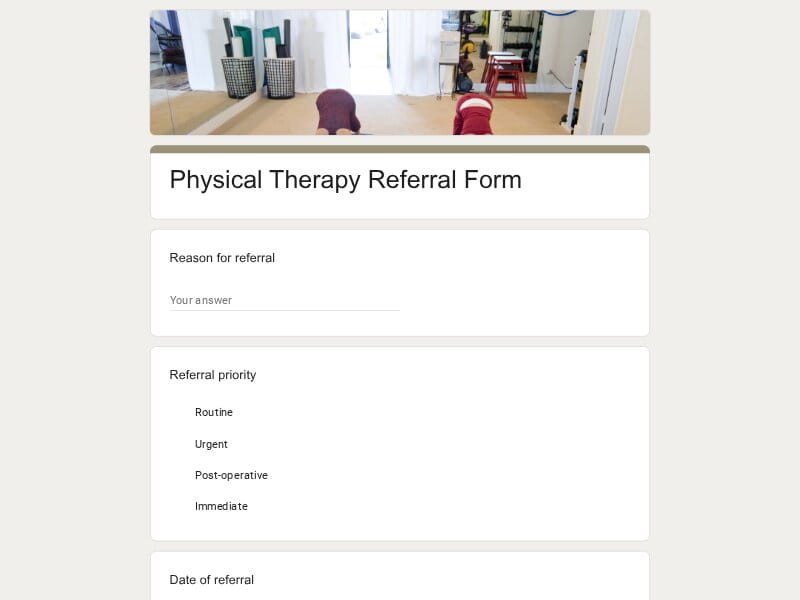 Preview
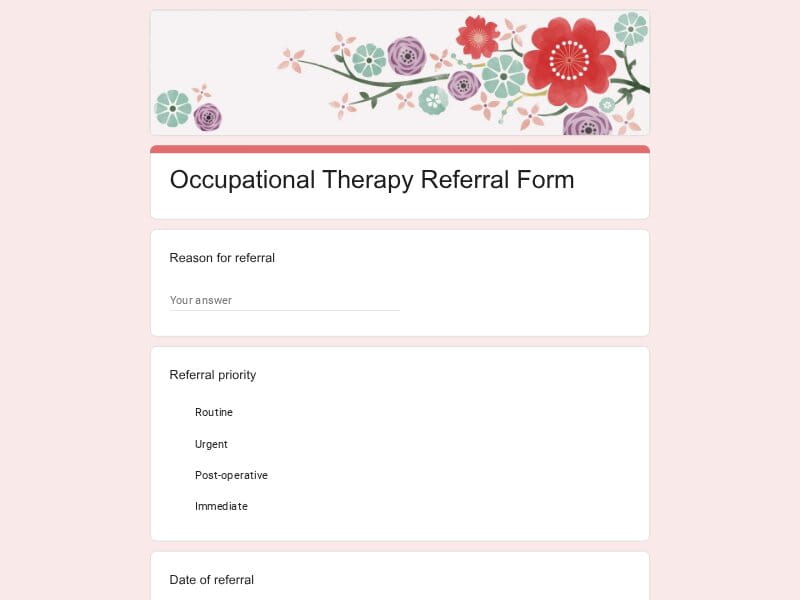 Preview
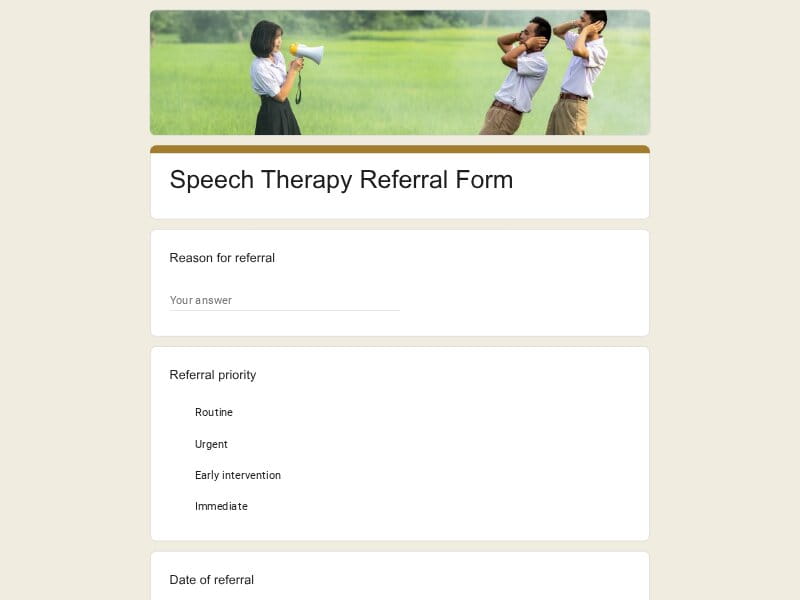 Preview
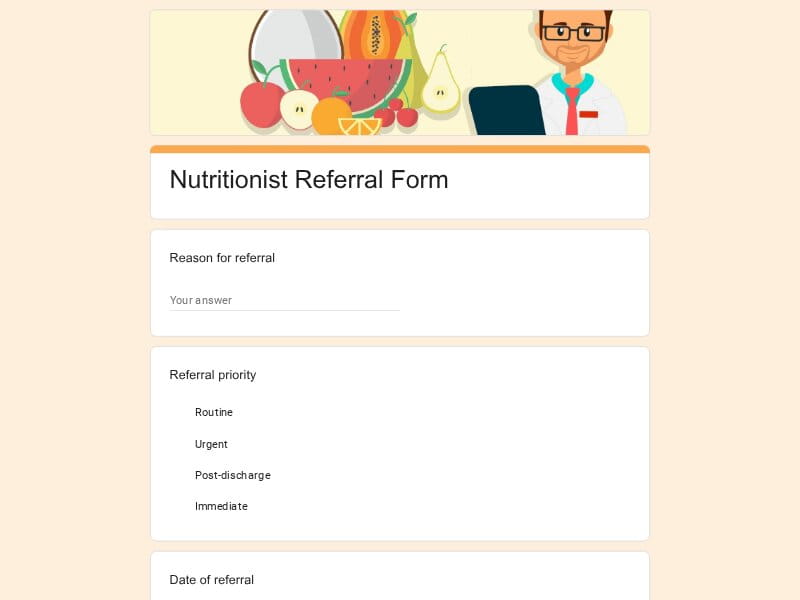 Preview
A referral form is a structured document used to transfer information, requests, or recommendations from one person or organization to another. It standardizes the information collected so the receiving specialist, department, or service provider has the details needed to review the request, contact the individual, and continue the process efficiently.
Referral forms are used in nearly every industry. A healthcare provider may refer a patient to an endodontist, Periodontal specialist, oral surgery practice, Pediatric clinic, Chiropractic office, physical therapy provider, Nutritionist, behavioral health or mental health counseling service. Businesses may refer a customer or client to another department or partner, HR teams may refer an employee or job candidate, schools may refer a student for additional services, churches may connect people with community resources, and real estate professionals often refer clients to insurance agents, inspectors, lenders, contractors, or Home Repairs specialists. Using Google Forms makes these workflows faster by collecting responses automatically and allowing submissions to be reviewed online or exported to Excel, Google Sheets, or PDF when needed.
A well-designed referral form should collect enough information for the receiving organization to understand the request without creating unnecessary work for the person completing it. While the exact fields depend on the industry, most successful forms follow a similar structure and include both required details and contextual information that supports faster decision-making.
| Section | What to include | Example questions |
|---|---|---|
| Referral Overview | Purpose of the referral, referral category, urgency, date submitted, and the service or specialist being requested. |
• What type of referral is this? • Which service or specialist is needed? • Is this referral routine, priority, or urgent? • What is the primary reason for the referral? |
| Referrer Information | Name, organization, department, professional role, and contact details for the individual making the referral. |
• Who is submitting this referral? • Which organization or department do you represent? • What is your email address? • What is the best phone number to reach you? |
| Person Being Referred | Identification and contact information for the patient, client, customer, employee, student, volunteer, or job candidate. |
• What is the person's full name? • What is their preferred contact method? • What is their phone number or email? • Are there accessibility or communication preferences? |
| Reason for Referral | Background, current situation, observed concerns, goals, and expected outcomes. |
• Why is this referral being made? • What concerns should the receiving provider know? • What outcome are you hoping to achieve? • What services have already been provided? |
| Service-Specific Details | Questions tailored to the referral type, such as medical, dental, counseling, real estate, HR, education, insurance, or contractor referrals. |
• Does the patient require physical therapy or behavioral health services? • Is this referral for oral surgery, an endodontist, or a Periodontal specialist? • Is this customer requesting Home Repairs or insurance assistance? • Is this employee or job candidate being referred internally? |
| History & Supporting Information | Relevant history, previous evaluations, treatments, interactions, assessments, or project details. |
• Has this person received similar services before? • Have previous recommendations been made? • Are there existing reports or assessments? • What additional context would be helpful? |
| Documents & Attachments | Supporting documentation, reports, photos, records, referrals, or other files. |
• Would you like to upload supporting documents? • Are medical or dental records available? • Are inspection reports or estimates attached? • Do you have additional files to include? |
| Insurance & Financial Information | Optional insurance details, billing information, policy numbers, or payment responsibility when applicable. |
• Is insurance involved? • What insurance provider should be used? • Is prior authorization required? • Are there billing instructions? |
| Consent & Authorization | Permission to share information, privacy acknowledgements, signatures, and compliance requirements. |
• Has consent been obtained? • May we share this information with the receiving provider? • Do you agree to the privacy notice? • Please provide your signature or confirmation. |
| Follow-Up | Preferred communication, confirmation requests, appointment preferences, and next steps. |
• Who should receive status updates? • How should follow-up be handled? • Should confirmation be emailed automatically? • Are there preferred appointment dates? |
Referral forms support much more than healthcare. They help organizations collect complete information, reduce manual communication, and ensure every referral reaches the right person with consistent documentation.
Google Forms combines flexibility, collaboration, and automation, making it one of the easiest ways to manage referral workflows. Instead of relying on paper documents or scattered emails, organizations can standardize every submission while keeping the entire process simple for both staff and the person completing the form.
Every template is fully editable, allowing you to customize questions, sections, required fields, branding, instructions, and confirmation messages for your specific referral workflow.
The same Google Form can be adapted for medical, dental, counseling, education, HR, insurance, real estate, Veterinary, church, nonprofit, Home Repairs, and many other referral processes.
Required fields, conditional questions, and structured sections help ensure every referral includes the information your team needs before review.
All submissions are stored securely in one place, making it easy to review referrals, assign follow-up tasks, monitor requests, and avoid missing important information.
Multiple team members can review responses, manage referrals, and update the form together without creating duplicate versions or complicated approval workflows.
Responses can be analyzed directly in Google Forms or exported to Excel, Google Sheets, or PDF for reporting, documentation, insurance records, patient files, client records, or internal audits.
People can complete referral forms from desktops, tablets, or smartphones without installing additional software, helping increase completion rates.
Create one standardized referral process, then copy and adapt it for different departments, specialists, offices, locations, or service lines while maintaining consistent data collection.
Choose your platform and follow the steps to get your referral form live in minutes.
Install Google Forms from the App Store. You'll need iOS 16 or later.
Open the app and sign in with your Google account. This is required to save and share forms.
Tap the template in the list.
Edit any question, add your flavor options, update the design theme and colors — all from within the app.
Tap the Share button (top right). Choose how to distribute your form:
The template is instantly copied to your Google Drive — no manual setup needed. You must be signed in to your Google account for this to work.
Auto-copied to Google DriveEdit question text, add your actual flavor options, adjust dropdowns, and personalize the form to your bakery.
Toggle "Required" on essential fields — name, email, order date, and quantity — so no key detail is missed.
Use Google Forms' built-in sharing to distribute your form via URL, embed it on a site, or generate a printable QR code.
Responses appear in real time in the Responses tab, or link to Google Sheets for a full sortable order spreadsheet.
Make sure you're signed in to Google before clicking the button. The form opens directly in Google Forms in your browser — no app download needed.
Scan to use Google Forms on iPhone or iPad!