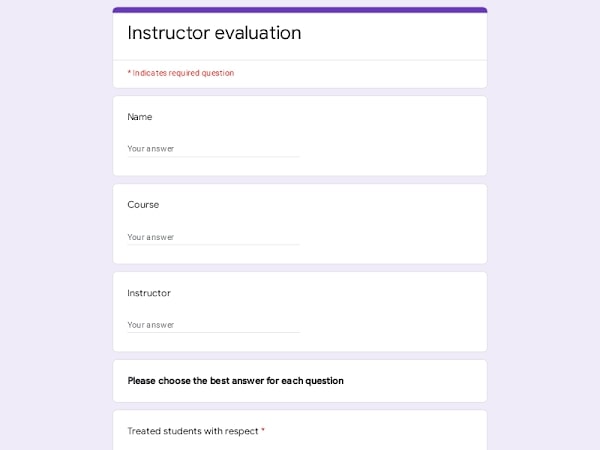
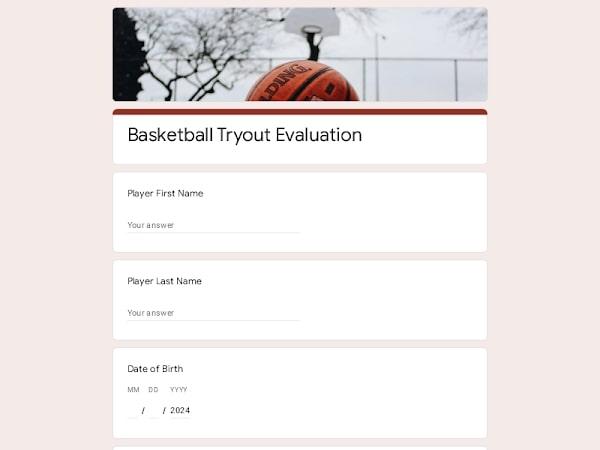
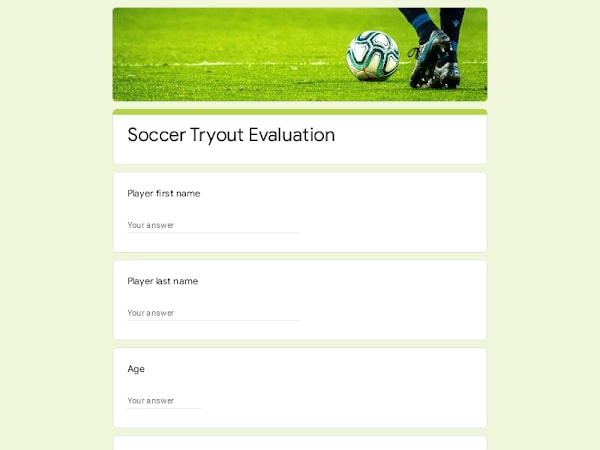
Collect structured feedback after coaching sessions with a practical evaluation form built for Google Forms. It helps HR teams, managers, trainers, and coaches assess session quality, measure progress, and identify areas for improvement. Clear questions and standardized ratings make it easier to understand what worked, what didn’t, and how to improve future coaching outcomes.
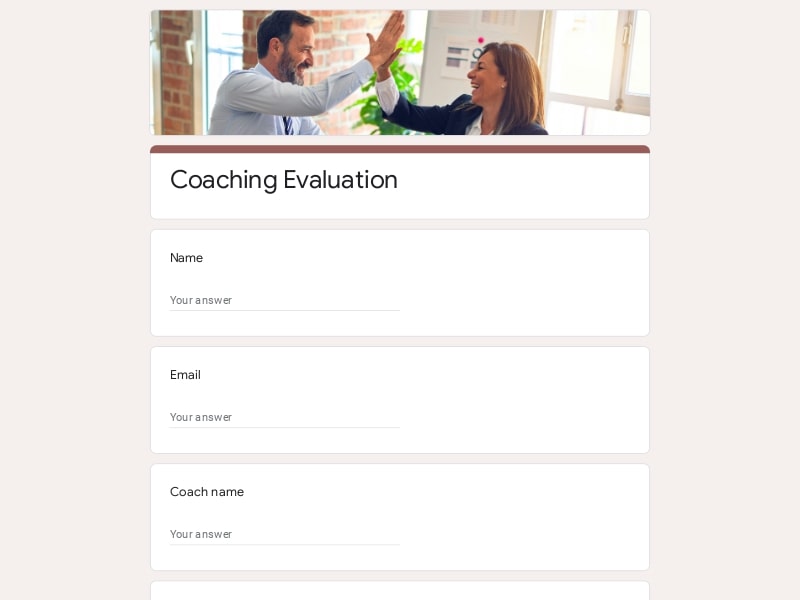
Use this ready-to-use coaching evaluation form template to quickly build a structured survey in Google Forms. Preview the layout, question flow, and rating scales designed for clear feedback collection and easy response analysis.
A well-structured coaching evaluation form should capture key details about the session, the coach’s performance, and the participant’s experience. In Google Forms, this typically involves a mix of short answers, rating scales, and open-ended questions to collect both measurable data and qualitative feedback.
| Section | What to include | Example questions |
|---|---|---|
| Participant Information | Basic respondent details to identify feedback source | What is your name? / What is your role? |
| Session Details | Context about the coaching session | What was the topic of the session? / When did it take place? |
| Coach Effectiveness | Evaluation of the coach’s expertise and support | How would you rate the coach’s expertise? / Was the coach supportive? |
| Communication & Delivery | Clarity, pacing, and communication style | Was the session easy to understand? / Was the pace appropriate? |
| Content Quality | Relevance and usefulness of the material | Was the content relevant to your needs? / Did it meet your expectations? |
| Engagement | Participant involvement and interaction level | How interactive was the session? / Did you feel comfortable participating? |
| Learning Outcomes | Knowledge gained and ability to apply it | Did you gain useful skills? / Can you apply what you learned? |
| Overall Feedback | General impressions and qualitative input | What did you like most? / What could be improved? |
| Recommendations | Future intent and satisfaction level | Would you recommend this coach? / Would you attend another session? |
This coaching evaluation form can be used across different roles and industries where structured feedback and performance improvement are important. It works well for both one-on-one coaching and group training environments.
Use the form to evaluate internal coaching programs, track employee development, and collect consistent feedback across departments.
Gather feedback after coaching sessions with team members to understand effectiveness and improve leadership and communication.
Assess training-based coaching sessions, measure engagement, and refine learning delivery based on participant input.
Collect structured feedback from clients to evaluate coaching impact and continuously improve coaching methods.
Use the form for academic coaching, mentoring programs, and student development initiatives to track progress and outcomes.
Choose your platform and follow the steps to get your coaching evaluation form live in minutes.
Install Google Forms from the App Store. You'll need iOS 16 or later.
Open the app and sign in with your Google account. This is required to save and share forms.
Tap the template in the list.
Edit any question, add your flavor options, update the design theme and colors — all from within the app.
Tap the Share button (top right). Choose how to distribute your form:
The template is instantly copied to your Google Drive — no manual setup needed. You must be signed in to your Google account for this to work.
Auto-copied to Google DriveEdit question text, add your actual flavor options, adjust dropdowns, and personalize the form to your bakery.
Toggle "Required" on essential fields — name, email, order date, and quantity — so no key detail is missed.
Use Google Forms' built-in sharing to distribute your form via URL, embed it on a site, or generate a printable QR code.
Responses appear in real time in the Responses tab, or link to Google Sheets for a full sortable order spreadsheet.
Make sure you're signed in to Google before clicking the button. The form opens directly in Google Forms in your browser — no app download needed.
Choose a ready-made template for your needs and customize it in just a few minutes.

Scan to use Google Forms on iPhone or iPad!