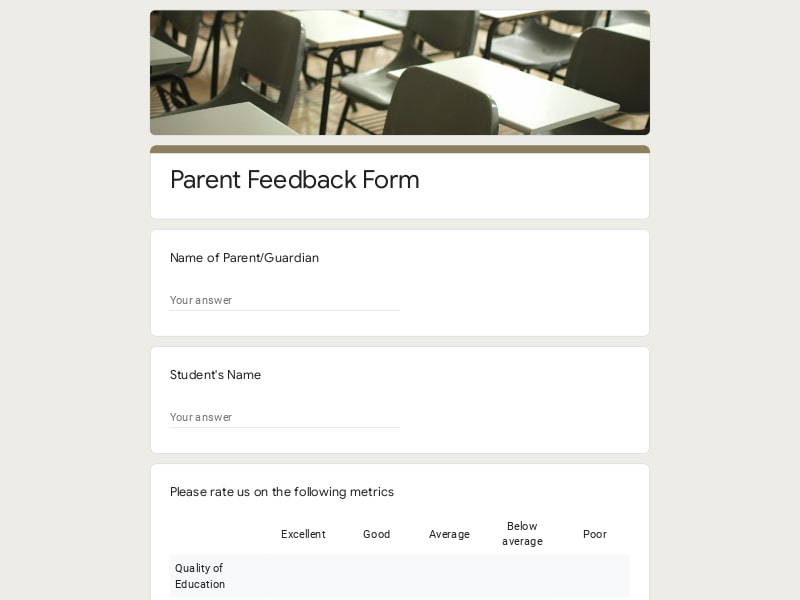
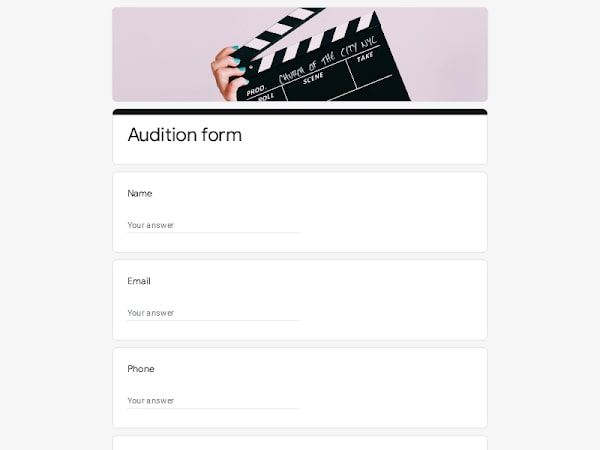
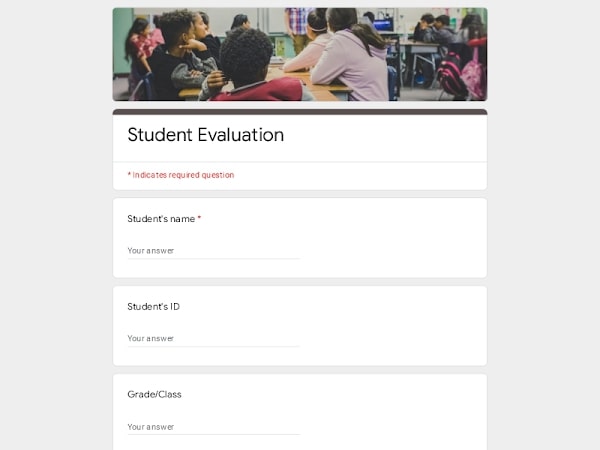
A well-built registration form helps you collect childcare enrollment details in a clean, structured way without losing important family or child information. Using Google Forms makes the entire intake process editable, organized, and easy to manage from home or any device. This template gives you a ready-to-use starting point that you can quickly customize for your childcare or preschool workflow.
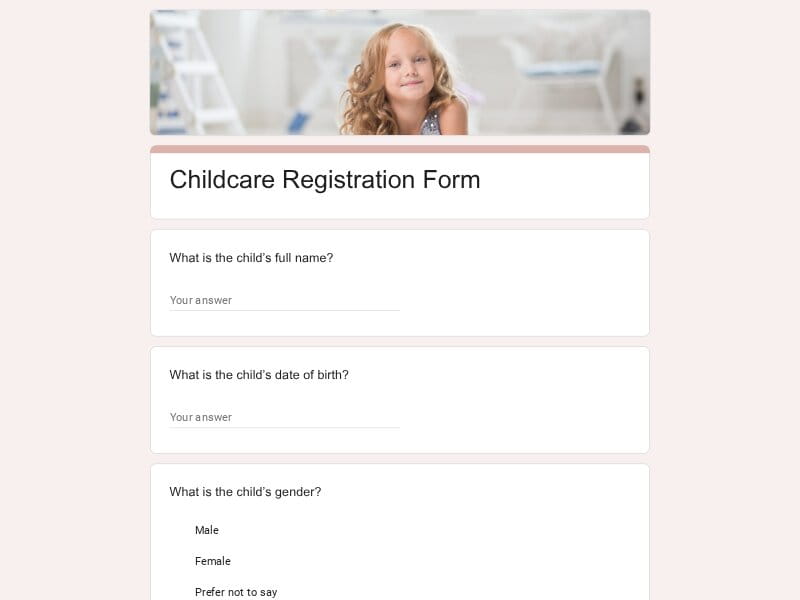
This customizable Google Forms template designed for fast daycare enrollment with structured family and child intake fields.
A childcare registration form is a structured intake document used to collect essential details about a child, their family, and enrollment preferences before admission into a daycare or early education program. In Google Forms, this becomes a digital sample that automatically stores responses in spreadsheets for easy tracking and updates.
In practice, it is used to streamline enrollment workflows, reduce manual paperwork, and centralize all applicant data in one editable system that can later be exported to Excel/Google Sheet/pdf for reporting or administrative use.
A well-structured childcare registration form in Google Forms should capture more than basic identity details. It needs to support enrollment decisions, safety compliance, and day-to-day daycare operations through organized, editable data collection.
| Section | What to include | Example questions |
|---|---|---|
| Child Information | Core identity + developmental and health data needed for placement and care planning. |
What is the child’s full name? What is the child’s date of birth? Does the child have allergies or medical conditions? What is the child’s current development stage? |
| Parent / Guardian Details | Contact structure for family communication and emergency coordination. |
Who is the primary guardian? What is your relationship to the child? What is your home address? What are your contact phone and email? |
| Enrollment & Scheduling | Defines how the child will attend daycare or early education program. |
What is the desired start date for enrollment? Is this full-time or part-time care? What days of the week are needed? Are flexible pickup times required? |
| Health & Safety | Critical medical and safety data required for childcare compliance. |
Is the child fully vaccinated? Who is the emergency contact person? What is the pediatrician’s contact information? Are there any emergency medical instructions? |
| Permissions & Consent | Legal authorizations for care, media, and emergency response. |
Do you allow emergency medical treatment? Can photos or videos of the child be used in daycare activities? Do you agree to daycare policies and rules? Signature confirmation of consent? |
| Additional Family Notes | Contextual details that improve care quality and personalization. |
Are there custody considerations we should know? Any behavioral notes or special needs? What languages are spoken at home? Any cultural or dietary requirements? |
This childcare registration form template supports a wide range of enrollment scenarios, from structured daycare centers to flexible home-based childcare setups. It is designed to handle both high-volume intake systems and smaller family-oriented programs.
Google Forms is a practical foundation for managing childcare registration because it combines simplicity with structured data handling. It allows providers to build fully customizable enrollment systems without technical setup, while keeping all responses organized and accessible in real time.
A childcare registration form can be built quickly using editable templates, allowing providers to adapt questions for different daycare programs or enrollment cycles without redesigning the entire system.
All responses are collected in one place and can be automatically organized into Google Sheets, making it easier to manage child records, family details, and application status.
Parents can complete the registration form from home on any device, reducing friction in the enrollment process and eliminating the need for printed paperwork.
Whether managing a small home childcare service or a large daycare center, Google Forms scales easily without additional infrastructure or cost.
Enrollment data can be exported to Excel, Google Sheets, or PDF, supporting reporting, audits, and long-term recordkeeping for childcare operations.
Choose your platform and follow the steps to get your childcare registration form live in minutes.
Install Google Forms from the App Store. You'll need iOS 16 or later.
Open the app and sign in with your Google account. This is required to save and share forms.
Tap the template in the list.
Edit any question, add your flavor options, update the design theme and colors — all from within the app.
Tap the Share button (top right). Choose how to distribute your form:
The template is instantly copied to your Google Drive — no manual setup needed. You must be signed in to your Google account for this to work.
Auto-copied to Google DriveEdit question text, add your actual flavor options, adjust dropdowns, and personalize the form to your bakery.
Toggle "Required" on essential fields — name, email, order date, and quantity — so no key detail is missed.
Use Google Forms' built-in sharing to distribute your form via URL, embed it on a site, or generate a printable QR code.
Responses appear in real time in the Responses tab, or link to Google Sheets for a full sortable order spreadsheet.
Make sure you're signed in to Google before clicking the button. The form opens directly in Google Forms in your browser — no app download needed.
Choose a ready-made template for your needs and customize it in just a few minutes.

Scan to use Google Forms on iPhone or iPad!