

Browse application templates built specifically for Google Forms, each with thoughtfully organized questions for real-world workflows. Choose a ready-made starting point, customize it in minutes, and collect structured responses that are easy to review, compare, and export.
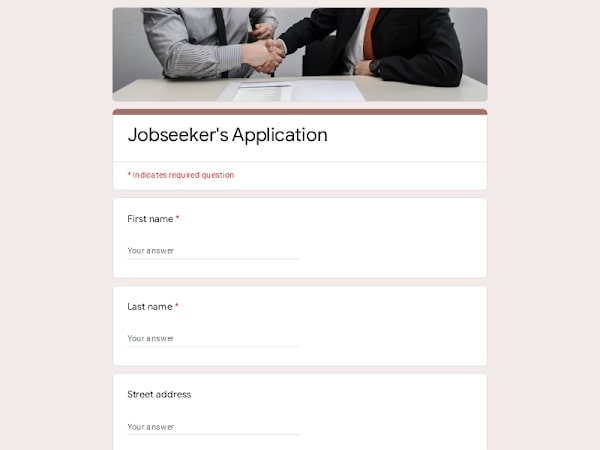 Preview
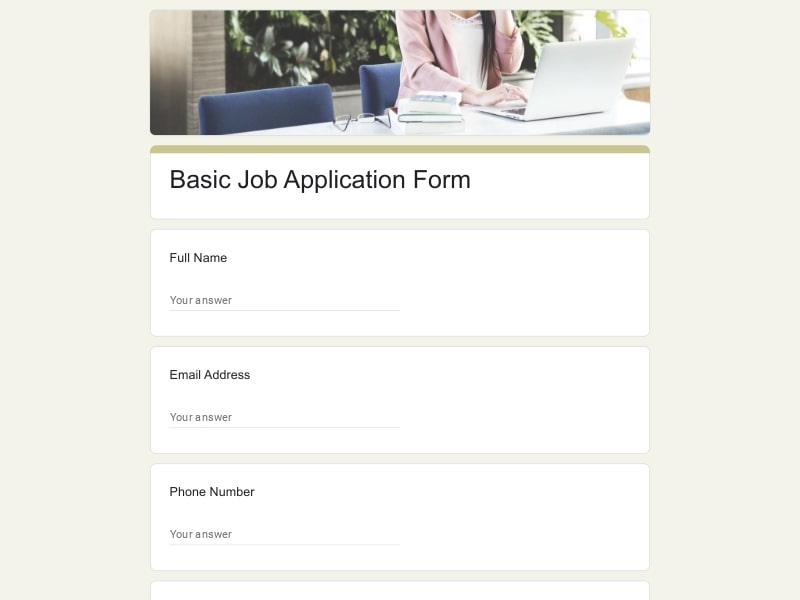 Preview
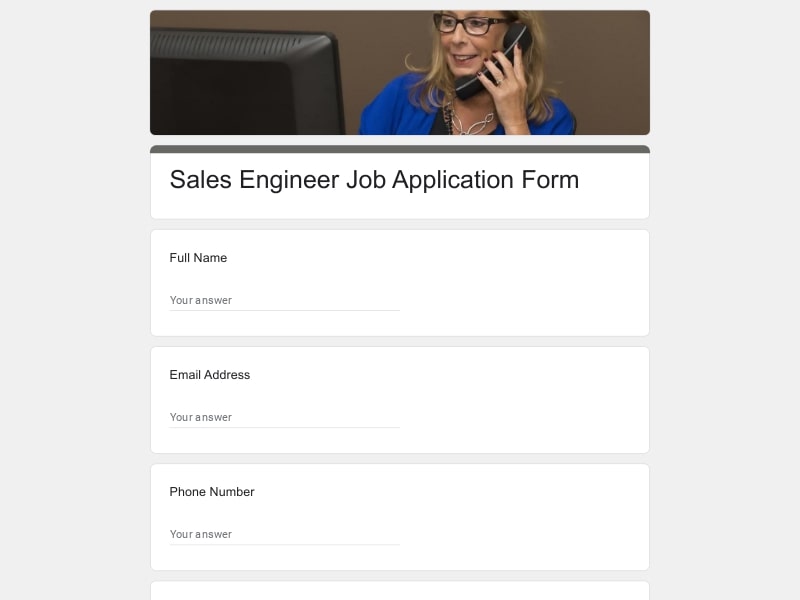 Preview
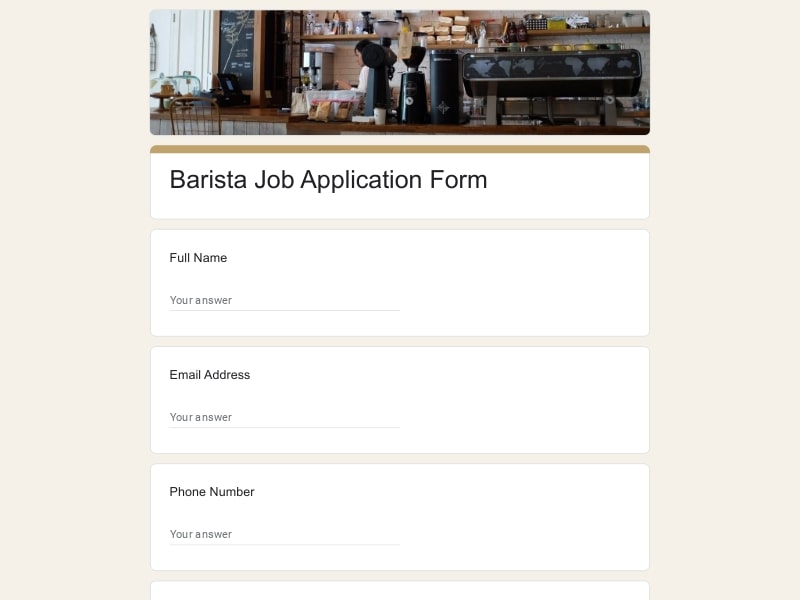 Preview
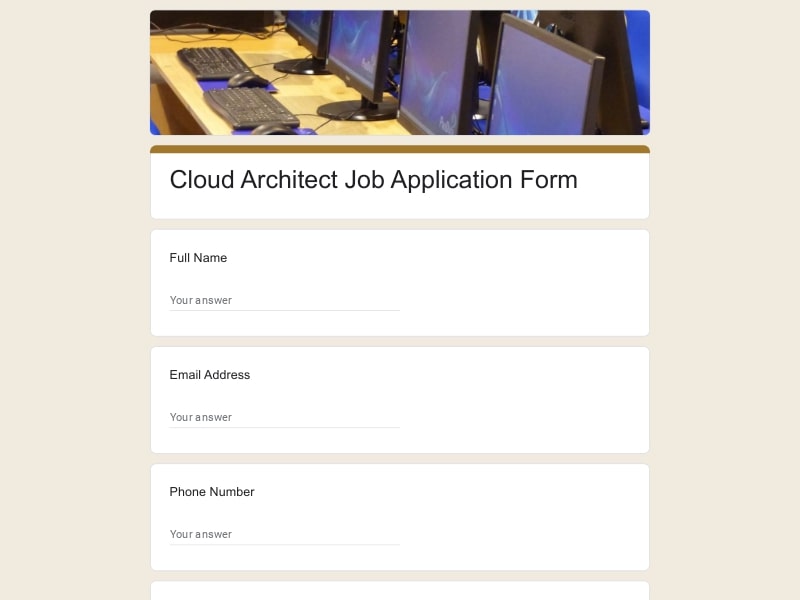 Preview
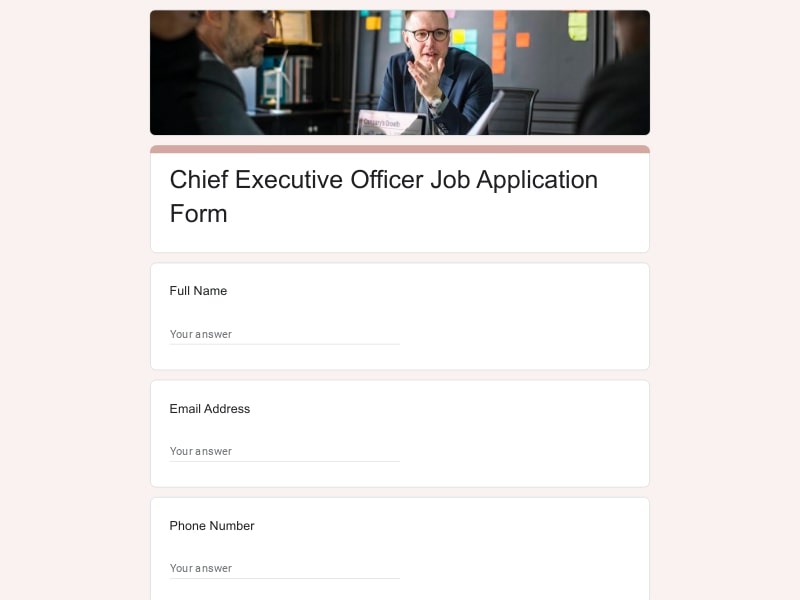 Preview
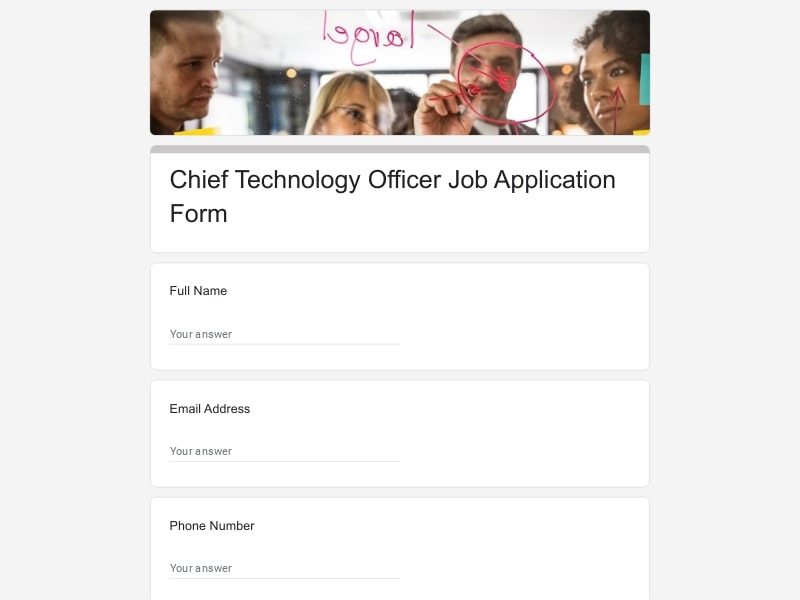 Preview
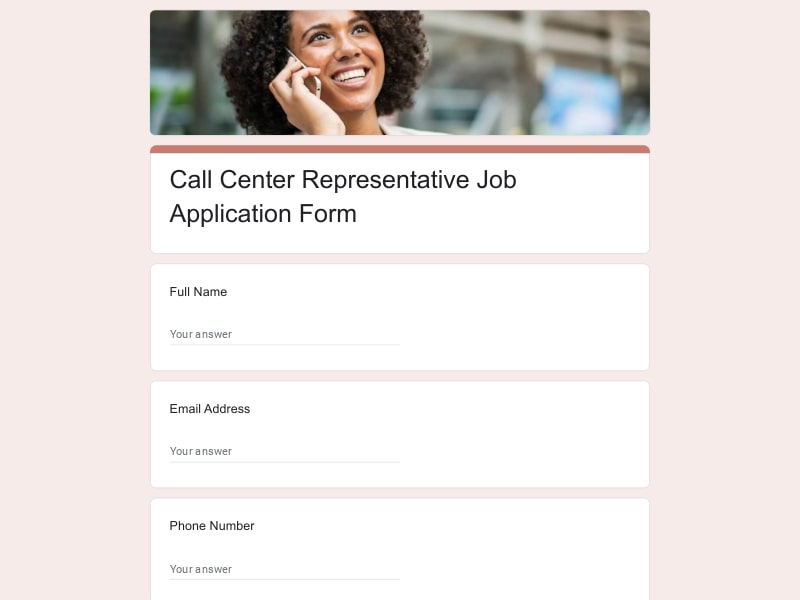 Preview
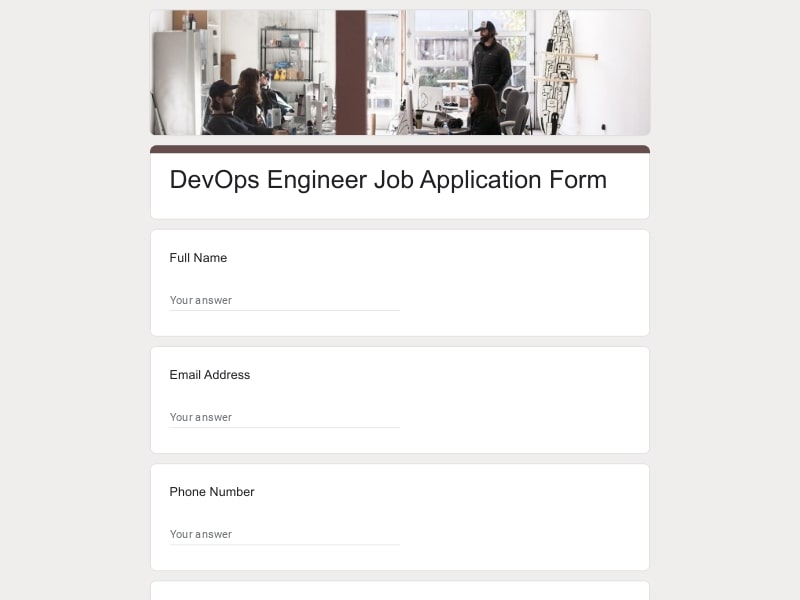 Preview
An application form is a structured document used to collect information from people requesting access, approval, enrollment, participation, employment, funding, housing, or other opportunities. Instead of receiving information in different formats, organizations use standardized questions to gather consistent details from every applicant.
Application forms are used across virtually every industry. They help organizations evaluate qualifications, compare applicants fairly, verify eligibility, collect supporting documents, and streamline decision-making. Whether someone is applying for a job, internship, scholarship, membership, rental property, grant, volunteer position, vendor program, affiliate partnership, college admission, course enrollment, podcast guest opportunity, sponsorship, credit, loan, or another opportunity, a well-designed application creates a consistent process for everyone involved.
The exact questions depend on the purpose of the application, but the best Google Forms templates collect enough information to make informed decisions while keeping the experience straightforward for applicants. Most forms include a combination of the following sections.
| Section | What to include | Example questions |
|---|---|---|
| Applicant Information | Personal details, contact information, preferred communication method, and basic identification needed to process the submission. |
• What is your full name? • What email address should we use? • What is your phone number? • What city, state, or country do you live in? |
| Application Purpose | Clarify exactly what the applicant is requesting or applying for. |
• Which opportunity are you applying for? • Which location or department interests you? • Are you submitting a new application or updating an existing one? • When would you like your application to be considered? |
| Eligibility Requirements | Questions that quickly determine whether minimum qualifications or requirements are met. |
• Are you eligible to participate? • Do you meet the required qualifications? • Are you legally authorized if applicable? • Have you completed all prerequisites? |
| Education & Training | Academic history, certifications, licenses, completed courses, or professional development. |
• Which college or school did you attend? • What degree or certification have you earned? • Have you completed a related course? • Do you currently hold a professional license? |
| Experience & Background | Employment history, volunteer work, internships, projects, leadership experience, or relevant activities. |
• Describe your relevant experience. • Have you completed an internship? • Have you worked as a truck driver or in a similar role? • What projects best demonstrate your experience? |
| Skills & Qualifications | Technical skills, certifications, software knowledge, languages, and role-specific competencies. |
• Which technical skills do you have? • Which software or design tools do you regularly use? • Which languages do you speak? • What qualifications make you a strong applicant? |
| Motivation | Understand the applicant's goals, interests, and reasons for applying. |
• Why are you interested in this opportunity? • What do you hope to achieve? • Why should your application be considered? • How does this opportunity fit your goals? |
| Program-Specific Details | Questions tailored to the type of application being submitted. |
• Which membership plan would you like to join? • Which rental property are you applying for? • What grant project are you proposing? • Which vendor category best describes your business? |
| Supporting Documents | File uploads and documentation used during evaluation. |
• Please upload your CV. • Attach your portfolio. • Upload supporting certificates. • Please provide any required documentation. |
| References | Professional, academic, or personal references when verification is required. |
• Can you provide professional references? • Who supervised your recent work? • May we contact your references? • Please provide reference contact information. |
| Availability | Scheduling preferences, start dates, commitment, or participation details. |
• When are you available to start? • How many hours can you commit each week? • Which schedule works best for you? • Are there any scheduling restrictions? |
| Additional Information | Optional responses that provide context beyond structured questions. |
• Is there anything else we should know? • Do you have additional comments? • Would you like to share relevant achievements? • Are there any special accommodations you require? |
| Confirmation & Consent | Applicant declarations, consent, acknowledgements, and electronic confirmation. |
• Do you confirm the information is accurate? • Do you agree to the stated terms? • Do you consent to data processing? • Please type your full name as your electronic signature. |
Application forms support far more than hiring. Standardized Google Forms make it easier to collect complete information, review submissions consistently, and reduce manual follow-up across many different scenarios.
Google Forms provides everything needed to build, distribute, manage, and review application forms without dedicated software. Templates help you launch faster, while Google's collaboration and automation features simplify every stage of the application process.
Instead of creating every question manually, begin with an editable template that already includes logical sections and commonly expected fields. Customize the layout, wording, and branding to match your workflow.
Add, remove, or rearrange questions in minutes. Mark required fields, include multiple question types, collect file uploads, and adapt the same template for jobs, scholarships, memberships, rentals, grants, vendors, or internships.
Every applicant answers the same structured questions, making submissions easier to review, compare, filter, and evaluate fairly while reducing missing information.
Distribute the form through a direct link, email, website, social media, QR code, or internal workspace so applicants can respond from desktop or mobile devices.
Responses are stored in one place and can be searched, filtered, sorted, and reviewed individually or as a complete applicant list without manually combining information.
Connect responses to Google Sheets for reporting, team review, dashboards, calculations, status tracking, and additional workflow automation.
Application data can be exported to Excel, Google Sheet, or PDF for record keeping, committee review, printing, compliance requirements, or offline analysis.
Multiple reviewers can access the same form, review submissions together, leave comments in connected spreadsheets, and make updates without creating duplicate versions.
Choose your platform and follow the steps to get your Application form live in minutes.
Install Google Forms from the App Store. You'll need iOS 16 or later.
Open the app and sign in with your Google account. This is required to save and share forms.
Tap the template in the list.
Edit any question, add your flavor options, update the design theme and colors — all from within the app.
Tap the Share button (top right). Choose how to distribute your form:
The template is instantly copied to your Google Drive — no manual setup needed. You must be signed in to your Google account for this to work.
Auto-copied to Google DriveEdit question text, add your actual flavor options, adjust dropdowns, and personalize the form to your bakery.
Toggle "Required" on essential fields — name, email, order date, and quantity — so no key detail is missed.
Use Google Forms' built-in sharing to distribute your form via URL, embed it on a site, or generate a printable QR code.
Responses appear in real time in the Responses tab, or link to Google Sheets for a full sortable order spreadsheet.
Make sure you're signed in to Google before clicking the button. The form opens directly in Google Forms in your browser — no app download needed.
Scan to use Google Forms on iPhone or iPad!